
Turn briefs and sources into review-ready content
Draft, inspect citations, edit, review, and deliver in one workspace, with selected source material, evidence details, writing controls, and deterministic quality checks kept beside the document.
Set a structured, versioned editorial brief — primary keyword, search intent, audience, required topics, and the questions to answer — that flows into generation as coverage requirements, choose the source scope and evidence standard before generation, inspect citations afterward, and apply configurable writing and terminology controls during review.
Why Gixo Quill feels different as an AI content creator
Turn briefs, source material, and existing drafts into structured content, then keep editing, evidence review, collaboration, transformation, export, and publishing attached to the same document.
Choose from 49 direct-create content formats, then set the source material and evidence context for the publishing job.
An AI content writer with a source-review workflow
Find passages that need a closer look before publication. Compare a saved draft with selected source documents and review advisory findings beside quoted evidence, including contradictions, unsupported assertions, calculations, missing conditions, and changed numbers or units.
Publish the version your team approved. Approve an exact saved revision, then send its frozen release. Workspace owners can require approval for live publication; Quill checks the release against required sources, reviewed facts, policy, and revocation before delivery.
Source findings require a human decision. Save factual edits and review the changed revision; an earlier approved release keeps its own content and remains subject to its source, fact and policy checks. Follow a source-to-approved-article example.
Product evidence from the actual workspace
Inspect how selected sources, evidence details, references, writing controls, and review workflow stay attached to the document while the team works.
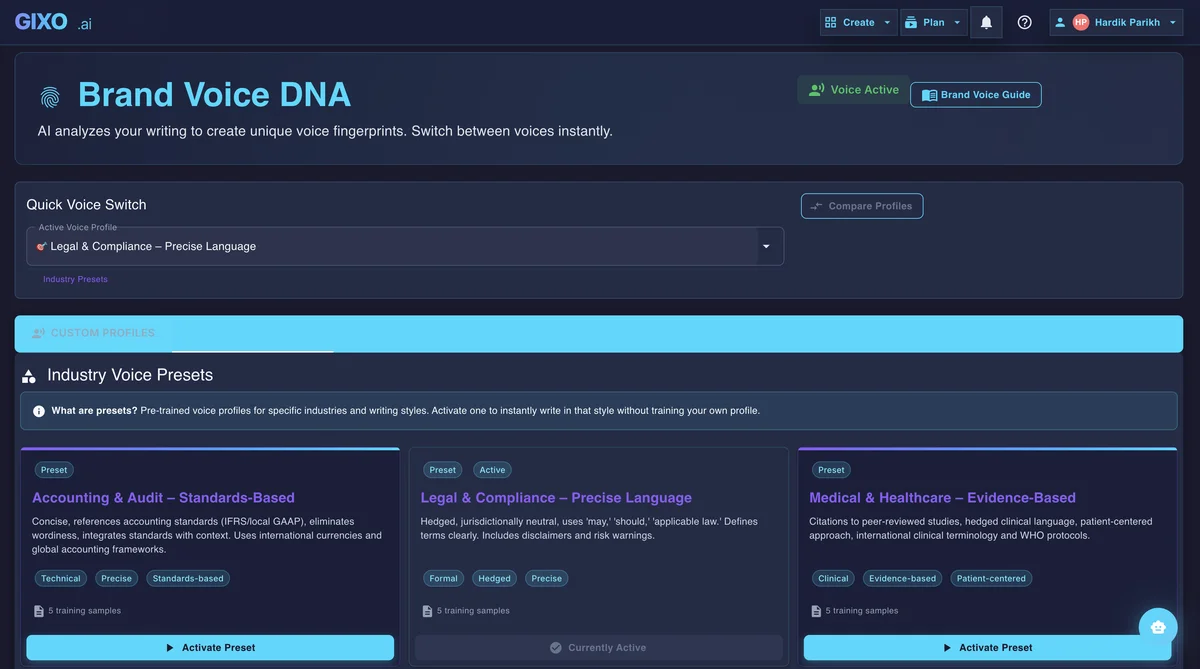
Brand Voice DNA
Reusable voice settings and industry-aware presets keep the first shot consistent before editing, repurposing, or localization begin.
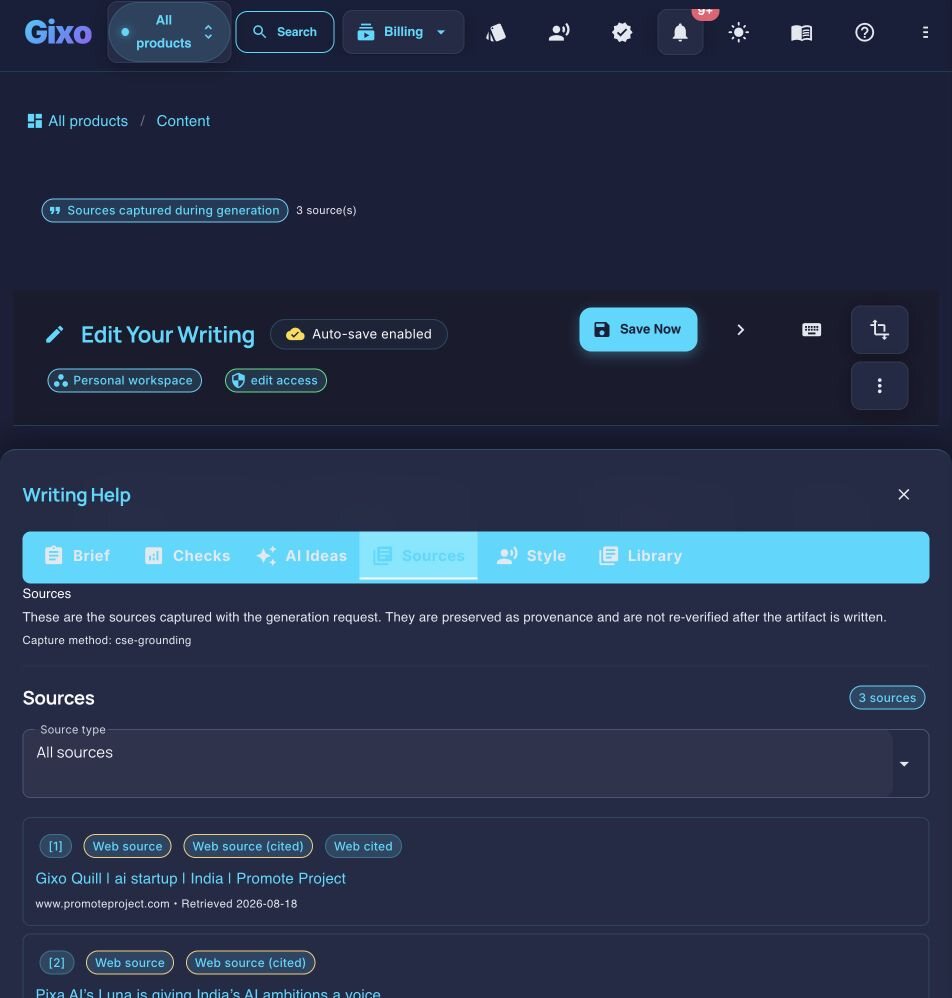
Evidence & References
Sources, citations, and reference quality stay attached to the draft so reviewers can inspect claims in context without leaving the workspace.
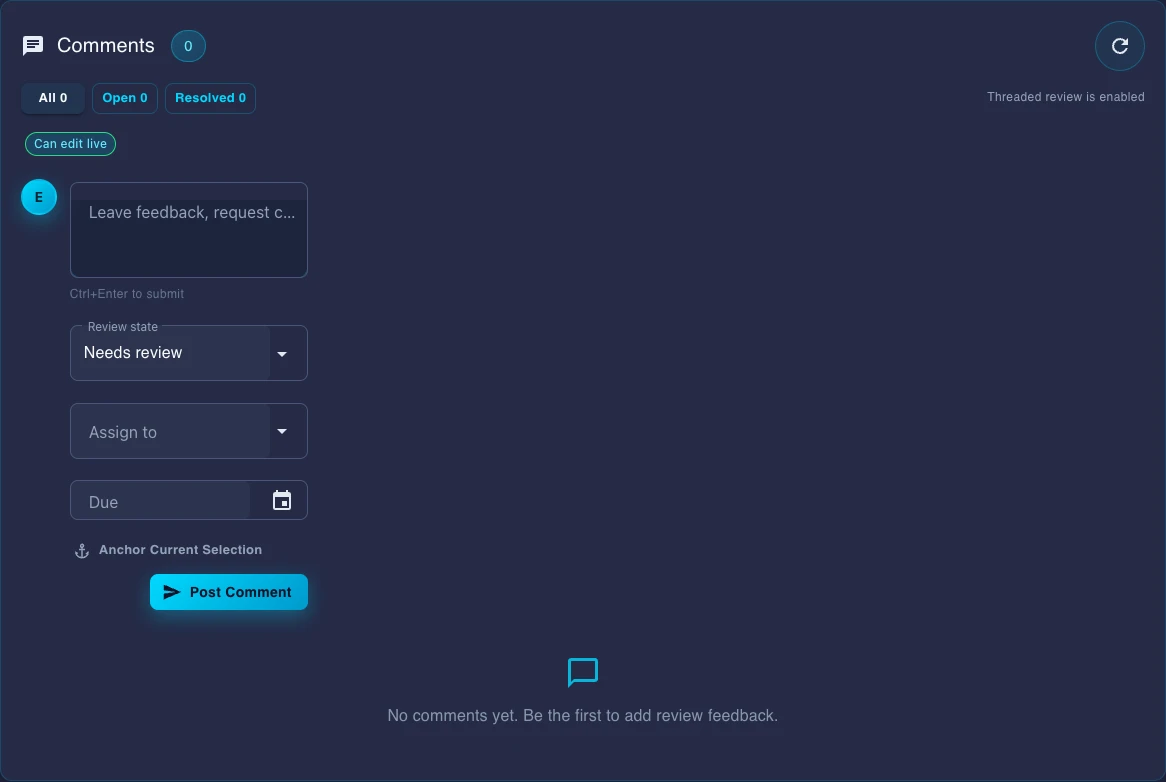
Team Review Workflow
Comments, review state, assignees, and due dates live inside the document instead of being rebuilt in chat threads or external checklists.
Choose how you want to evaluate Quill
Start with the job, the industry constraint, a direct comparison, or the workflow documentation your team needs.
48 typed structures, one workspace
Each typed structure requests sections and word ranges, lists generation-time sources for review, and offers multi-format export from the same workspace. Other shapes — slide decks, briefs, proposals, books, legal drafts — ship as their own dedicated products.
See Sample Output
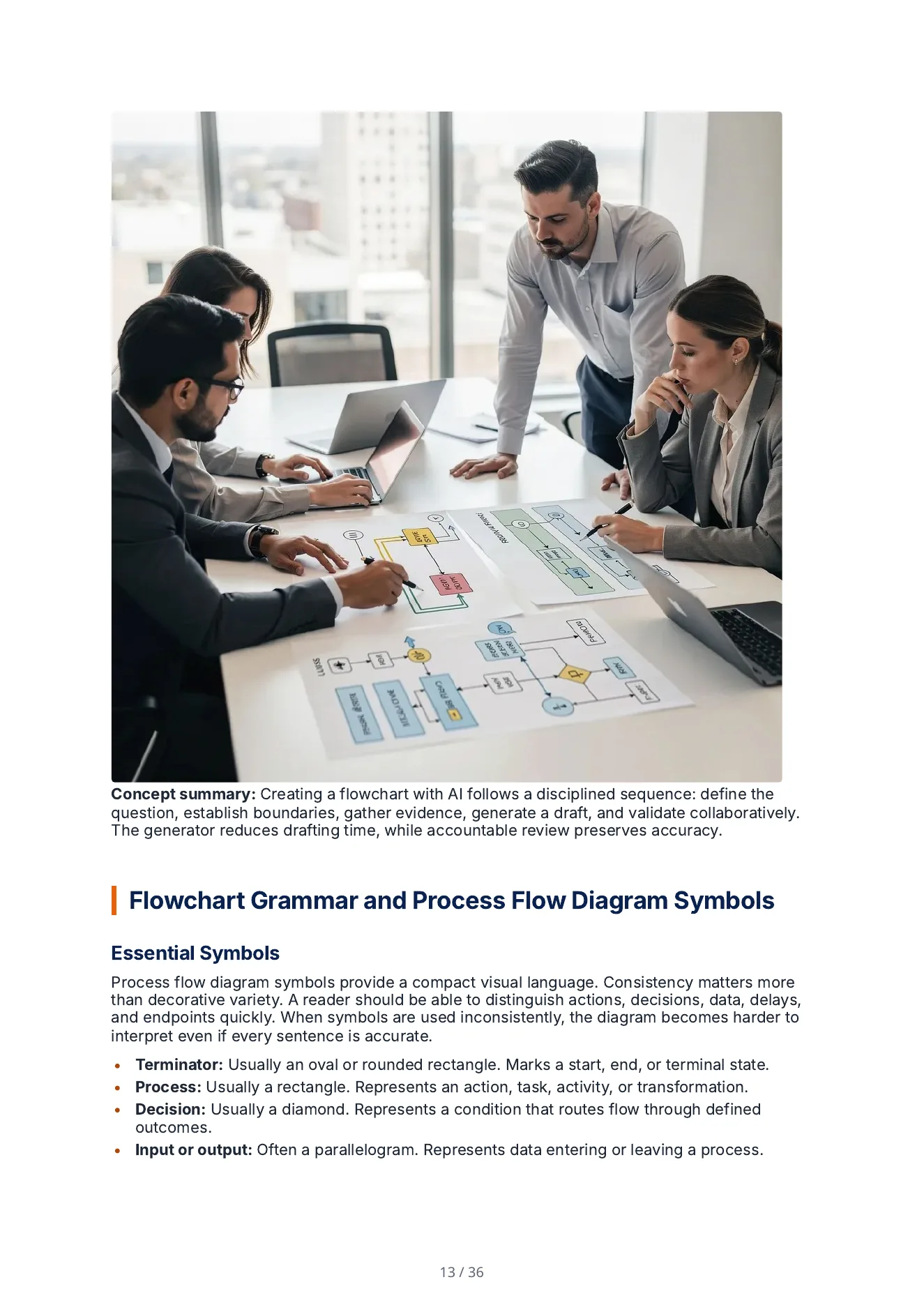
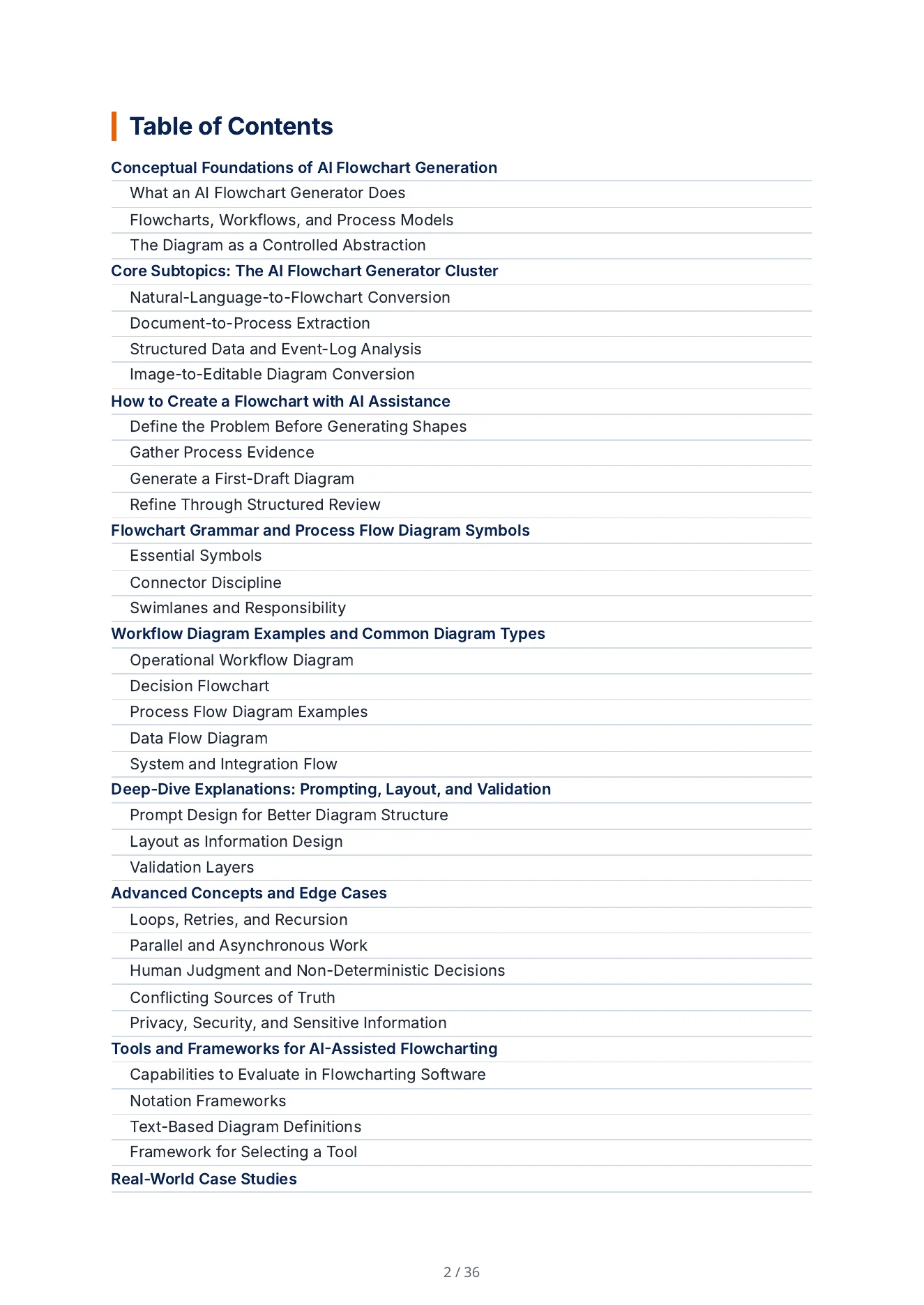
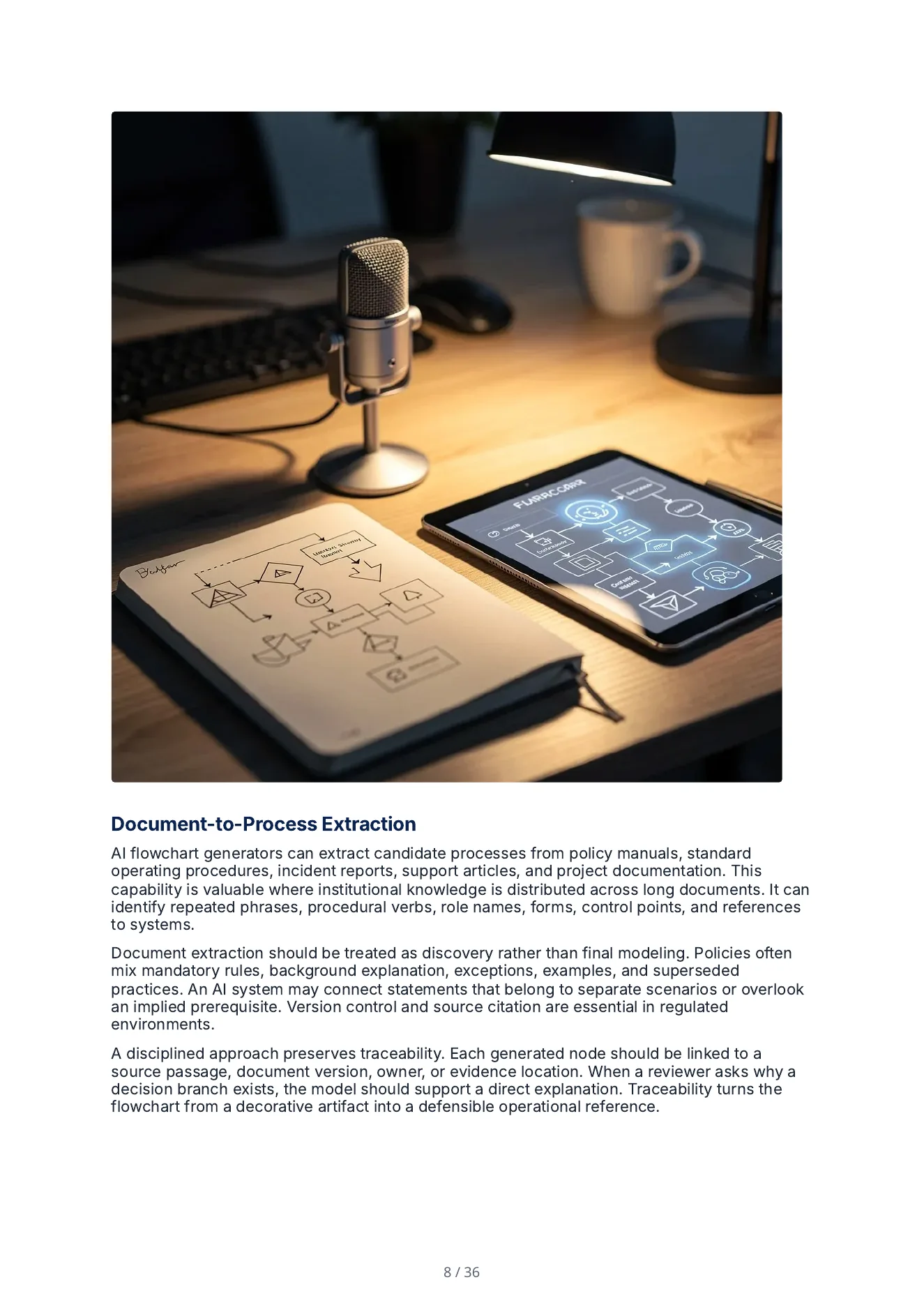
These are pages from one downloaded Quill PDF — a 36-page guide to AI flowchart generators — not editor screenshots or raw text blobs.
Watch the Workflow
See how a brief or source pack becomes a structured draft with selectable source scope, citations, evidence details, and review controls.
Go deeper with Quill resources
Use these practical guides when you are ready to formalize a source-backed content workflow across a team.
Translate Without Rebuilding the Page
Translate the structured body with instructions to retain headings, links and formatting, then review each result while creating localized versions across 89 language and locale options.



Publish and Export Without Copy-Paste
Move from approved content to delivery format without rebuilding the work somewhere else. Export standalone responsive HTML with eight independent web themes (compare blog layout themes, inspect the live HTML examples, or read the exporting guide), editable DOCX, or Markdown.
A worked workflow
Import, selected-text editing and a structured handoff
Use a short, permissioned source with a heading, numbered procedure, table and image caption. The task is to improve one unclear paragraph while preserving the rest of the document’s structure.
Follow the imported guide and web source into the saved HTML, PDF and Word exports
The fictional field-service guide was imported with headings, a table and a checklist, edited with a Pro Tip block, a Power Edit revision of the escalation-protocol paragraph and an Image Studio illustration, and exported to PDF and Word. Alongside it, two authored web sources were rendered through Quill's responsive HTML designer (Guide + Botanical blog layout and Bento + Heritage webpage composition) and inspected at desktop (1440×1050) and mobile (390×844) widths.
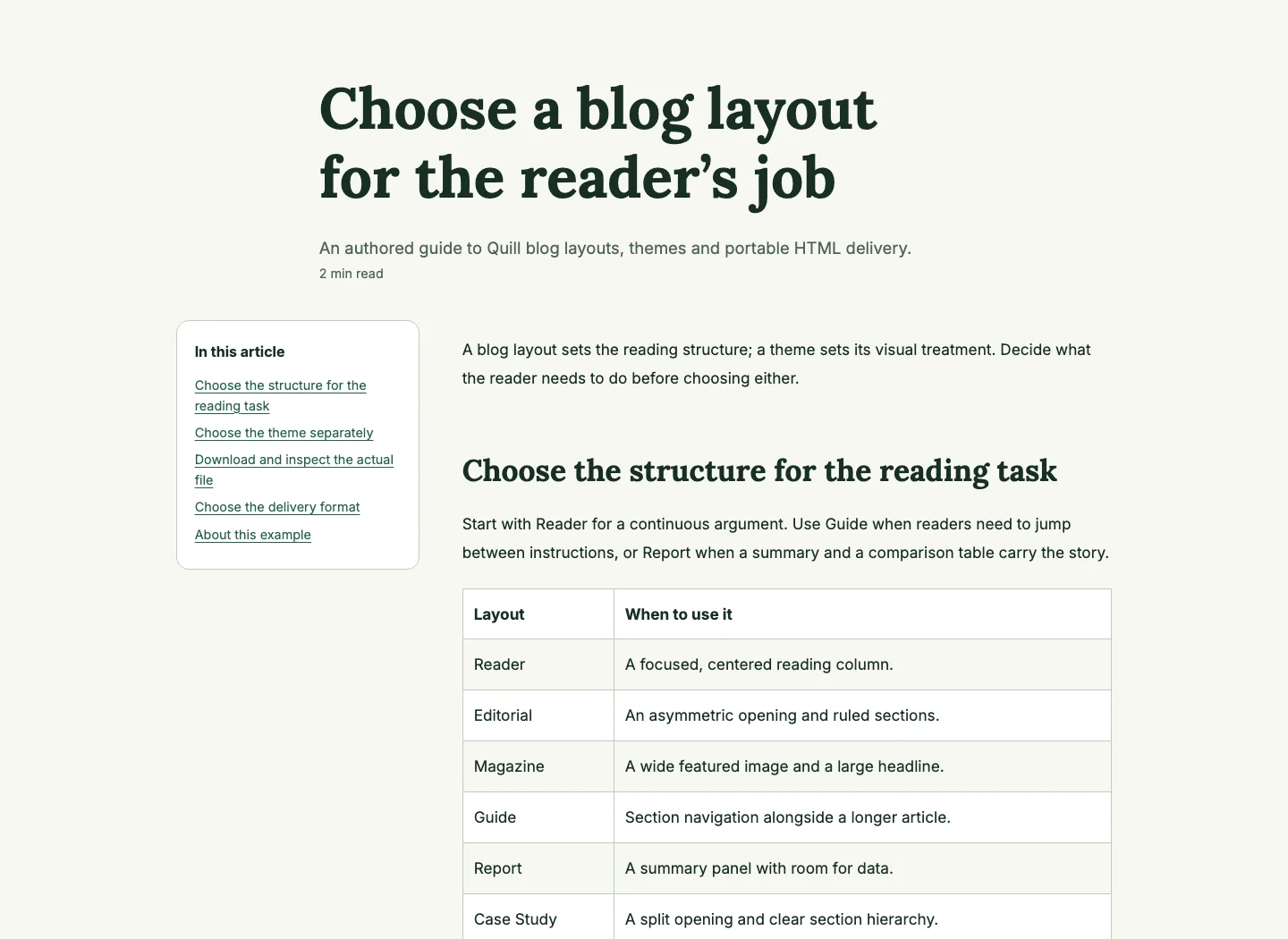
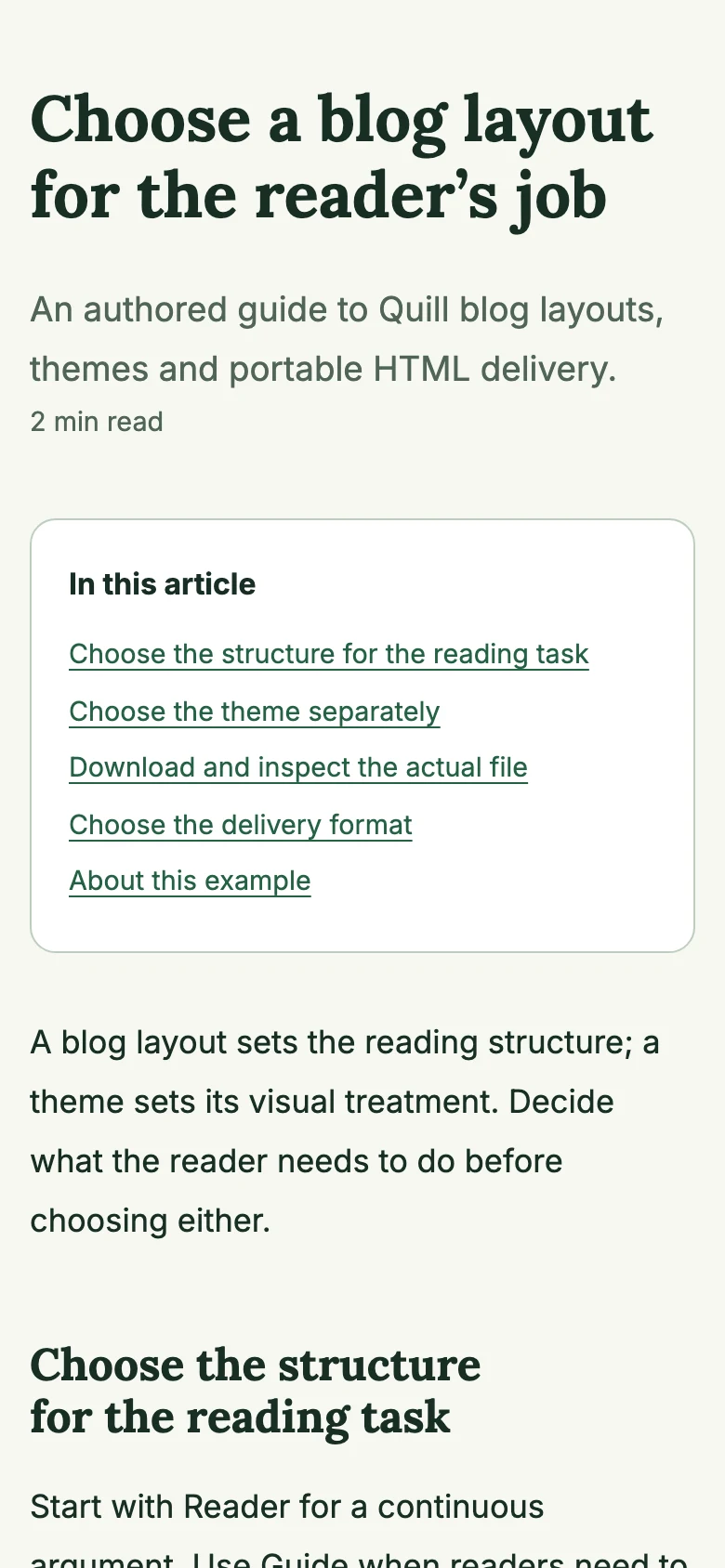
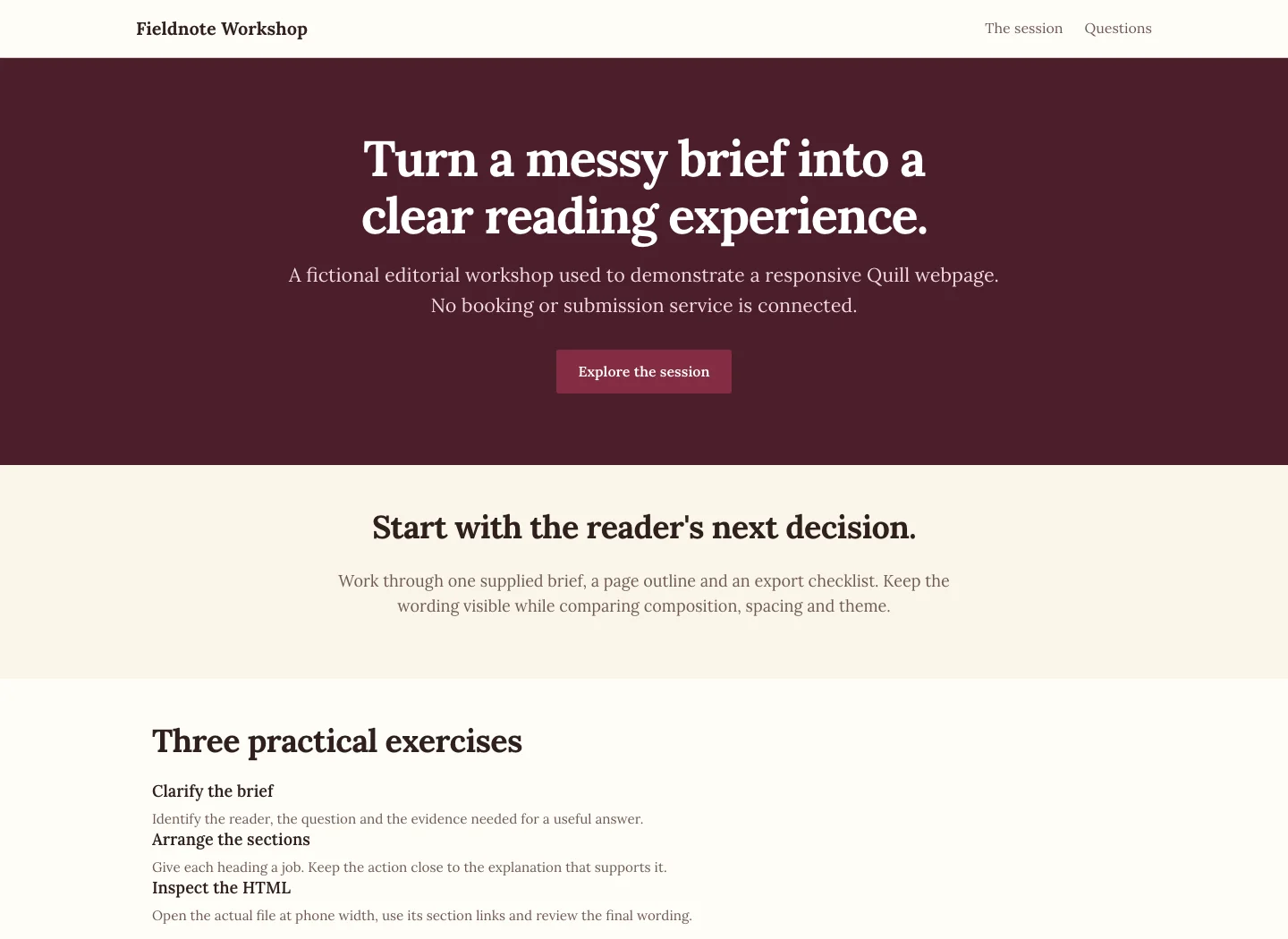
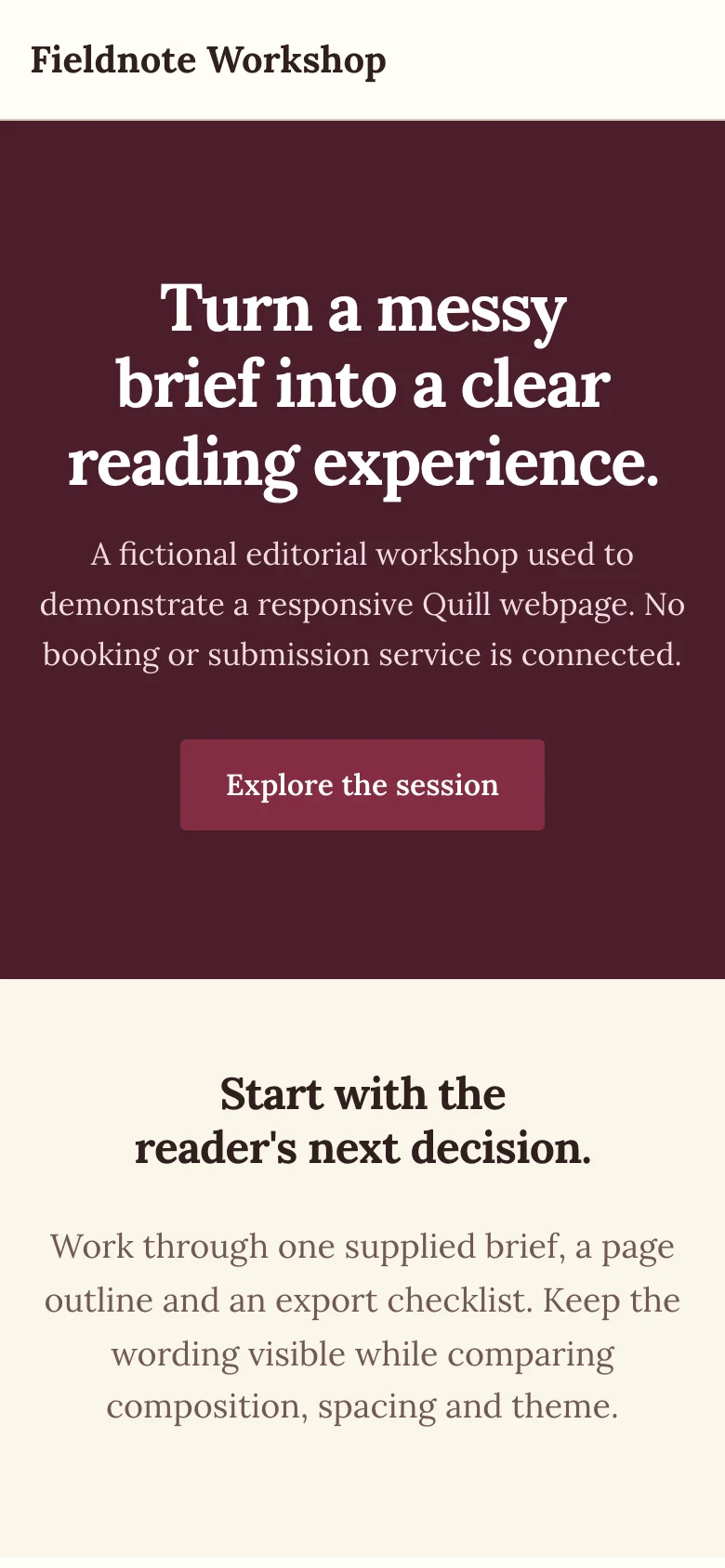
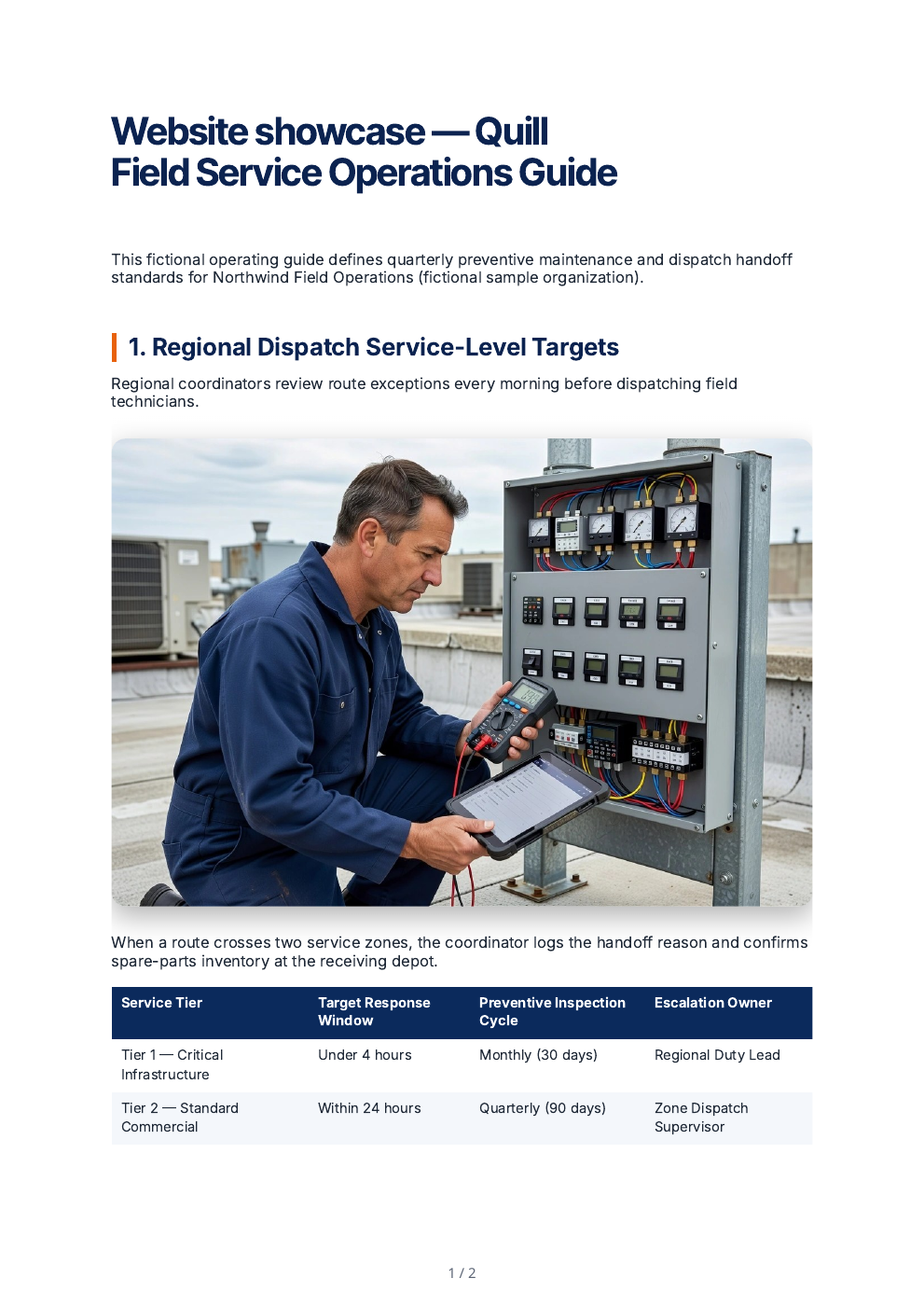
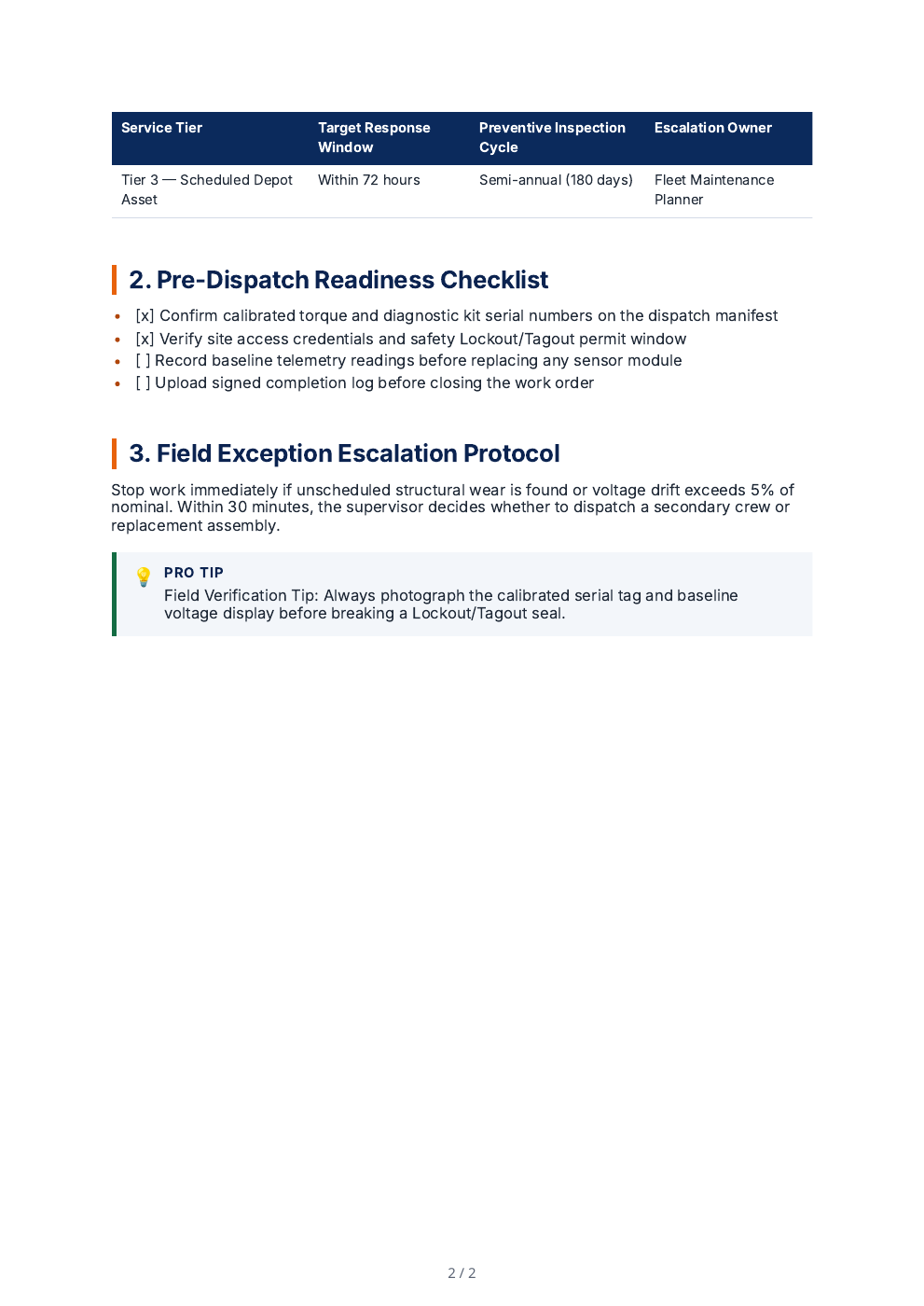
The HTML files are deterministic exports from the authored source JSON using Quill's production HTML helpers, embedded CSS and font links; hosted images keep their URLs and no external CMS or form backend is implied.
The supplied brief
- Source structure
- One heading, a three-step list, a two-column table and a caption with attribution.
- Edit boundary
- Select only the unclear paragraph and request a shorter explanation for a first-time reader.
- Block requirement
- Insert a structured comparison block with supplied item names and criteria.
- Image requirement
- Use an approved image or a clearly identified new result, with appropriate attribution and alternative text.
Inspect the imported structure
Choose the appropriate pasted text, HTML, Markdown, document, spreadsheet, OCR or supported media path and review extracted content before using it.
Inspect: Extraction can change layout and structure. Check the list numbering, table cells, caption and source identity; do not infer lossless import from a successful upload.
Edit only the intended selection
Select the paragraph, provide the Power Edit instruction, inspect streamed or completed suggestions and explicitly apply the replacement when satisfied.
Inspect: Full-document context informs the response but is not permission to replace the whole document. Compare the selected range and surrounding content after applying.
Build the structured block
Choose the block type, complete its typed fields and inspect the preview. Use item-level regeneration only where the form offers it.
Inspect: A block’s layout and its AI field assistance are separate operations. Verify supplied figures and labels before insertion.
Review an image revision
Inspect Image Studio’s subject, style, dimensions and other offered controls. Compare a finish or prompt edit with the original, then review alternative text.
Inspect: An edited image is a new result. Keep source attribution where required and check that text removal or a crop did not alter meaningful content.
Compare the exported formats
Set the supported format, theme, spacing, author, headers and footers, then open the actual Word/PDF/HTML outputs.
Inspect: Check that the heading, list, table and attribution remain usable. Editable Word, print PDF and web HTML have different structure and layout behavior.
Before approving the result
- Compare the selected paragraph and untouched surrounding text.
- Read the inserted block and image alternative text.
- Inspect the actual downloaded file after changing export settings.
Source-traced editing and export walkthrough using a fictional source structure. General-editor controls do not establish that the same unrestricted tools are available in Lex.
Try Quill before choosing a plan
Start a 14-day, no-card trial on the real generation workflow. The anonymous Content Health Check remains free for deterministic SEO, readability, structure, keyword, link, and publish-readiness checks.
- Content Health Check — audit a draft with deterministic readability, structure, link, and publish-readiness checks
- Real Quill examples you can inspect before creating an account
- Public workflow, integration, and publishing guides
- Source-aware generation and evidence controls
- Capacity, seats, and collaboration based on the plan you choose
- Writing controls and bulk workflows on eligible tiers
- Marketplace and private-offer procurement options
Compare the current Quill plans for exact tier availability. Enterprise procurement is available through Azure Marketplace or a private offer and does not require a scheduled sales call.