
Best for
You need structured content production from briefs, source material, or existing drafts, with citations, editing, checks, review, and delivery kept in one document workflow.
Create from a brief, reference files, or an existing draft. Choose source and evidence controls, inspect citations, edit and review with your team, then export or deliver the approved version.
For one person publishing now and then
Core content generation
Basic templates
Clean PDF export
External sharing and publishing
For individual writers publishing regularly
Everything in Lite
Room to publish every week, not now and then
Sources, uploads, and exports
Personal content workspace
For editors who need review and collaboration
Everything in Starter
Brand Voice profiles
Sharing, comments, and mentions
Live collaboration and review
Minimum 3 seats
For brand-led content operations
Everything in Professional
Brand Kit
Bulk content generation
Team workspaces and management
Minimum 5 seats
For Azure and private-offer deployments
Everything in Business
API access and AI provider governance
Azure Marketplace or private offer
Onboarding and enterprise rollout support
Start with a 14-day Quill trial on the real generation workflow — no credit card required — or use the anonymous Content Health Check without an account. After the trial, generation requires a paid plan. Compare the plan cards for exact feature availability; enterprise buying is available through Azure Marketplace or a private offer.
Teams switch when the first shot is stronger, the claims stay inspectable, and the finish path stays attached to the same document.
Teams switch when the first draft already carries usable structure, brand voice, evidence grounding, and references instead of starting from prompt churn.
Voice, sources, and references stay visible in the workspace, so reviewers can evaluate the content itself instead of trusting a black-box output.
Comments, review state, assignments, versions, publishing, and export all happen against the same document instead of spilling into other tools.
You need structured content production from briefs, source material, or existing drafts, with citations, editing, checks, review, and delivery kept in one document workflow.
You need a system to declare every generated statement factually correct without an accountable reviewer.
Quill can ground claims in selected sources and cite them inline; deterministic checks — structure, readability, brief coverage against your editorial brief, answer-readiness, and library overlap against your existing content — plus evidence details help reviewers see what still needs verification.
Reviewers still confirm source-critical claims, citation fit, terminology, brand requirements, and the final version before publishing.
Quill's deterministic checks and evidence details expose review work; they do not independently prove that every claim is true.
A source-aware content production workspace for marketing, editorial, product, and knowledge teams working from briefs, reference files, and existing drafts.
Set a structured, versioned editorial brief — primary keyword, search intent, audience, required topics, and the questions to answer — that flows into generation as coverage requirements, choose the source scope and evidence standard before generation, inspect citations afterward, and apply configurable writing and terminology controls during review.
Start from a topic, paste existing writing, or import reference files, images, audio, video, and web material so the source context stays attached to the work.
Choose your files only, your files plus web research, or automatic source selection. Set the evidence standard and trusted domains before generation.
Create articles, guides, reports, landing pages, newsletters, and other structured formats while retaining the selected source context for review.
Use Power Edit, block-based structure, comments, mentions, review states, assignments, approvals, activity history, and versions around one document.
Turn one piece into more formats, create localized versions across 90 language and locale options, export as PDF, DOCX, HTML, Markdown, TXT, and JSON, or send approved work to connected WordPress and Ghost sites.
Built for teams that need format-first drafting, visible source context, structured editing, review workflow, export, and publishing in one place.
Real Quill screens, not mockups — the format picker at the start of a draft, and the evidence controls that keep it accountable to your sources.
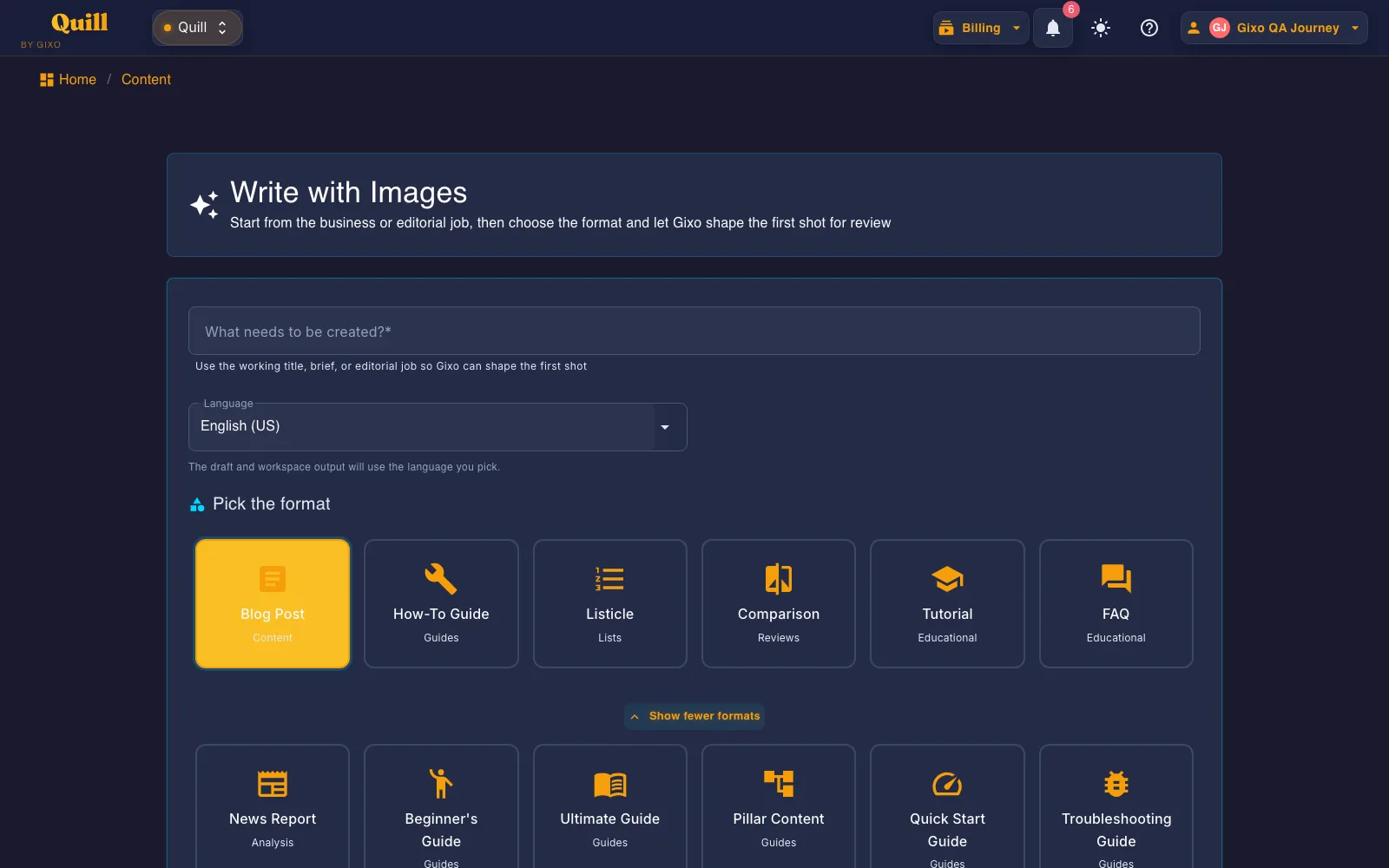
Choose the format for the publishing job, then keep the resulting draft in the same editing and review workspace.
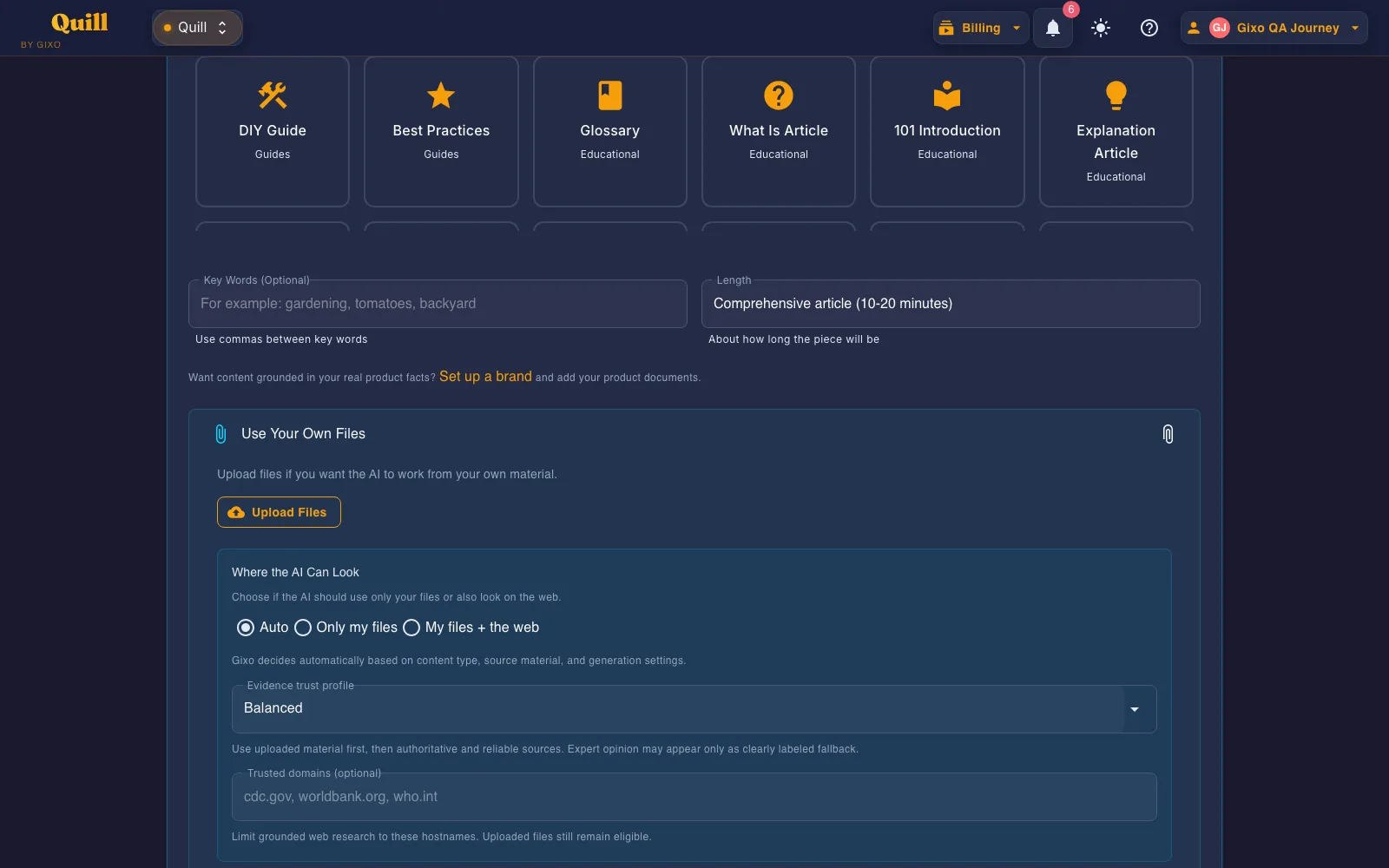
Choose your files only, your files plus the web, an evidence trust profile, and trusted domains before the first shot is written.
These are pages from Quill PDF exports, not editor chrome. One file is a 42-page citability guide; another is a 35-page B2B SaaS article. The same workspace still writes Word, HTML, and Markdown when the destination is outside the direct publishing path.
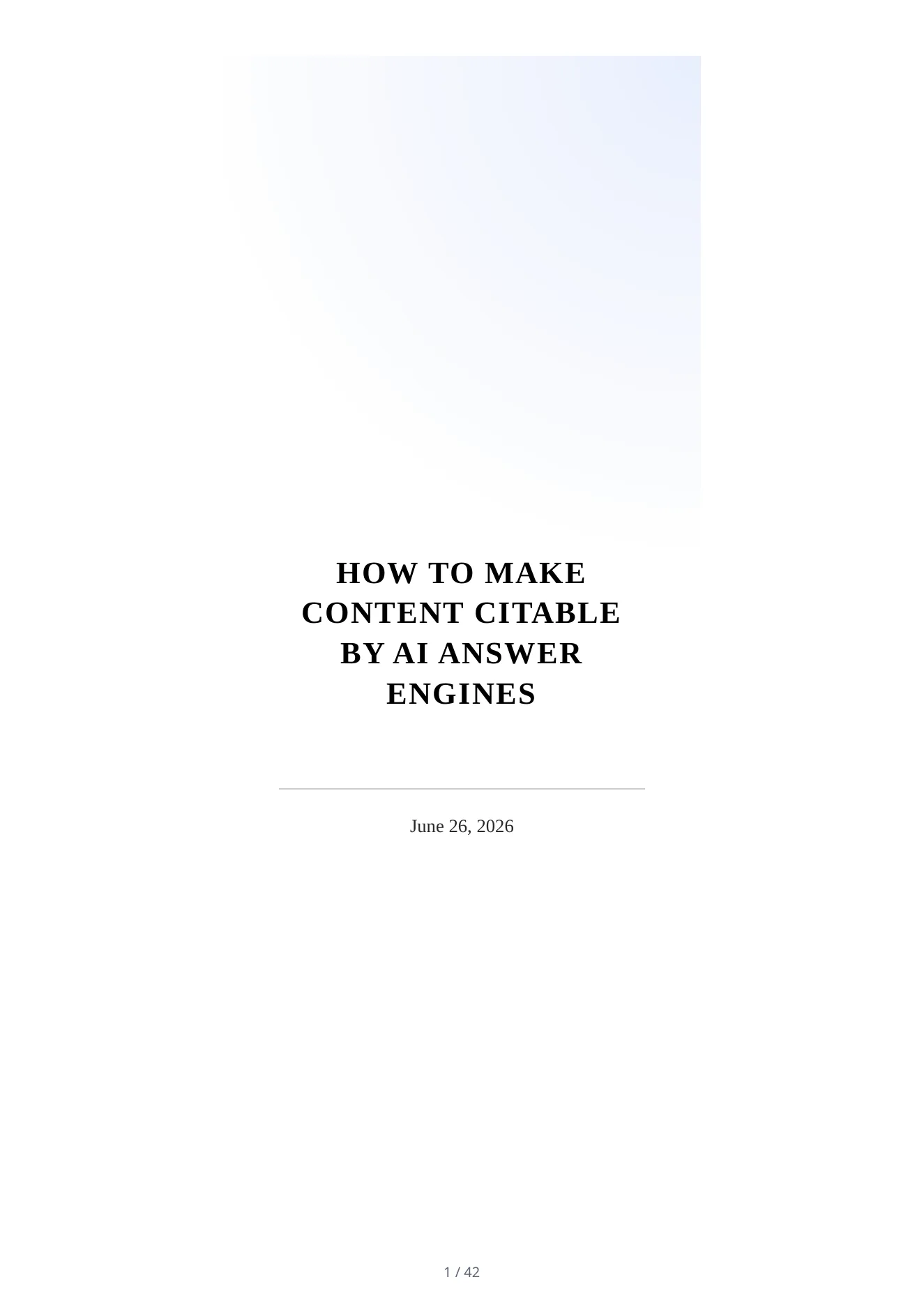
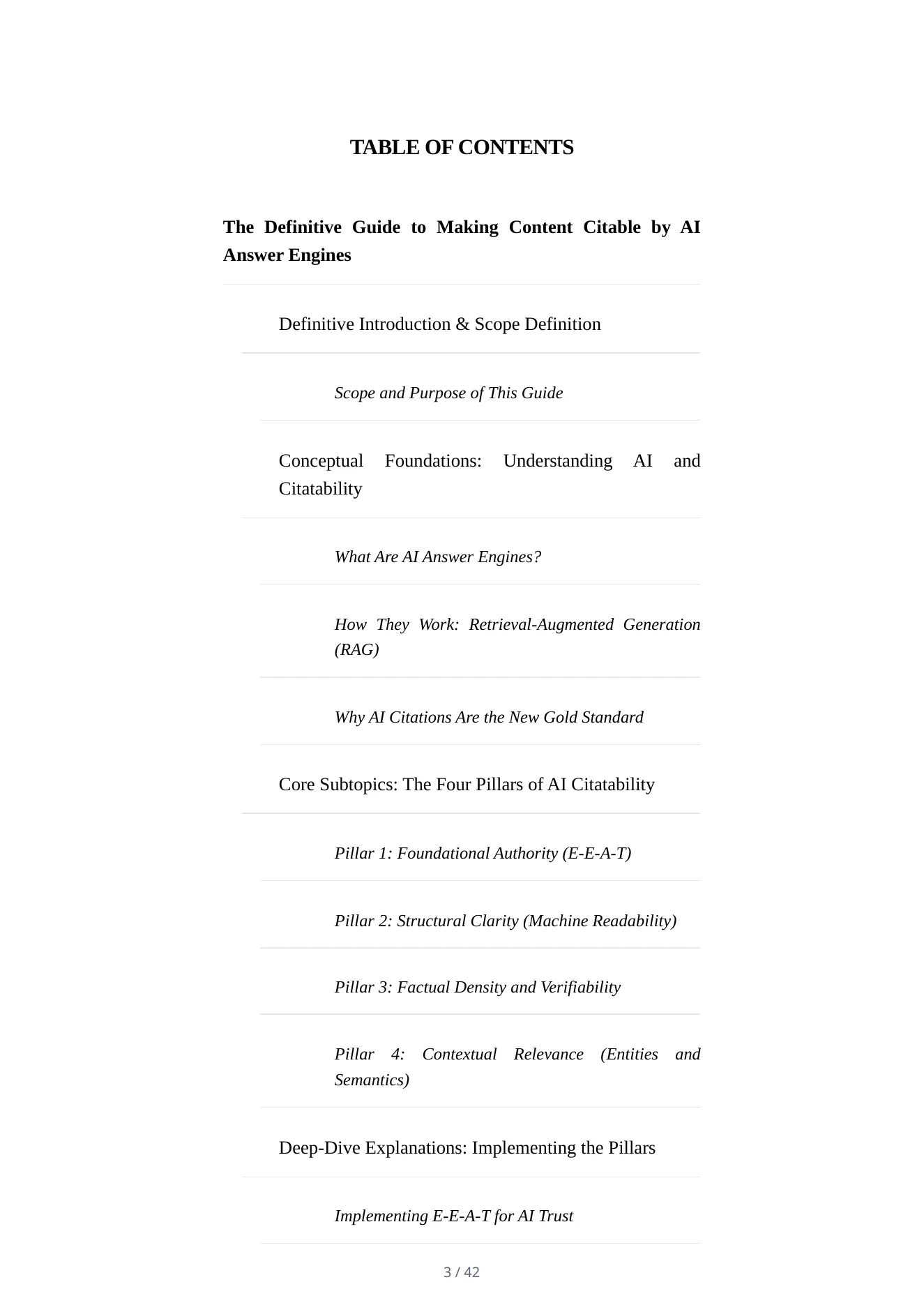
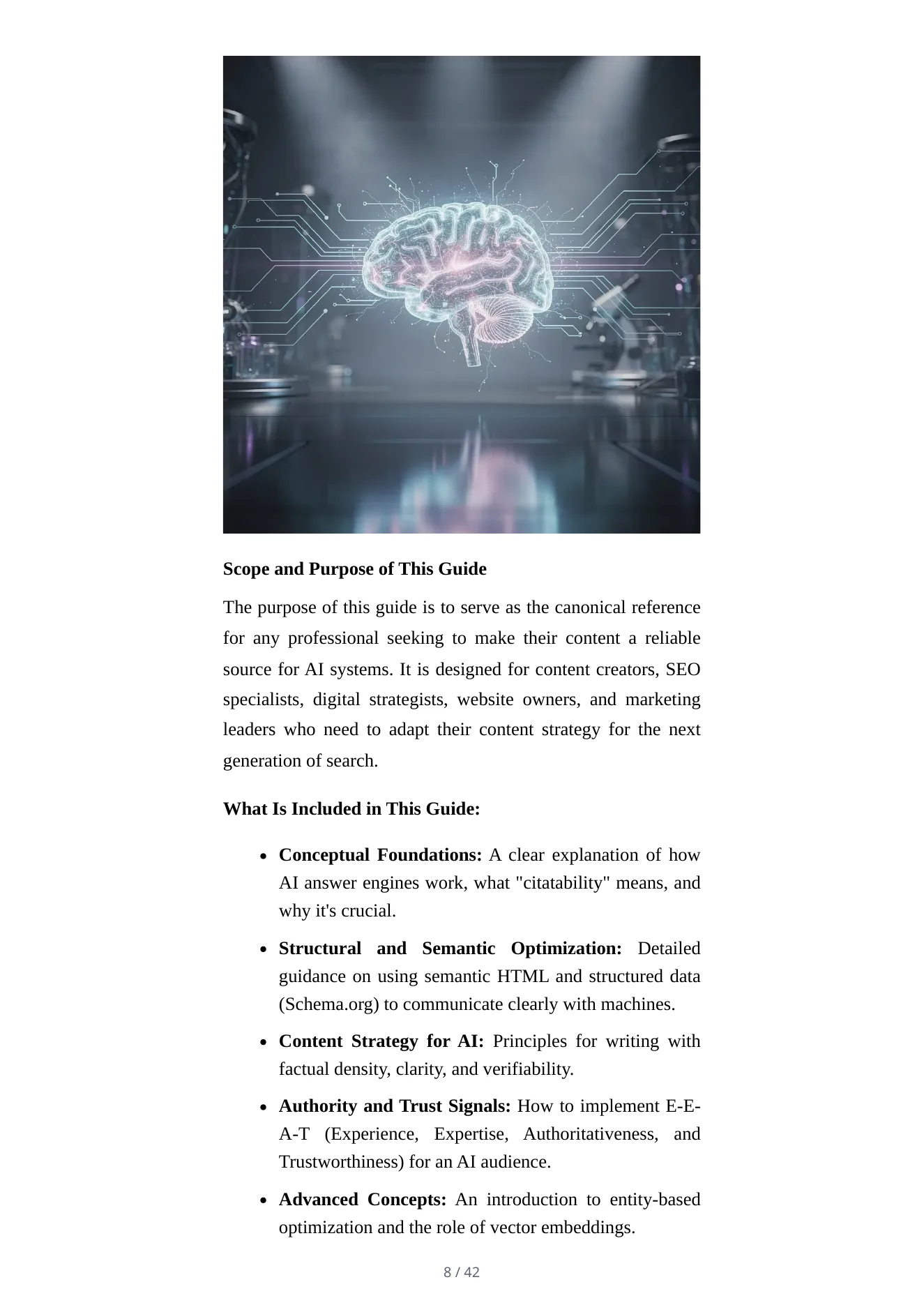
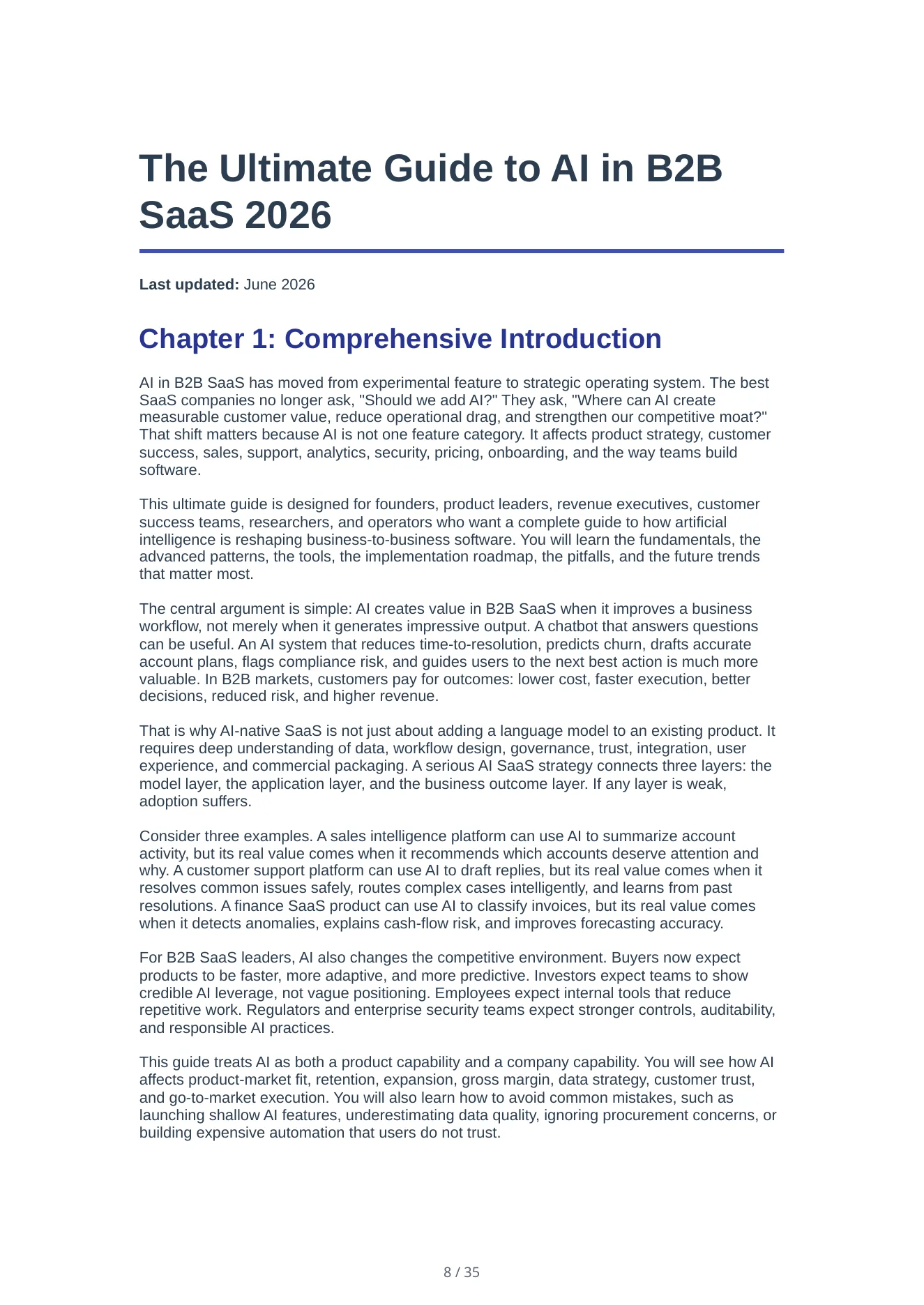
Select saved brand source documents when you create a draft so product, pricing, and feature material is available as grounding context. Citations and evidence details remain visible for human review.
Add product, pricing, and service material as text, a URL, or an uploaded file, then review what Quill will use as source context.
Choose the relevant brand source set on the Create screen and combine it with the source-scope and evidence controls required for the draft.
Review citations, source details, and unsupported-claim signals before approving factual product or pricing language.
Strategic guides for teams building reliable, governed, source-backed AI content programs.
Brand Voice DNA, evidence, references, and team review are visible on the page, not left as abstract claims in product copy.
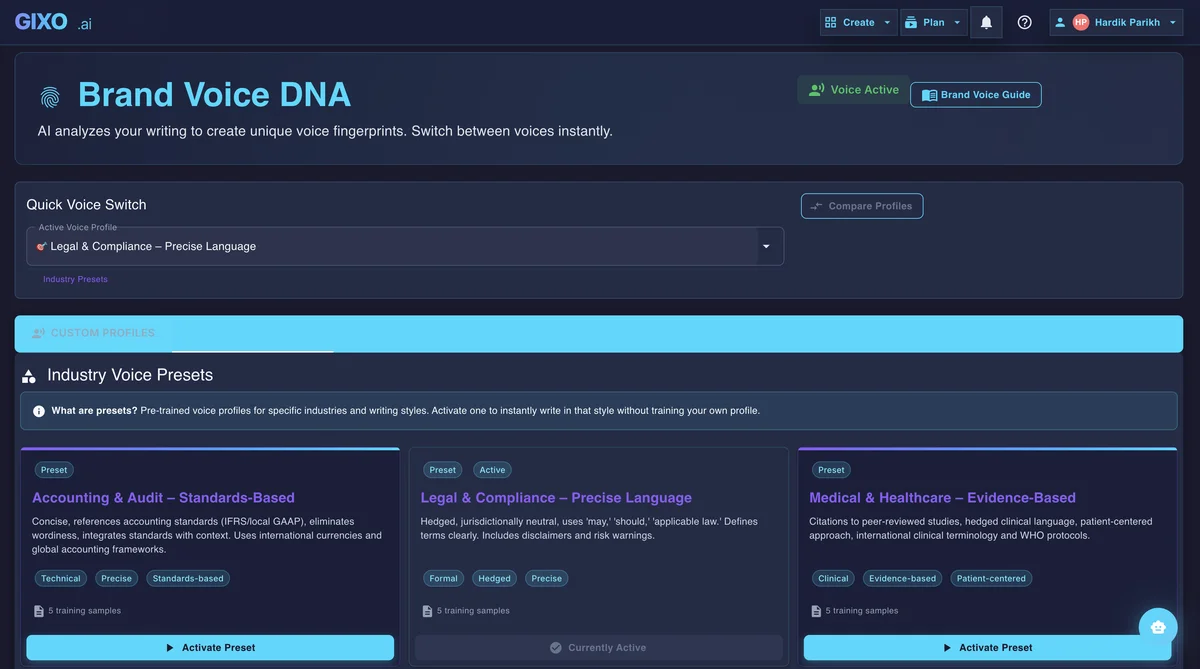
Reusable voice settings and industry-aware presets keep the first shot consistent before editing, repurposing, or localization begin.
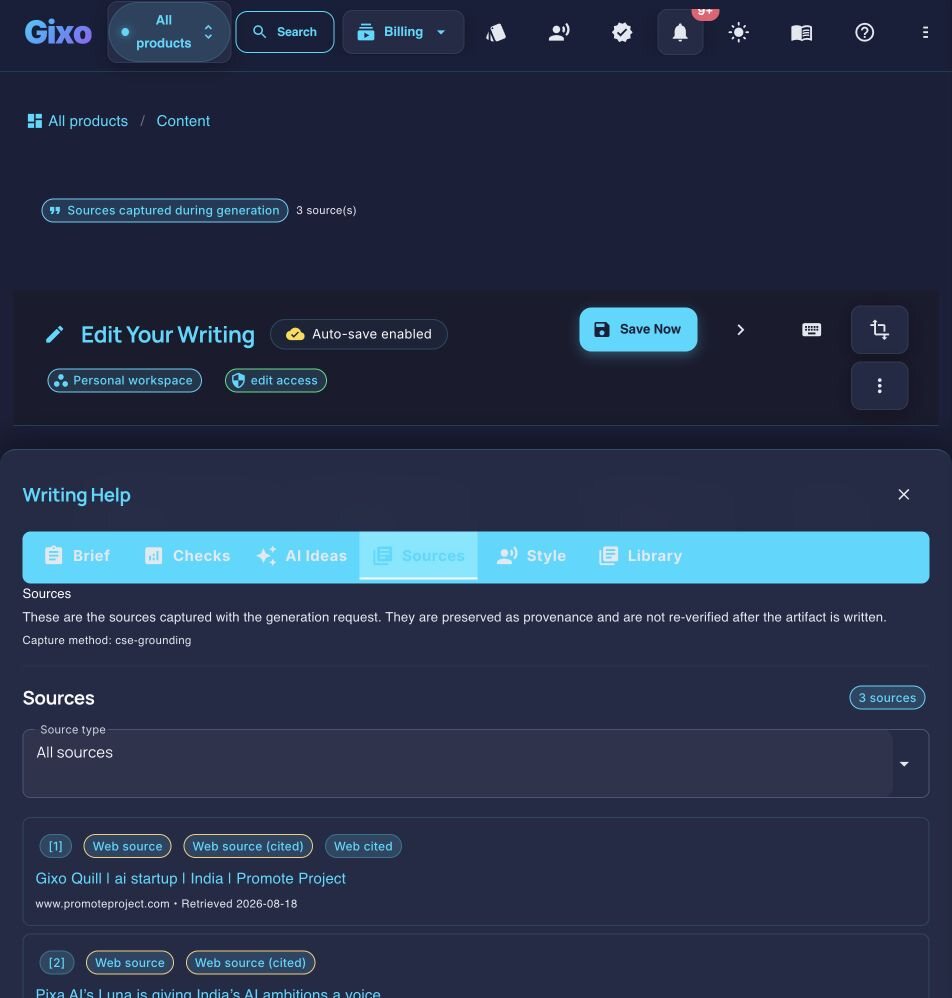
Sources, citations, and reference quality stay attached to the draft so reviewers can inspect claims in context without leaving the workspace.
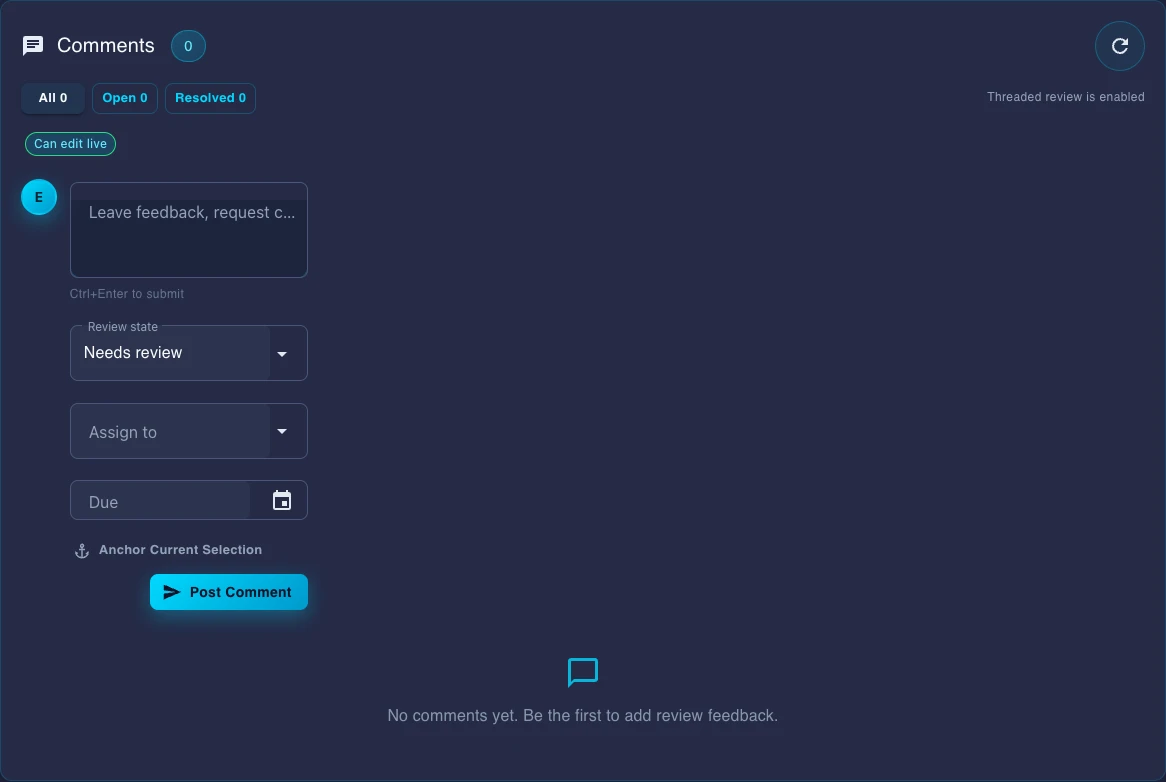
Comments, review state, assignees, and due dates live inside the document instead of being rebuilt in chat threads or external checklists.
Use the free deterministic Content Brief Builder to export versioned gixo-brief.json, Markdown, and HTML before moving the approved plan into Quill.
A source-aware content production workspace for marketing, editorial, product, and knowledge teams working from briefs, reference files, and existing drafts. Set a structured, versioned editorial brief — primary keyword, search intent, audience, required topics, and the questions to answer — that flows into generation as coverage requirements, choose the source scope and evidence standard before generation, inspect citations afterward, and apply configurable writing and terminology controls during review.