
Gixo Business — a suite of grounded business tools
Built on your own sources, not generic summaries
Upload your contracts, reports, and research, then pick the tool for the job — a Consultant recommendation, a brief, a deck (made in Gixo Lumen), or a decision page (a Gixo Prism artifact).
Every tool works from your own evidence and is built for review — not quick topic-in/topic-out answers.
Not sure which tool? Start here and Gixo routes the job — or browse the full suite below.
The Gixo Business suite
One evidence trail, the tools you'd expect. Open the tool you need — or let Gixo route the job for you.
Describe the job in your own words — Gixo routes it to the right tool before generating.
Turn a target + your sources into a grounded research dossier, then an AI faithfulness review re-reads it against your sources and lists claims to verify - a review aid, not independent fact-checking.
Ask a business question and get a reasoned recommendation grounded in your sources.
Weight your criteria, score your options, and get a computed, ranked scorecard — free, no AI, no sign-up.
Enter costs and benefits and get NPV, payback period, and a cash-flow chart — free, no AI, no sign-up.
Paste your sources and get claims, metrics, quotes, tables, and cross-source conflicts — free, no AI, no sign-up.
Turn your contracts, reports, and research into a source-checked brief, then take it to Gixo Lumen when it needs to become a deck.
Scored assessments — fundraising, GTM, product-market fit, due diligence, and more.
See the actual business surfaces
Gixo Business is strongest when the same case moves from source-pack intake into recommendation and decision work without dropping the evidence trail.
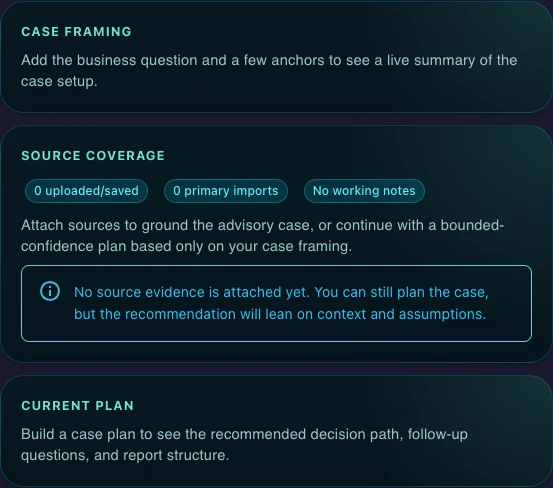
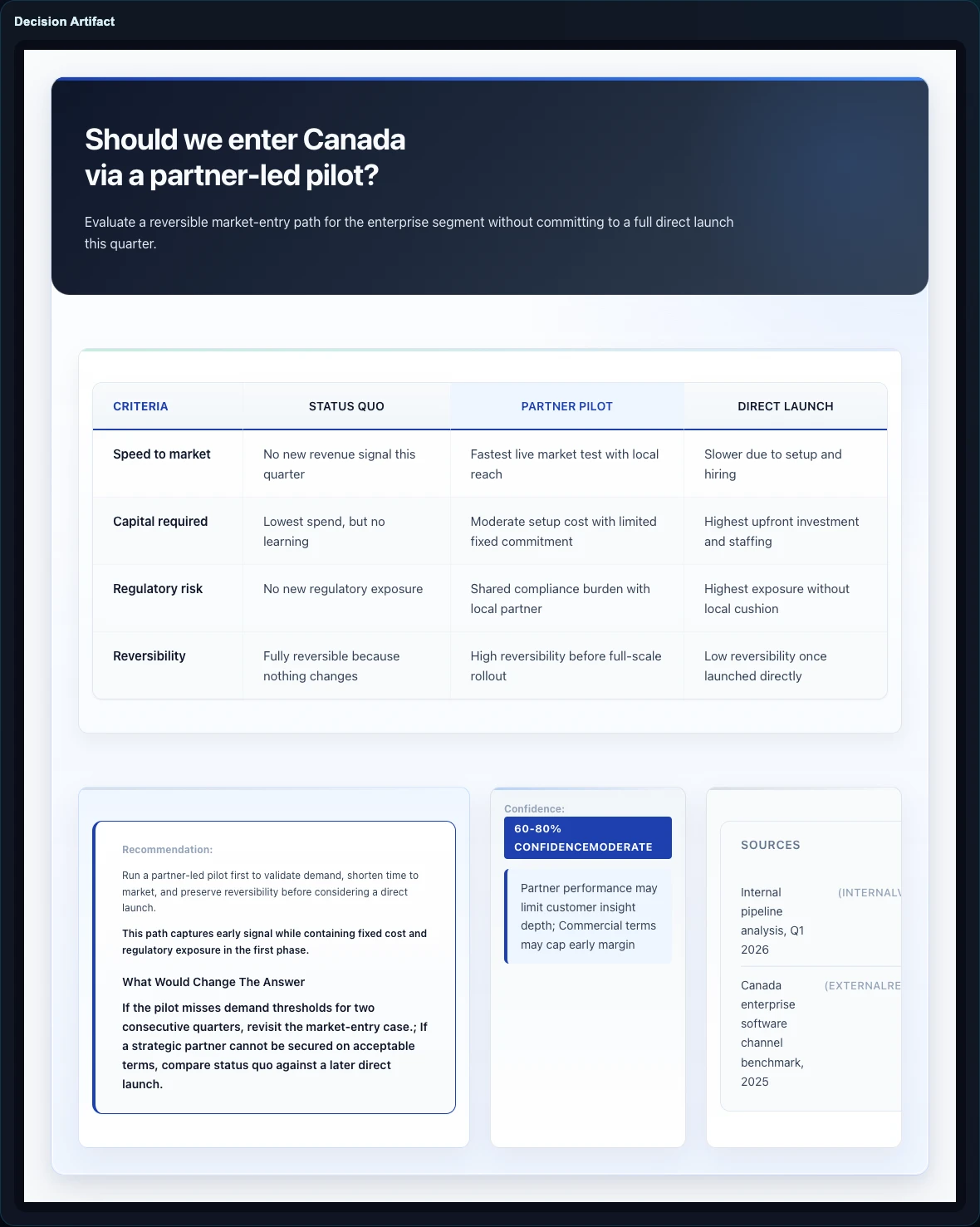
Inside the Gixo Business suite
Start with the business job and source pack. Gixo can route the request into a checked brief or Consultant workflow in Gixo Business, a briefing deck in Gixo Lumen, or a structured decision artifact in Gixo Prism.
How Gixo Business works
Start with the work itself: a brief, a deck, a recommendation, or a decision artifact tied to the same business question. Decks continue in Gixo Lumen and standalone decision artifacts in Gixo Prism.
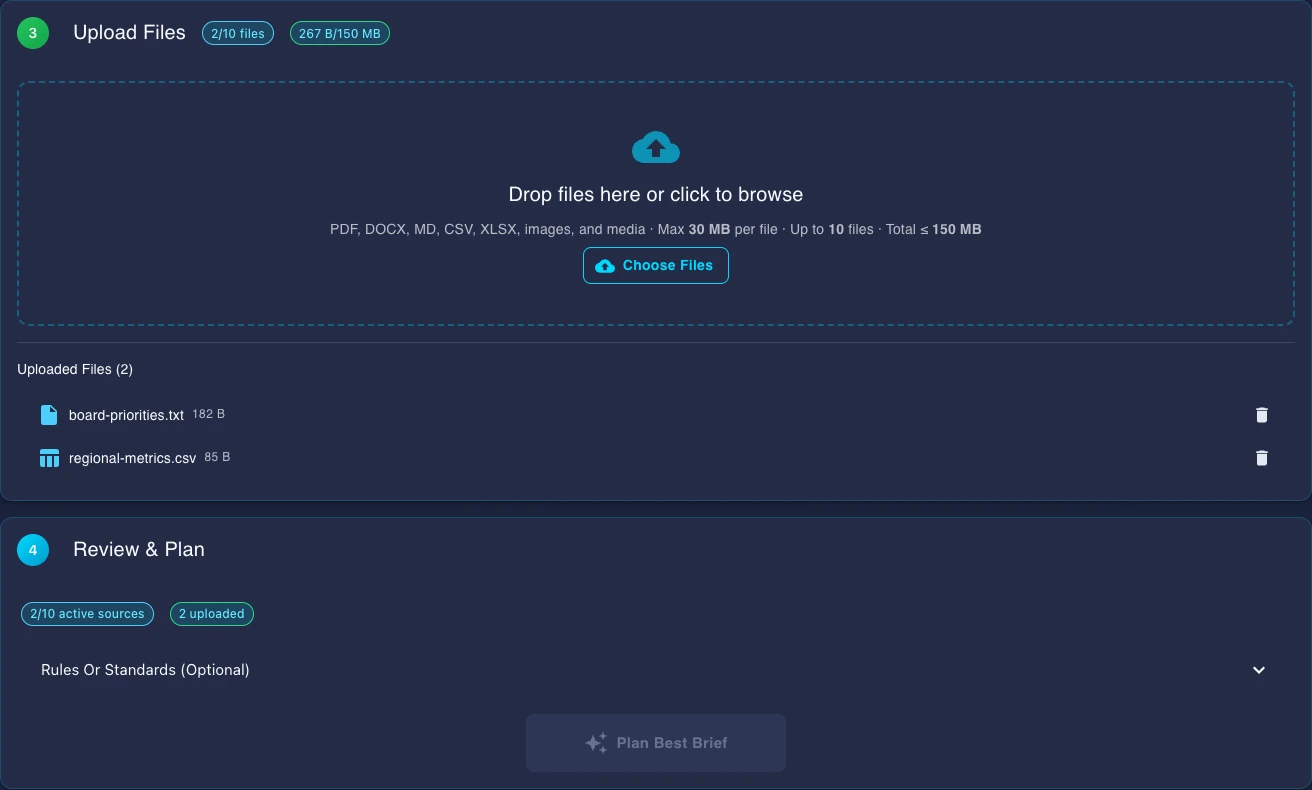
Upload files or pick from saved work. PDFs, Word docs, spreadsheets, and images are supported, including scanned files.
Gixo checks whether the source pack is strong enough, shows missing inputs, and makes review risk visible before queuing work.
Required checks, approval warnings, and business-pack dependencies stay attached to the output so the team can review the path, not just the prose.
Checks Built Into Every Brief
Each brief is checked so your team can review, edit, and use it with confidence.
A Full Editor, Not Just Output
Every brief opens in a rich editor with semantic blocks, inline AI editing, and real-time collaboration.
Insert 20+ semantic blocks with slash commands: KPIs, Checklists, Steps, Pros/Cons, CTAs, Comparison Tables, Definitions, and more. Each block has AI-powered field generation.
Select text and use Quick AI for instant rewrites, simplification, expansion, grammar fixes, or tone changes. Open Power Edit for a full AI chat dialog with document context and voice input.
Where a brief has sources - files you upload or connect, pages you add, or the search results web research drew on - a repair stage compares the figures in the paragraphs, lists and table body cells of the draft with the numbers in those sources, and rewrites any sentence or cell whose figure it cannot find there, substituting the source value or dropping the claim. A table heading or row label is read as context, not as a figure, and a total, difference or share the table works out from its own cells is never rewritten. That is reconciliation against your own sources, not an independent fact-check, and it is silent: nothing is marked up in the delivered brief, and a sentence it cannot repair, or a draft it cannot finish, keeps its original figures. A brief written with no sources has nothing to compare against, so it is not checked, and Consultant reports skip this stage. The match is on the digits, not a fact-check.
When you upload source files, Gixo writes the brief to cite them with numbered [1], [2] markers and adds a Sources section listing those files. The writing model places the markers, so a sentence can go uncited; a brief written without uploaded files has nothing to cite, and marketing formats such as social posts and email campaigns carry no visible citations.
Invite teammates to co-edit briefs in real time. See remote cursors, leave inline comments, and share work.
After generation, Gixo runs your Brand Dictionary over the brief: terms you have banned are replaced with your preferred wording or removed. It is a whole-word term check, not a review of tone. Saved Brand Voice writing-style profiles are a separate feature on Professional plans and above.
What Gixo Business Works From, and What It Checks
Sources are optional, web research is your choice, and every check below is a review aid rather than a verdict.
Upload or connect up to 10 source files for a brief, or write one from the request alone. A brief with no sources has nothing for the number check or citations to work from.
Web research is off unless you turn it on: a new brief starts on Only my sources, and choosing My sources + the web lets it search, optionally limited to trusted domains you name. In Ask Gixo Business you can also connect up to 5 public webpages as sources.
For a brief written from sources you upload or from the search results web research drew on, the Evidence tab under Checks in the brief editor lists up to five sentences or table cells whose wording or figures it could not match to those sources, for you to check. It matches wording and exact figures, not meaning: a faithful paraphrase, or $8.1M where the source says 8,100,000, can fail to match while being true, so an unmatched sentence is a place to look, not an error, and a matched one is not confirmed either, because this is a comparison with your own sources, not a fact-check. It reads only part of a long source (24 passages of up to 1,600 characters) and at most 12 sources, files first. Of web research it reads the title and snippet of each search result, not the page, so a figure taken from the page alone does not match, and if it could not read every result the list is advisory. It reads a table cell with its row and column, and a total the table works out from its own cells passes when the arithmetic holds. It checks the draft as generated, not your later edits.
When your request names a brief type outright, such as a renewal brief, the planner puts that recipe first instead of choosing a format from what your sources look like.
A Consultant recommendation can become a Business Case with governance and approval controls, up to 5 financial scenarios, and, once approved, a decision memo you can download as a PDF or open in the browser.
Analyst dossiers and Business Cases carry a claim-level evidence review: each claim, metric, quote and conflict from the evidence pack is listed for a reviewer to decide, and open claims and conflicts block a case from approval. The source forecast and verification gate are review aids, not independent fact-checking. Reviewers must confirm important claims, figures, assumptions, and recommendations against authoritative sources.
Upload Anything. Export Everywhere.
Broad file support with intelligent content extraction. Export to professional formats ready for distribution.
What's free in Gixo Business, and what you unlock
The readiness diagnostics and operating playbooks are always free and unlimited — deterministic scoring from your own inputs, no credit card. AI generation — briefs, recommendations, and the decisions inside them from your source pack — is included in the free 14-day trial (no card required) and on paid plans; after the trial it requires a paid plan. Decks are made in Gixo Lumen and standalone decision pages in Gixo Prism, each with its own plan.
- 6 scored readiness diagnostics — decision quality, fundraising, GTM and launch, product-market fit, scale and ops, and due-diligence
- 5 operating playbooks and checklists — data room, board prep, launch runbook, hiring scorecard, and pricing changes
- Deterministic 0-100 scores with readiness bands and what-to-fix guidance — re-run any time from your own inputs
- AI generation at scale from your source pack — briefs, recommendations, and the decision logic inside them (decks come with Gixo Lumen, standalone decisions with Gixo Prism)
- Consultant recommendation reports and their decision tables after the trial (included in the 14-day Starter-tier trial); standalone decision artifacts are a Gixo Prism feature
- Upload and export are in the trial too (downloads are never plan-gated); bulk generation, team workspaces, and higher capacity come with paid plans
Diagnostics and playbooks are structured guidance to help you prepare — not a substitute for professional advice.