Skip to content
Business
Sign In Get started
Workflow-specific products Content, decks, briefs, proposals, legal, and sales each have a clearer buying path.
Review before delivery Draft, edit, collaborate, approve, and export in the same workspace.
Security + procurement path Security policy, support, and Azure Marketplace buying are public.
Business documentation

Start with the decision, then follow the evidence.

These guides explain how to use Business without choosing an output type too early.

First run

Guided demo

Follow a sample source pack from intake through review-ready delivery.

Outputs

Examples

See the briefs and recommendations Business can produce, and the decisions and frameworks it routes to Gixo Prism.

Jobs to be done

Use cases

Choose a board, fundraising, market, operating, or consulting workflow.

Structure

Templates

Review the available report, decision, diagnostic, and framework layouts, with framework artifacts made in Gixo Prism.

Governance

Trust and review

Understand source quality, uncertainty, verification gates, and human approval.

Answers

FAQ

Get clear answers about the source pack, workflow, outputs, and next step.

From selected evidence to a reviewed business decision

Plan the question before the draft

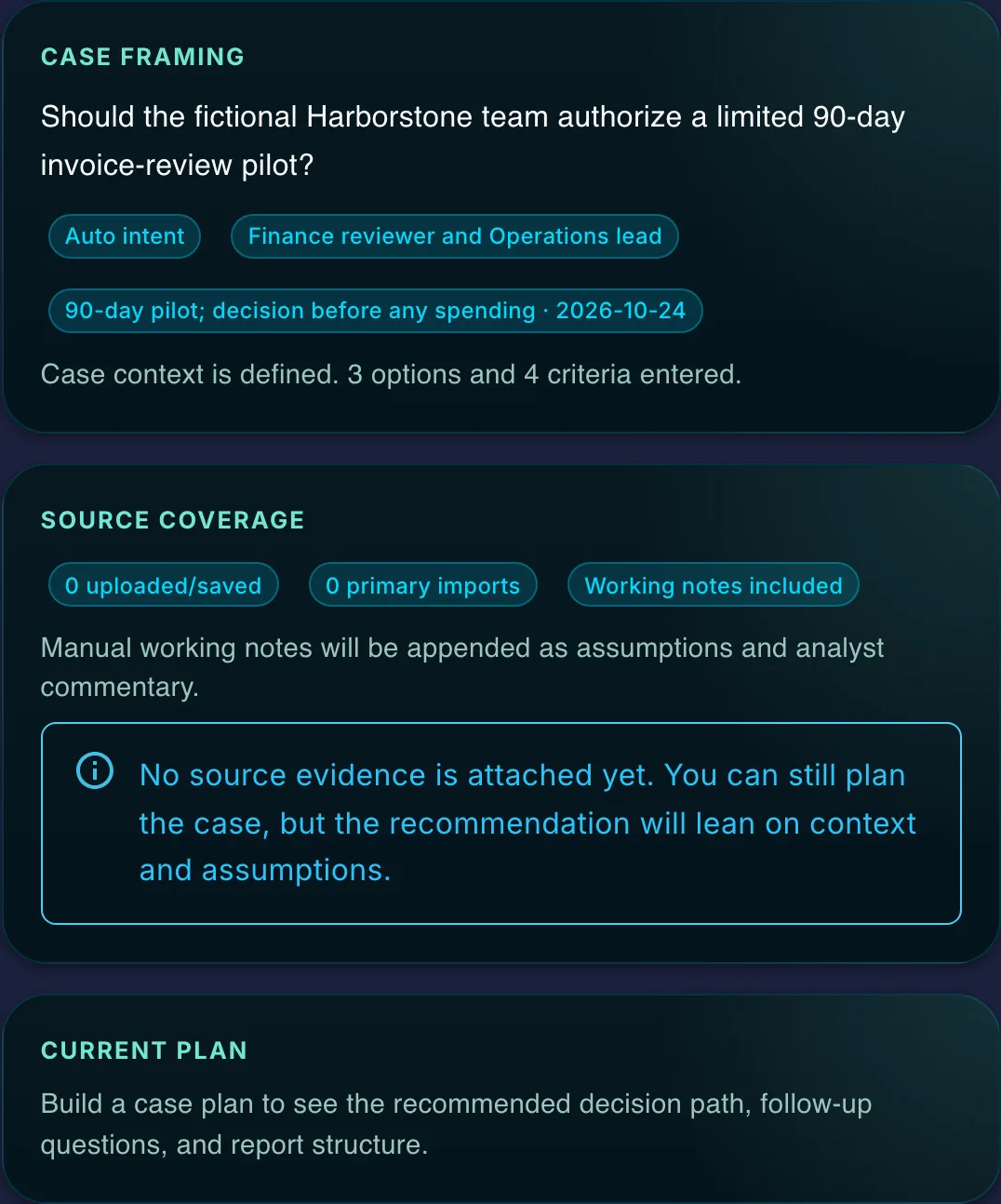
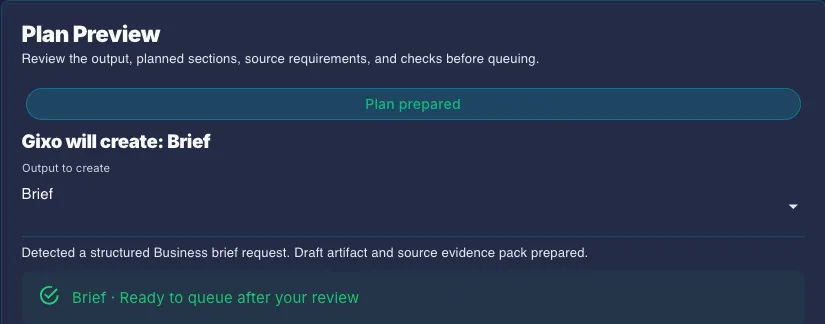
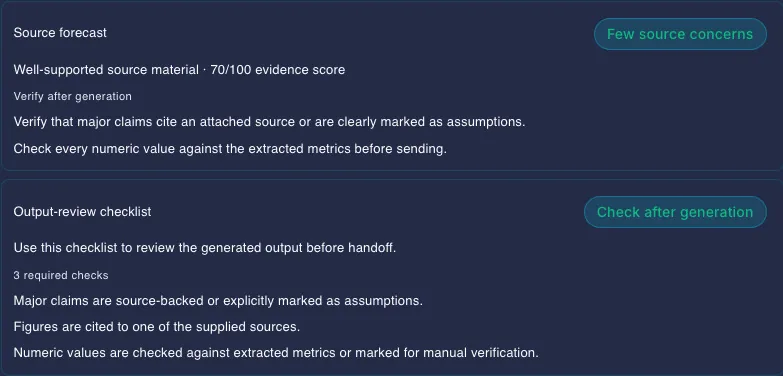
Ask Gixo Business proposes the route, source forecast, planned sections and review checks. Brief Mode builds the outline from your goal and selected material. Review the plan; changed inputs need a fresh plan before queuing. Private source selection needs eligible Business access, and connected app sources need configured permissions.

Open Ask Gixo Business
Keep evidence review specific

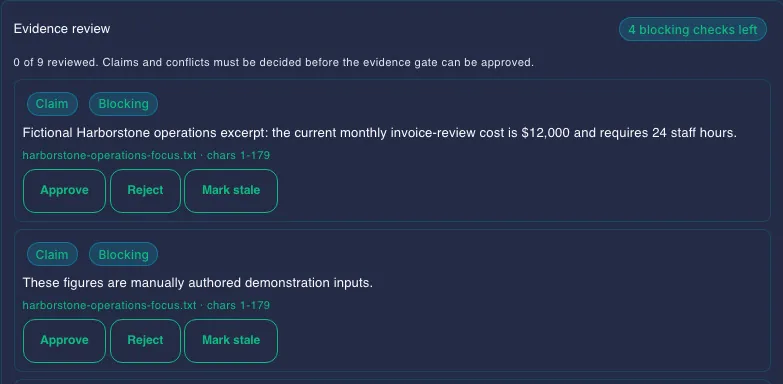
Inspect candidate evidence and conflicts, generated-draft Evidence findings and current recorded source decisions. Extraction and matching can miss important claims. A recorded rejection or stale decision is still a decision, and clearing those checks does not establish truth or automatically satisfy formal case approval. Recheck material claims after editing.

Understand the evidence-review limits

Review calculations alongside the report

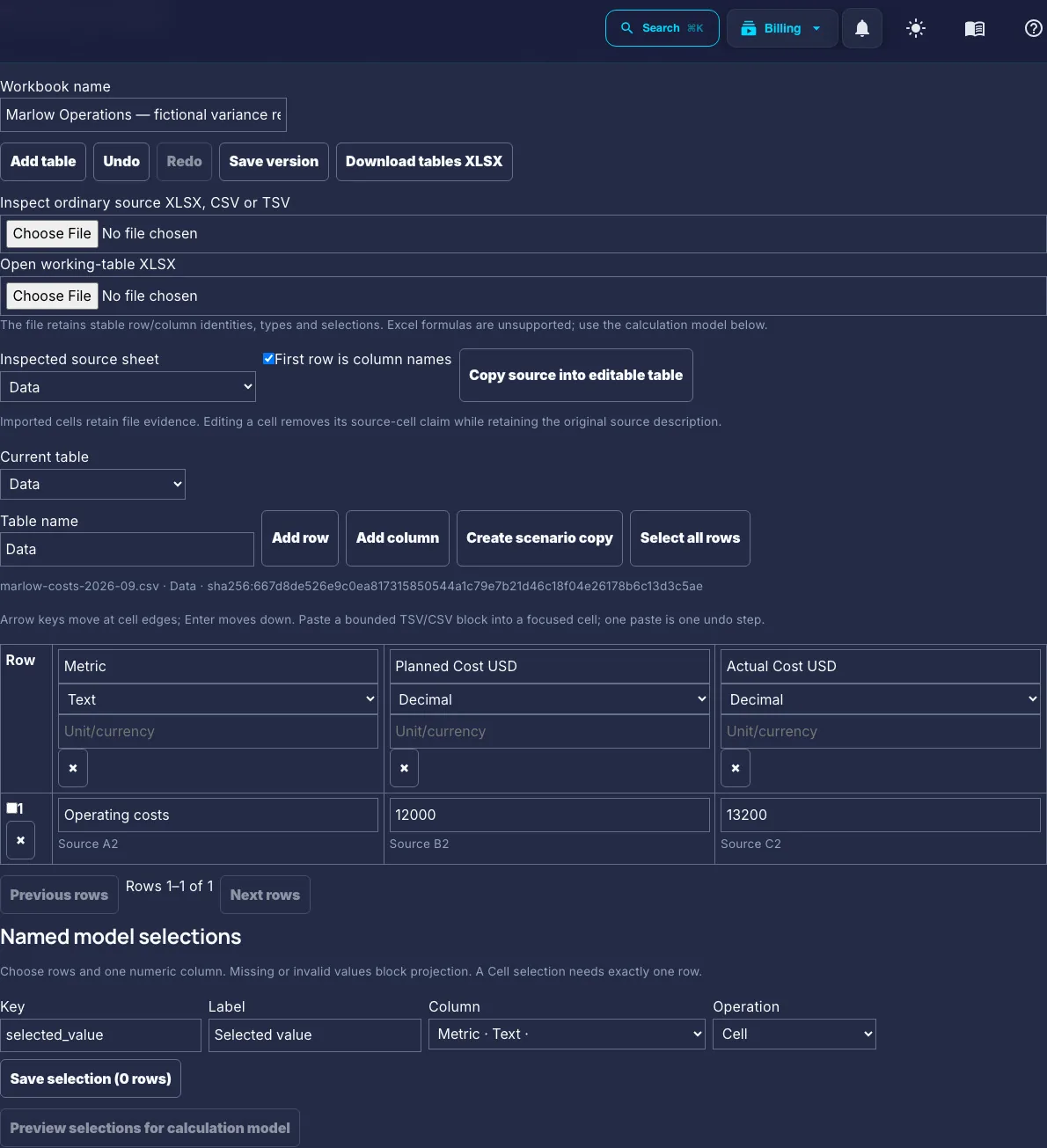
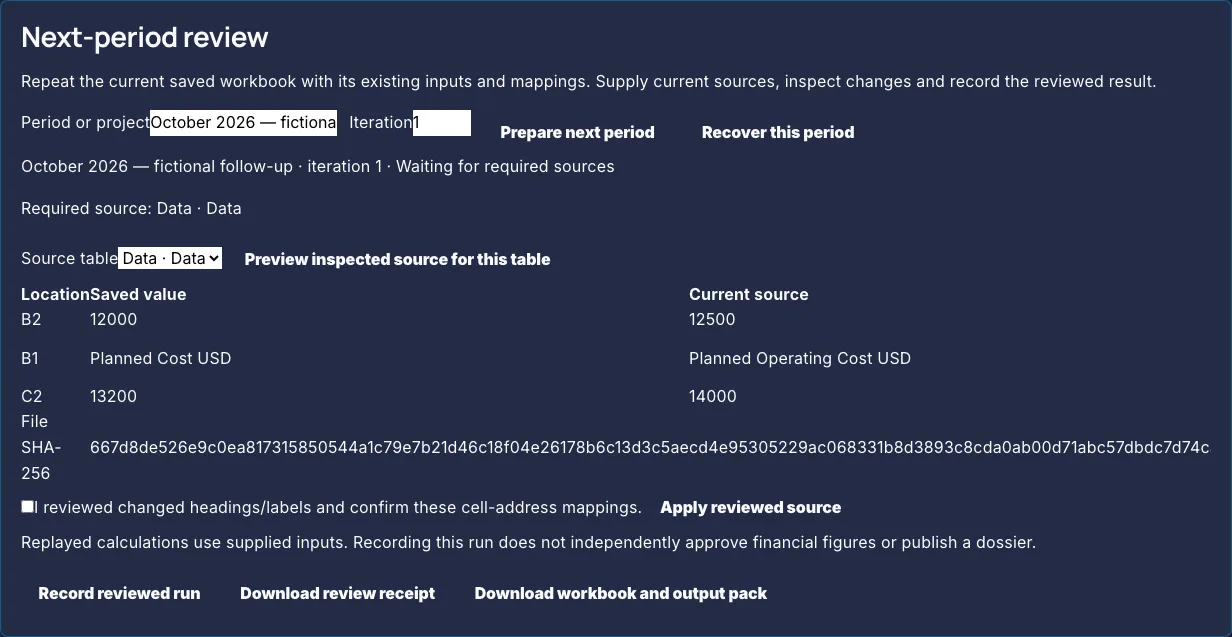
Analyst combines source tables, reviewed cell mappings and deterministic calculation workbooks with a dossier and its faithfulness review. Reuse a saved workbook for another period only after reviewing source differences and changed mappings. Supported calculations and exported snapshots are narrower than a full Excel or automatic accounting workflow.

Explore Analyst

Make the recommendation accountable

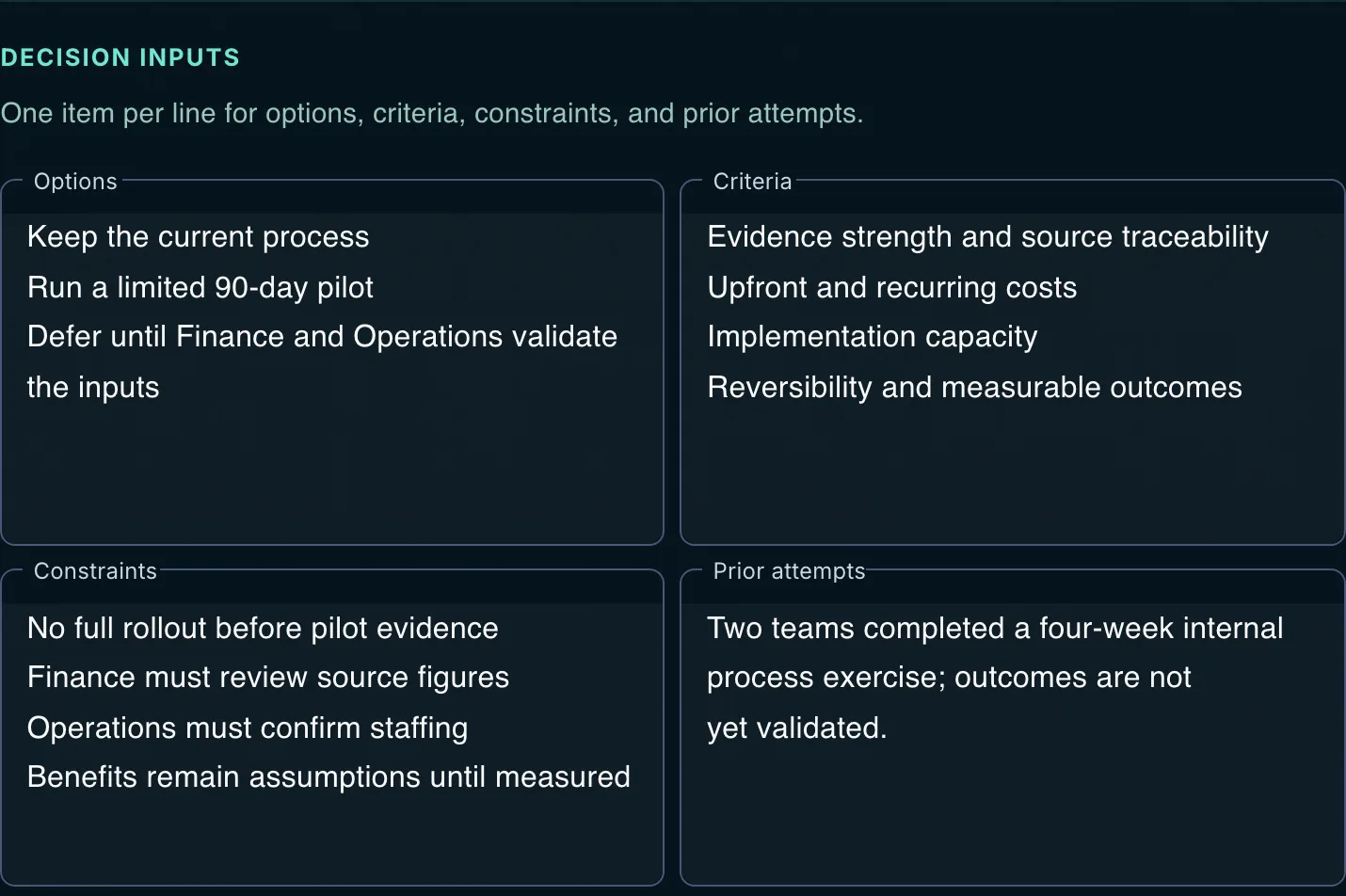
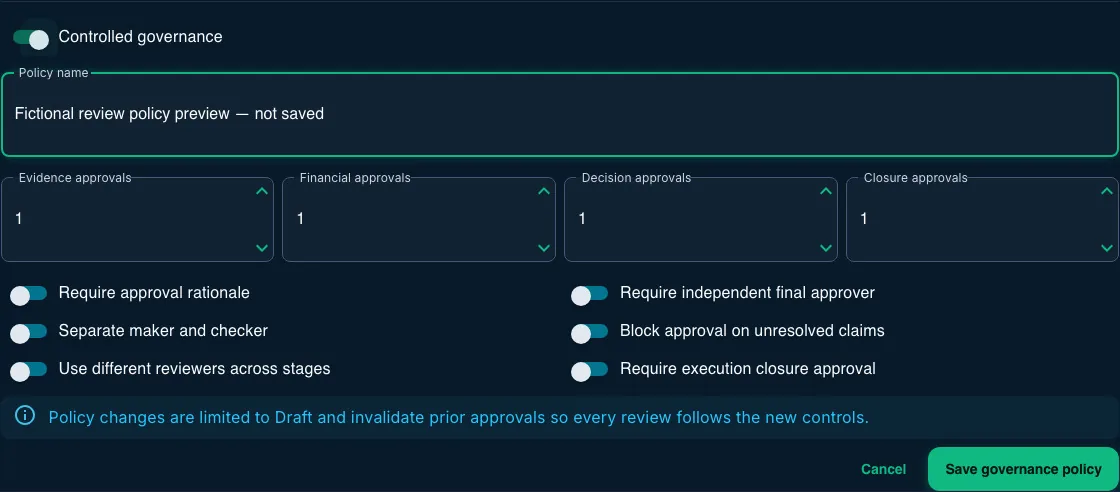
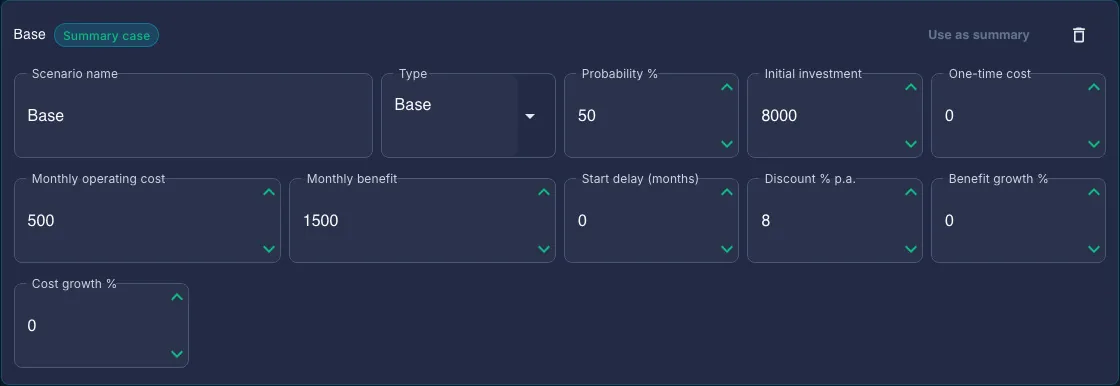
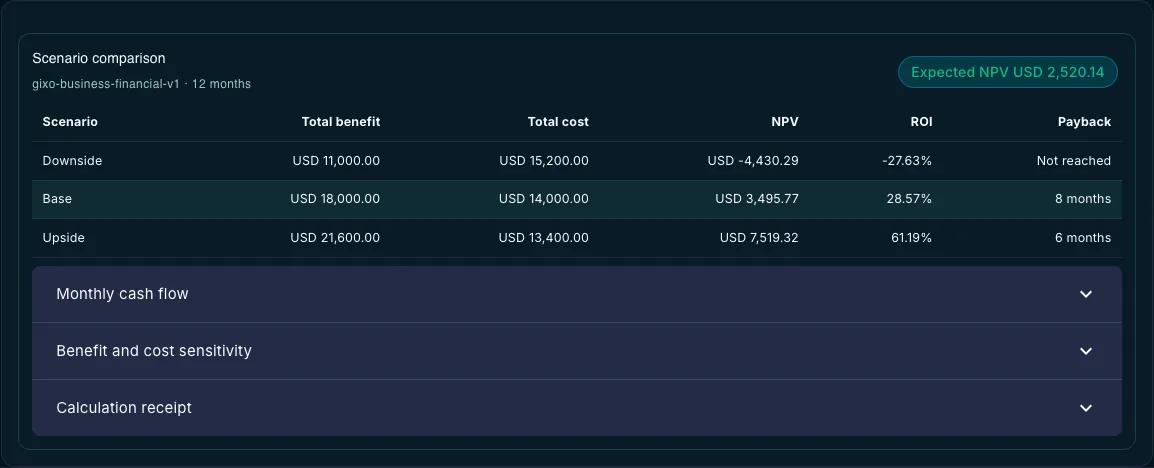
Consultant develops the options, criteria and trade-offs inside a written recommendation. Formal Business Cases add staged review, case-local approval rules, financial scenarios, approved-revision memo checks and manually recorded actions and outcomes. Recorded inputs and approvals still need accountable people to check the evidence and assumptions.

Explore Consultant and Business Cases

Revise the saved document

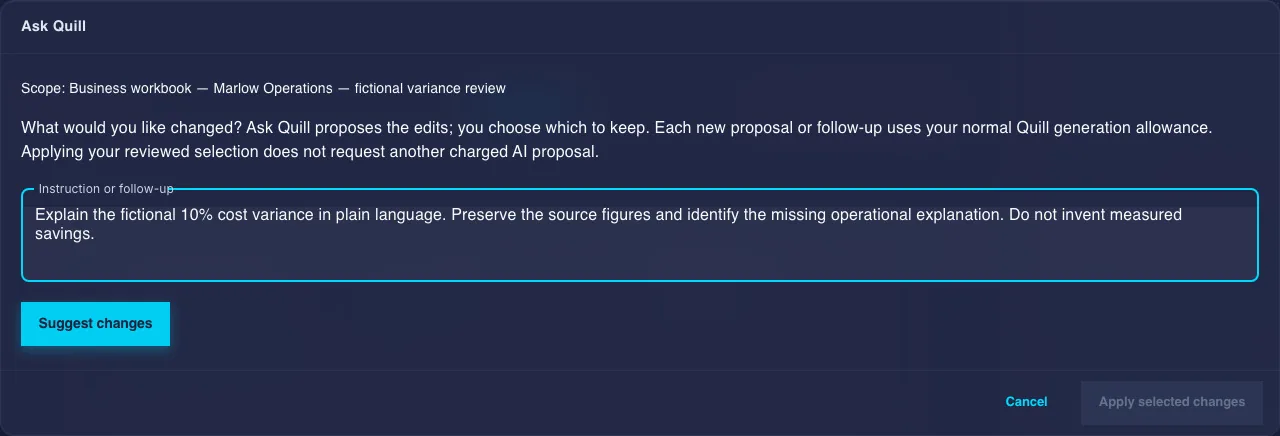
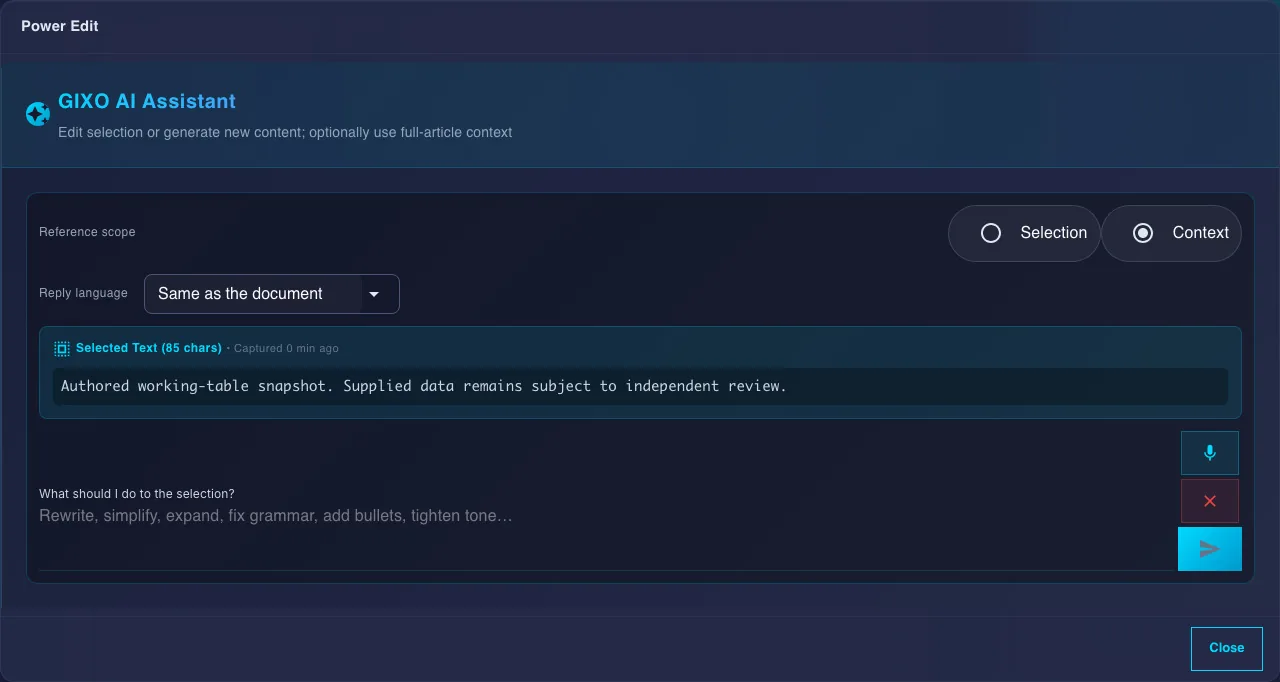
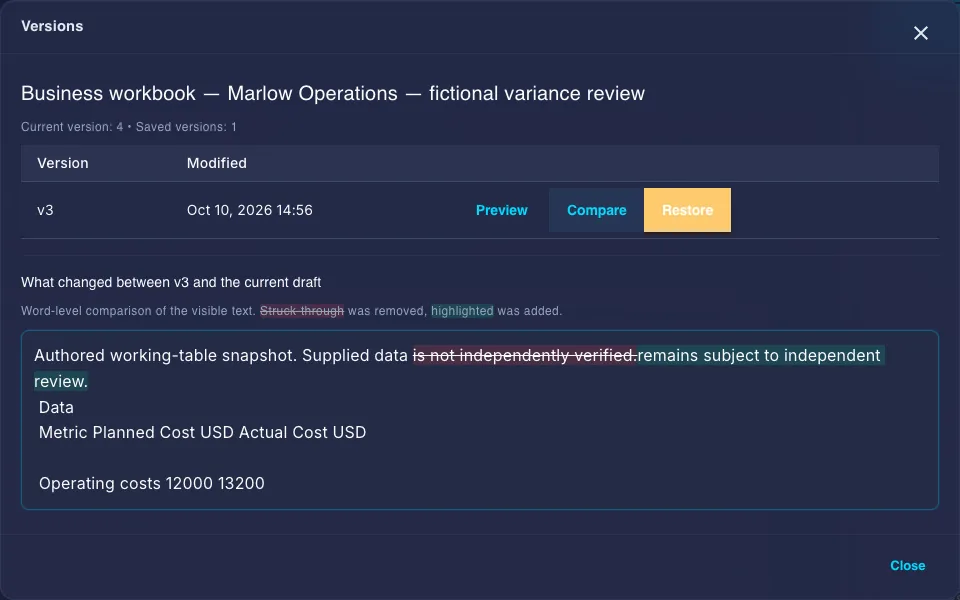
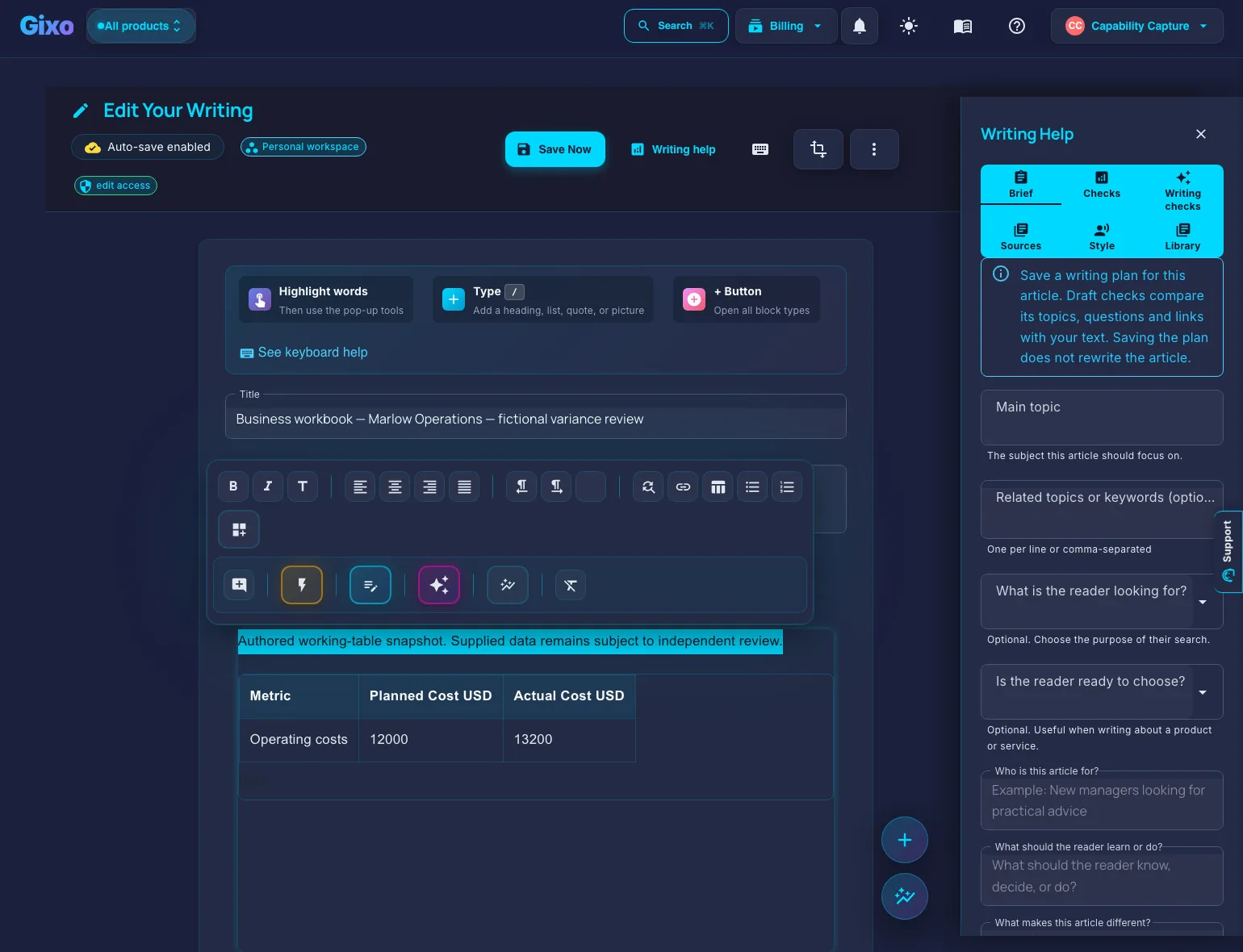
Use manual editing, selected-text Quick AI and Power Edit, and the shared proposal assistant currently labelled Ask Quill in the editor. Ask Gixo Business is the separate workflow planner. Preview, compare or restore saved body versions, then review the export. Comments and named sharing require Business Professional or higher and the current content role.

See editing, versions and export

Choose the product that owns the next step

Business packs coordinate briefs and recommendation memos with saved progress; eligible retries need a retained resume key. Optional proposals need Arc access. New standalone decision pages and frameworks belong to Prism, and decks belong to Lumen. Team and enterprise controls have their own plan and organization boundaries.

Review sources and product handoffs

Updated