Skip to content
Quill
Sign In Get started

AI Glossary & Definition-Page Generator for Topical Authority

Definition pages are the quiet workhorses of SEO. Each one answers a clear-intent query, and together they tell search engines — and AI answer engines — that you own your domain's vocabulary. Here is how to use a glossary to build topical authority, and how Gixo drafts structured definitions for source and subject-matter review.

Generate definitions See Gixo Quill

An AI glossary and definition-page generator is a tool that drafts structured definition pages for a domain's core terms at scale, using a dedicated content type that guides generation toward a definition, context and related terms for editorial review. Each page is generated as a draft — reviewed for accuracy before publishing — because a glossary's value depends on every definition being correct. Generated term-by-term or as a batch across a whole vocabulary, it lets a site cover dozens to hundreds of "what is X" queries with consistent structure and internal linking, which is what builds topical authority for search and AI answer engines.
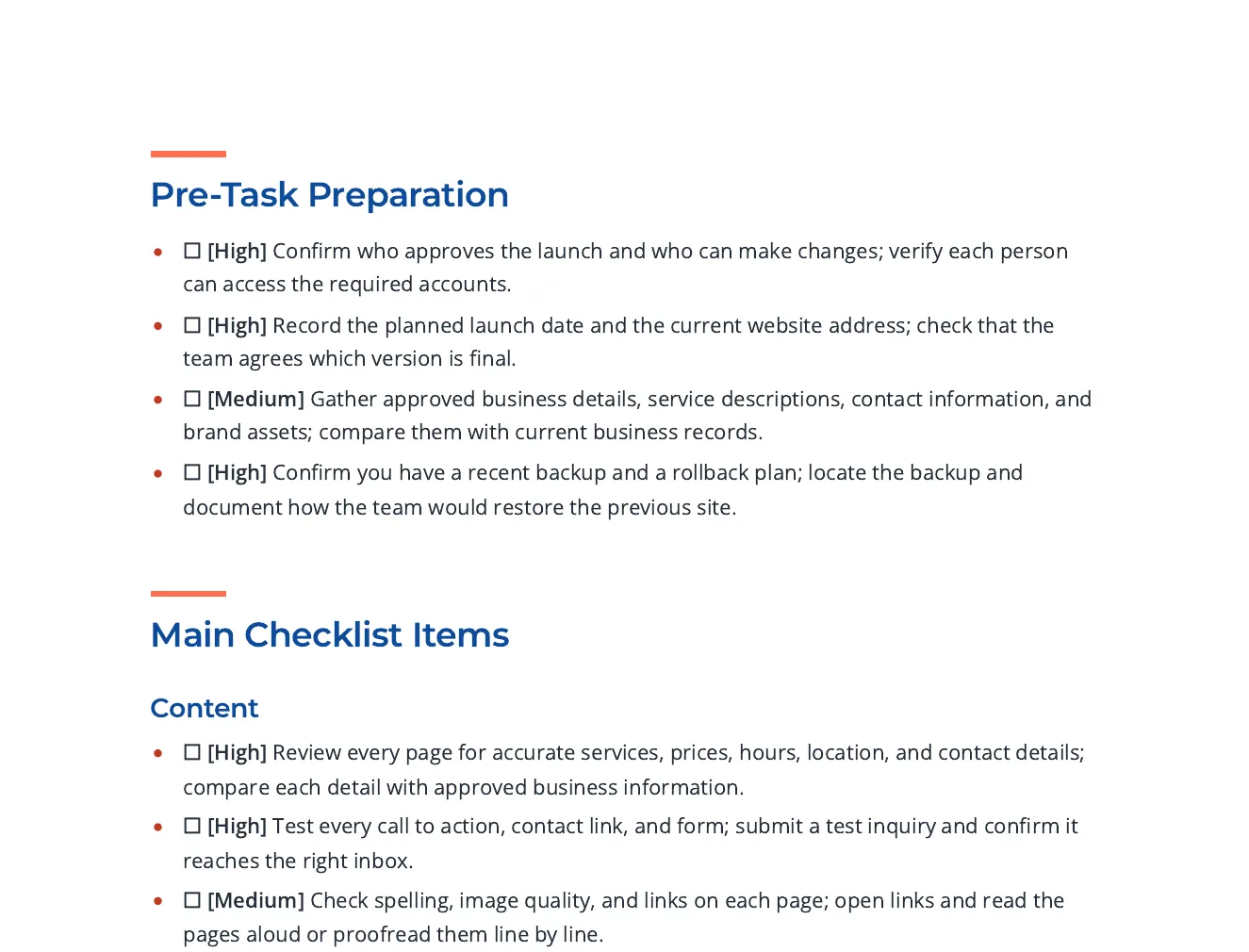
Quill · real output

Start with the brief. Inspect the finished article.

A page of the pre-launch checklist: pre-task preparation and main checklist items, each with a checkbox and a High or Medium priority tag.
Related worked example · Pre-Launch Checklist for a New Business Website. View full size ↗

This is an actual Quill export, with the input brief available alongside it. Use the workflow below to connect source material, structure, editing and delivery.

Pre-Launch Checklist for a New Business Website

Checklist items grouped by phase, each with a priority tag and a way to check it, with links to Google, W3C and FTC guidance for the search, accessibility and security items.

Inspect the source brief or data

Write an actionable checklist for a small business about to launch a new website. Group the items under content, search visibility, accessibility, performance, security and privacy, analytics, and what to verify on launch day. Each item should be a single action someone can tick off and should say how to check it. Cite published guidance for the search, accessibility and security items.

Read the sample review notes

Open the full export and compare its statements with the cited sources before reuse.

Bring useful inputs

Set the reader, purpose, required points, sources and section budgets. Review extracted material from an upload, paste or URL before using it as grounding.

Shape and refine

Review the outline, then the draft. Add structured blocks, edit selected passages and use Image Studio for permitted generation, photo selection and responsive insertion; retain attribution where required.

Choose the delivery path

Review citations, wording and metadata. Use the supported export or connected destination for the current account; Markdown handoff and a live publishing connection are different delivery paths.

Selected-text editing and structured blocks

Power Edit starts from an active selection. You can give iterative or voice-transcribed instructions, choose a reply language, stop a streamed response, inspect the result and explicitly replace the selected range. Full-document context is reference material. Structured blocks have typed fields, item-level regeneration and previews; their AI field assistance is separate from their layout.

Image Studio and image revision

Use builder or advanced prompts with the subject and document context. Shape style, mood, lighting, palette, composition, camera and supported image dimensions. Inspect generated alternatives or a selected real photo, retain required source attribution and edit alternative text before insertion. Finishes and prompt edits create a new result; compare it with the original instead of assuming an edit is lossless.

Import, export and delivery settings

Import options depend on the source type: pasted text, Markdown or HTML; document extraction; spreadsheet cells; image OCR; and supported media transcription. Review extracted material before drafting. Export settings include the supported format, theme, author, spacing, headers, footers and page appearance. Inspect the actual download because HTML, print PDF and editable Word represent structure differently.

A source-led draft needs human review. HTML, PDF and editable Word have different layout fidelity; connected publishing support is destination-specific.
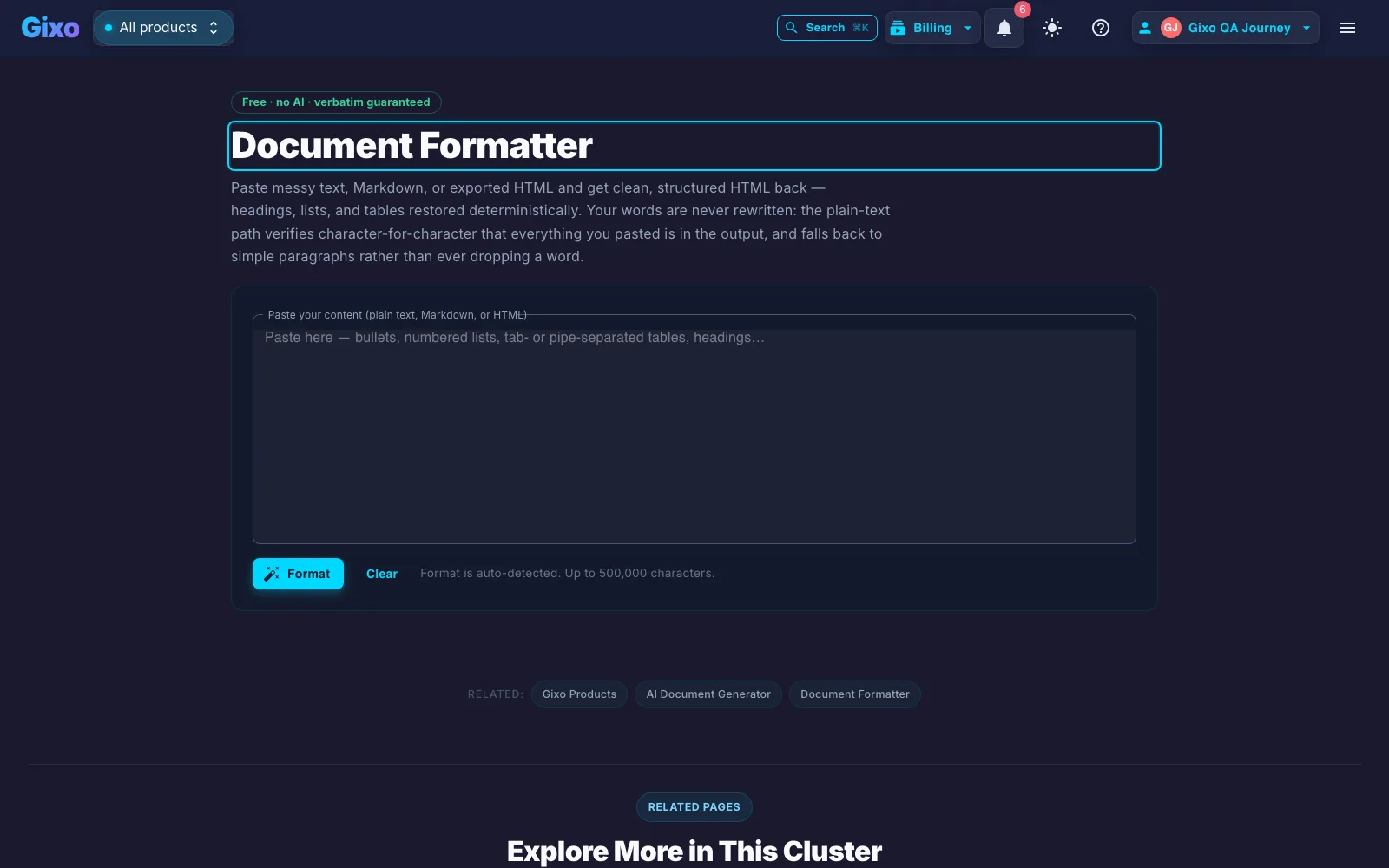
Additional product example
Gixo document formatter restoring headings and structure from pasted text
Glossary entries need consistent structure across dozens of terms — the same deterministic formatting rules apply here.

Why do glossaries build topical authority?

When you publish a clear, accurate definition for every important term in your field, you do two things at once: you capture a stream of high-intent "what is X" queries, and you signal topical depth — that your site understands the subject thoroughly, not superficially. That depth is exactly what modern search and generative engines look for when deciding whom to cite.

Glossaries also compound. Each definition page is an internal-linking anchor that supports your deeper articles, and the set as a whole becomes a reference that other content — and other sites — point back to. It is one of the fastest, most durable ways to establish authority in a niche.

What makes a definition page rank?

A direct, accurate answer
The definition leads — a clear, correct explanation in the first lines, the part an AI answer engine lifts verbatim. Accuracy is non-negotiable; a wrong definition erodes the authority you are building.
Context and depth
Beyond the one-liner: why the term matters, how it is used, related terms, and an example. Depth is what separates a useful definition page from a thin dictionary entry.
Consistent structure
Every term page follows the same shape — definition, context, related terms — so the glossary reads as a coherent reference and is easy for crawlers to parse.
Internal linking
Terms link to related terms and to the deeper articles that use them, distributing authority across the cluster and keeping readers in your content.
Coverage at scale
Authority comes from completeness — covering the whole vocabulary, not a handful of terms. That means generating dozens to hundreds of pages without the quality drifting.
Reviewed for accuracy
Because definitions are claims, each page is reviewed before publishing. A glossary's whole value is being trustworthy — so the review gate is the point, not an afterthought.

What does Gixo's AI glossary and definition generator include?

Element What it does
Direct, accurate answer A clear, correct definition in the first lines — the part an AI answer engine lifts verbatim
Context and depth Why the term matters, how it's used, related terms, and an example
Consistent structure Every term page follows the same shape: definition, context, related terms
Internal linking Terms link to related terms and to deeper articles that use them
Coverage at scale Generate term-by-term or as a batch to cover dozens to hundreds of terms
Review gate Every page lands as a draft to review for accuracy before it publishes

How does content generation work in Gixo's AI glossary and definition generator?

Gixo has a dedicated Glossary content type — a structured template for terms and definitions — which guides the draft toward a definition, context and related terms; inspect the resulting structure. Generate term by term, or run a list of terms as a batch to cover a whole vocabulary, with eligible Brand Voice guidance supplied during generation and every page landing as a draft to review before it publishes.

1
List your terms
The core vocabulary of your domain — one page each.
2
Generate definitions
The Glossary type returns structured, consistent definition pages.
3
Review for accuracy
Check each definition — accuracy is what builds authority.
4
Publish + interlink
Ship the cluster and link terms to your deeper content.

Frequently Asked Questions

How many terms should a glossary have to be effective?
Enough to cover your domain's core vocabulary — often dozens to a few hundred terms. Completeness and quality matter more than a round number: cover the terms your audience actually searches, each with a clear, accurate definition.
Is using AI to generate glossary pages considered spam by Google?
AI use alone is not a spam violation. Review definitions, add useful subject knowledge and avoid low-value scaled pages. Accuracy, usefulness and originality do not guarantee rankings or AI citations.
How long does it take to see SEO results from a glossary strategy?
Usually a few months as pages are crawled, indexed, and start ranking for definitional and long-tail queries. Glossaries compound: each term page strengthens your topical authority and supports the rest of your content.
Can I use this strategy for a brand-new website?
Yes — a glossary is one of the fastest ways a new site establishes topical authority, because definitional queries have clear intent and are less contested. Start with your core terms and expand from there.
What is the difference between a glossary, a dictionary, and a knowledge base?
A glossary defines the key terms of a specific domain; a dictionary defines words broadly; a knowledge base is a larger, structured collection of how-to and reference content. A glossary is the focused, authority-building subset.
How much does it cost to build or use an AI glossary generator?
With Gixo, glossary and definition pages use the same content generation as any other type — see the pricing page for plans. The bigger cost to weigh is review time, since accuracy is what makes a glossary authoritative.
What is an AI glossary and definition generator?
It's a tool that drafts structured definition pages for your domain's key terms at scale, using a dedicated Glossary content type that guides a definition, context and related terms for each draft. You generate term-by-term or as a batch, and every page lands as a draft to review for accuracy before it publishes.
What is included on each generated definition page?
The format guidance requests: a direct, accurate definition up front, added context on why the term matters and how it's used, and links to related terms — the consistent shape described in Gixo's glossary content type, generated with eligible Brand Voice guidance supplied during generation.
What tools scale glossary definition pages for generative SEO answer engine optimization?
Gixo scales glossary definition pages through a dedicated Glossary content type that guides a definition, context and related terms for each draft. Terms can be generated one at a time or as a batch across a whole vocabulary — covering dozens to hundreds of "what is X" queries — with every page landing as a draft to review for accuracy before it publishes.

Own your domain's vocabulary

Draft a structured glossary, then review each definition against current sources and subject expertise.

Generate definition pages

Inside Quill

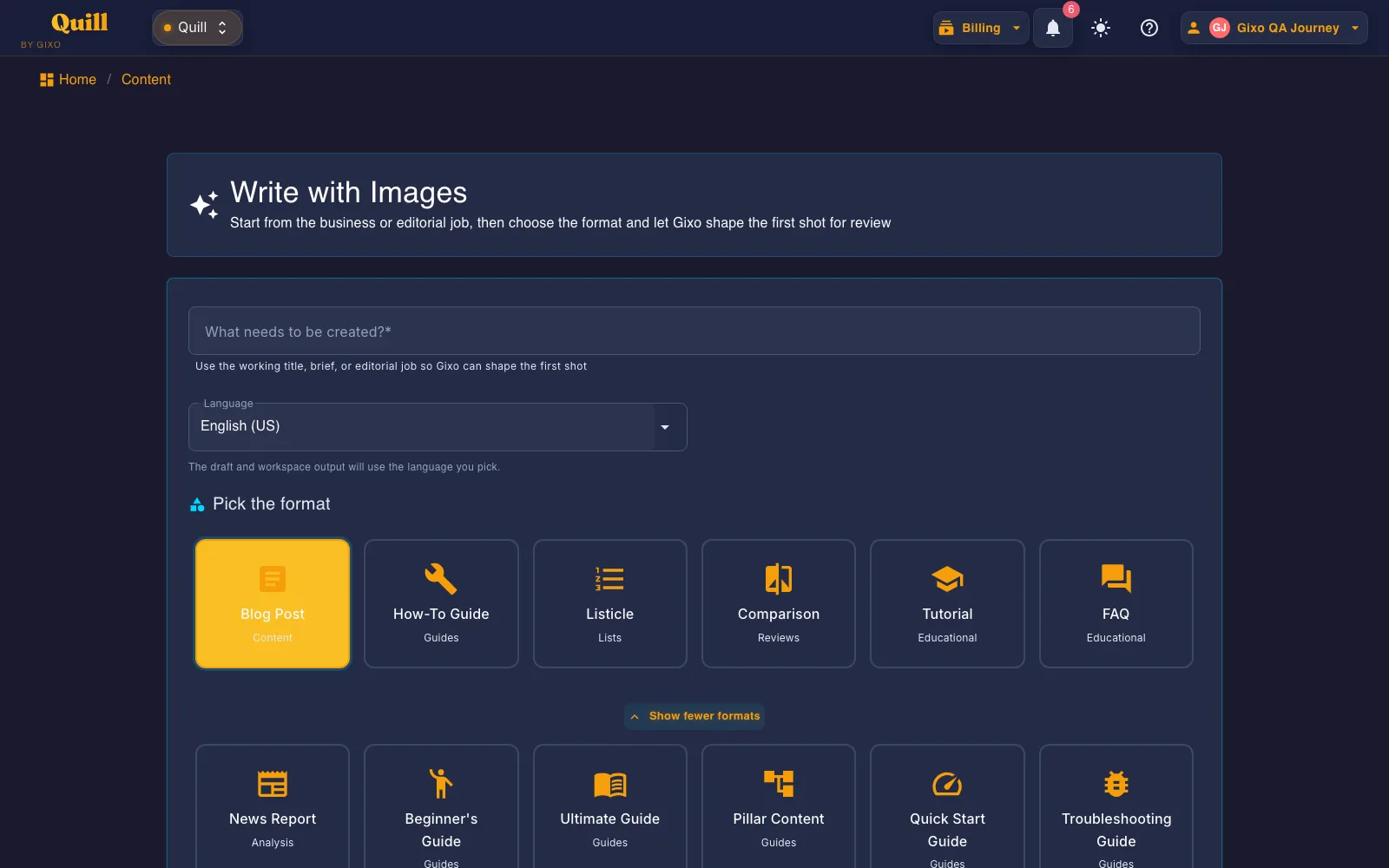
Choose a content structure before generation

Gixo Quill format picker showing direct-create formats including blog post, how-to guide, listicle, comparison, tutorial, and FAQ
Quill's format picker starts from an editorial job and applies a format-specific structure instead of treating every request as the same blank prompt.

Updated