
Bring useful inputs
Set the reader, purpose, required points, sources and section budgets. Review extracted material from an upload, paste or URL before using it as grounding.
Quill use cases
Quill supports distinct paths for drafting from sources, turning a topic into a structured article, repurposing existing work, and reviewing a draft before publication. Choose the job that matches what you already have and what the reader needs next.
Each link opens an existing Quill workflow or detailed public guide.
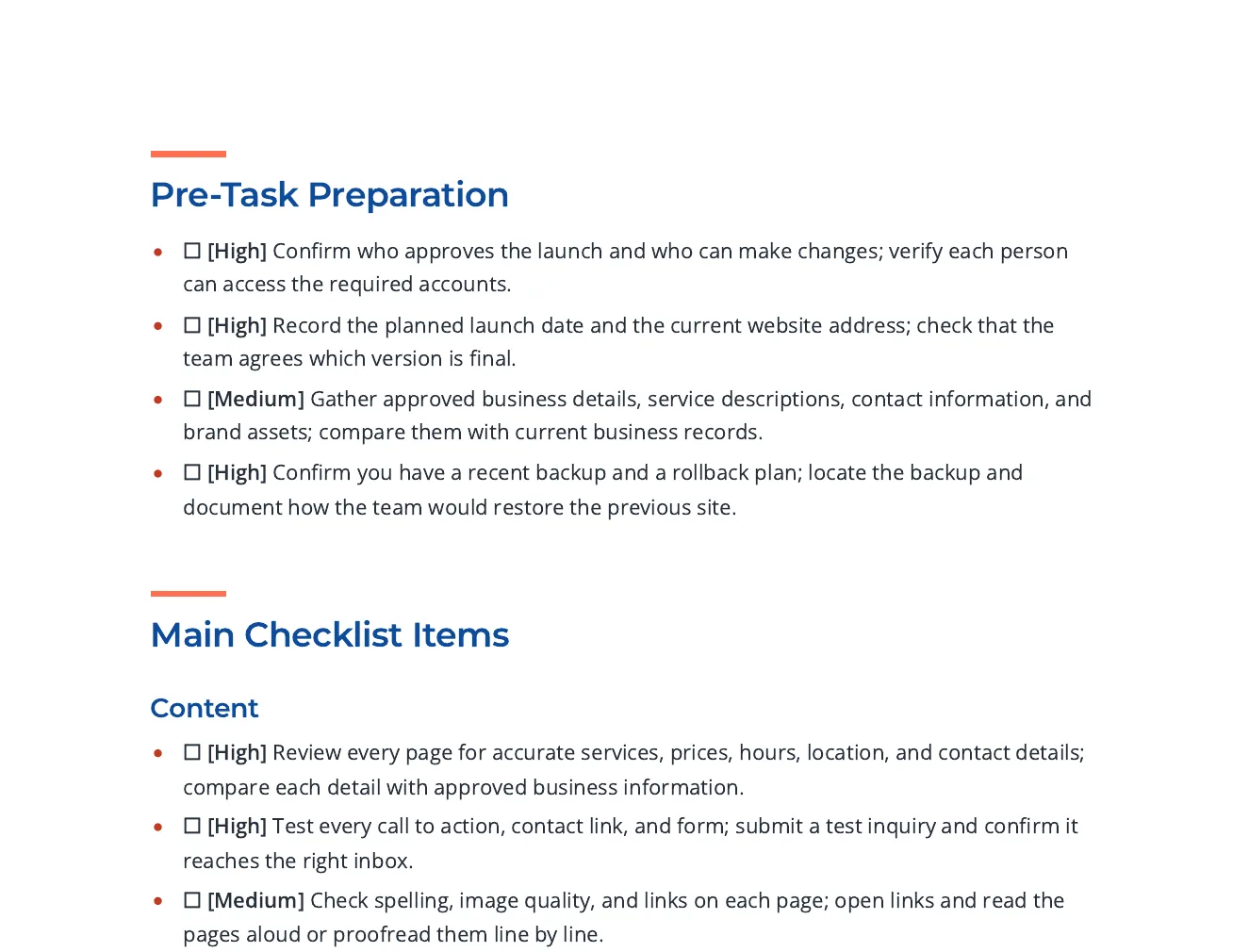
This is an actual Quill export, with the input brief available alongside it. Use the workflow below to connect source material, structure, editing and delivery.
Checklist items grouped by phase, each with a priority tag and a way to check it, with links to Google, W3C, web.dev and FTC guidance for search, accessibility, performance and security.
Write an actionable checklist for a small business about to launch a new website. Group the items under content, search visibility, accessibility, performance, security and privacy, analytics, and what to verify on launch day. Each item should be a single action someone can tick off and should say how to check it. Cite published guidance for the search, accessibility and security items.
Open the full export and compare its statements with the cited sources before reuse.
Set the reader, purpose, required points, sources and section budgets. Review extracted material from an upload, paste or URL before using it as grounding.
Review the outline, then the draft. Add structured blocks, edit selected passages and use Image Studio for permitted generation, photo selection and responsive insertion; retain attribution where required.
Review citations, wording and metadata. Use the supported export or connected destination for the current account; Markdown handoff and a live publishing connection are different delivery paths.
Power Edit starts from an active selection. You can give iterative or voice-transcribed instructions, choose a reply language, stop a streamed response, inspect the result and explicitly replace the selected range. Full-document context is reference material. Structured blocks have typed fields, item-level regeneration and previews; their AI field assistance is separate from their layout.
Use builder or advanced prompts with the subject and document context. Shape style, mood, lighting, palette, composition, camera and supported image dimensions. Inspect generated alternatives or a selected real photo, retain required source attribution and edit alternative text before insertion. Finishes and prompt edits create a new result; compare it with the original instead of assuming an edit is lossless.
Import options depend on the source type: pasted text, Markdown or HTML; document extraction; spreadsheet cells; image OCR; and supported media transcription. Review extracted material before drafting. Export settings include the supported format, theme, author, spacing, headers, footers and page appearance. Inspect the actual download because HTML, print PDF and editable Word represent structure differently.
A source-led draft needs human review. HTML, PDF and editable Word have different layout fidelity; connected publishing support is destination-specific.
Inside Quill
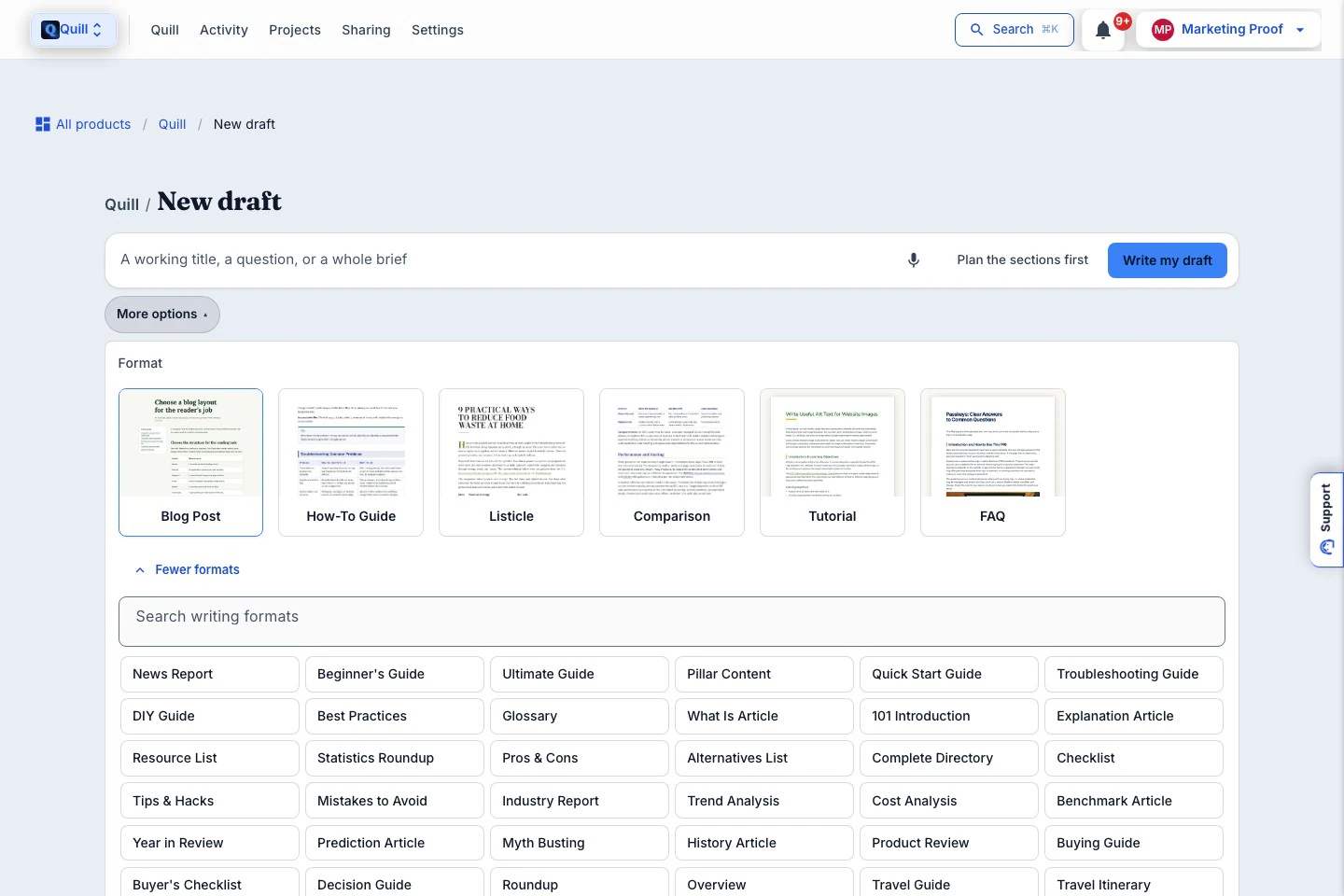
Choose by starting point
Use source-led workflows when evidence matters, topic-led workflows when the structure is still open, and review workflows when a draft already exists.
Move from supplied material into a structured draft while keeping the source-led workflow explicit.
Organize research into an article structure that can be reviewed and refined before delivery.
Start with a defined topic when you need help shaping the outline, sections, and first draft.
Use a keyword-led path when search intent and a scannable article structure are the starting constraints.
Adapt a core idea for additional formats instead of restarting the subject from an empty prompt.
Plan for editorial judgment and revision when generated content must be checked before publication.
A practical routing rule
Use the source-to-article or research-to-article path when the draft needs to stay anchored to documents, references, or research already in hand.
Use the anonymous health check to inspect structure, readability, and basic content signals without creating an account.
Self-service from first draft to delivery
Start a 14-day, no-card trial to use Quill's generation and review workflow. Prefer to inspect first? The Content Health Check stays free and anonymous.
Updated