
Brand voice and style guide
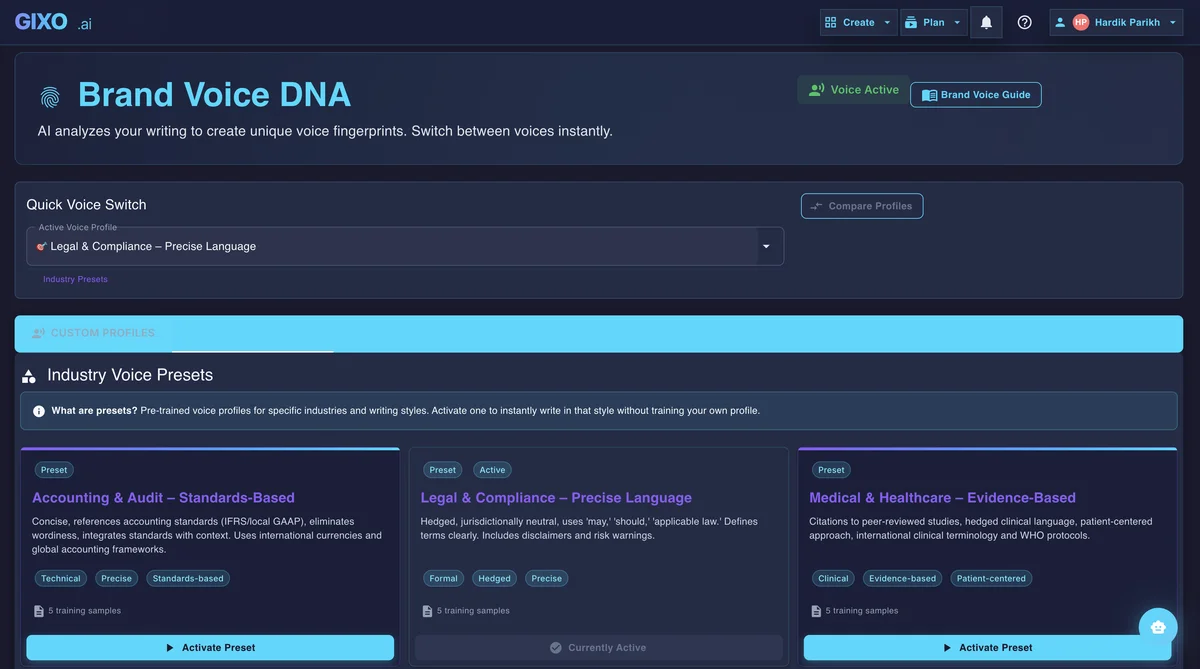
Set how your writing should sound. Create voice profiles from sample content, choose tone preferences, and apply them automatically to new content.
What your plan includes.Brand Voice is on Starter plans and above — from $59 per seat a month — and in the 14-day trial, which works like Starter. The Lite plan does not include it.
How It Works
From sample text to a reusable brand voice in four steps.
Go to Settings and open the Brand Voice section. This is where all voice profiles are created and managed.
Create a new voice profile by providing sample text that represents your brand or by specifying tone, vocabulary, and style preferences manually.
The AI reads your samples and looks for voice patterns like sentence style, word choice, formality, and tone.
Pick your voice profile when creating content. The AI uses it as tone and style guidance. Review the draft for the intended audience before publication.
Key Features That Keep AI Content Writing on Brand
Define reusable voice guidance, then review how the draft applies it.
Create multiple brand voices for different contexts — one for formal reports, another for casual blog posts, a third for social media. Switch between them with a single click.
The AI extracts tone, vocabulary choices, sentence rhythm, and stylistic patterns from your sample content. It builds a voice fingerprint that captures what makes your writing distinct.
Define approved terms, forbidden words, preferred spellings, and brand-specific language. The AI references this dictionary during generation to keep terminology consistent.
Select a voice profile before generating to include its directions in the writing request. Review tone, terminology, and factual meaning afterward; a profile guides the model and does not guarantee a match.
Edit, duplicate, or archive voice profiles as your brand evolves. Duplicating a profile gives you a starting point for variations without losing the original configuration.
Select the voice profile for a supported Quill writing workflow, then check how it reads in the chosen format. Other Gixo products have their own writing and review controls; a shared voice direction does not guarantee identical output across products.
Brand voice generator example: sample, profile, and draft
This prepared example shows the handoff to review; it is not a recorded model result.
“Choose the plan you need. Check the limits before you start.” Use writing you own and want the profile to resemble.
For this sample, the intended directions are short sentences, direct verbs, and a practical tone. Review the generated profile and adjust it before reuse.
A paragraph in that style might say, “Write a draft. Review its sources. Choose where to publish.” Check that it sounds like the brand and preserves the source facts; style alone cannot establish accuracy.
If editing the voice changes a factual statement, save the article and rerun its source review. Reviewed facts keep their source quote, applicability, reviewer, and next review date separately from tone settings. Read the evidence and citations guide before approving the saved revision.
Frequently Asked Questions
Inside Quill
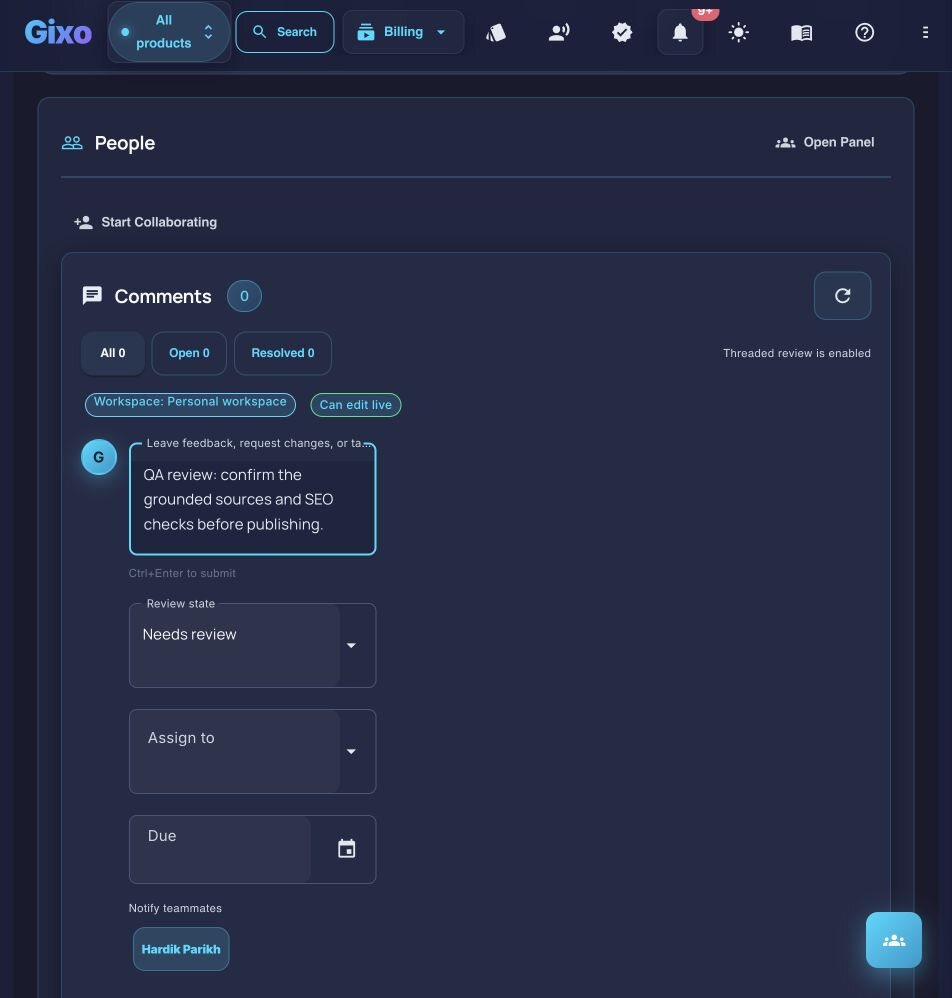
Prepare review ownership and feedback in context
Updated