
Bulk generation guide
Create articles, blog posts or guides in a batch. Validate each input row and review every finished draft for factual support, formatting and style.
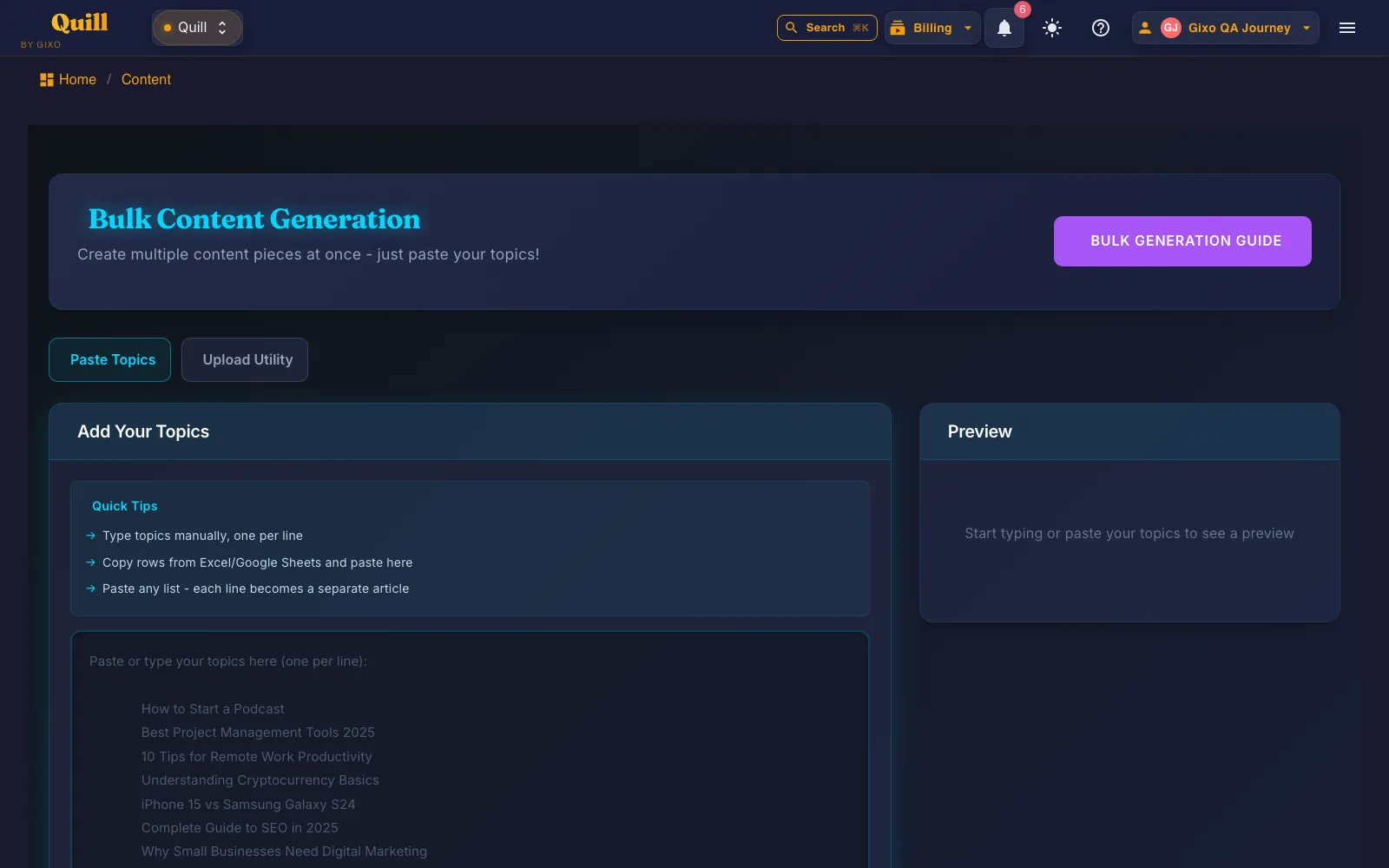
Bulk Writing, as it looks today
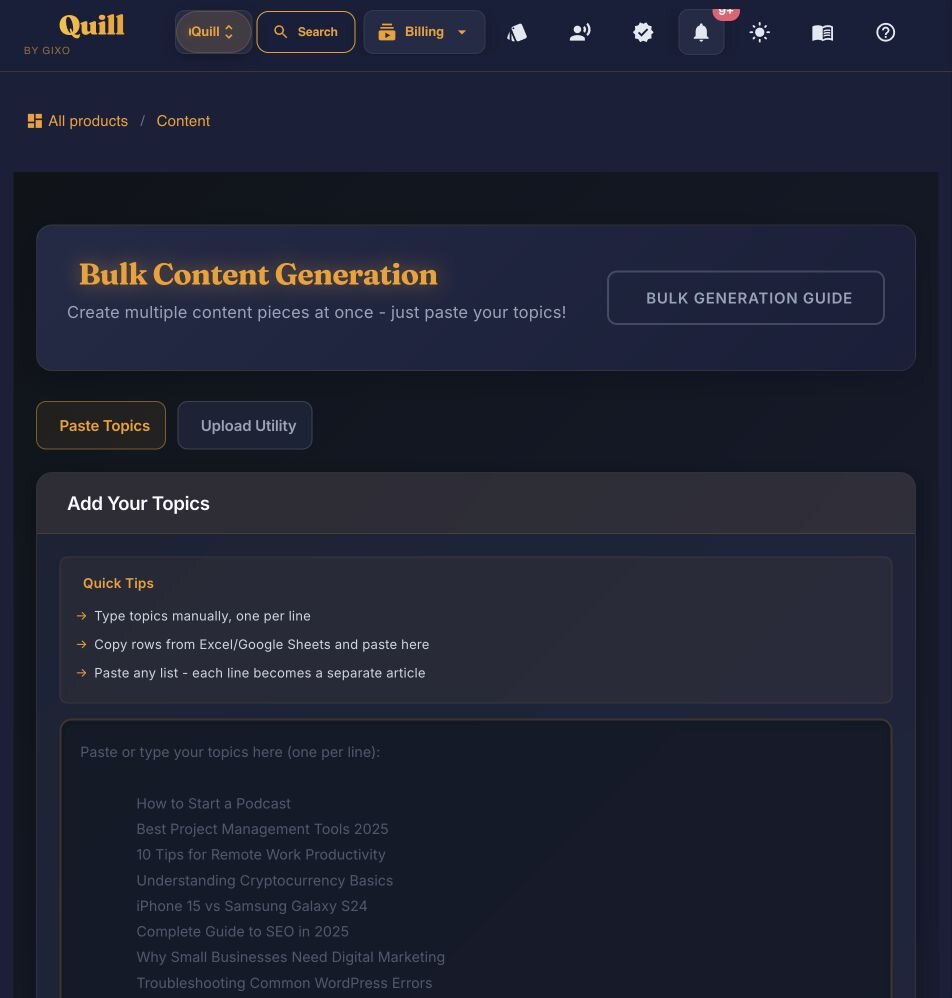
Paste topics one per line — from a spreadsheet, a list, or typed by hand — and preview builds as you type.
How It Works: Content Scaling in Four Steps
From a list of briefs or topics to a library of review-ready drafts in four steps.
Go to Bulk Writing from the dashboard. This is where you create many content pieces in one run.
Upload the XLSX utility or a CSV with the same columns, or enter them manually. Each row becomes a separate content item in the batch, ready for the same review workflow.
Review the content type, language, target length, keywords, reference content and sourcing settings on each workbook row. Correct validation errors before starting. The text-only or illustrated generation mode applies across the run.
Launch the batch and watch progress as each item is created. Finished items appear in your content library right away, ready for review and editing.
Key Features for Scaling Content Production
Use the same batch workflow while checking the quality and consistency of each finished item.
Generate multiple content pieces in a single operation. A batch holds up to 25 items and uses plan capacity — the system queues them and works through each one sequentially using each item’s validated request.
Upload a CSV or the XLSX utility, or type items in manually. Both carry the same columns — title, content type, language, keywords, target length, notes, reference content and the sourcing and evidence settings — so you can prepare a batch in any spreadsheet.
The workbook carries content type, language, target length and evidence settings per row. Use different formats and lengths in one batch. Brand voice and tone are not workbook columns; do not add unsupported headers expecting them to configure individual rows.
A real-time dashboard shows the status of every item in the queue — pending, generating, completed, or failed. Track progress without refreshing and catch issues as they happen.
Each row is generated through Quill’s content workflow for its selected format. A blog post and a quick-start guide have different structures. Review factual claims, citations, formatting and intended audience on every finished item.
Put audience, style and terminology instructions in ExtraNotes for the relevant row. Inspect the result before publishing; an instruction is not a guarantee that every phrase will follow it.
Inspect a two-item workbook
This downloadable CSV uses the same ten input columns as the XLSX utility. It is a preparation example, not generated output. Keep the header row even when a field is blank.
Download the two-row CSV · Inspect the validated queue requests
| Row | Input | Resulting queue item | Review before publication |
|---|---|---|---|
| 2 | BlogPost · English · 1,200 words · supplied onboarding notes | A blog-post request explaining a first-week onboarding checklist. | Check that responsibilities and dates match the reference; remove unsupported performance claims. |
| 3 | QuickStartGuide · English · 500 words · supplied release notes | A quick-start guide request explaining the feature for existing users. | Check the release date, feature availability and destination of each CTA. |
What changes between rows: ContentType, TargetLength, Keywords, ExtraNotes and ReferenceContent. SourcingMode, EvidenceTrustMode and TrustedSourceDomains are left blank so the parser uses its defaults; they remain explicit columns. Title and ContentType must be filled. A missing Language defaults to English. ExtraNotes asks for a tone but is not a dedicated Tone setting.
After upload: Review validation messages and the item preview. Starting generation spends plan capacity and is available on Business and above. This file does not prove output quality; start with these two items and inspect their finished drafts before expanding the batch.
Frequently Asked Questions
Inside Quill
Turn a topic list into a previewable batch
Updated