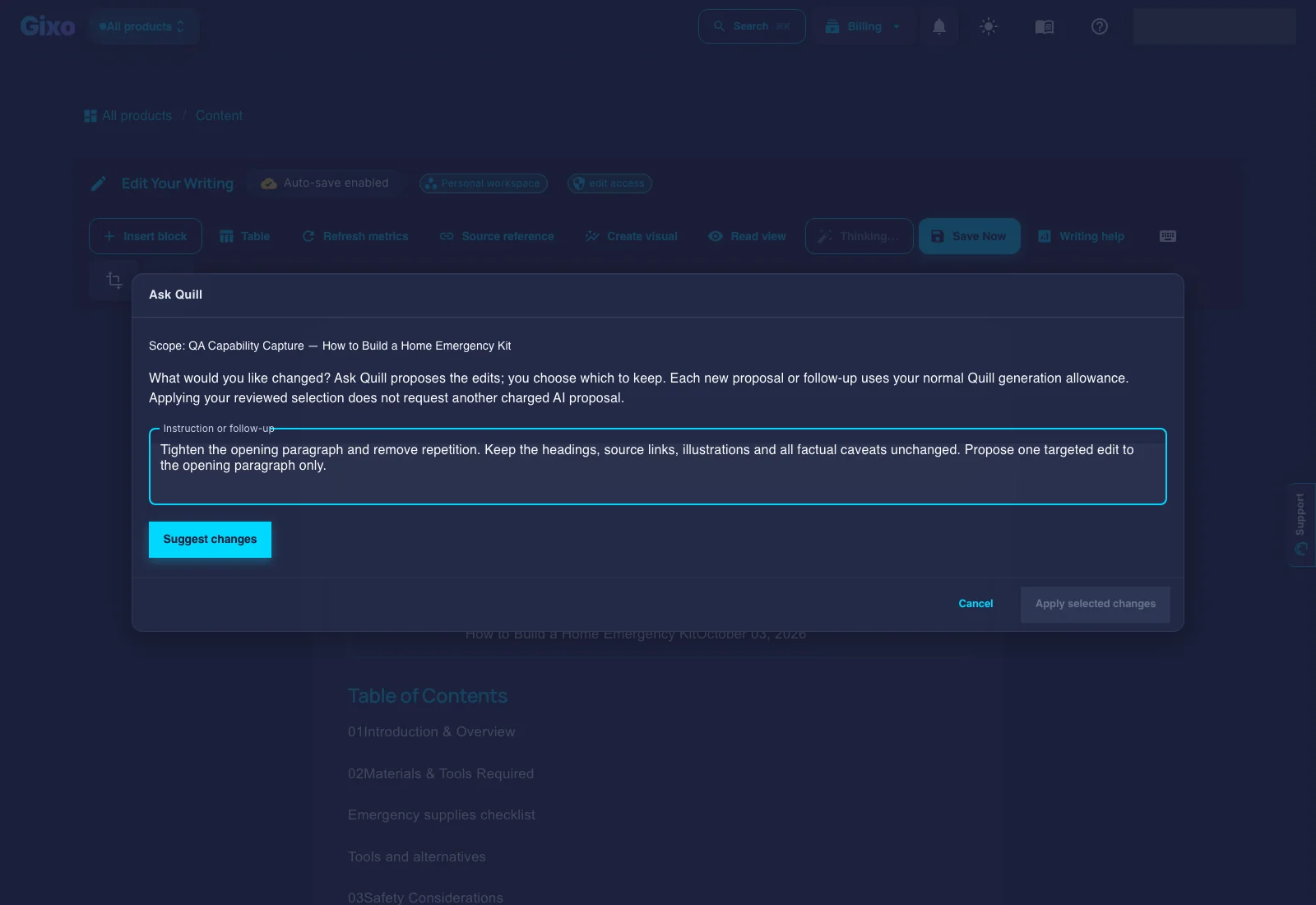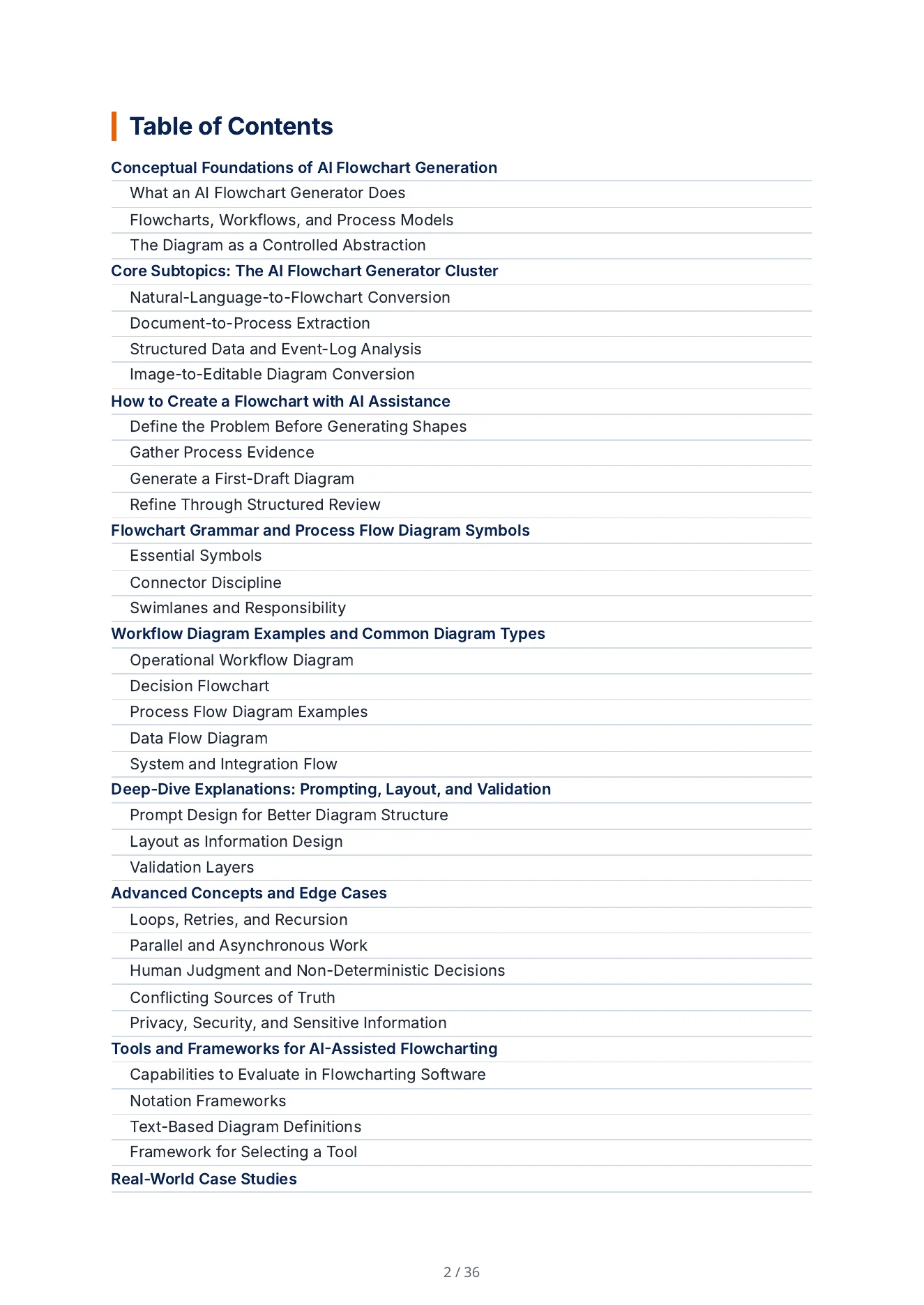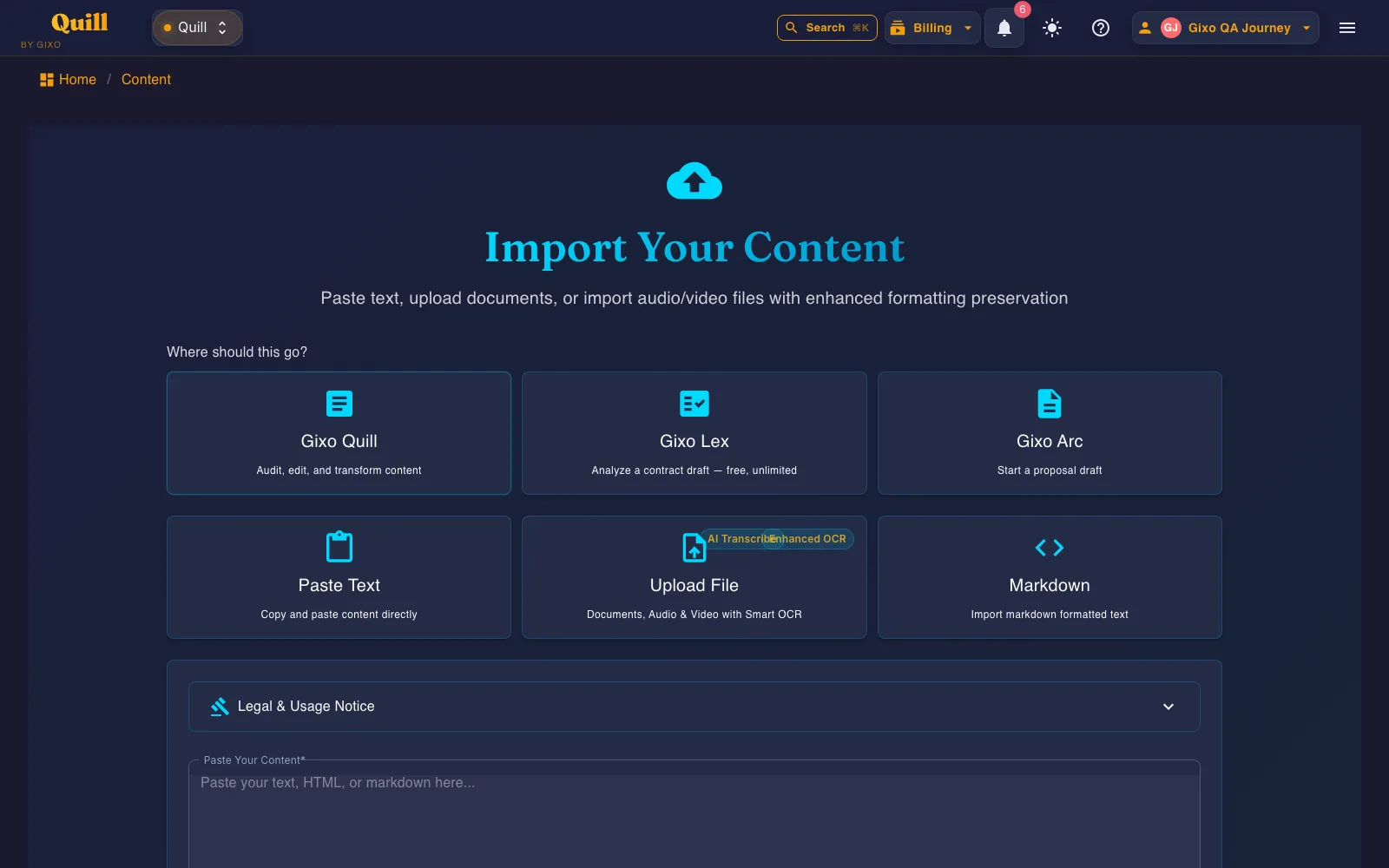
Can a reviewer trace important claims?
Look for visible source scope, evidence, references, and a clear distinction between drafting assistance and source authority.
Real Quill output
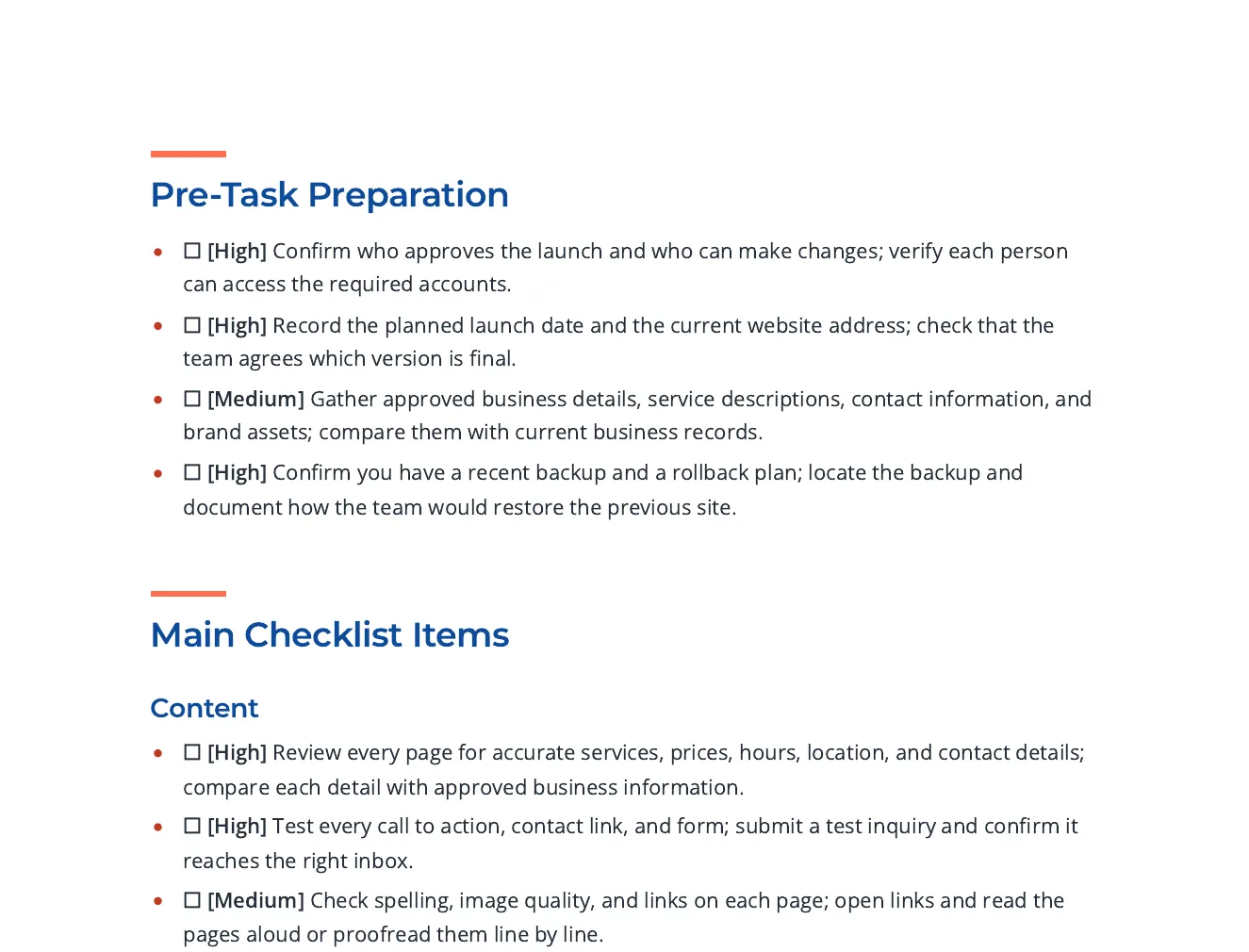
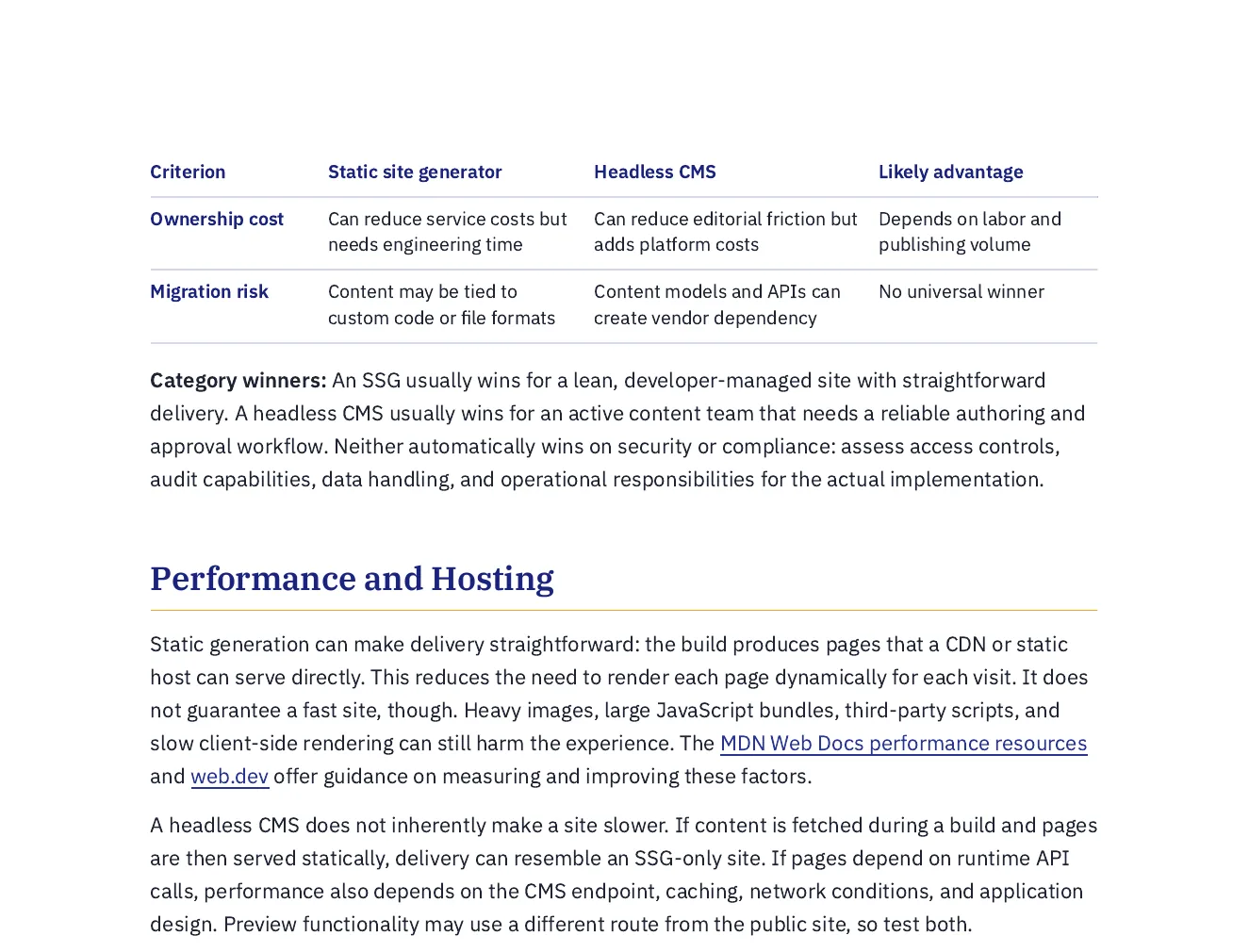
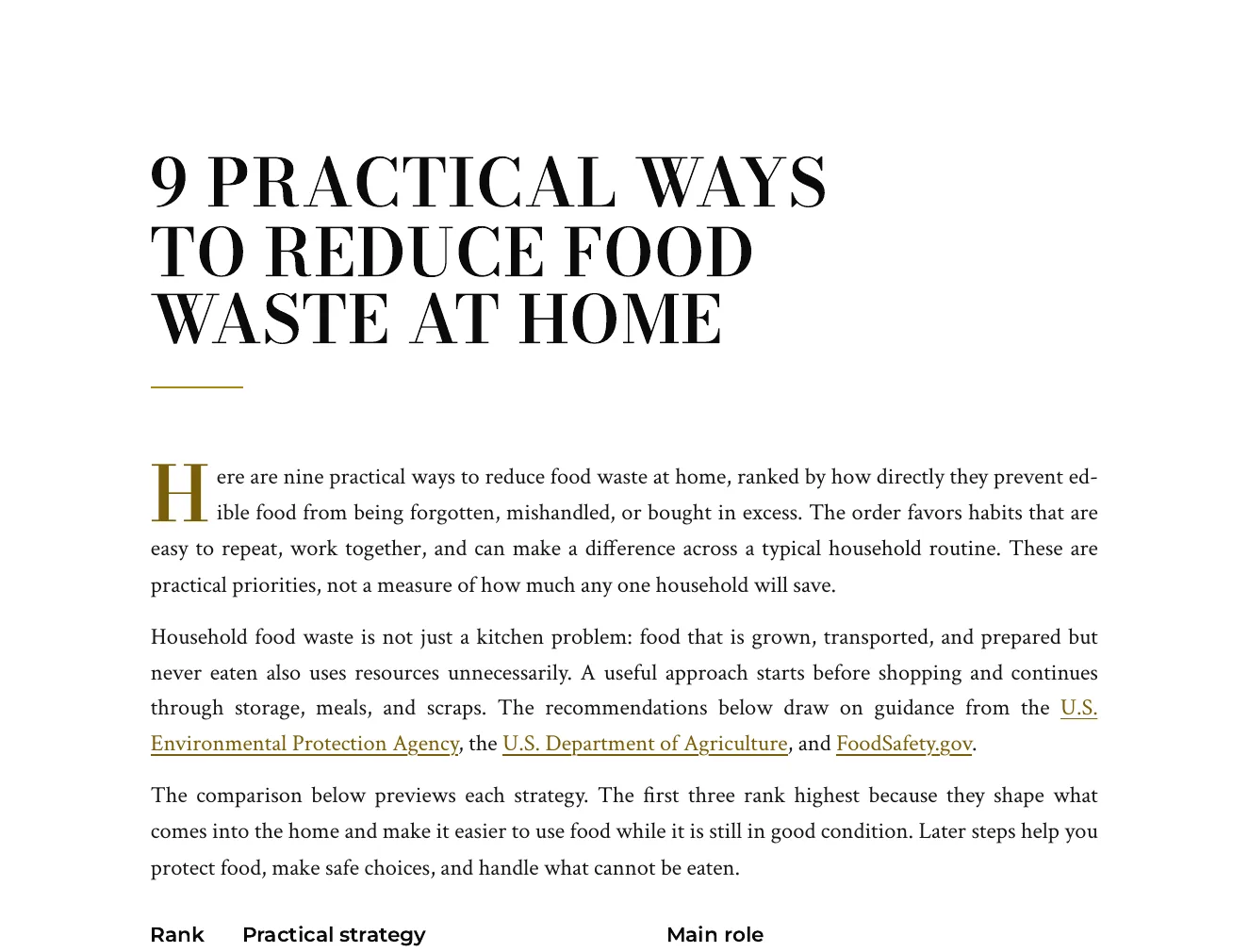
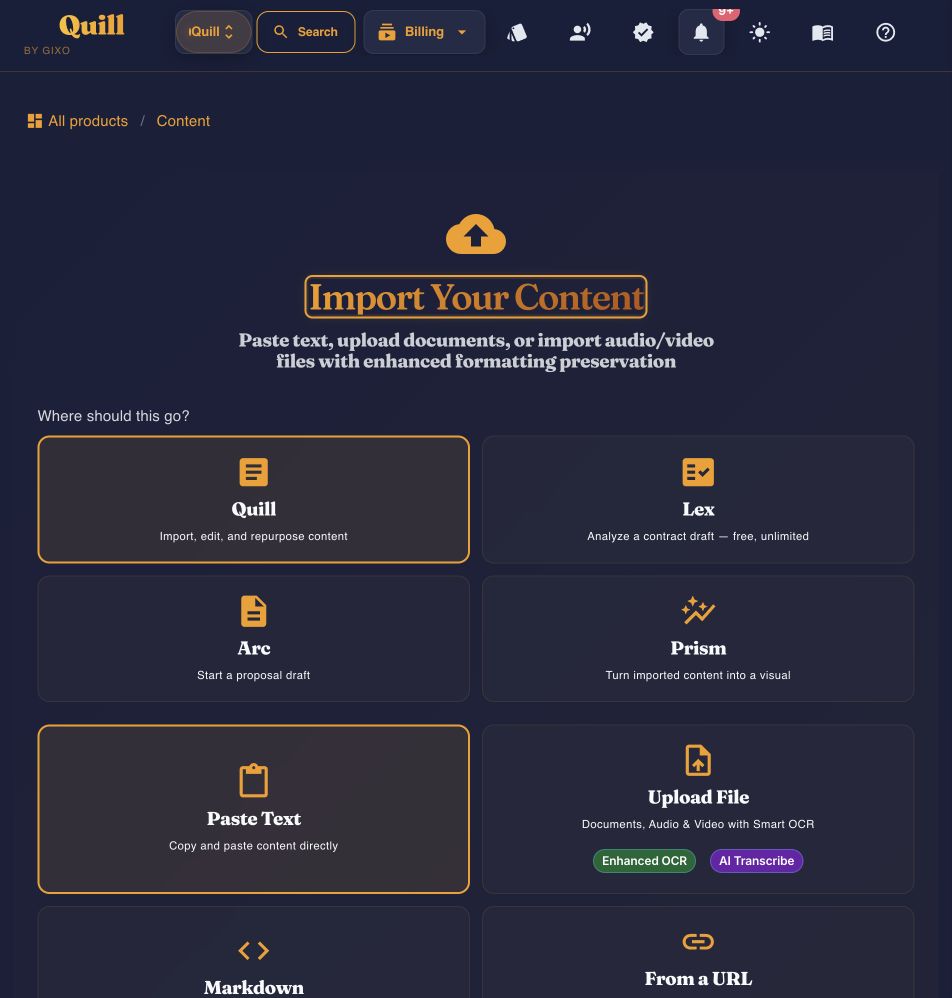
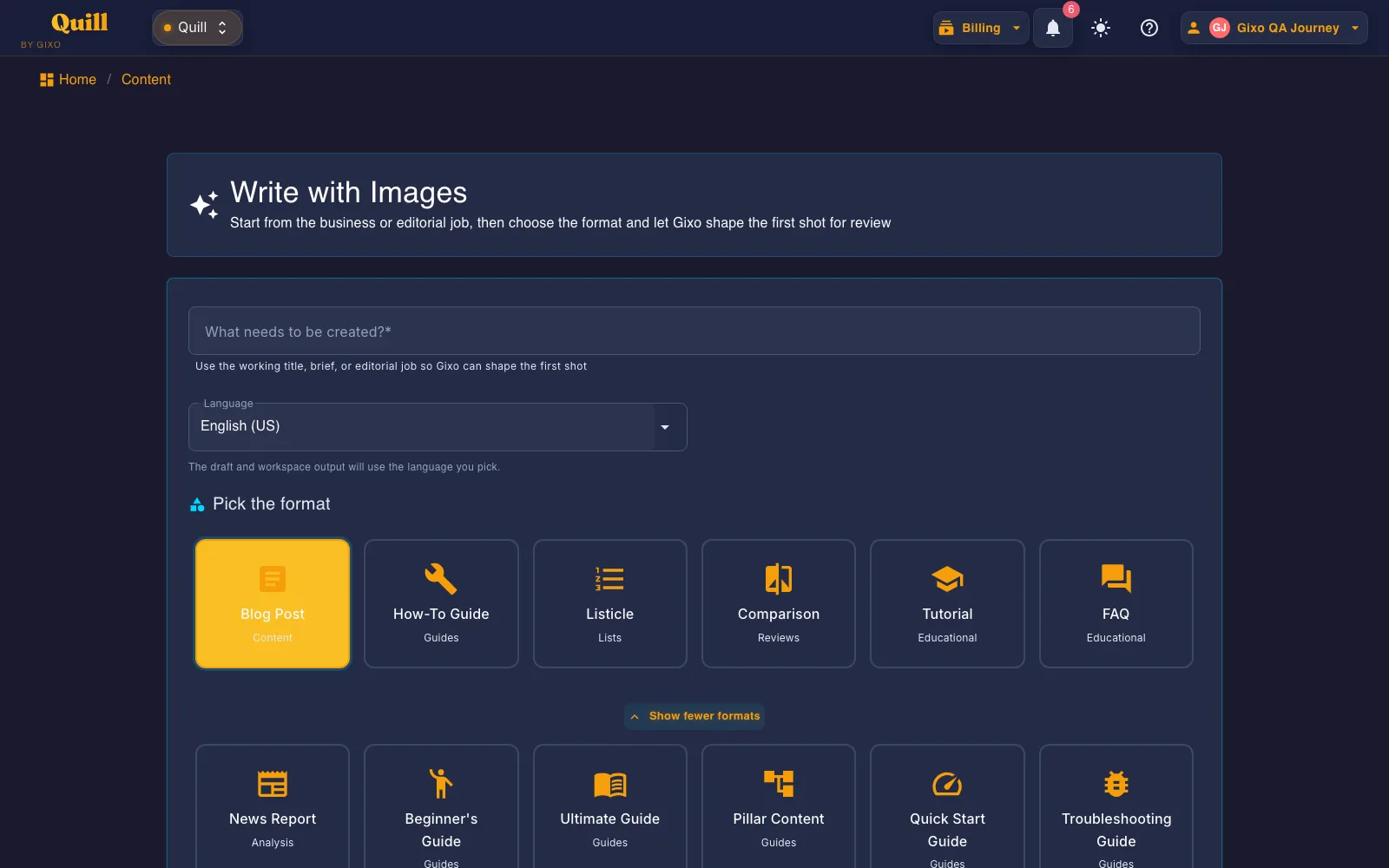
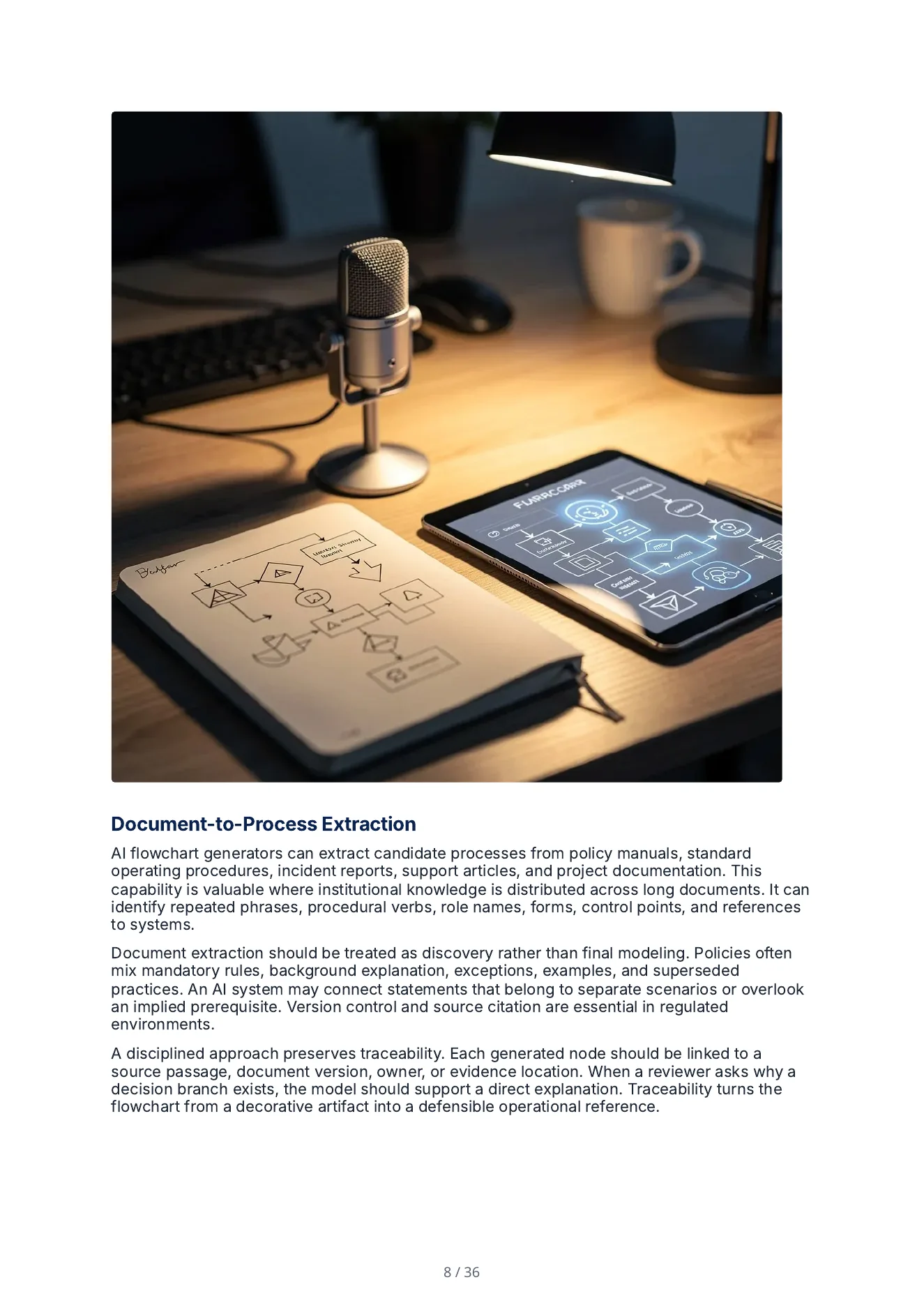
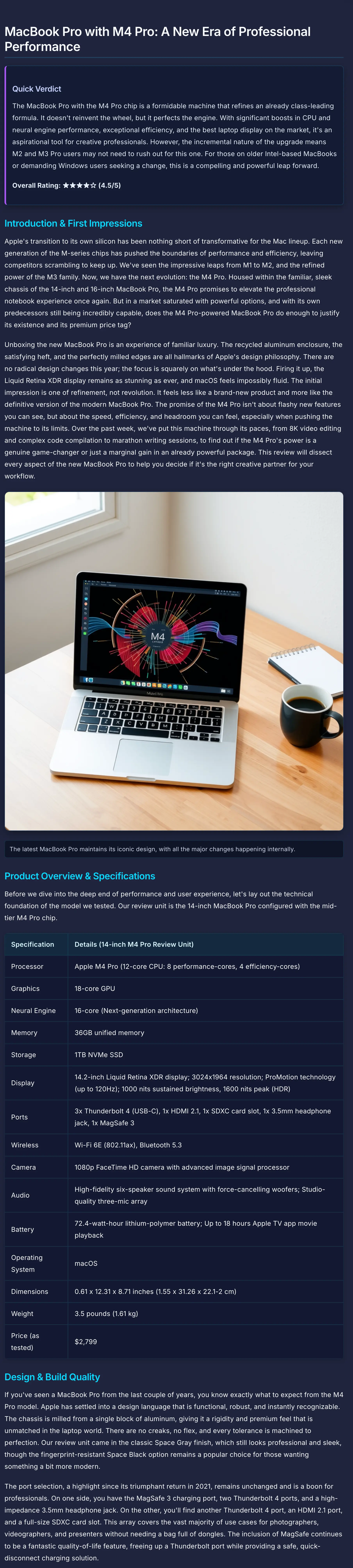
Open a finished long-form PDF and the product screens behind the workflow. These are existing Quill assets—no invented customer names, ratings, or outcomes.
The PDF opens in a new tab. Product screens below open at their original image size.
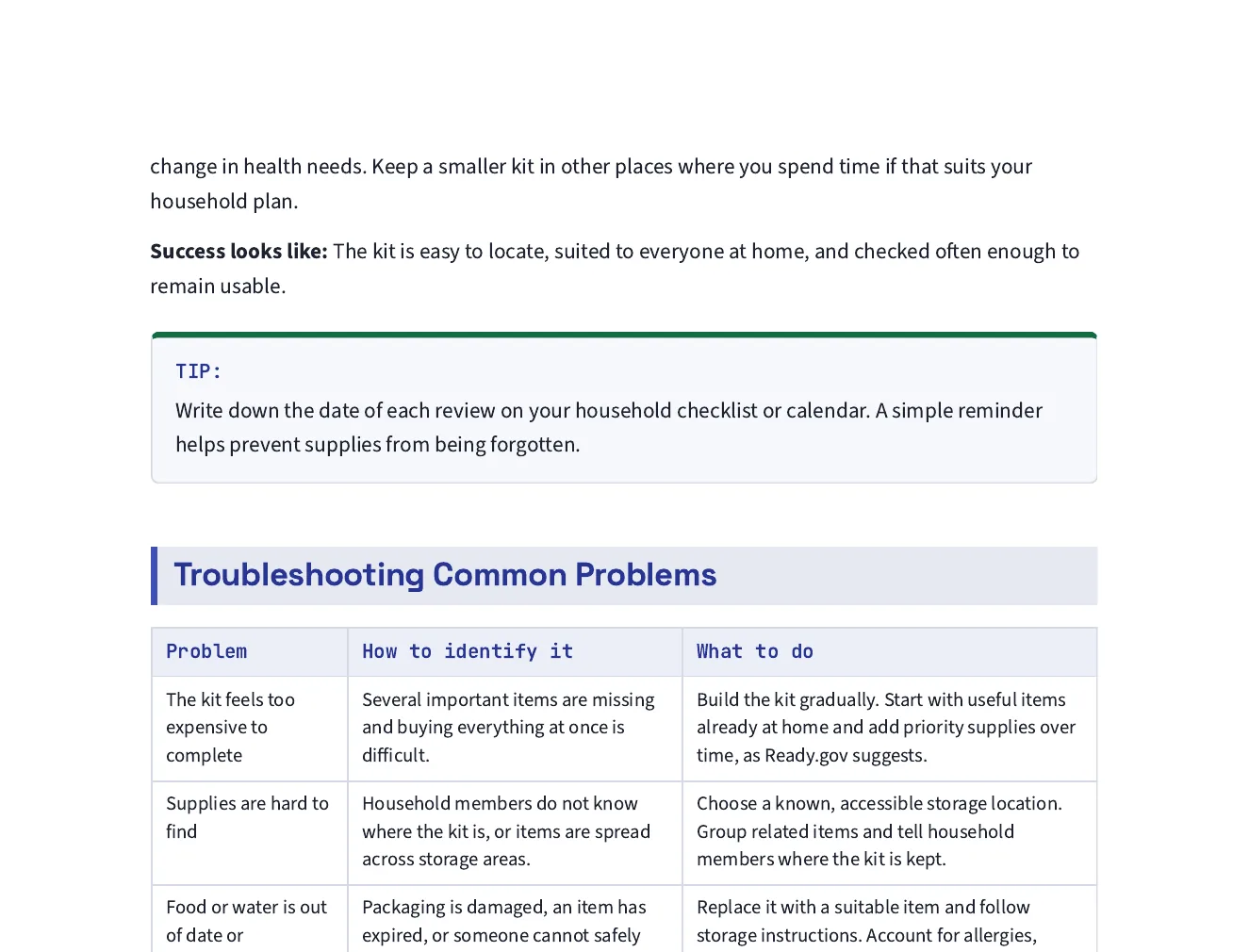
A real, downloadable long-form Quill specimen. Use it to assess information hierarchy, layout, scanability, and whether the finished artifact matches the standard your team needs.
Guided product tour
Open each step to inspect the controls Quill keeps around the draft. This tour uses current product screens; it does not simulate generation or invent a customer outcome.
Product evidence
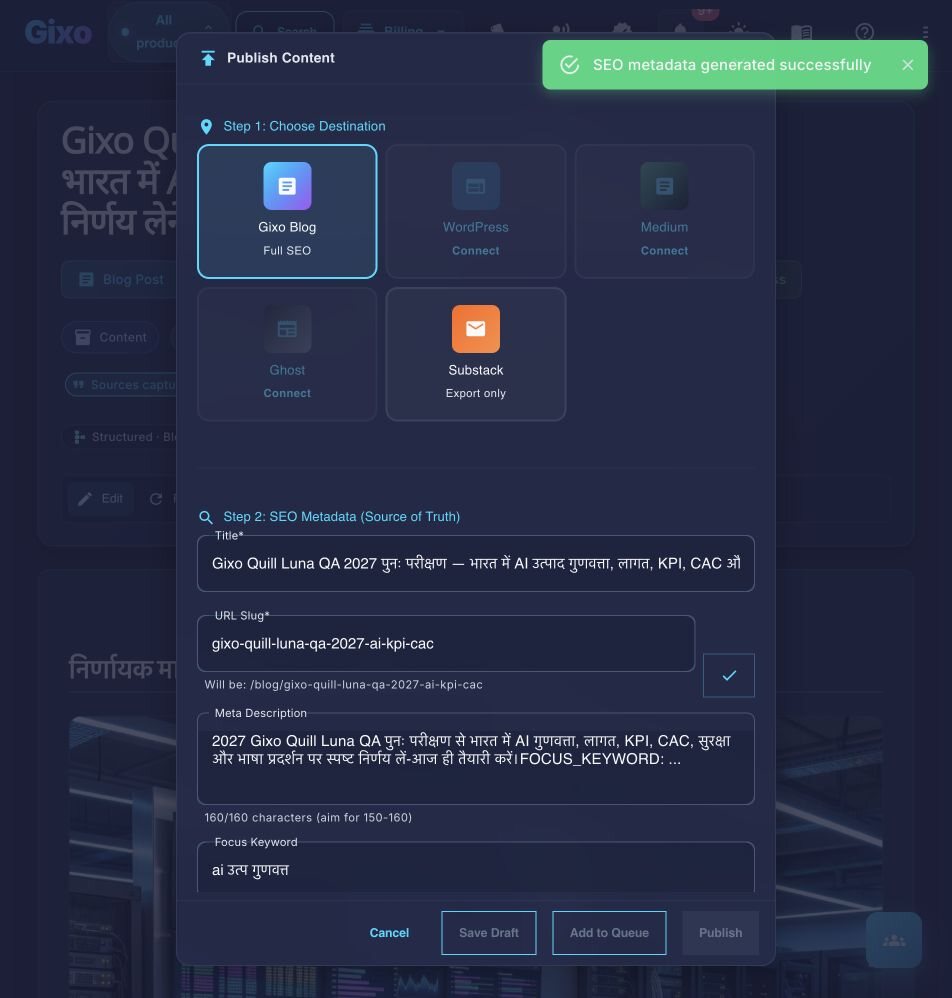
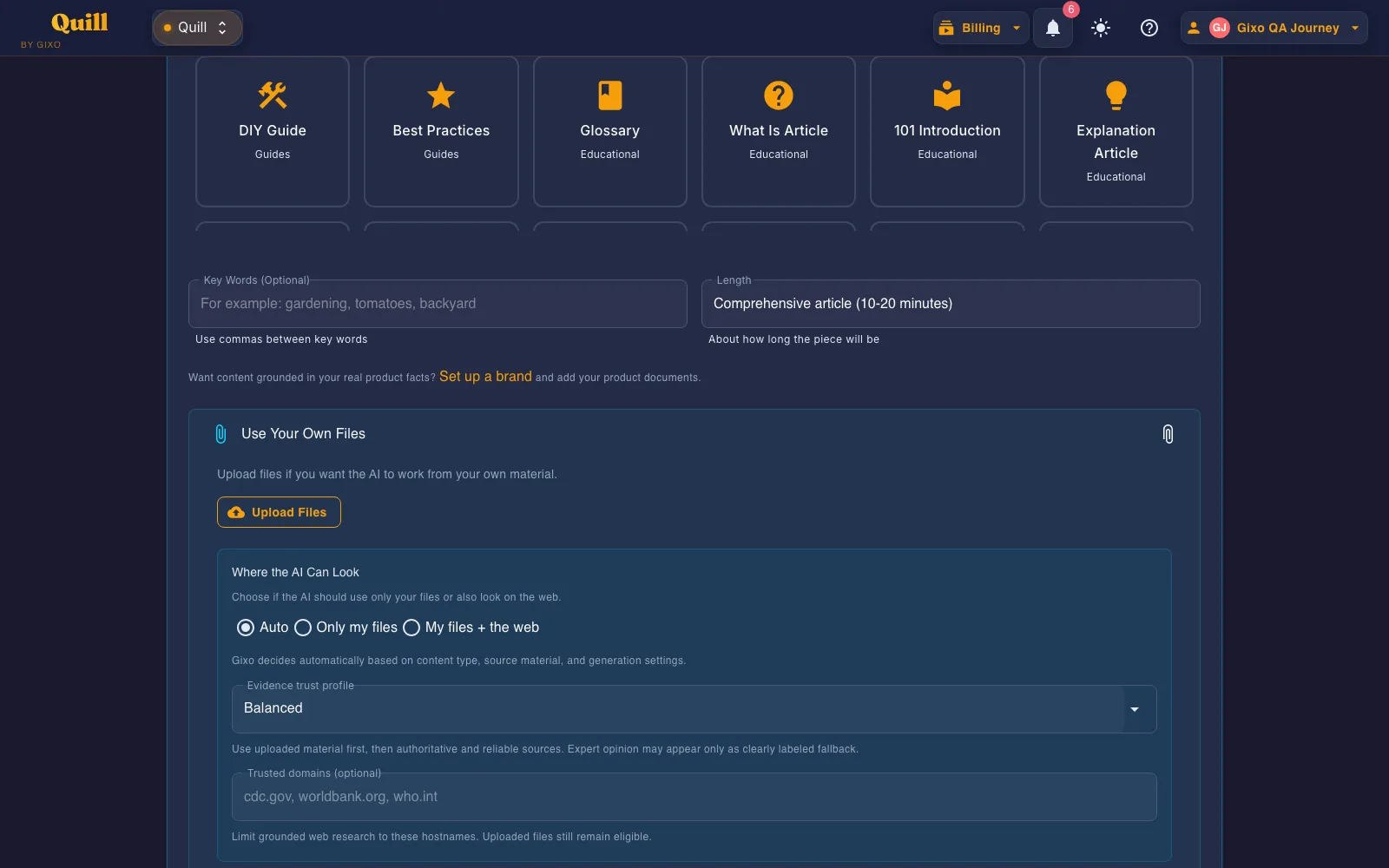
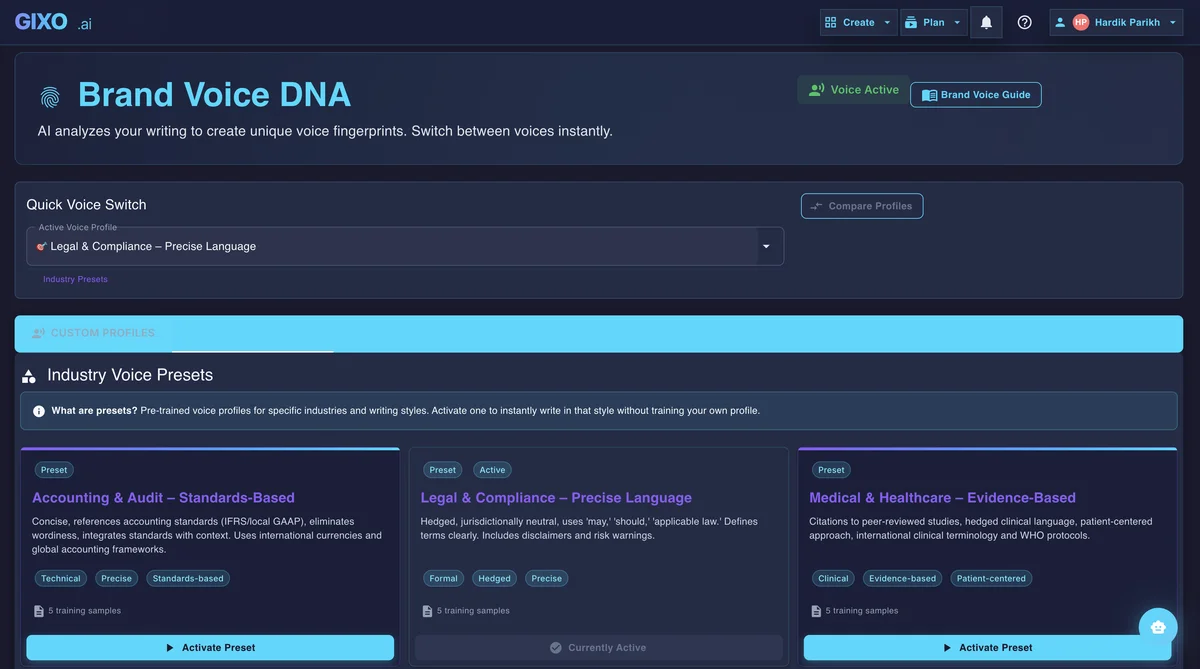
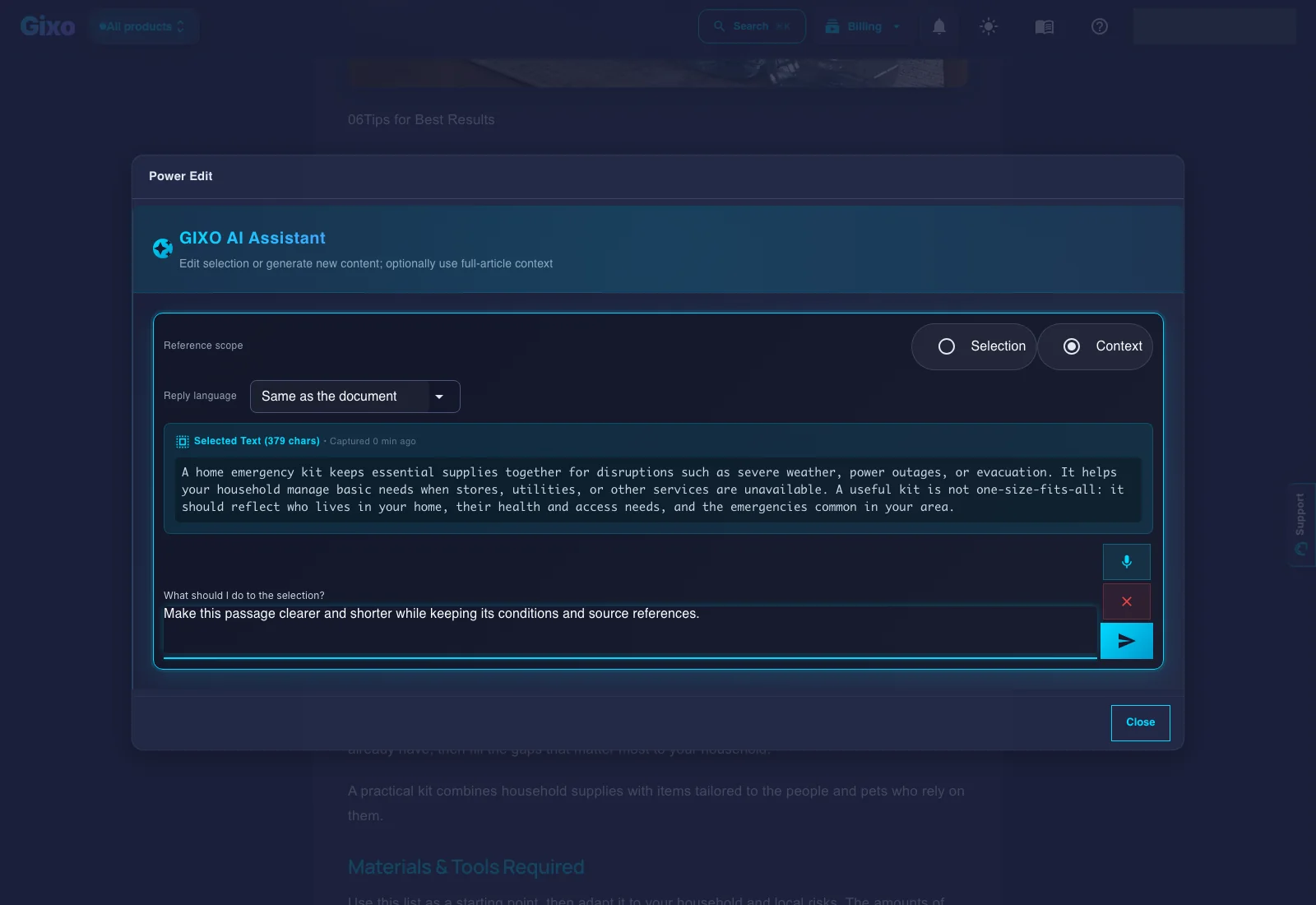
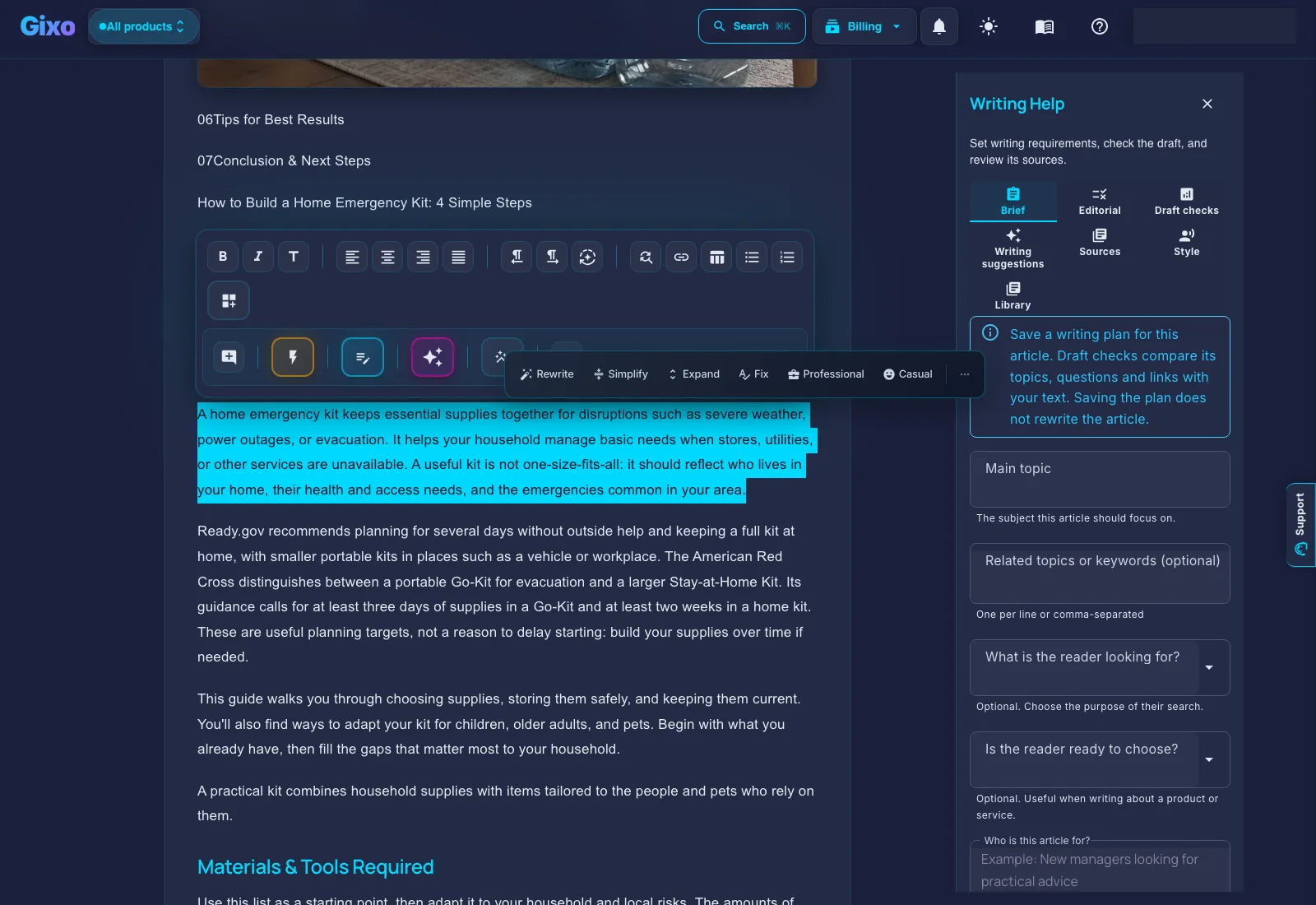
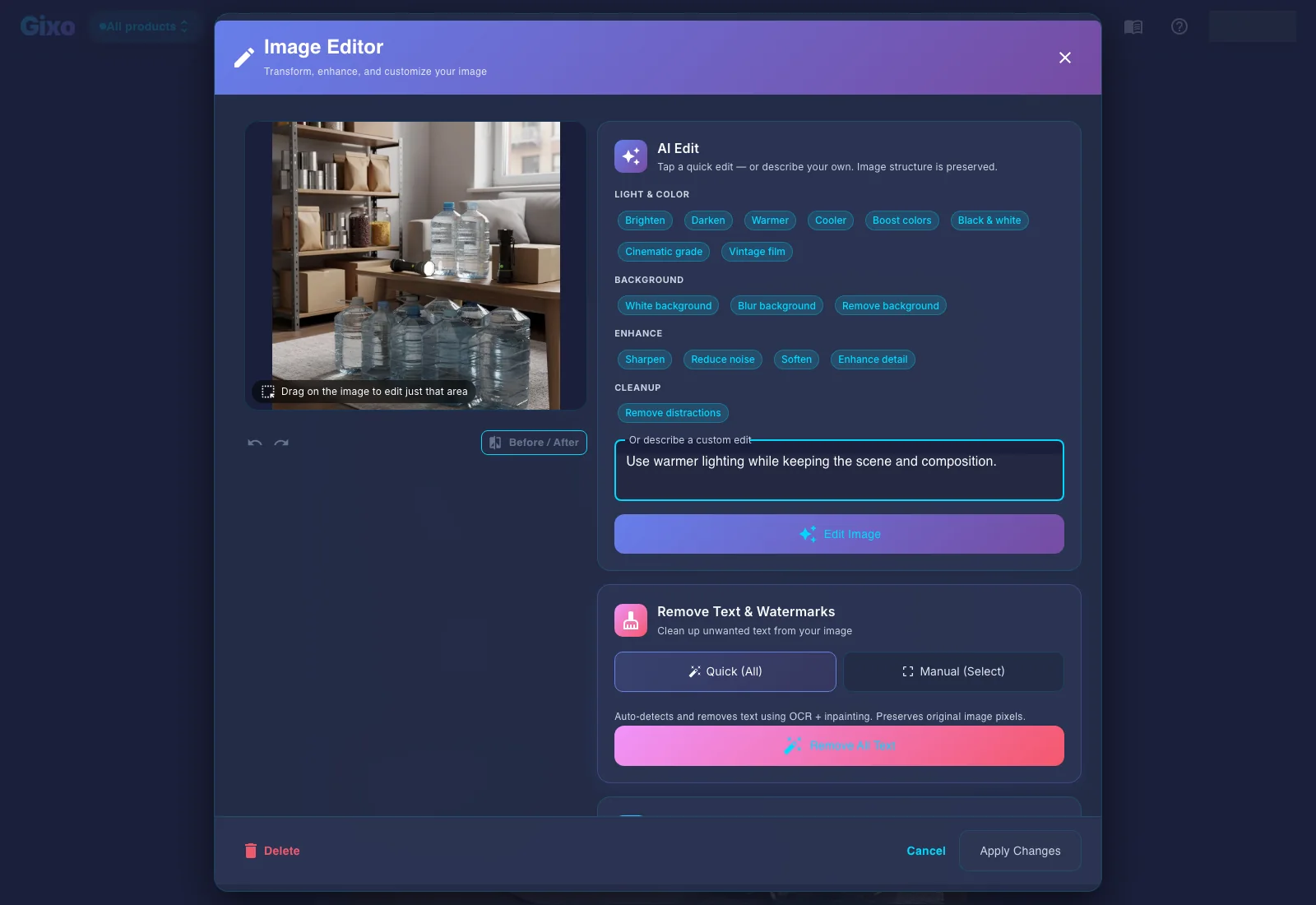
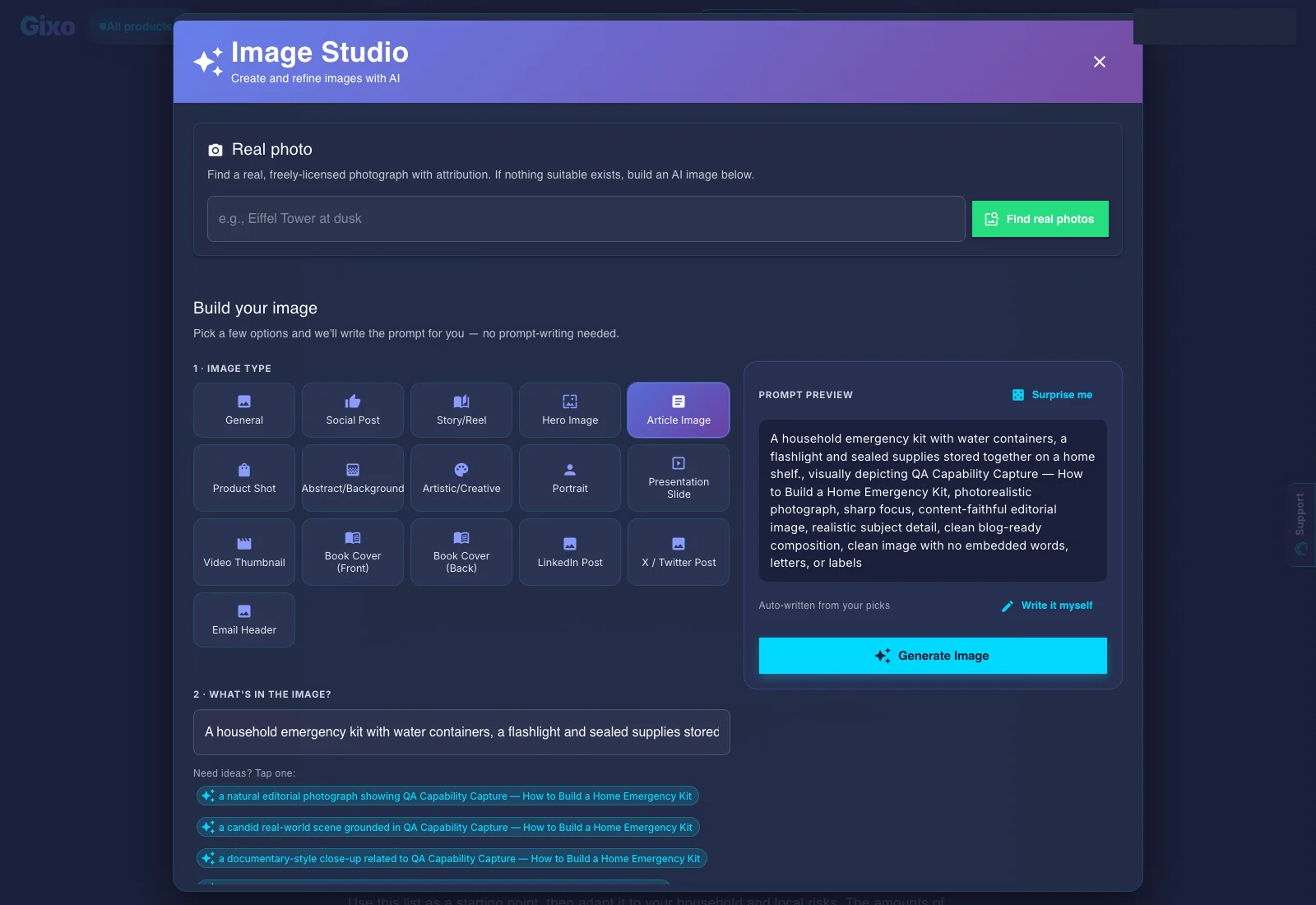
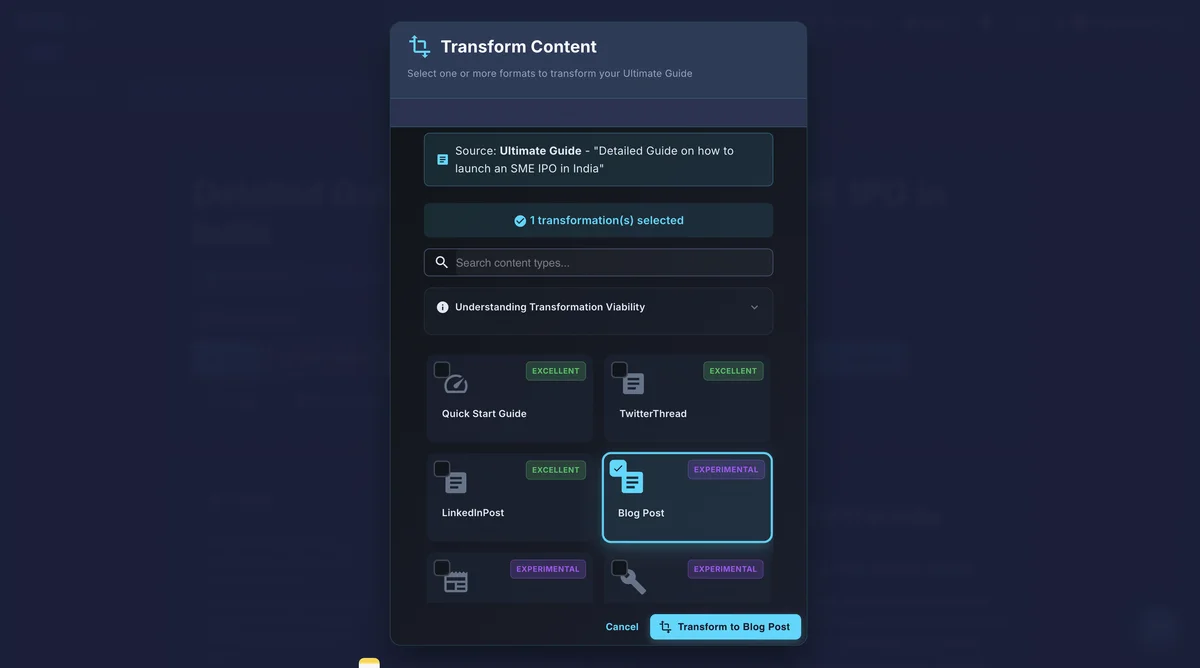
Open each existing screen to inspect its labels and workflow details. Screens show the product interface; they are not customer-result claims.
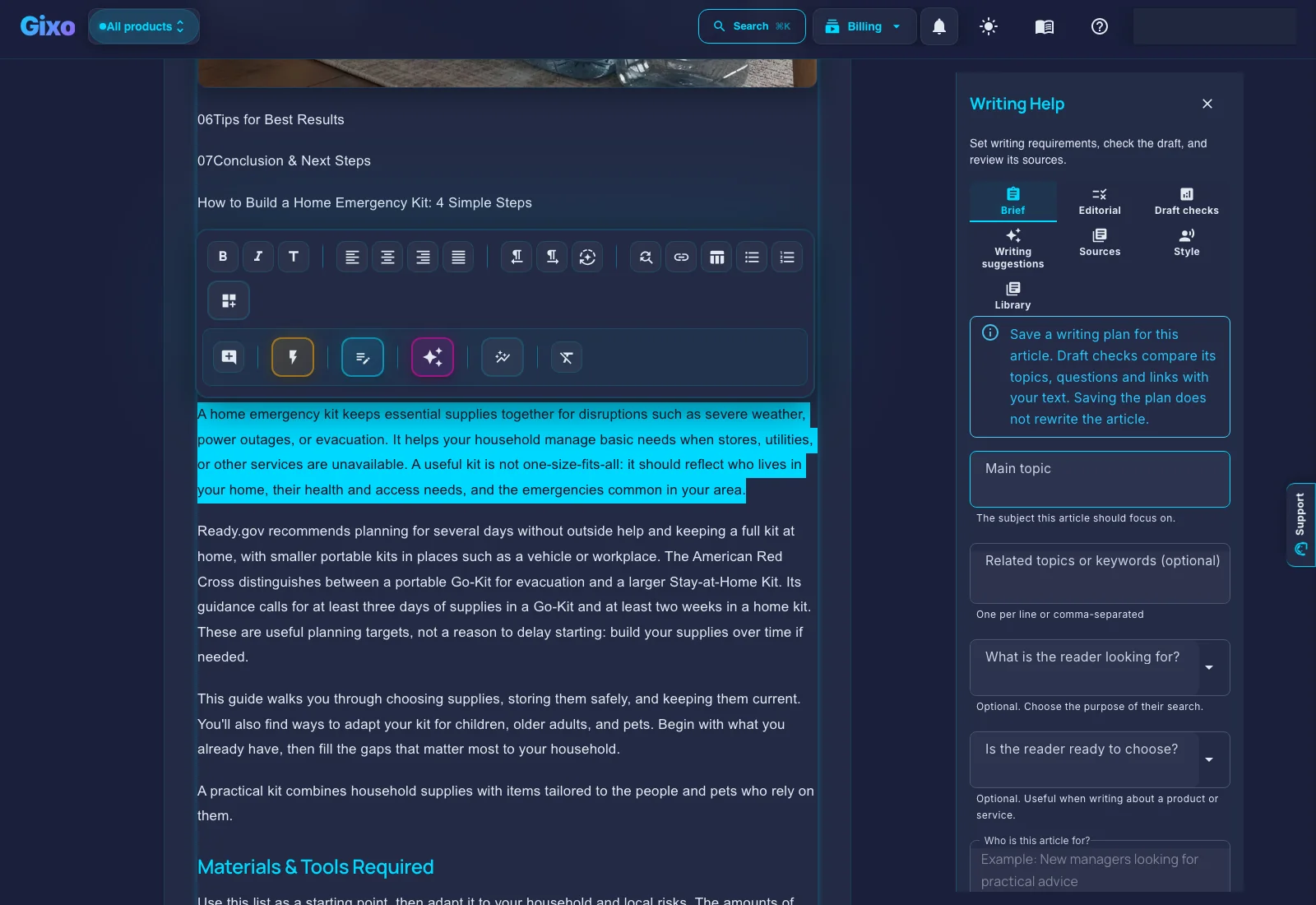
Source and evidence controls
Choose source scope, evidence trust profile, and trusted domains before generation.
Brand Voice DNA
Reuse voice controls and industry-aware presets across content work.
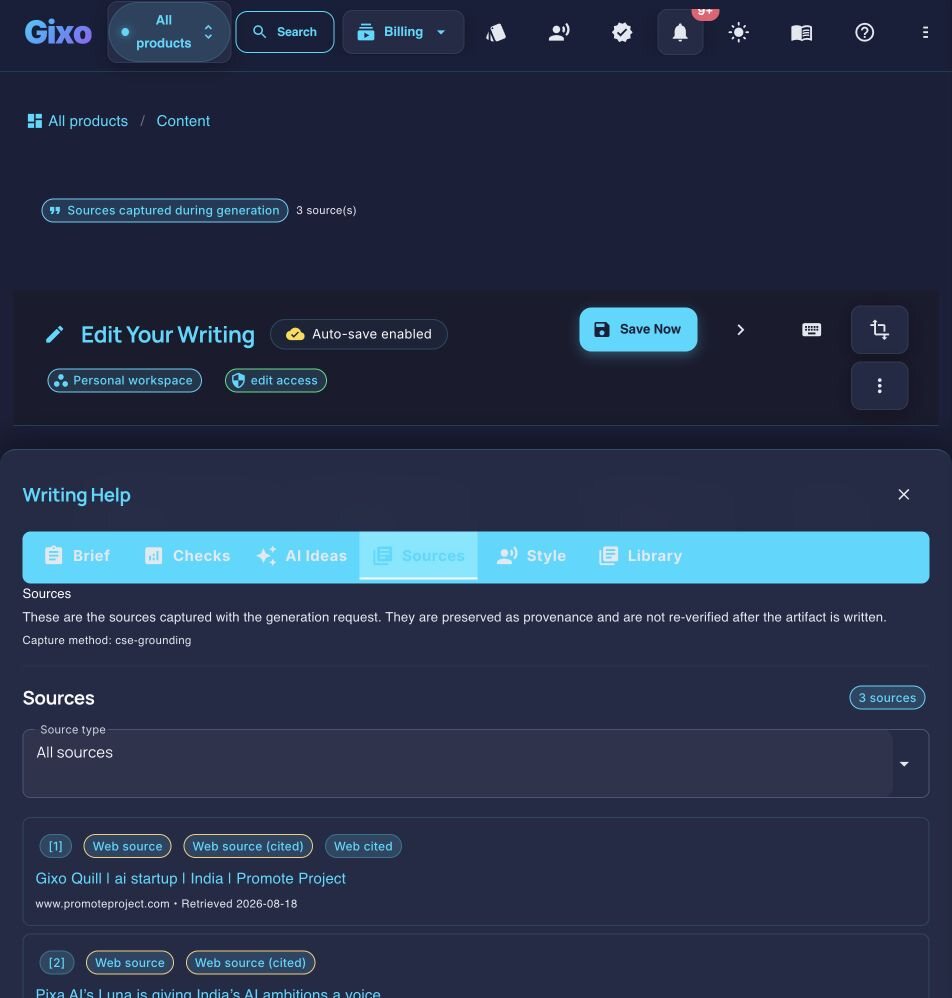
Evidence and references
Keep cited evidence and reference-quality detail beside the draft.
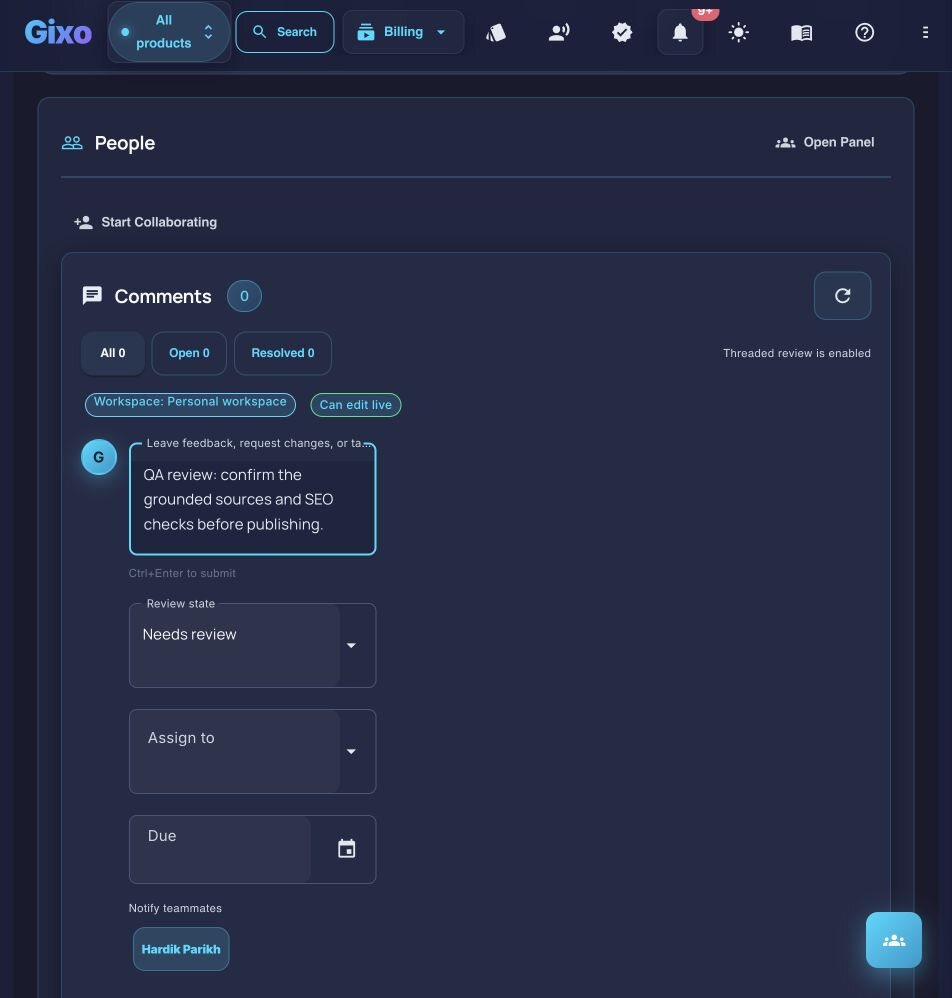
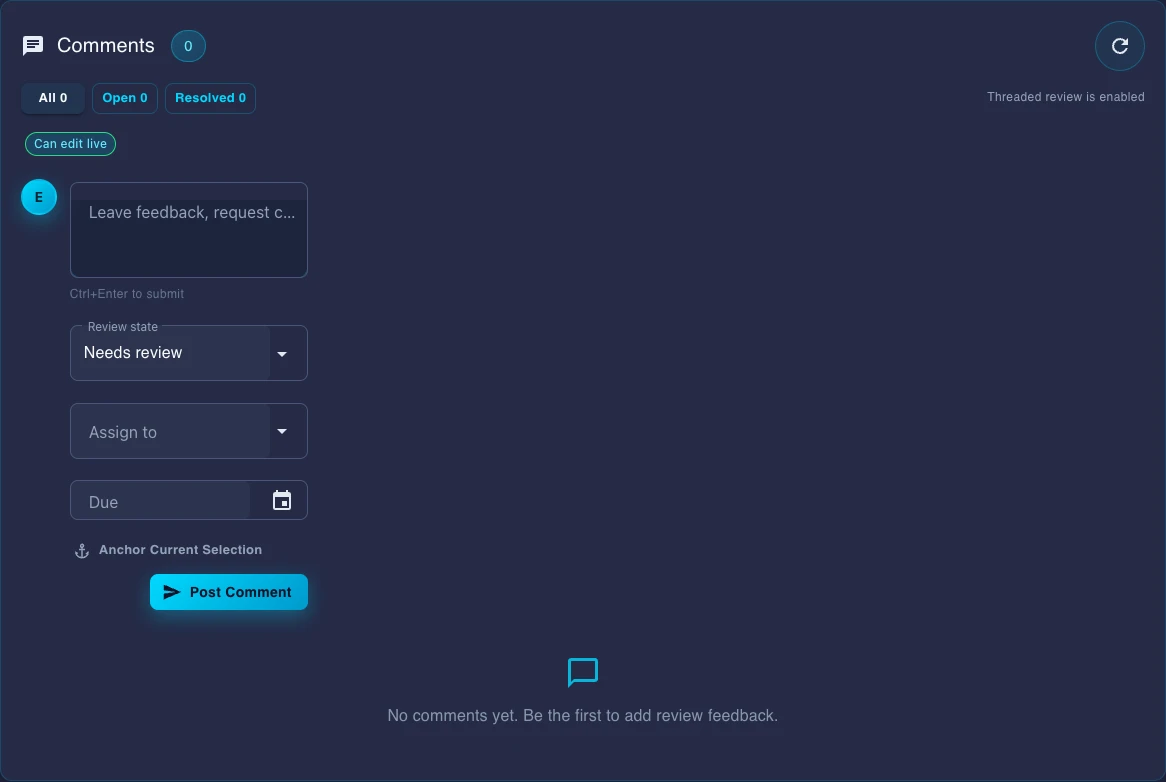
Team review workflow
Review state, comments, assignee, and due date stay attached to the document.Evaluation checklist
Look for visible source scope, evidence, references, and a clear distinction between drafting assistance and source authority.
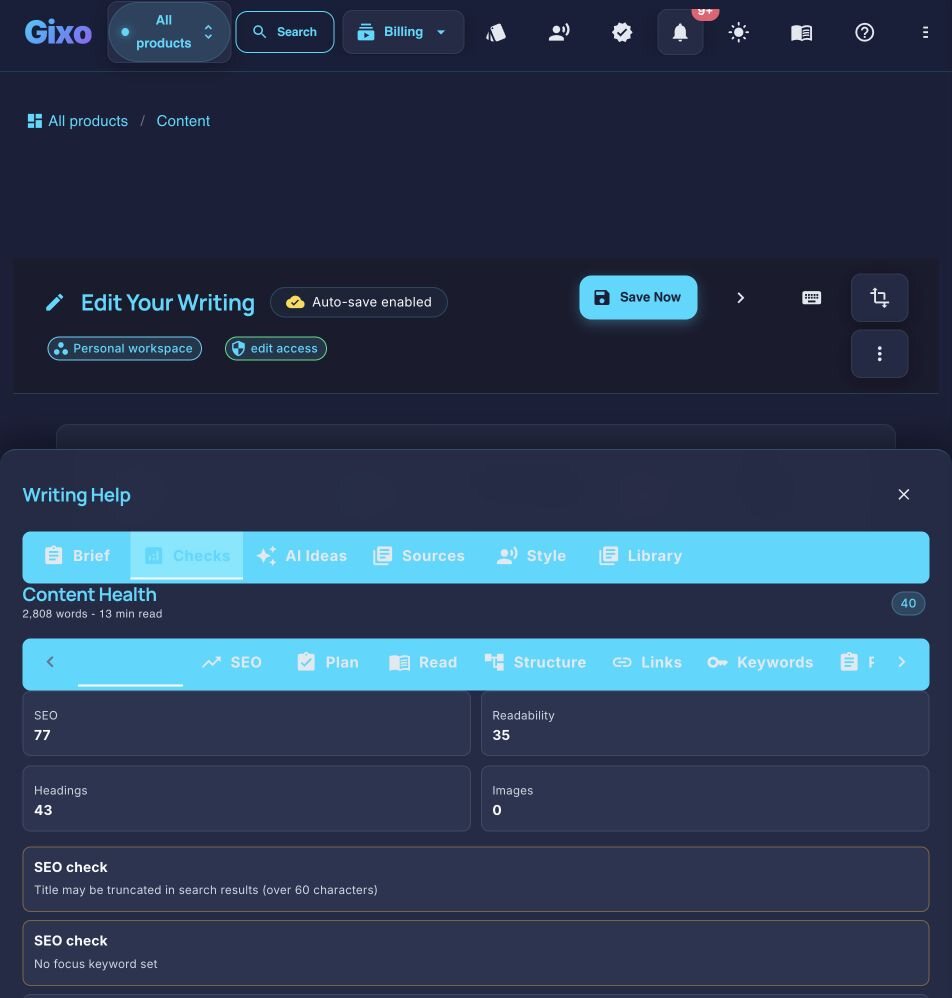
Check heading hierarchy, callouts, lists, section length, and whether the exported artifact remains readable outside the editor.
Inspect comments, status, assignment, due dates, and the path from editing to export or publishing.
Self-service from first draft to delivery
Start a 14-day, no-card trial to use Quill's generation and review workflow. Prefer to inspect first? The Content Health Check stays free and anonymous.