
Prepare the request sheet
Use the current CSV or XLSX template. Keep each row's title, content type, language, keywords, target length and notes together; review AI topic classification before queueing.
Scaling content usually breaks one of two things: the brand voice or the quality. The fix is not generating faster — it is a system where brand consistency is applied automatically and people decide which drafts are ready to publish. Here is how to scale content without it turning into spam, and how Gixo's bulk generation does it.
What your plan includes.Bulk generation is on Business plans and above — from $99 per seat a month, minimum five seats. The 14-day trial works like Starter, so it does not include it.
Reviewed 2026
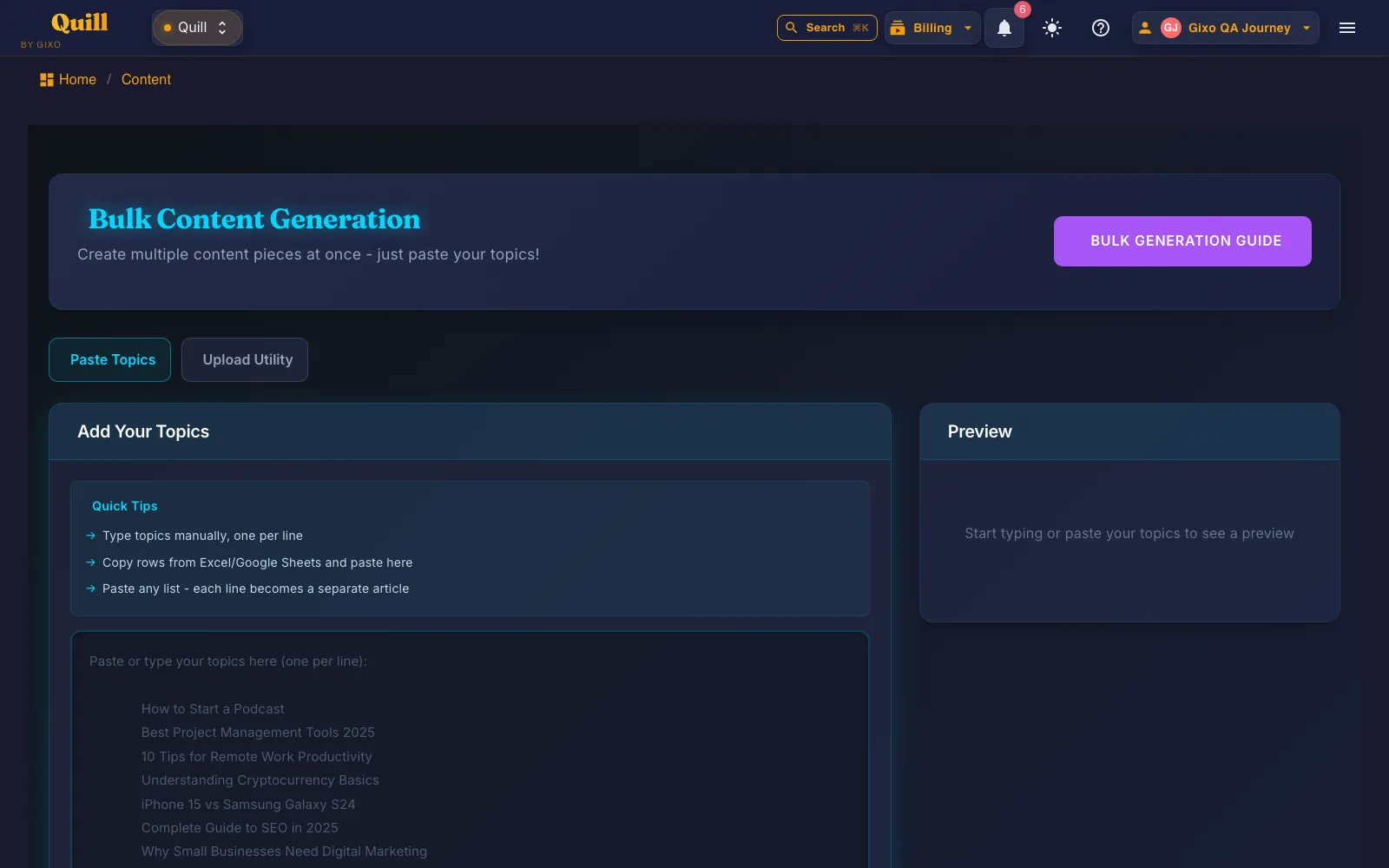
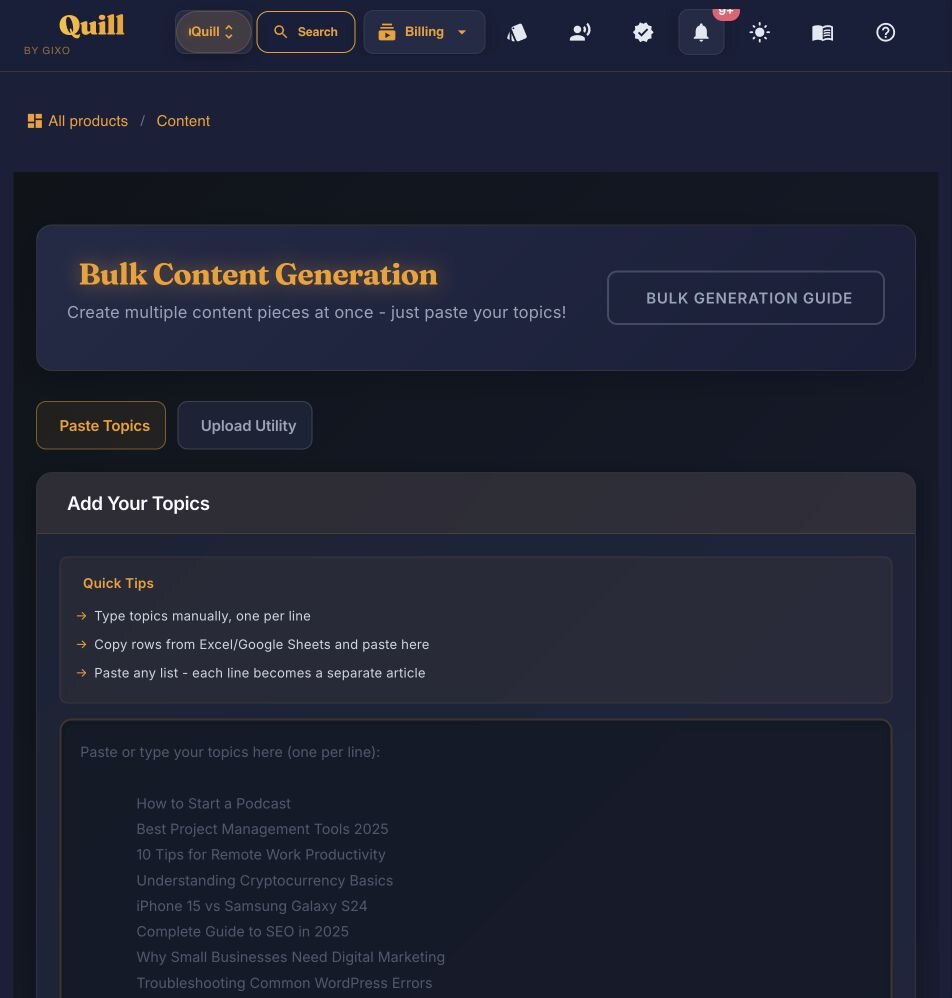
Bulk content generation at scale is a system — not just faster generation — that produces a batch of on-brand, on-structure content pieces from a list of topics in one run, applies brand voice and terminology automatically across every piece, and leaves generated drafts for editorial review before a separate publishing action. In Gixo Quill, one batch takes up to 25 topics pasted one per line, generation uses plan capacity, and only 1 batch runs at a time; a transient failure on an item is retried automatically up to 2 more times, 5 seconds apart, before that item is marked failed. Every row in a batch carries its own content type and language, chosen from 49 direct-create content formats and 89 language and locale options. The setup (brand voice and structure) is configured once and reused on every batch. Without human review and appropriate brand inputs, "scaling content" just produces off-brand, inconsistent spam faster.
A worked workflow
Prepare two fictional requests to see why validation belongs before submission. One row requests an English onboarding article; another requests a Spanish FAQ from supplied notes. Quill bulk requests and Folio’s chapter batching are different workflows.
The original two-row production batch completed with two successful items and zero failures. It started at 03:31:43 UTC and finished at 04:09:51 UTC on 21 October 2026. The first result is a commercial rooftop HVAC checklist; the second is a regional-depot spare-parts handoff guide. The current receipt preserves each submitted row number and its resulting document ID.
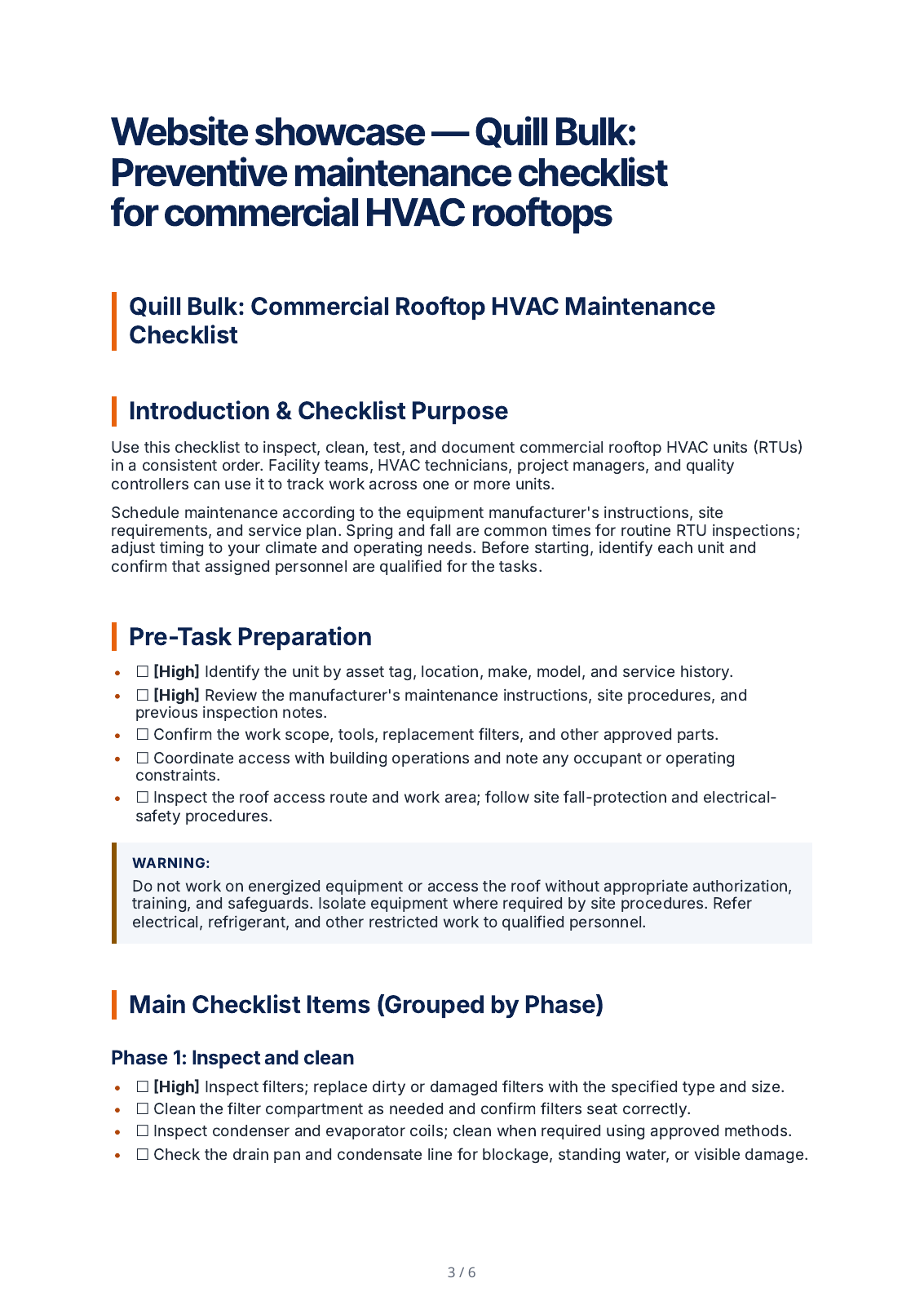
The earlier capture showed Processing, zero of two completed after 18 minutes; that was an intermediate state, not a failed job. This later terminal receipt supersedes it. One two-item run took approximately 38 minutes, which is not a throughput promise. Both rows succeeded, so this run does not demonstrate mixed-status retry or correction recovery. The first output is a checklist although both CSV requests used HowToGuide; review the actual result type and content before use.
Download the workbook or matching CSV and read the instructions. Fill Title, ContentType, Language, Keywords, TargetLength, ExtraNotes, ReferenceContent, SourcingMode, EvidenceTrustMode and TrustedSourceDomains.
Inspect: The older Topic/TargetWords CSV endpoint uses a different schema. Do not upload one format while assuming the other parser will interpret it.
Upload the utility, inspect Ready/Fix states and validation messages, edit invalid cells and revalidate.
Inspect: Validation should identify the actual row and field. RowStatus and ValidationMessage are utility outputs rather than extra editorial instructions.
Inspect all accepted rows, their language and source settings, the image choice and personal or team creation scope before starting.
Inspect: A successfully parsed workbook is not a completed generation. Availability and limits still depend on the current account and product access.
Review the batch and each item’s status, return to the saved job after navigation and inspect the resulting drafts separately.
Inspect: A mixed-status batch needs item-level attention. Do not present a single finished item as proof that every request succeeded.
Source-traced bulk preparation and recovery instructions. The linked CSV is a separately labelled parser specimen; parsing it does not establish live generation, account allowance or completion of a mixed-status batch.
Prepare a batch with explicit titles, types, languages and instructions. Inspect a completed article below, then use the bulk controls to manage the separate request and result states.
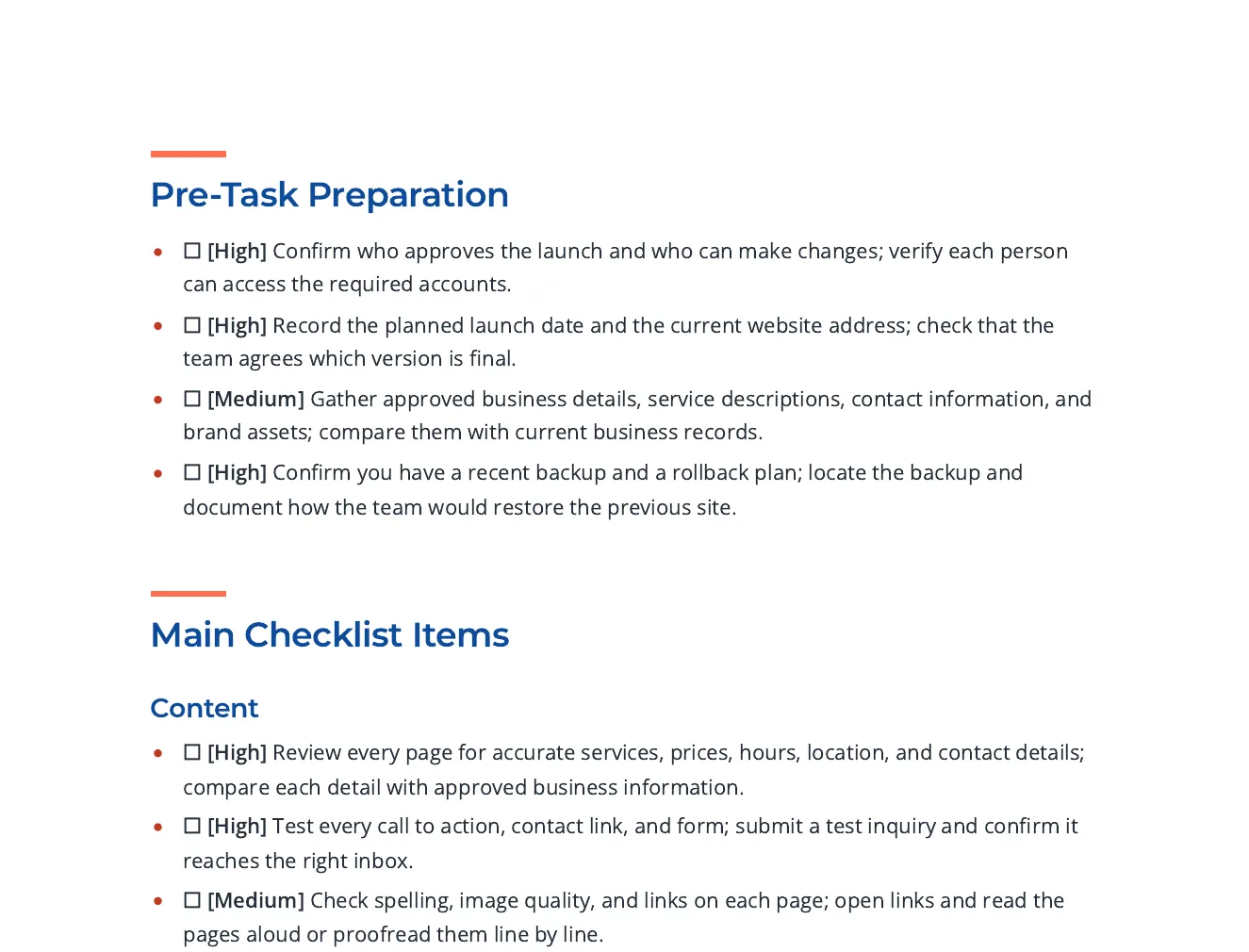
Checklist items grouped by phase, each with a priority tag and a way to check it, with links to Google, W3C and FTC guidance for the search, accessibility and security items.
Write an actionable checklist for a small business about to launch a new website. Group the items under content, search visibility, accessibility, performance, security and privacy, analytics, and what to verify on launch day. Each item should be a single action someone can tick off and should say how to check it. Cite published guidance for the search, accessibility and security items.
Open the full export and compare its statements with the cited sources before reuse.
Use the current CSV or XLSX template. Keep each row's title, content type, language, keywords, target length and notes together; review AI topic classification before queueing.
Open the active batch after navigation and inspect successful and failed items separately. Completed items link to their content; a batch status is not editorial approval.
Open each result, check its sources and structured blocks, revise the draft and choose its delivery format. Quill bulk requests and Folio chapter batches are separate workflows.
Power Edit starts from an active selection. You can give iterative or voice-transcribed instructions, choose a reply language, stop a streamed response, inspect the result and explicitly replace the selected range. Full-document context is reference material. Structured blocks have typed fields, item-level regeneration and previews; their AI field assistance is separate from their layout.
Use builder or advanced prompts with the subject and document context. Shape style, mood, lighting, palette, composition, camera and supported image dimensions. Inspect generated alternatives or a selected real photo, retain required source attribution and edit alternative text before insertion. Finishes and prompt edits create a new result; compare it with the original instead of assuming an edit is lossless.
Import options depend on the source type: pasted text, Markdown or HTML; document extraction; spreadsheet cells; image OCR; and supported media transcription. Review extracted material before drafting. Export settings include the supported format, theme, author, spacing, headers, footers and page appearance. Inspect the actual download because HTML, print PDF and editable Word represent structure differently.
Batch and daily allowances depend on the current access rules. Queued work does not establish a completion-time or throughput guarantee.
From row validation to individual drafts
A utility can contain one Ready row and one row marked Fix. The example below uses the current Quill validator with deliberately invalid values in the second row, then restores the intended HowToGuide, English and 1200-word inputs. Validation does not start generation. A prepared workbook does not increase the submitted batch limit of 25 items or bypass the current account’s access requirements.
| Field | Needs correction | Corrected input |
|---|---|---|
| ContentType | UnknownContentType | HowToGuide |
| Language | UnknownLanguage | English |
| TargetLength | twelve hundred | 1200 |
| Row status | Fix | Ready |
The retained batch submitted on 21 October completed both rows with zero failures. Its first result is a rooftop-HVAC checklist; its second is a spare-parts handoff guide. Both requests specified HowToGuide, so inspect the actual first result’s format before using it.
This run took about 38 minutes. It is one observation, not a completion-time or throughput promise. The original Processing snapshot is retained in the receipt.
Commercial rooftop HVAC checklist
Read row 1 PDFRow 1 WordRegional-depot spare-parts handoff guide
Read row 2 PDFRow 2 WordThe filled utility and correction record are deterministic validation examples, not a resubmission of the completed batch. Both production rows succeeded; that batch does not demonstrate failed-item retry or recovery of a running job. Inspect the terminal receipt and the original submitted CSV.
One writer keeps a brand voice in their head. Twenty pieces a week across a team does not. As volume rises, tone drifts, structure varies, and quality becomes a lottery. That is why "more content, faster" so often produces a pile of off-brand, thin pages that hurt more than they help.
The answer is to move the consistency out of people's heads and into the system. Set the brand voice and structure once, apply them to every piece automatically, and put a review gate between generation and publish. Then scale multiplies good content instead of bad.
| Component | What it does |
|---|---|
| Generate from a list | Paste up to 25 topics, one per line, and generate a batch in one run; run additional batches for larger volumes |
| Brand consistency, applied automatically | Brand layer applies voice and replaces off-brand terms across every piece by default |
| Consistent structure | Each piece is guided by its content type; review whether the draft follows the requested structure (heading hierarchy, required sections, target depth), chosen per row from 49 direct-create formats |
| A review gate | Bulk output lands as drafts to review, not auto-published pages |
| Evidence grounding | Claims can be bound to sources so accuracy doesn't degrade as volume climbs |
| One setup, reused | Brand voice and structure are configured once and reused on every batch |
Compare supported batch sizes, inputs, outputs, and the review work required before publishing.
| Specification | Gixo Quill bulk generation |
|---|---|
| Topics per batch | Up to 25, pasted one per line or loaded from an .xlsx workbook |
| Overflow behavior | Paste more than 25 and Quill uses the first 25, then tells you how many topics were left over |
| Generation access | Uses plan capacity |
| Concurrent batches | 1 — a second batch is refused until the current one finishes |
| Retry on failure | A transient failure on an item is retried up to 2 more times, 5 seconds apart, before that item is marked failed; the rest of the batch continues |
| Resume | An interrupted batch resumes from where it stopped instead of regenerating completed items |
| Content formats | 49 direct-create content formats, set per row; transformation-only social formats are not direct batch inputs |
| Languages | 89 language and locale options, set per row |
| Industry guidance | 38 industry categories with format-aware guidance |
| Export formats | PDF, DOCX, HTML, Markdown, TXT, and JSON |
| Direct publishing | connected WordPress and Ghost sites; Medium manual export or article-form draft handoff, and Substack export |
| Auto-publish | Not available. Bulk output always lands as drafts for review |
| Automatic fact-checking | Source-review assistance is available for eligible articles; it is advisory, and people remain responsible for verifying each draft |
| Plans | Gixo Quill runs $10–$129 per seat per month across 5 tiers |
| Trial | 14 days, no card required. There is no free tier |
Inside Quill
Updated