AI Article Writer
We tested and compared the six best AI article writers for long-form content in 2026. Whether you need SEO blog posts with citations, bulk article production, or a flexible general-purpose assistant, this guide covers tools from $9/mo to $250/mo so you can pick the right one for your workflow and budget.
What Is an AI Article Writer?
Not every AI tool that generates text is built for articles. Here is what separates a purpose-built article writer from a general chatbot.
General Chatbots vs. Dedicated Article Writers
A general-purpose AI chatbot like ChatGPT or Claude can draft text on almost any topic, but it was designed for conversation, not for producing publish-ready articles. When you ask a chatbot for a 3,000-word blog post, you typically get a flat wall of text with no heading hierarchy, no internal links, no keyword optimization, and no citations. You then spend 30 to 60 minutes reformatting the output, checking facts, adding structure, and pasting it into your CMS. A dedicated AI article writer handles all of that inside a single workflow: it generates structured content with proper H2 and H3 headings, embeds source references, scores readability in real time, and exports directly to WordPress, Ghost, or HTML.
Why Article-Specific Tools Produce Better Long-Form Content
Long-form content has requirements that short-form copy does not. An article needs a logical narrative arc across multiple sections, consistent terminology, smooth transitions between subtopics, and a conclusion that ties everything together. General AI tools process each prompt in isolation, so the introduction often contradicts the conclusion, or the same point gets repeated in three different sections. Article-specific tools maintain context across the entire piece. They generate an outline first, then draft each section with awareness of what came before and what comes next. The result is a coherent article rather than a series of loosely related paragraphs.
The Evolution from GPT Wrappers to Full Content Platforms
The first wave of AI writing tools in 2023 and 2024 were thin wrappers around OpenAI's API. You typed a prompt, the tool forwarded it to GPT, and you got back raw text with minimal formatting. In 2025 and 2026, the best tools have evolved into full content platforms. They combine AI generation with SEO analysis, evidence retrieval, brand voice matching, collaborative editing, and multi-format export. The underlying language model is still important, but the surrounding infrastructure is what determines whether the output is actually usable in a professional content workflow.
What to Look for in an AI Article Writer
When evaluating AI article writers, focus on five capabilities that separate professional tools from basic generators:
- Structure: Does the tool generate proper heading hierarchies (H1 through H4), table of contents, and logical section flow? Or does it produce a single block of text?
- Citations: Does the tool embed verifiable source references? Articles backed by data and expert quotes rank better and build more reader trust than unsourced claims.
- Editing: Can you revise individual sections without regenerating the entire article? Section-level editing preserves your work while letting AI improve specific parts.
- SEO: Does the tool analyze keyword density, readability scores, heading distribution, and content depth during generation? Or do you need a separate subscription to a tool like Surfer SEO?
- Export: Can you publish directly to your CMS, or are you stuck copying and pasting from a chat window? Professional workflows need HTML, Markdown, and PDF export at minimum.
Built for Long-Form Article Writing
Gixo's article writer handles the heavy lifting of research, structuring, and drafting so you can focus on refining your message and adding your own expertise.
Gixo's evidence engine retrieves relevant statistics, studies, and expert references during generation and embeds them as inline citations. Every claim is backed by a verifiable source, saving you hours of manual fact-checking and building domain authority with readers and search engines alike.
Before writing a single paragraph, Gixo analyzes your topic and competing articles to generate an optimized outline. It ensures logical section flow, proper heading hierarchy from H2 through H4, and comprehensive subtopic coverage so no important angle gets missed in the final draft.
Set your target word count from concise 1,500-word articles to comprehensive 5,000+ word pillar guides. Gixo scales the depth of each section, the number of examples, and the level of technical detail to match your content goals without padding the article with filler paragraphs.
Edit, expand, or regenerate individual sections without losing context or disrupting the rest of your article. Add a case study to one section, simplify the language in another, or deepen a technical explanation, all while the surrounding content stays intact and coherent.
Real-time analysis runs as the article is generated, scoring readability grade level, keyword density, heading distribution, paragraph length, and overall content depth. You know exactly how the article will perform before you publish rather than discovering issues in a post-publish audit.
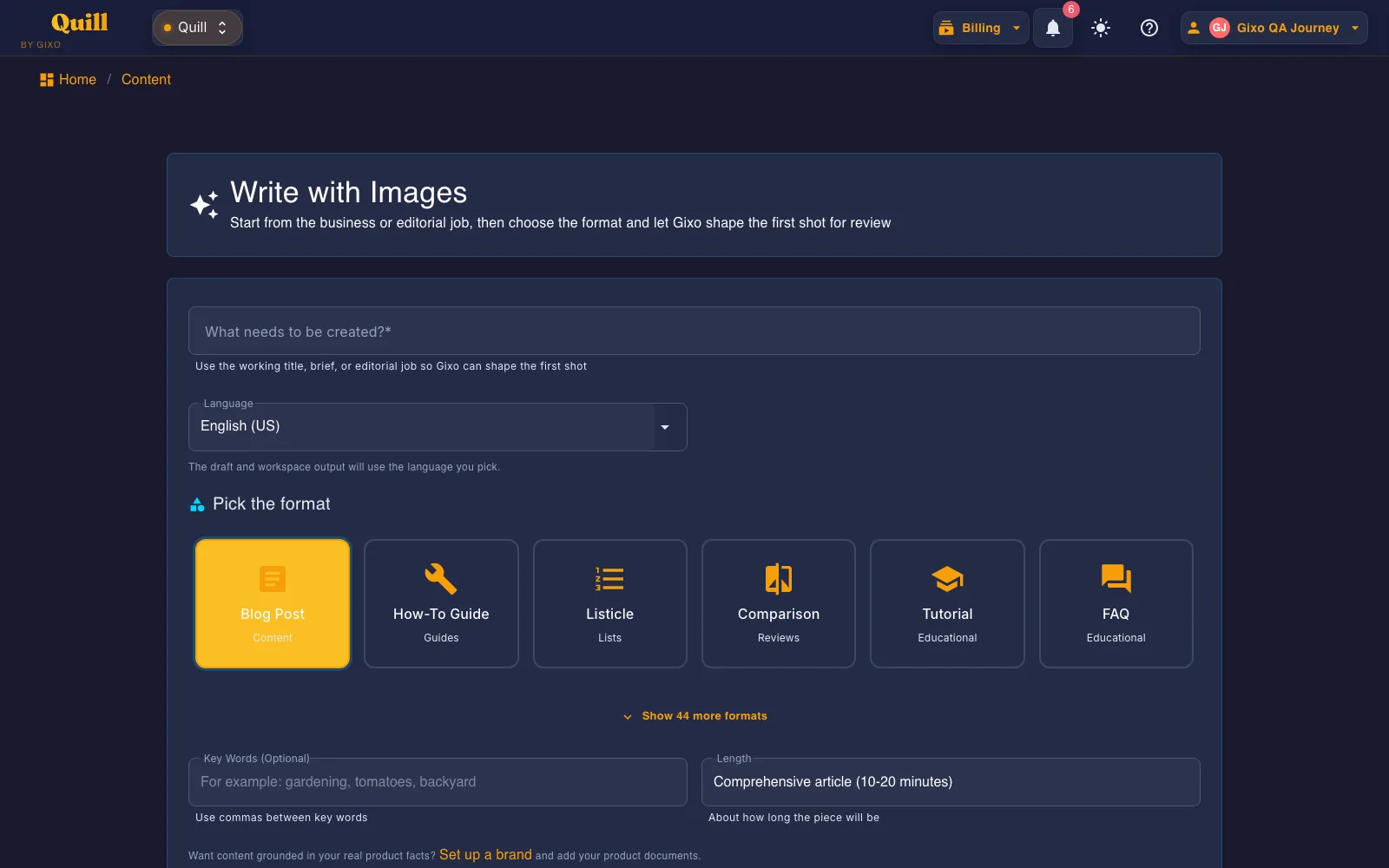
Generate opinion pieces, how-to guides, listicles, comparison articles, case studies, thought leadership essays, and research summaries. Each format follows a proven engagement structure optimized for its specific purpose, so a listicle reads like a listicle and a deep dive reads like a deep dive.
How to Write Articles with AI
From topic to finished article in four steps.
Provide a keyword, headline, or brief. Gixo researches the topic and generates a structured outline for your review.
Choose word count, article format, tone of voice, and whether to include citations, images, or data visualizations.
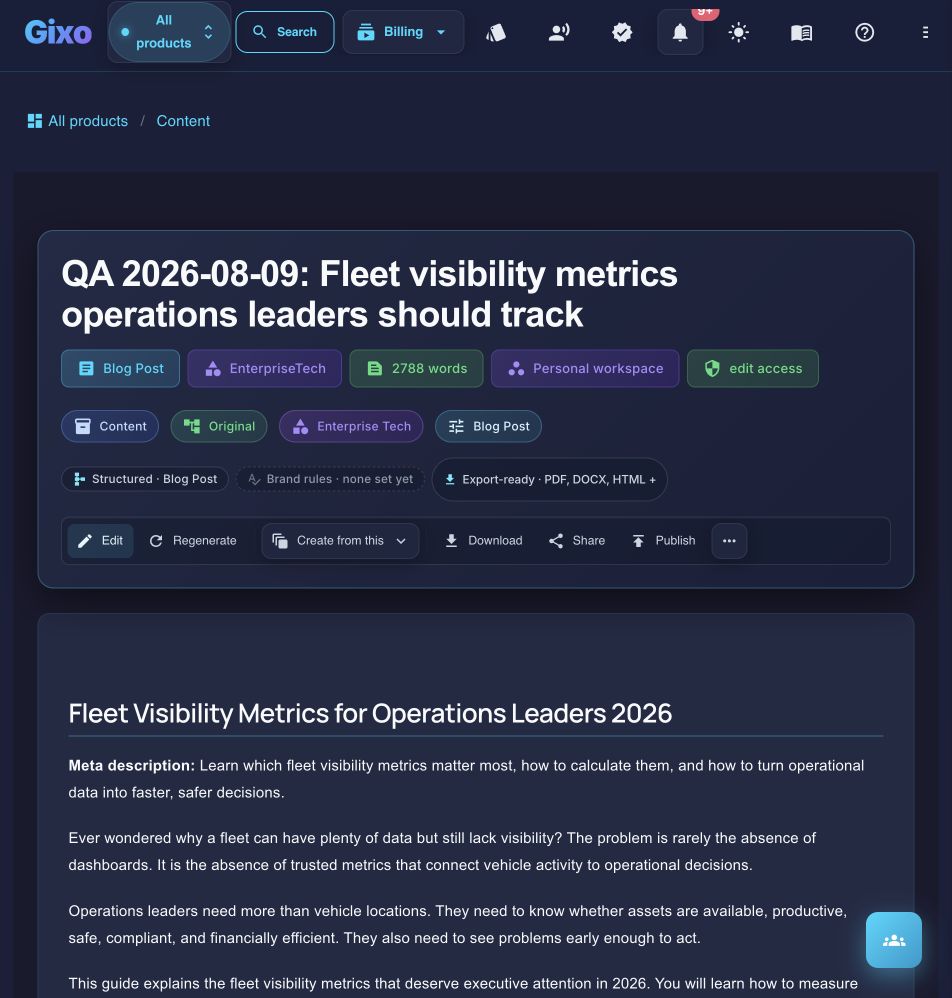
Read through the generated article. Use inline AI editing to refine sections, add depth, or adjust tone without regenerating the whole piece.
Export as HTML or Markdown, or publish directly to your blog through WordPress, Ghost, or Medium integrations.
Best AI Article Writers Compared
We tested each tool by generating the same three articles — a 2,500-word SEO blog post, a how-to guide, and an opinion piece — then evaluated the output on structure, factual accuracy, SEO readiness, and export quality.
Gixo is a content platform that combines AI article generation with built-in SEO analysis, automatic evidence citations, and multi-format export. The standout feature is the evidence engine: it retrieves verifiable statistics and expert references during generation and embeds them as inline citations. SEO scoring runs in real time during drafting, so heading structure, keyword density, and readability are optimized before you finish editing rather than flagged in a separate audit tool afterward.
Best for: Content marketers, bloggers, and solo operators who want SEO-optimized, citation-backed articles without managing separate tools for research, writing, optimization, and publishing.
Strengths: Built-in SEO analysis during generation, automatic evidence citations with source attribution, brand voice training from your own content, section-level editing, multi-format export (HTML, Markdown, PDF), direct CMS publishing to WordPress and Ghost.
Limitations: Smaller template library than Jasper. No native e-commerce product description workflows. Younger platform with a smaller user community compared to established players like Jasper or ChatGPT.
Starting at $9.99/mo
ChatGPT remains the most versatile AI writing tool available. GPT-4o produces strong prose quality across virtually any topic, and the tool handles everything from blog drafts to email copy to code documentation. However, ChatGPT is a general-purpose chat interface. It has no content workspace, no built-in SEO analysis, no persistent brand voice between sessions, and no structured export. You get raw text that needs formatting, fact-checking, and manual transfer to your CMS. For writers who already have an editing workflow, that flexibility is a feature, not a limitation.
Best for: Writers who want the highest raw prose quality and are comfortable managing their own editing, formatting, and SEO optimization workflow in separate tools.
Strengths: Highest raw writing quality among general AI models. Extremely versatile across tasks. Massive plugin ecosystem and Custom GPTs for repeatable workflows. Free tier is genuinely useful for occasional articles.
Limitations: No content workspace, no SEO scoring, no version history, no CMS publishing. Brand voice resets every session unless you create a custom GPT. Citations are unreliable and require manual verification. Export is copy-paste only.
Free / $20/mo for Plus
Jasper is one of the most mature AI writing platforms, and it excels at brand voice consistency across teams. Its campaign workflow generates a blog post, social snippets, and email copy from a single brief, making it ideal for multi-channel content operations. The template library is extensive, covering use cases from Facebook ads to press releases. The trade-off is price: Jasper costs $49/mo per seat, and SEO optimization requires a separate SurferSEO add-on at $89+/mo, which significantly increases the total cost of ownership.
Best for: Marketing teams at mid-size and enterprise companies that need strict brand governance, team collaboration, and multi-channel campaign output from a single brief.
Strengths: Deep brand voice profiles trained on your content, extensive template library, team collaboration with approval workflows, campaign mode that produces content across channels simultaneously.
Limitations: Expensive at $49/mo per seat. SEO requires a separate SurferSEO subscription ($89+/mo). No built-in citations or evidence retrieval. Long-form output caps around 3,000 words per generation.
Starting at $49/mo
Koala Writer is purpose-built for bloggers who publish on WordPress. You enter a keyword, Koala analyzes the top-ranking pages, generates an outline, and produces a full article with proper heading structure. The direct WordPress integration lets you publish with one click. At $9/mo it is the cheapest dedicated article writer on this list. The output quality is solid for informational and affiliate content, though it lacks the nuance and polish you get from more interactive tools. There are no citations, limited editing capabilities, and no brand voice training.
Best for: WordPress bloggers and affiliate marketers who want fast, affordable, keyword-driven articles with minimal manual formatting work.
Strengths: Extremely affordable at $9/mo. Direct WordPress publishing. SERP-aware outline generation. Good output quality for the price point, especially for informational and product review content.
Limitations: No citations or evidence embedding. Limited section-level editing. No brand voice training. Output can feel generic on complex or technical topics. Fewer export options beyond WordPress.
Starting at $9/mo
Content at Scale is engineered for volume. If you need 50 to 100 SEO articles per month, this is one of the few platforms built specifically for that throughput. Its AIO (AI + Optimization) model generates long-form articles up to 7,000+ words, and the platform publishes directly to WordPress with proper formatting. The per-article cost drops significantly at higher volumes. The trade-off is price at entry: the base plan starts at $250/mo. The output is serviceable and SEO-structured, but it lacks the editorial polish and nuance you would get from a more interactive writing tool.
Best for: Agencies, affiliate networks, and content operations that need high-volume article production with minimal manual intervention and direct WordPress publishing.
Strengths: Purpose-built for volume production. Auto-publishing to WordPress. Long-form output up to 7,000+ words. Bulk processing queue. Per-article cost decreases at scale.
Limitations: Expensive at $250/mo entry point. Output quality is adequate but rarely exceptional. No brand voice training. No citations. Limited per-article customization when generating at scale.
Starting at $250/mo
Byword AI is designed for programmatic SEO. You upload a spreadsheet of keywords, and it generates a unique article for each one. This makes it ideal for building topical authority across hundreds of long-tail keywords quickly. The articles include proper heading structure and basic SEO formatting. Byword also supports batch generation with scheduling, so you can drip-publish articles over weeks. The limitation is customization: since the tool is optimized for programmatic output, individual articles receive less attention to narrative quality and depth than tools designed for one article at a time.
Best for: SEO agencies and site owners running programmatic SEO strategies who need to generate hundreds of keyword-targeted articles from a spreadsheet with minimal manual input.
Strengths: Spreadsheet-to-article bulk generation. Strong for long-tail keyword coverage. Batch scheduling for drip publishing. Reasonable per-article cost at volume. Clean heading structure in output.
Limitations: Limited per-article customization. No interactive editing. No citations. No brand voice training. Output is functional but lacks the depth and nuance of tools designed for single-article workflows.
Starting at $99/mo
AI Article Writer Feature Comparison
A side-by-side look at the six tools across the features that matter most for long-form article production.
| Feature | Gixo | ChatGPT | Jasper | Koala | Content at Scale | Byword AI |
|---|---|---|---|---|---|---|
| Max article length | 5,000+ words | ~2,000 words | ~3,000 words | ~3,000 words | 7,000+ words | ~3,000 words |
| Auto citations | Built-in | No | No | No | No | No |
| Built-in SEO scoring | Real-time | None | Requires SurferSEO | Basic | Basic | Basic |
| Section-level editing | Yes | Full regeneration | Limited | No | No | No |
| Brand voice matching | Yes | Per-session only | Yes | No | No | No |
| CMS publishing | WordPress, Ghost | None | Limited | WordPress | WordPress | Limited |
| Bulk generation | No | No | No | No | Yes | Yes |
| Programmatic SEO | No | No | No | No | Partial | Yes |
| Starting price | $9.99/mo | Free / $20/mo | $49/mo | $9/mo | $250/mo | $99/mo |
Best AI Article Writer for Each Scenario
Different content goals require different tools. Here is our recommendation for six common use cases.
Built-in SEO scoring runs during generation, and the evidence engine embeds verifiable citations automatically. You get an article that is optimized for search and backed by sources without needing separate SEO or research tools.
At $20/mo (or free for occasional use), ChatGPT offers the best prose quality and the most flexibility. If you do not need built-in SEO or CMS publishing and prefer to handle formatting yourself, it is the most cost-effective option.
Jasper's brand voice profiles and campaign workflows let marketing teams produce blog posts, social copy, and email content from a single brief while maintaining strict voice consistency across every channel and team member.
At $9/mo with direct WordPress integration, Koala is the most affordable way to produce keyword-targeted articles for affiliate and informational sites. One-click publishing eliminates the copy-paste workflow entirely.
Content at Scale is purpose-built for high-volume production. Its bulk processing queue and auto-publishing to WordPress handle large-scale content operations that would be impractical to manage one article at a time in other tools.
Upload a spreadsheet of long-tail keywords and Byword generates a unique article for each one. For building topical authority across hundreds of search terms quickly, no other tool on this list matches its workflow efficiency.
How to Get the Best Results from AI Article Writers
AI generates the first draft. What you do with it determines whether the article ranks and resonates.
Always Edit AI Output
No AI article writer produces perfect content on the first pass. Every article needs at least one round of human editing. Read through the full piece and look for generic filler sentences, awkward transitions, and sections where the AI restated the same idea in different words. Cut anything that does not add value. Tighten the prose. Replace vague phrases like "in today's world" or "it is important to note that" with specific, concrete statements. A 3,000-word article that says something is worth more than a 5,000-word article that circles the same point.
Add Personal Expertise and Anecdotes
AI can summarize existing knowledge, but it cannot share your firsthand experience. The most valuable content on the internet comes from people who have actually done the thing they are writing about. After generating an article, go through each section and ask: can I add a real example from my work, a lesson I learned the hard way, or a specific result I achieved? These additions are what separate a forgettable AI article from one that readers bookmark and share. Search engines increasingly reward content that demonstrates genuine experience and expertise.
Verify Citations and Facts
Even tools with built-in citation features can surface outdated statistics or misattribute quotes. Before publishing, click through every source link to confirm it leads to a real, relevant page. Check that statistics are from the year claimed and that study findings have not been superseded by more recent research. If a citation cannot be verified, either find a replacement source or remove the claim entirely. Publishing inaccurate data damages your credibility far more than leaving a section without a supporting statistic.
Optimize for Your Specific Audience
AI article writers generate content for a general audience by default. If you write for developers, the article should include code examples and technical terminology, not marketing jargon. If you write for executives, the article should lead with business impact and ROI, not implementation details. After generation, review the language, examples, and level of detail to make sure they match what your actual readers need. Adjust the reading level up or down accordingly. An article that speaks directly to its intended audience will always outperform one written for everyone and no one.
Use AI for Structure, Add Human Insight for Depth
The most effective workflow treats AI as a structural assistant. Let the tool generate the outline, draft the initial sections, and handle the repetitive parts of article writing like formatting, heading hierarchy, and keyword placement. Then invest your time where it matters most: adding original analysis, drawing connections that the AI could not make, and providing the perspective that only comes from domain expertise. This approach produces articles faster than writing from scratch while maintaining the depth and authenticity that readers and search engines reward.
Frequently Asked Questions
Write Your Next Article with AI
Generate research-backed, SEO-optimized articles up to 5,000+ words with automatic citations. Start free today.