Sign In Try Free
Workflow-specific products Content, decks, briefs, proposals, legal, and sales each have a clearer buying path.
Review before delivery Draft, edit, collaborate, approve, and export in the same workspace.
Security + procurement path Security policy, support, and Azure Marketplace buying are public.

Gixo Folio

Plan, import, draft, revise, and export a book chapter by chapter.

Best fit For authors planning manuscripts, chapters, and edition-ready book projects.
Start path Start or reopen a book project, then move from manuscript planning into chapter drafting when ready.
Trial or free path Start a no-card 14-day Folio trial to plan a manuscript, draft chapters, and evaluate export. Paid Folio continues chapter generation after the trial.
Paid unlock Paid Folio continues AI chapter drafting after the trial and unlocks higher chapter capacity and edition add-ons.

Author

Good for one author drafting a book with AI, a chapter at a time

Best for one person doing real work

$19/month


10 AI-drafted chapters every month

Everything in the free studio

Clean exports — no Gixo page

Cancel when your book ships

Monthly plans, cancel anytime — we expect you to cancel when your book ships. Author includes planning, manuscript import, AI chapter drafting, revision, and EPUB, editable DOCX, chapter PDF, HTML, and Markdown export. Pro adds 50 AI chapters/month, white-label, SCORM, and one audiobook or international edition every month across 89 locale variants.

Selection guidance

Is Folio the right fit?

Choose Folio when

You need a persistent manuscript project for planning or import, chapter-by-chapter drafting and revision, full-book review, and structured export.

Do not choose Folio when

You need retailer publishing, human copyediting, fiction-specific world-building tools, or a guarantee of publishing or commercial success.

What is verified

Folio exports EPUB, editable DOCX, print-ready full-book and chapter PDF at standard book trim sizes such as 6×9, 5.5×8.5, and 5×8 inches, HTML, and Markdown from one export path. Eligible higher-tier workflows can also produce SCORM and white-label output.

Checked

What still requires human review

The author or editor still owns factual review, voice, continuity, rights, manuscript readiness, cover decisions, metadata, and the final publication process.

Important limitation

Folio prepares downloadable book files; it does not publish them to a retailer, provide human copyediting, or guarantee publishing or commercial outcomes.

Verified claim

Folio evidence

Folio exports EPUB, editable DOCX, print-ready full-book and chapter PDF at standard book trim sizes such as 6×9, 5.5×8.5, and 5×8 inches, HTML, and Markdown from one export path. Eligible higher-tier workflows can also produce SCORM and white-label output.

Evidence
Current Folio export service, EPUB builder, and export-option models.
Checked date

Gixo Folio book writing software is monthly-only: Folio Author is $19/mo for 10 AI-drafted chapters a month, and Folio Pro is $99/mo for 50 chapters plus white-label and SCORM export and one audiobook or international edition every month. Both plans include planning, manuscript import, chapter-by-chapter drafting, revision, full-book review, and EPUB, editable DOCX, chapter PDF, HTML, and Markdown export. There is no free plan and no annual lock-in, and the old $349 one-time publishing pass was retired in June 2026. These are Gixo list prices as of August 2026, taken from the live product catalog.

One paid planPlanning, import, drafting, revision, and export belong to the same book workflow.
Subscribe while the book is activeUse Author or Pro for the months you need chapter drafting and final export.
Cancel when it shipsYour book remains yours; the pricing model is designed around a finished deliverable.

Plan, write, and export on one Folio plan

Start blank, import an existing manuscript, or use AI planning before paying. Upgrade when the finished book is ready to export or when you want more AI-drafted chapters.

$19/mo Folio Author — 10 AI-drafted chapters per month, cancel anytime.
18 Book types — nonfiction, business, technical, educational, and more.
Paid export EPUB, editable DOCX, chapter PDF, HTML, Markdown on Author; SCORM and white-label on Pro.
75 Languages for international editions with localized metadata.

Folio Author vs Folio Pro: what each book writing plan includes

Both paid plans are monthly with no annual lock-in and cover the same complete book workflow. The difference is drafting volume, export coverage, and included editions.

Plan Monthly price AI-drafted chapters Export formats Editions (audiobook / international)
Folio Author $19/mo 10 per month EPUB, editable DOCX, chapter PDF, HTML, Markdown One-time add-ons, $99 each
Folio Pro $99/mo 50 per month Everything in Author plus white-label and SCORM One edition included every month, then $99 each
Retired publishing pass $349 one-time (discontinued) N/A N/A N/A

Gixo list prices as of August 2026, read from the live Folio product catalog. Folio has no free plan — the free tiers were removed in the July 2026 relaunch. A 12-chapter nonfiction book usually takes one to three months of Folio Author to draft and review, so a typical single book costs about $19 to $57 in total before you cancel.

How the AI Book Studio works

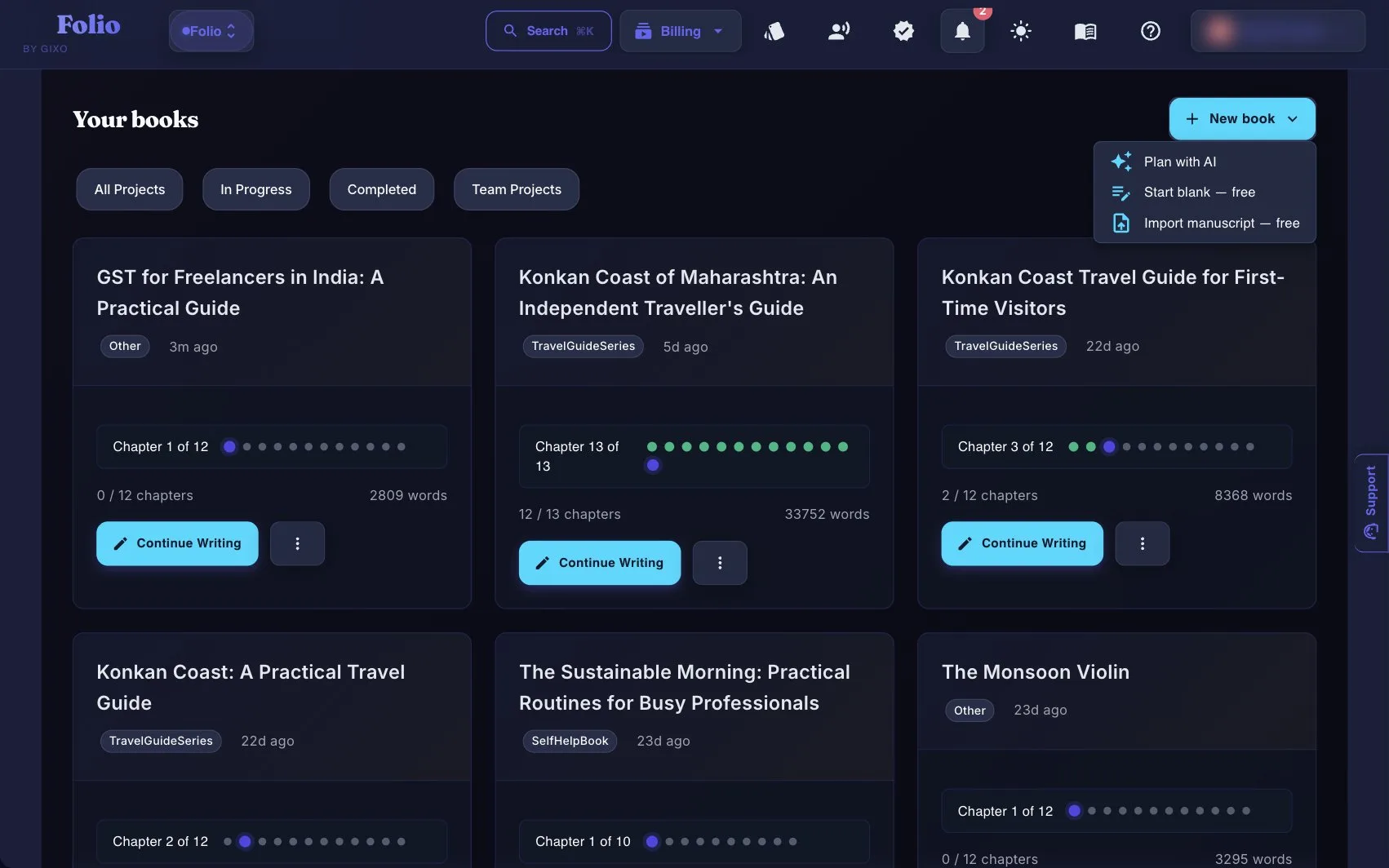
Import content or start from a short brief, shape the chapters, revise the full book, then export when it is ready.

1
Import or set the brief
Bring in existing material or define title, audience, positioning, and outcome so the project starts from real context.
2
Shape the chapters
Build the outline before drafting so each chapter has a job and the manuscript stays coherent.
3
Revise in one place
Use the editor and reader flow to finish the book before you export it.
4
Ship the paid export
When the manuscript is ready, choose the paid export format that matches the destination and download the final book.

Built for repeat-publishing solo experts

Consultants, coaches, creators, and service businesses can turn existing knowledge into recurring authority books without stitching five tools together.

Book brief and outline
Start from a defined book brief, then turn it into a chapter structure that keeps the project coherent while drafting.
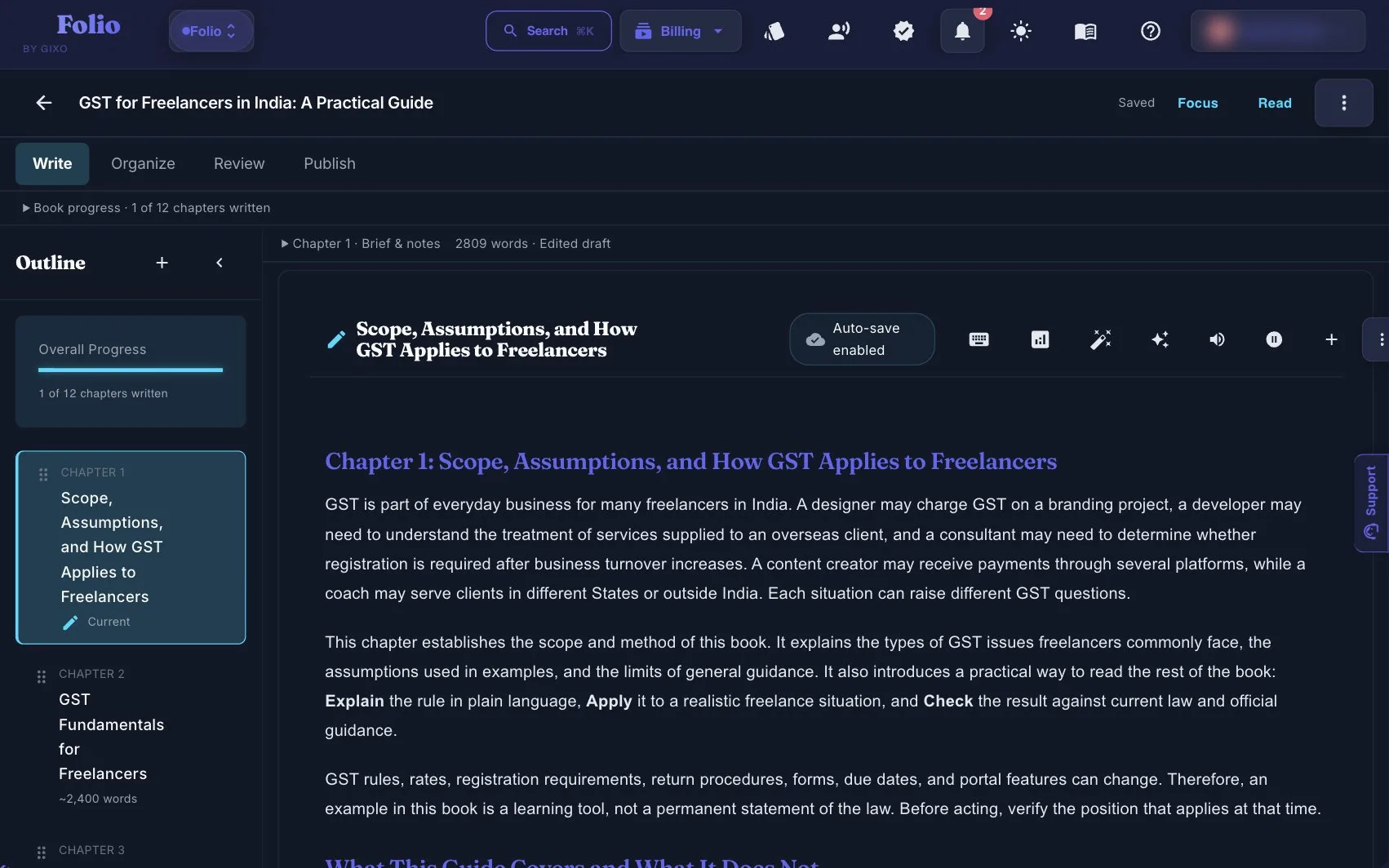
Chapter-by-chapter authoring
Draft, revise, and save chapters in one place with the chapter list, editor, and current manuscript kept together.
Manuscript readiness and review
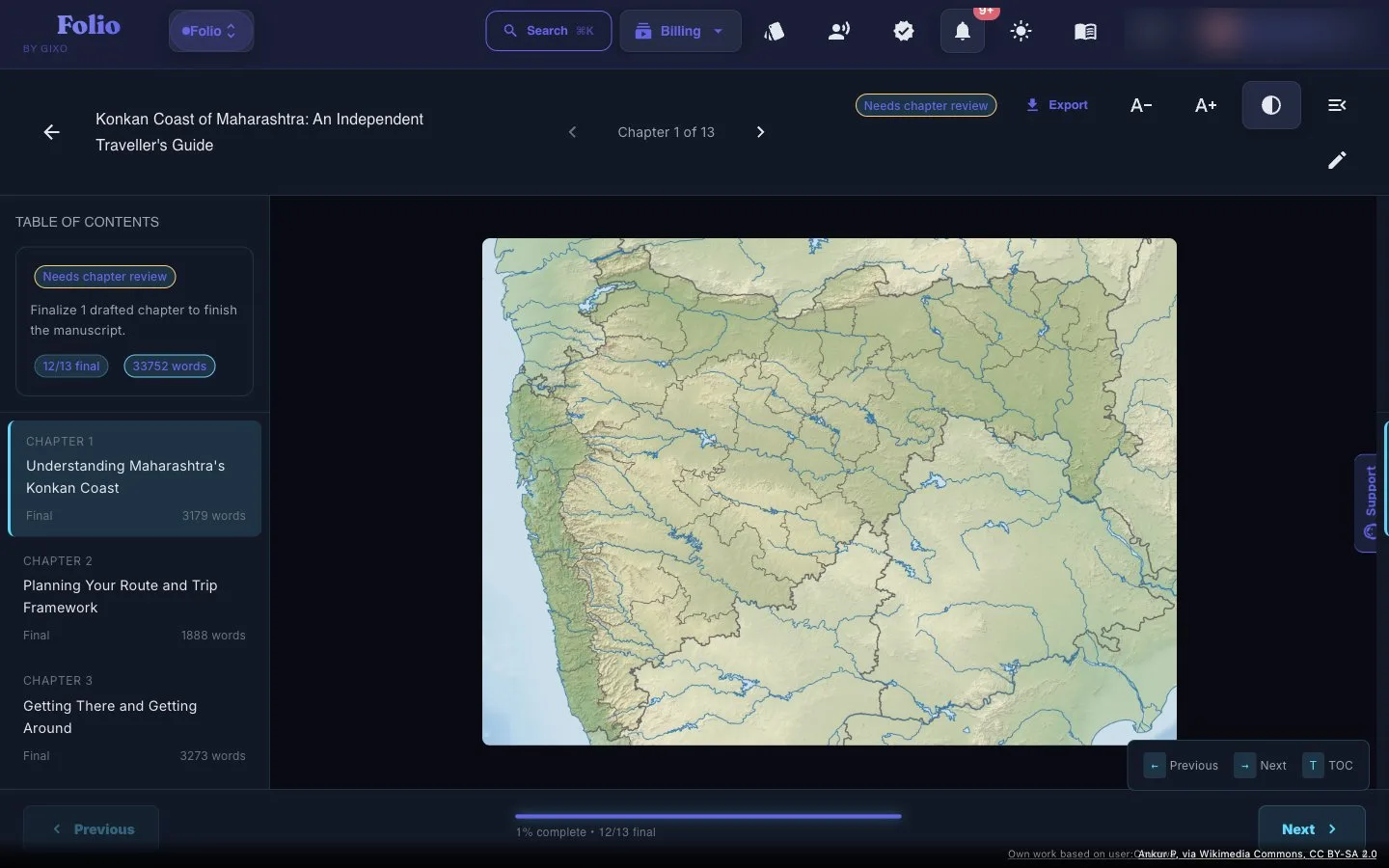
Track which chapters are final, use reader mode for the last pass, and treat export as the final step instead of the place where revision begins.
Manuscript consistency audit
Before export, Folio can run a read-only manuscript consistency audit: deterministic checks across the whole book flag duplicate chapter titles, unresolved drafting placeholders, passages repeated across chapters, and Story Bible term-casing, while a bounded AI pass reviews every chapter — in full for shorter manuscripts and as a balanced per-chapter excerpt for longer ones — to surface contradictions, timeline and character inconsistencies, terminology drift, and unresolved threads. Each finding is severity-ranked with evidence, a suggested fix, and a 0–100 consistency score, and the outline, chapter order, editor, and revision state stay attached to the same book project. You still review and resolve every finding before publishing.
Final export options
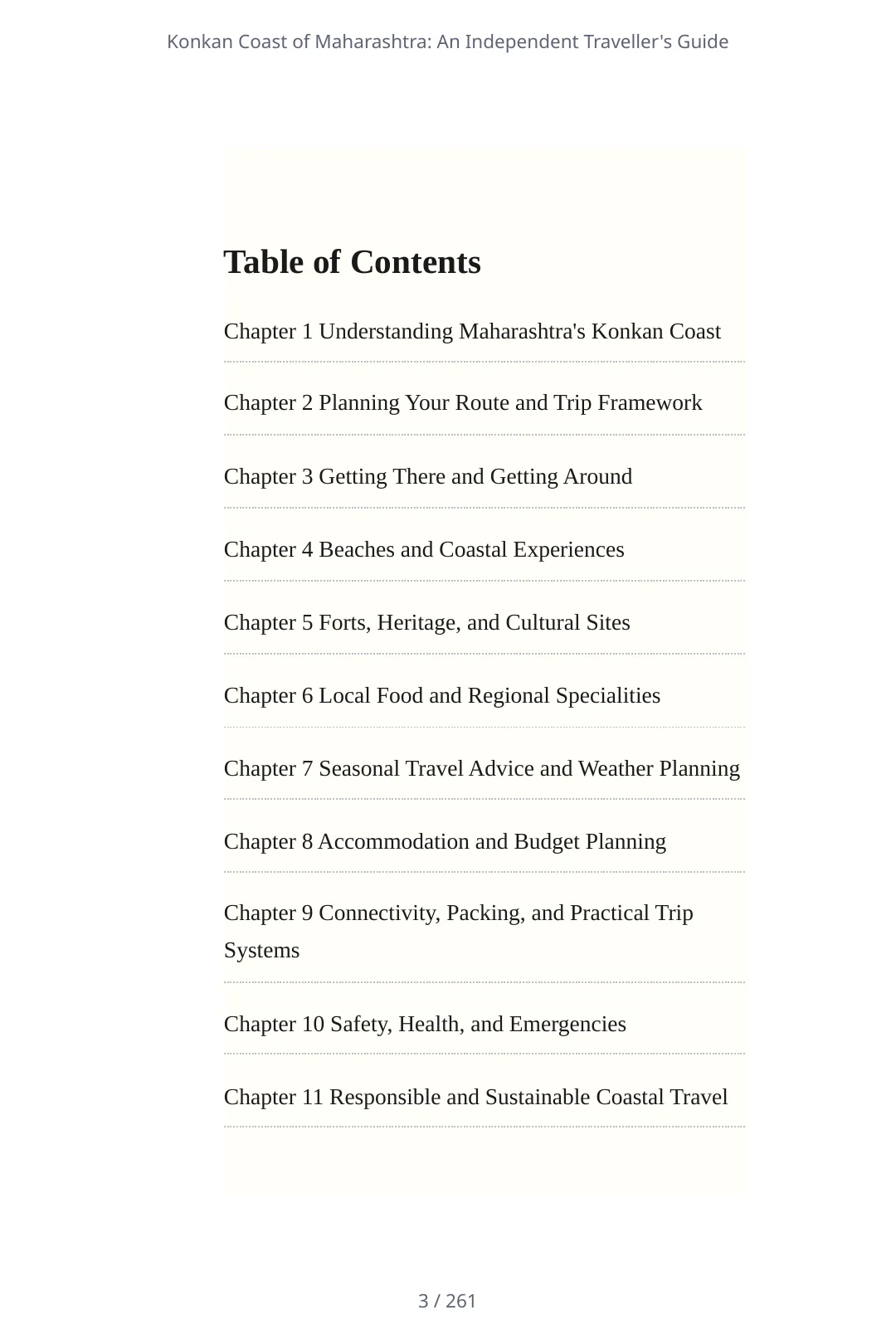
Paid plans export EPUB, editable DOCX, print-ready full-book and chapter PDF at standard book trim sizes, HTML, and Markdown; Pro adds white-label and SCORM for training-manual handoff.
Import-first activation
Turn newsletters, course notes, and prior drafts into a chapter structure before spending AI budget.
International editions
Create localized editions across 89 supported locale variants, with translated metadata, localized cover text, and edition-specific exports.

How to choose the best book writing software for your workflow

The best writing software for authors is the one that supports the whole stage where their manuscript gets stuck. If you only need distraction-free typing, a simple editor may be enough. If the outline, chapters, revisions, and final files keep separating, software for writing a book should keep those parts attached to one persistent project. Folio is built for that second job: plan or import the manuscript, draft chapter by chapter, review the whole book, and export it when it is ready.

Planning before pages
Compare book writing apps on how well they preserve the brief, reader promise, outline, and chapter jobs while the manuscript changes—not just on the blank-page editor.
A manuscript, not isolated outputs
The best book writing software for a long project should keep every chapter in order and make the full manuscript readable, so repetition and weak transitions can be found before export.
Revision and editing fit
Folio supports manuscript revision and a full-book review pass. If you need specialist copyediting, grammar diagnostics, or human editorial services, compare dedicated book editing software or an editor alongside it.
Nonfiction and fiction needs differ
Folio is strongest for structured expertise, educational, business, and repeat-publishing workflows. Authors comparing the best novel writing software should also test fiction-specific beat, character, and world-building tools against the way they plan stories.
Check the last mile
Confirm the tool exports the file you need. Folio produces EPUB, editable DOCX, chapter PDF, HTML, and Markdown on paid plans; it does not design a cover or publish the files to a retailer for you.
Test with a real chapter
Use the same outline and source material in each candidate, then compare continuity, revision effort, manuscript navigation, and export—not the polish of one generated paragraph.

Learn before you start

These pages explain fit, pricing, comparisons, and language options before you start your book.

Landing Books landing page The public front door for product discovery and pre-purchase orientation. Use cases Who Gixo Folio is for See the kinds of books and professional use cases that fit Gixo Folio best. Guide Books guide A clear walkthrough from setup to finished export. Tutorial How to write a book with Gixo Step-by-step onboarding for first-time book projects. FAQ Books FAQ Answer pricing, export, language, and fit questions before purchase. Pricing Folio plans and pricing See the monthly plans, chapter allowances, and export coverage in detail. Import Newsletter to book generator Turn newsletters, essays, and existing expertise into a structured manuscript before paying for drafting. Workflow Writing a book with ChatGPT See when prompt drafting is enough and when a persistent book workspace is the better fit. Pricing AI book writing software pricing guide Compare subscription tools, book workspace pricing, and export costs before choosing the right setup. Alternative Atticus alternative Compare formatting-first book software with a writing workspace that keeps planning and drafting together. Alternative Vellum alternative Choose Folio before typography polish, when the manuscript still needs import, drafting, and review. Pro White-label book production Review the ghostwriter and book-packager workflow for recurring client authority books. Use case Training manual writing software See the strongest fit for onboarding, SOPs, enablement, and internal training manuals. SCORM SCORM training manual export Use Pro for static LMS handoff without chasing quizzes, branching, or course authoring. Experiment AI fiction book workflow A small, honest fiction workflow test for authors who value continuity and export over brainstorming depth. Use case Client guide or eBook generator Review the best fit for consultants, agencies, and service businesses creating client education assets. Process AI book outline generator See how the outline becomes the operating plan for the manuscript. Process AI chapter generator See how chapter drafting stays attached to review, export, and edition readiness. Use case Write a nonfiction book with AI Review the best fit for authority books, guides, and client education. Use case AI business book writer See the best-fit Books page for founder books, consultant books, and framework-led manuscripts. Free builder Copyright page builder Assemble publication metadata, fixed rights text, identifiers, credits, and a selected disclaimer.

Book writing software pricing and export questions

How much does Gixo Folio book writing software cost?
Folio Author is $19/mo with 10 AI-drafted chapters per month, and Folio Pro is $99/mo with 50. Both are monthly with no annual lock-in and include planning, manuscript import, drafting, revision, full-book review, and final export. There is no free plan. These are Gixo list prices as of August 2026.
What is the difference between Folio Author and Folio Pro?
Folio Author ($19/mo) suits a single focused book project: 10 AI-drafted chapters a month with EPUB, editable DOCX, chapter PDF, HTML, and Markdown export. Folio Pro ($99/mo) suits serial authors, ghostwriters, and course creators: 50 AI-drafted chapters a month, white-label and SCORM export on top of the Author formats, and one audiobook or international edition included every month.
Is there a free Gixo Folio plan or a one-time publishing pass?
No. Folio is paid and monthly only. The $349 one-time publishing pass was retired in June 2026 in favor of Folio Author ($19/mo) and Folio Pro ($99/mo), and the free tiers were removed in the July 2026 relaunch.
What export formats does Gixo Folio support?
Paid Folio plans export EPUB, editable DOCX, chapter PDF, HTML, and Markdown from the same export path. Folio Pro adds SCORM and white-label output for training-manual and client handoff.
What does a single book actually cost on Folio?
Most nonfiction books take one to three months of Folio Author ($19/mo) to draft and review, so a single book typically costs about $19 to $57 in total. Cancellation is self-serve and the pricing is designed around cancelling when the manuscript ships, then re-subscribing for the next book.
Are audiobook and international editions included?
Folio Pro includes one edition — audiobook or translation — every month. Otherwise editions across 89 supported locale variants are one-time add-ons at $99 each per book, with translated metadata, localized cover text, and edition-specific exports.
Does Gixo Folio publish my book for me?
No. Folio prepares downloadable book files; it does not publish them to a retailer, provide human copyediting, or guarantee publishing or commercial outcomes. The author or editor still owns factual review, voice, continuity, rights, cover decisions, and metadata.
Does Gixo Folio check my manuscript for consistency before export?
Yes. Folio can run a read-only manuscript consistency audit that combines deterministic checks across the whole book — duplicate chapter titles, unresolved drafting placeholders, passages repeated across chapters, and Story Bible term-casing — with a bounded AI pass that reviews every chapter to flag contradictions, timeline and character inconsistencies, terminology drift, and unresolved threads. Shorter manuscripts are reviewed in full; for longer books the AI reviews a balanced excerpt from every chapter and tells you when it sampled. Each finding is severity-ranked with evidence, a suggested fix, and a 0–100 consistency score, and you still review and resolve every finding before publishing.
Can Folio export a print-ready book PDF?
Yes. Alongside editable DOCX and EPUB, Folio produces a print-ready full-book PDF at standard book trim sizes such as 6×9, 5.5×8.5, 5×8, 7×10, and 8×10 inches, plus per-chapter PDF, HTML, and Markdown. The print PDF is RGB at book trim size; it is not a CMYK, bleed, or PDF/X commercial-print file, so a printer that requires those handles the final prepress step.

Ready to start a book?

Choose a monthly Folio plan, import or plan your manuscript, then draft and export when the book is ready.

Explore Gixo Folio See use cases