
An eBook maker for digital books that still need real structure
An AI eBook generator is a tool that plans, drafts, reviews, and exports a structured digital book — not just a one-shot prompt-to-file output. Gixo Folio treats the eBook like a real manuscript: it starts from a brief and chapter plan, goes through a full review pass in the workspace, and only then exports to EPUB or PDF. It's built for lead magnets, client guides, educational guides, and other practical digital books that need to hold together, not just get produced fast.
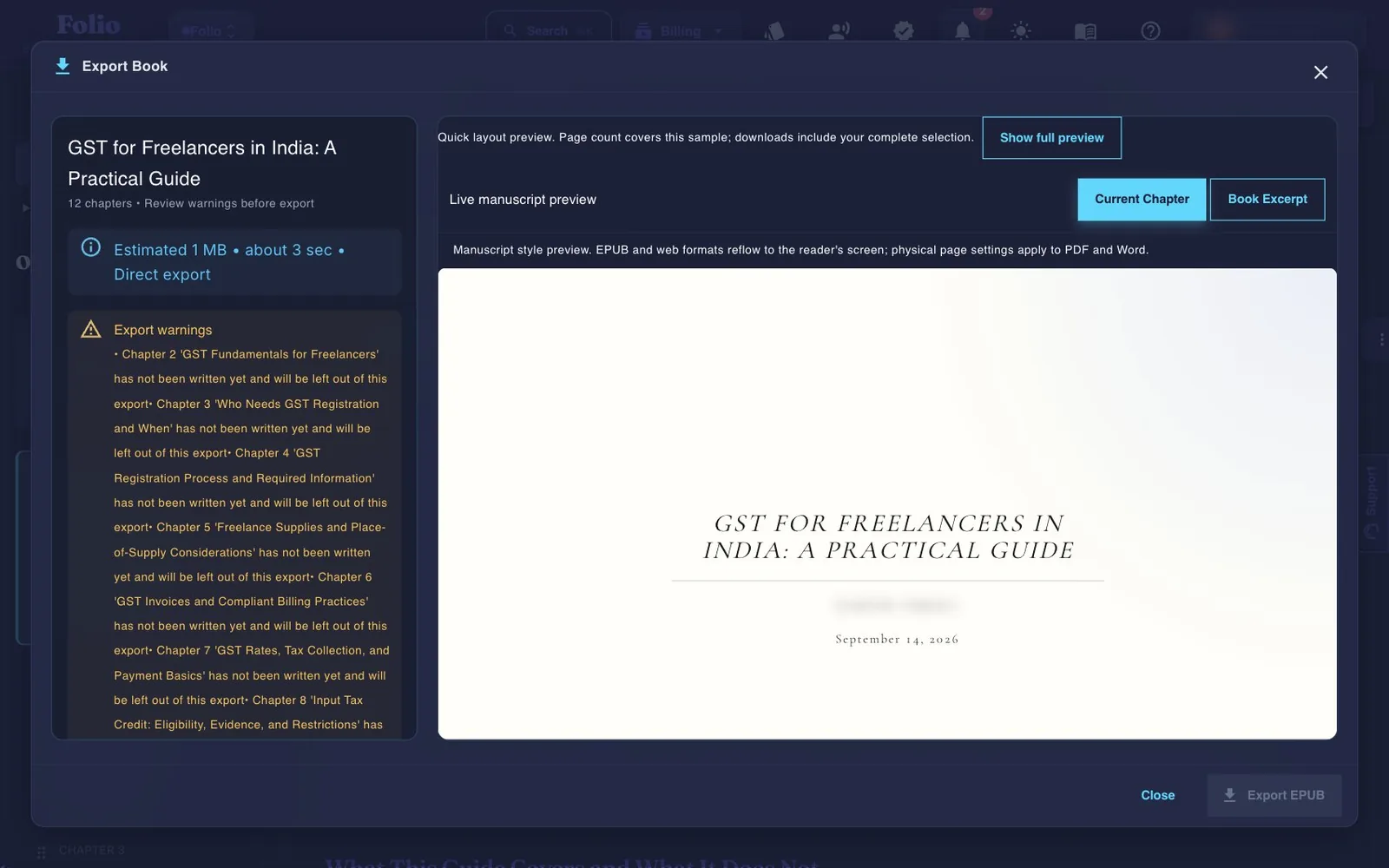
Use the persistent book workspace when the outcome is a real guide, authority book, training manual, client asset, or exportable edition.
If your manuscript is already finished and you only need specialist formatting or a dedicated fiction system, a focused tool may be the simpler choice.
What should an AI eBook generator help you do?
The product should make the eBook useful, not just fast.
What does a practical AI eBook workflow look like?
The better the structure, the more valuable the finished eBook becomes.
How is Gixo Folio different from a generic AI eBook generator?
The real difference is whether the eBook is treated like a manuscript or a one-shot asset.
| Decision area | Gixo Folio | Generic eBook generator |
|---|---|---|
| Starting point | Book brief and chapter structure | Topic prompt |
| Review | Full manuscript review in workspace before export | Usually missing |
| Export choice | EPUB and PDF inside the final workflow | Often handled with extra steps |
| Final files | EPUB, editable DOCX, chapter PDF, HTML, and Markdown on Folio Author; SCORM on Folio Pro | Often a single flat PDF |
| Cost shape | Folio Author ($19/mo), cancel when the eBook ships | Often free to start, with export, watermark, or page limits |
| Edition growth | Supported across 89 locales | Often not considered |
| Best for | Lead magnets, guides, client books, practical eBooks | Fast drafts |
A lot of AI eBook generators can produce a fast draft, but the finished asset often feels thin, repetitive, or poorly structured. The problem is usually not the file format. It is the missing manuscript workflow behind it.
That is why review matters.
Gixo Folio keeps the eBook inside the same workflow from brief to outline to revision to export. That makes it more useful for buyer-facing, client-facing, and educational digital books that need to perform a real job.
It is a better fit than a prompt-to-file generator for serious long-form assets.
Search for an eBook maker and most of what comes back is a layout tool: choose a template, drop in text and images, export a PDF. That solves the last ten percent of the job. The part that decides whether anyone finishes reading is the manuscript underneath — a promise the reader recognizes on page one, chapters that move in a deliberate order, and nothing between them that is only there to add length.
Gixo Folio is an eBook maker in the fuller sense. It starts from what the eBook is for, builds the chapter plan, drafts and revises inside that plan, reviews the whole book, and only then exports. Export is deliberately last, because choosing EPUB or PDF before the writing is settled is how eBooks end up looking finished and reading unfinished.
If your text is already written and approved and the only job left is a designed layout, a design-first eBook maker is the simpler purchase. Folio is the better fit when the eBook still has to be written.
Lead magnets are the most common reason people go looking for an eBook maker, and the most common place the format disappoints. A lead magnet is judged in its first two pages: if it reads like padded blog posts stapled together, the download spends the trust the opt-in just earned.
The workflow that fixes that is not longer, it is narrower. Define one problem the eBook solves for one audience, keep the chapter count small enough that every chapter has a job, draft it, then use the revision pass specifically to cut whatever is there to make the file look substantial. A twenty-page lead magnet that earns the next email beats a hundred-page one nobody opens.
Folio Author ($19/mo) covers that whole loop — plan, draft, revise, review, export — and is built to be cancelled once the eBook ships, which suits a lead magnet you make once and use for a year.
Frequently Asked Questions
Digital-book pages to read next
These pages are the most relevant follow-ups for eBook buyers.
More Gixo Folio pages
Related book writing, publishing, and alternative pages.
Updated