
Plan or import the manuscript
Start blank, prepare an outline or import a supported manuscript and review its chapter split. Keep chapter titles, book context and continuity notes available during drafting.
Gixo Folio works best for repeat-publishing solo experts: consultants, coaches, creators, and small service businesses that turn expertise into recurring authority assets.
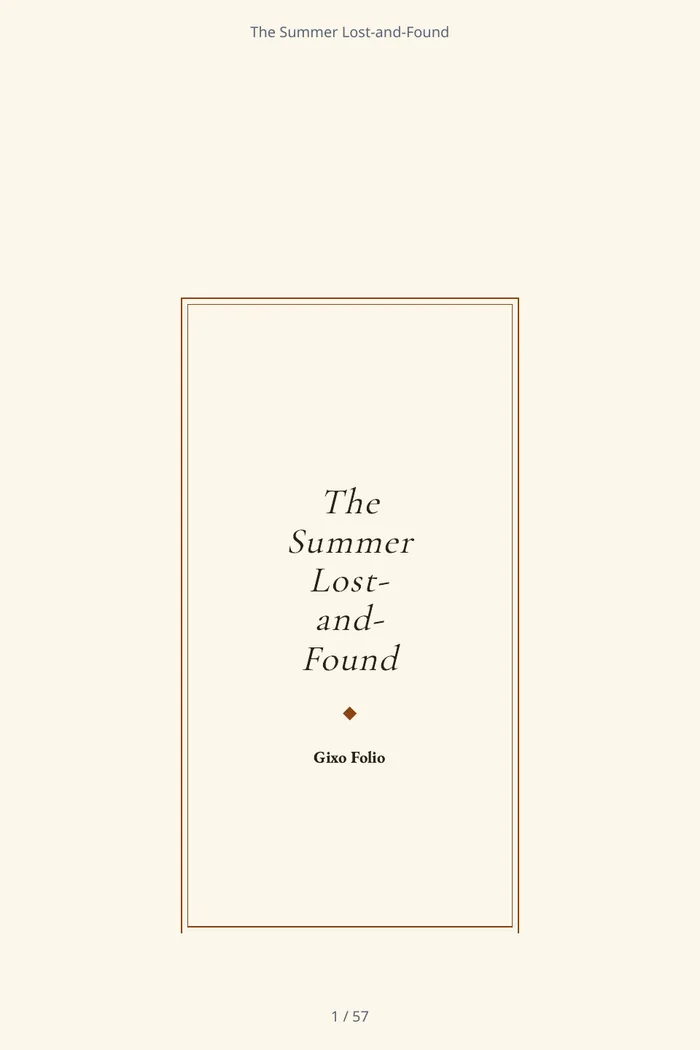
Open the finished book and the brief that produced it. Planning, chapter drafting, editorial passes and a frozen publishing edition have different scopes.
A chapter book for readers aged seven to nine: a boy is put in charge of his village's lost-property cupboard for one summer and has to find the owners of a growing pile of odd objects. Folio wrote all six chapters from the brief. Each runs 1,513 to 1,754 words where the brief asked for about 1,100.
A funny, warm chapter book for readers aged seven to nine about a boy who is put in charge of his village's lost-property cupboard for one summer and has to find the owners of a growing pile of odd objects. Six short chapters of about 1,100 words each, short sentences, plenty of dialogue, and a gentle surprise in the last chapter. Audience: Children aged seven to nine, read alone or aloud. Tone: Funny, warm and gentle. Everything in the book is invented: the village, the people and the events. Use no real person, organisation, brand or place, and no statistics or quotations.
Screened mechanically for what the brief forbade (a real person, organisation, brand, place, statistic or quotation) and found none: every capitalised name is a character or place in the book. Nobody has edited the text, and nobody has read it for quality.
Start blank, prepare an outline or import a supported manuscript and review its chapter split. Keep chapter titles, book context and continuity notes available during drafting.
Draft individually or use Folio's sequential chapter batch. Inspect continuity findings and evidence, then accept, reject or defer editorial issues. Editorial findings do not overwrite manuscript text on their own.
Choose the format and chapter scope separately. For print, inspect trim, margins, gutter, bleed, matter and rendered page count. Freeze the edition, annotate its exact proof and track corrections before preparing the publishing handoff.
Review the imported chapter split or planned outline, then draft individual chapters or a sequential batch. Continuity entries can retain characters, frameworks, sources, story time, applicable chapters and who knows a fact. Editorial passes retain reading coverage and quoted evidence; accept, reject or defer findings without allowing the model to overwrite the manuscript automatically.
Choose the format separately from the full-book, current-chapter or selected-chapter scope. Print controls cover trim, margins, mirrored gutter, bleed, running matter and page numbering. A paperback wrap uses the rendered page count with the selected paper and ink choices. Fixed-layout EPUB spreads remain unavailable in the current UI.
Freeze the manuscript and export settings, inspect the exact proof, annotate corrections and compare it with later chapter changes. Saved Prism figures retain their own revision and accessibility text; updating the source visual does not silently replace an edition's snapshot. Translation creates a separate edition with its source revision, progress and export to review.
Folio chapter batching is separate from Quill CSV bulk generation. Fixed-layout EPUB spreads are not offered in the current UI. Print preflight and a publishing checklist do not guarantee retailer acceptance or perform a retailer upload. Chapter word goals guide a draft and do not fix its length, as the sample above shows, so check each chapter's count after drafting.
These are the buyers and book projects that fit Gixo Folio best today.
Folio keeps more than a draft: chapter edits, sources, reading coverage, reader suggestions and edition proofs remain attached to the book and its recorded revisions.
Write manually or request chapter prose. Continue and AI Write add text; Quick AI and Power Edit work on selections; Ask Folio proposes changes you review.
AI assistance can change meaning or invent details. Inspect saved versions and every proposed revision.
Attach readable sources, inspect extraction and passage coverage, run focused editorial passes and record claim/canon or reader-feedback decisions.
Bounded review and author approvals are not independent fact-checking. Changed inputs may make findings stale.
Freeze an edition, inspect the actual files, retain proof notes and prepare a handoff from the reviewed artifact.
Measured preflight is guidance. You own rights, final editing, platform requirements and the retailer upload.
Start blank, import and manually edit your own book. Its downloads and proofs do not need an active Folio subscription. New AI planning, drafting and editorial assistance need eligible access; translation and narration use separate edition conditions. Existing book view, comment and edit permissions apply.
Review the book workflow · Compare current Folio plans · Check supplied publishing details
Use the public Books surface to answer product-fit questions before someone enters Studio.
Updated