
Medium publishing guide
Export Gixo content to Medium cleanly. Use the Export for Medium handoff to copy formatted HTML or use Medium's "Import a story" feature.
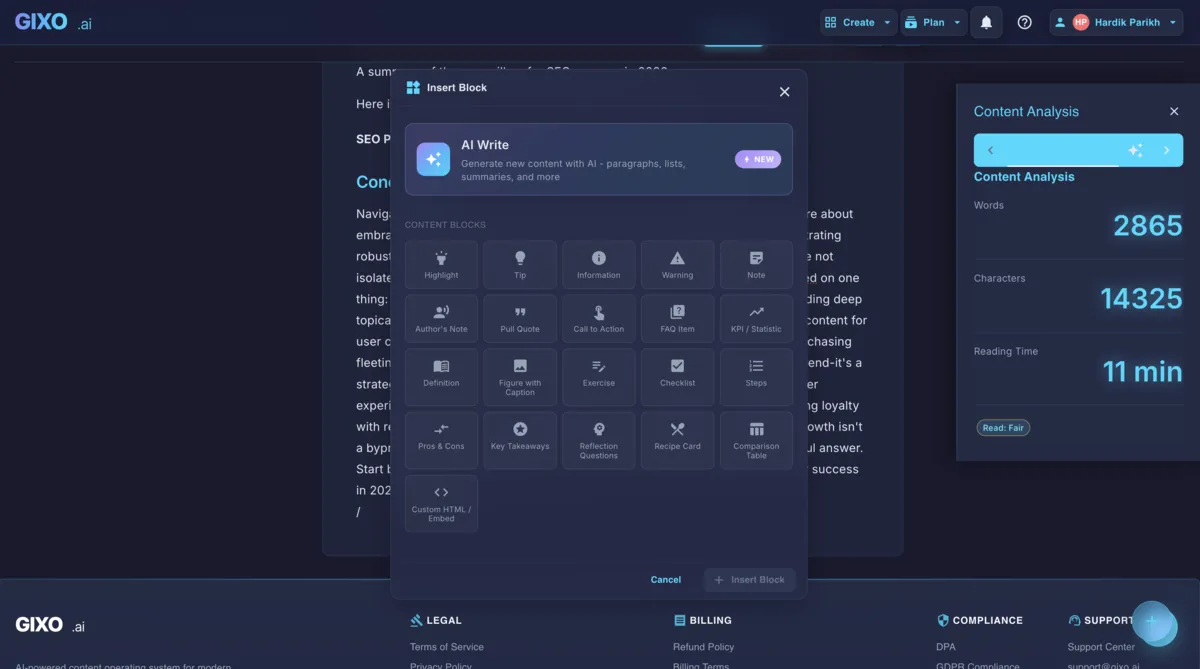
How to Export and Publish on Medium
Four steps from generating your content to importing and publishing on Medium.
Create an article, blog post, or newsletter in Gixo using the content editor. Edit and refine the content until you are satisfied with the output before exporting it to Medium.
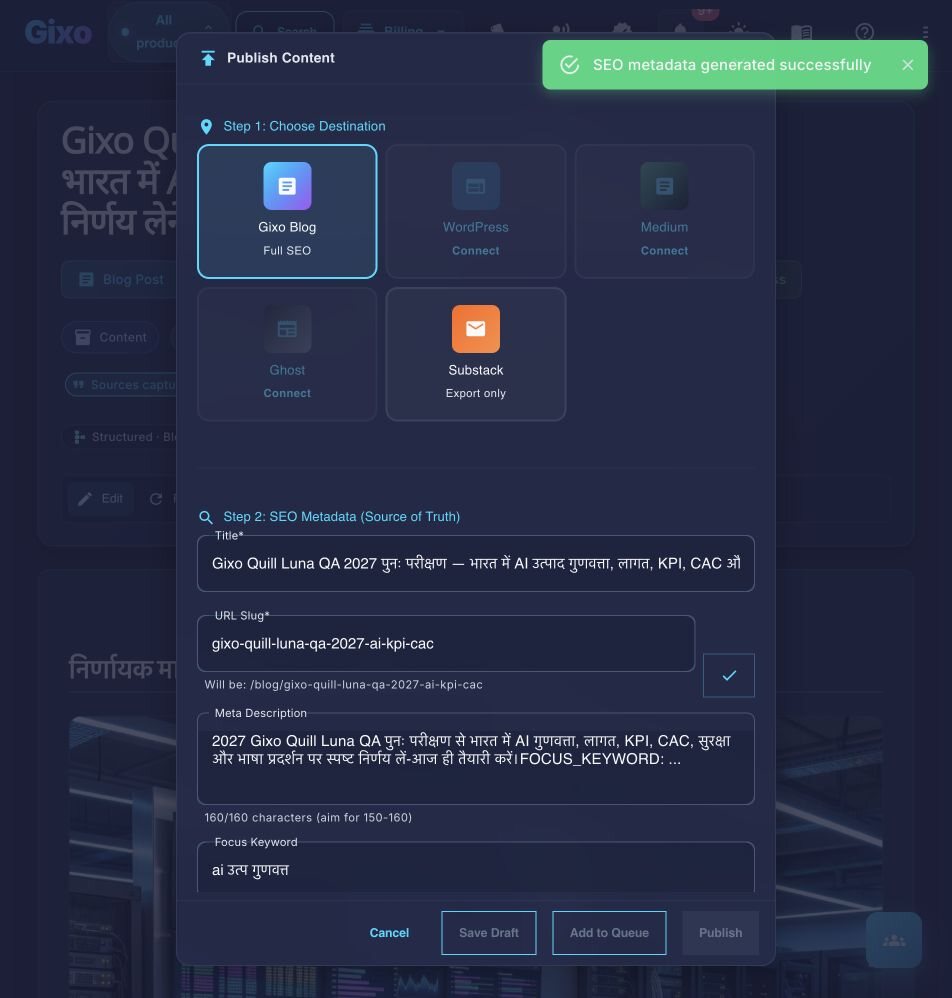
Click the publish action in Gixo and select Medium to open the Export for Medium handoff. Copy the clean formatted HTML or prepare your public post URL.
Open Medium, go to Stories, and click "Import a story" using your article's URL, or paste the copied HTML directly into the Medium editor then inspect headings, quotes, lists and links in the destination.
Open Medium, review the draft in their editor, add tags, set a featured image if desired, and publish when ready. Medium controls the imported presentation, so inspect headings, lists, links and images instead of assuming identical formatting.
Frequently Asked Questions
Inside Quill
Carry an approved draft into publishing metadata and delivery
Updated