
Publish to Medium directly from Gixo
Connect Gixo to Medium and publish AI-generated articles as drafts. Preserve formatting, add tags, set canonical URLs, and manage your Medium publishing workflow entirely from Gixo.
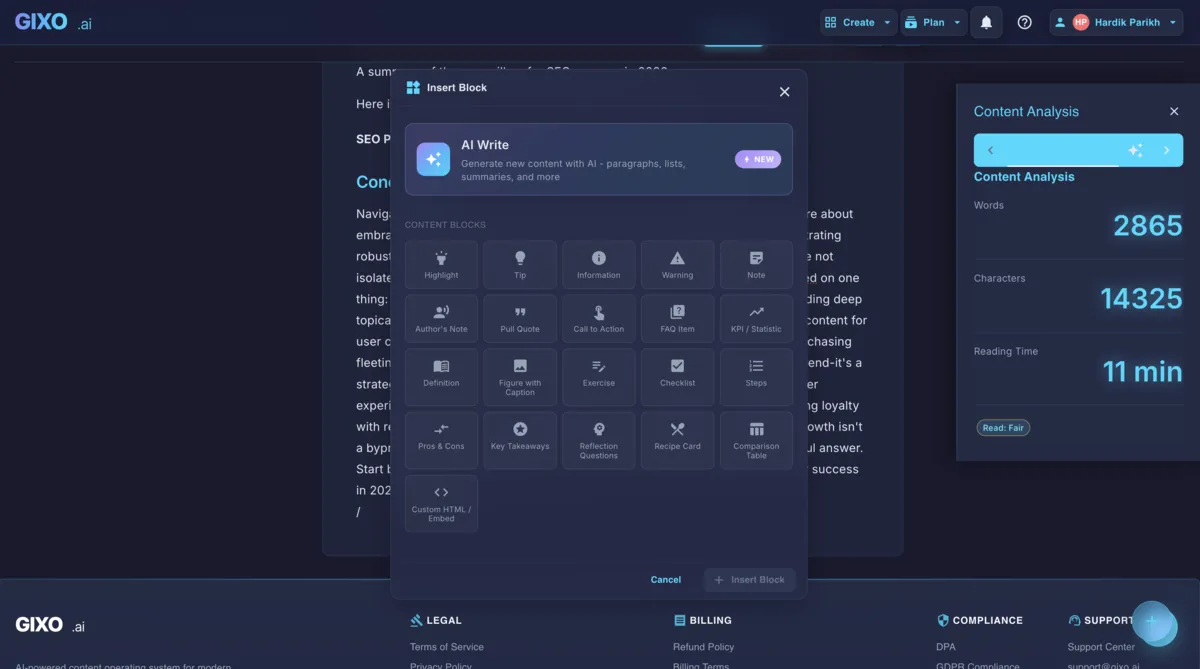
Publish to Medium with canonical URLs that avoid a duplicate content penalty — Gixo hands over the draft, you press publish
Gixo sends your AI-generated articles to Medium with formatting, tags, and canonical URLs intact. Review as a draft on Medium, then publish when ready.
Every article arrives on Medium as a draft. Review formatting, check tags, and make final edits on Medium before publishing. Nothing goes live until you are ready.
Headings, bold, italic, code blocks, blockquotes, and ordered and unordered lists all transfer cleanly to Medium. Medium strips some advanced HTML, so keep formatting simple and review the draft before publishing.
Add up to five Medium tags per article directly from Gixo. Choose tags that match your audience and topic.
Publish to your personal Medium profile or submit to any Medium publication you belong to. Gixo lets you choose the destination before sending the draft.
Set a canonical URL when cross-posting content from your own blog to Medium. Avoid duplicate content penalties and keep your original source as the authoritative version.
Gixo sends a structured, block-based draft rather than plain text, so Medium's editor has headings and sections to work with.
How It Works
Four steps from AI generation to a Medium draft ready for review.
Authenticate with your Medium integration token. Gixo connects securely and verifies access to your profile and any publications you belong to.
Create articles using Gixo's AI content tools. Write, edit, and refine your piece with inline AI assistance until it matches your voice and standards.
Your article arrives as a Medium draft with all formatting and tags applied. Preview it on Medium, make any final adjustments, and verify everything looks correct.
Hit publish on Medium when you are satisfied with the draft. Your article goes live with proper tags, canonical URL, and formatting already in place.
How it compares
How Gixo's direct integration compares to other Medium publishing workflows.
| Feature | Gixo Direct | Copy-Paste | Medium Import | Zapier |
|---|---|---|---|---|
| Formatting preserved | Full HTML | Often broken | Partial | Partial |
| Tag management | Up to 5 tags | Manual | No | Limited |
| Canonical URL | Automatic | Manual | Yes | No |
| Publication support | Personal + pubs | Yes | Personal only | Limited |
| Draft-first workflow | Always draft | N/A | Published | Configurable |
| AI content generation | Built-in | No | No | No |
| Setup complexity | One-time token | None | URL import | Zap config |
Frequently Asked Questions
Inside Quill
Carry an approved draft into publishing metadata and delivery
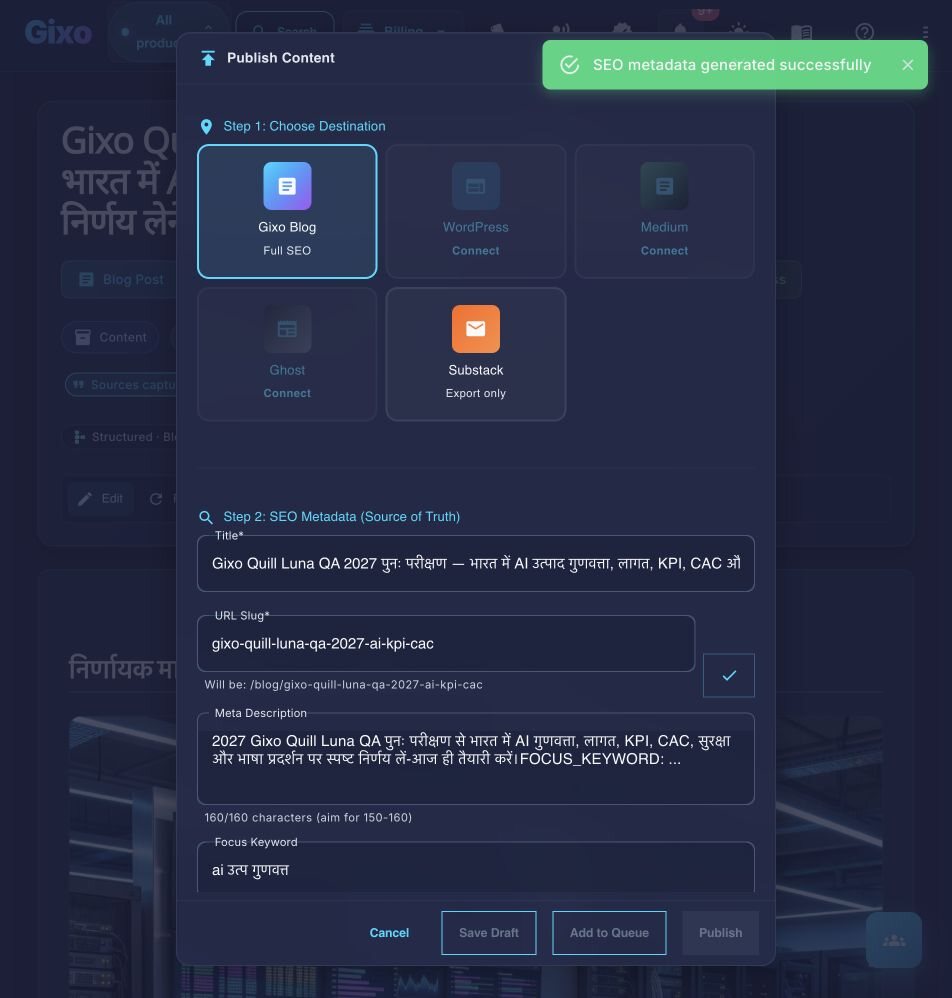
Updated