
Publish to Ghost directly from Gixo
Connect Gixo to Ghost CMS via the Admin API. Publish AI-generated content with full HTML preservation, custom excerpts, tags, featured images, and scheduled publishing — all from one workflow.
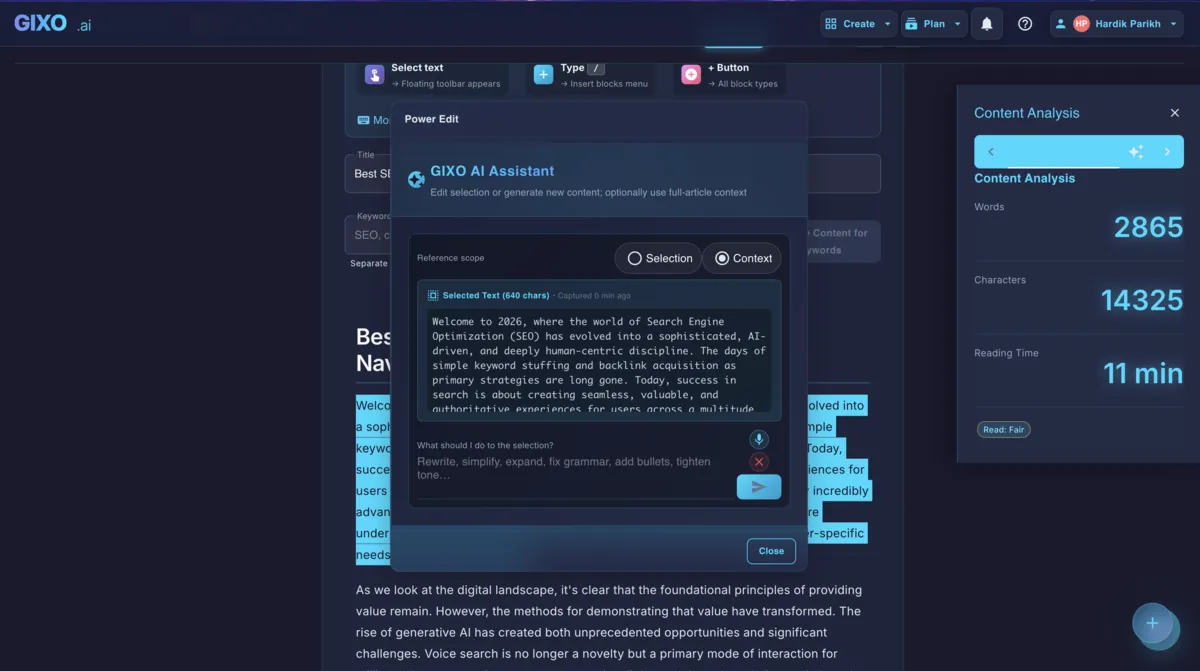
Publish with full control
Gixo connects to Ghost through the Admin API for secure, feature-complete publishing. Your content arrives with HTML, tags, excerpts, and images ready to go.
Connect using Ghost custom integration keys for secure, scoped access. Gixo authenticates through the Admin API with proper JWT tokens, giving you full publishing capabilities without exposing credentials.
Full HTML content is sent directly to the Ghost editor. Headings, tables, code blocks, callouts, images and embedded media are sent as HTML. Check the published post, because your Ghost theme controls final rendering.
Assign primary and secondary tags from within Gixo. Tags are created automatically on Ghost if they do not exist yet, keeping your taxonomy organized without manual tag creation.
AI-generated images are uploaded to Ghost and set as the featured image for each post. The image appears in cards, newsletters, and social sharing previews automatically.
Set meta descriptions and custom excerpts for each post. These are used by Ghost for SEO meta tags and social sharing cards, giving you control over how your content appears in search results and social feeds.
Set a future publish date and time for each post. Gixo queues the content on Ghost with the specified schedule so your publishing queue keeps moving without manual intervention.
How It Works
Four steps from Ghost setup to a published or scheduled post.
In your Ghost admin panel, create a custom integration to generate an Admin API key. This gives Gixo scoped access to publish content without full admin credentials.
Enter your Ghost site URL and Admin API key in Gixo settings. Gixo authenticates and verifies the connection, confirming it can create and publish posts on your Ghost site.
Create articles, guides, or blog posts using Gixo's AI content tools. Edit inline, add images, and set tags and excerpts before sending to Ghost.
Publish immediately as a draft or live post, or set a future date and time for scheduled publishing. Ghost handles the rest while your content arrives fully formatted.
How it compares
How Gixo's Admin API integration compares to other Ghost publishing workflows.
| Feature | Gixo Direct | Ghost Editor | Zapier | Ghost API Scripts |
|---|---|---|---|---|
| HTML preservation | Full HTML | Native | Partial | Full HTML |
| Featured images | Auto-uploaded | Manual upload | No | Requires code |
| Tag management | Primary + secondary | Manual | Limited | Requires code |
| Custom excerpts | Automatic | Manual | No | Requires code |
| Scheduled publishing | Date and time | Manual | Limited | Requires code |
| AI content generation | Built-in | No | No | No |
| Setup complexity | One-time key | None | Zap config | Developer needed |
Frequently Asked Questions
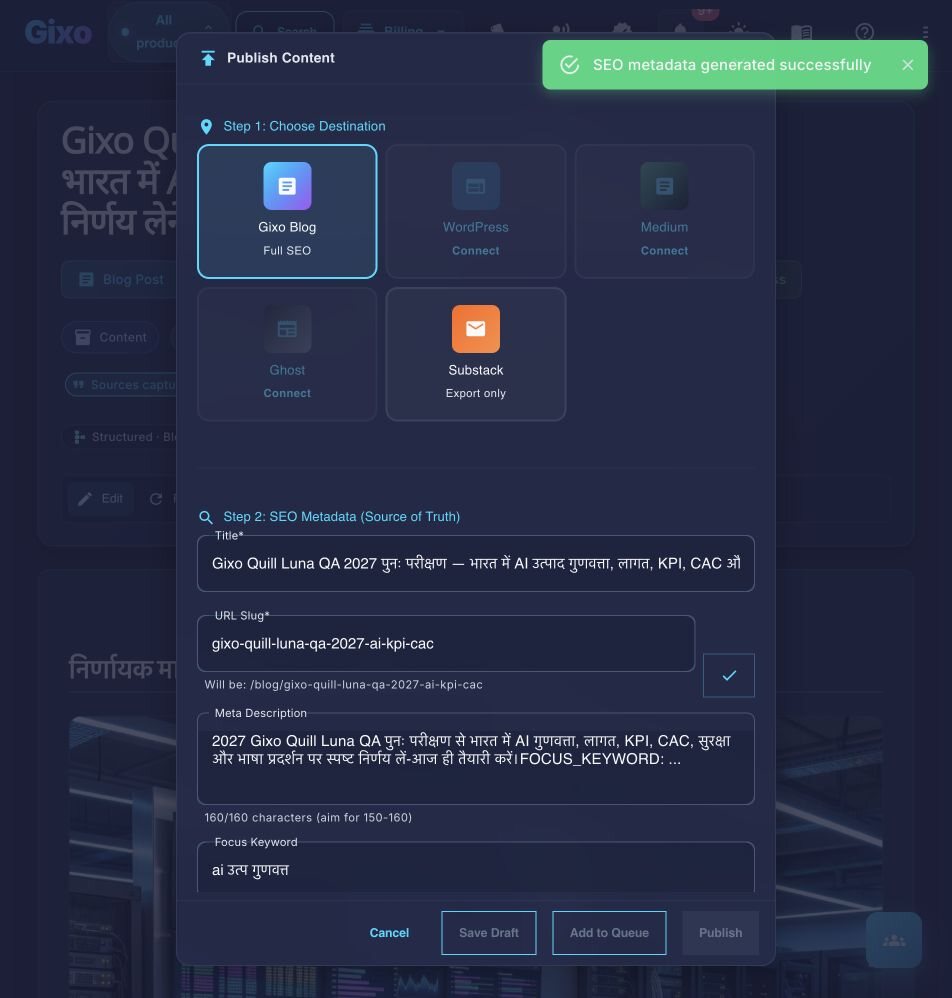
Inside Quill
Carry an approved draft into publishing metadata and delivery
Updated