
Publish to WordPress directly from Gixo
Connect Gixo to WordPress and deliver reviewed content directly. Send the title, URL slug, HTML body, excerpt, category match, and tags as a draft, scheduled post, or live post — no copy-paste required.

From content generation to a published WordPress post
Gixo connects content generation, review, delivery metadata, and WordPress publishing. The native path sends the title, HTML body, slug, excerpt, matched category, and resolved tags through the WordPress REST API.
Publish directly from the Gixo editor to your WordPress site as a draft, scheduled item, or published post. Review the delivery fields and destination preview before going live.
Gixo resolves tags against WordPress tags and matches the selected Gixo category to an existing WordPress category, falling back to the connection default when no match exists.
HTML headings, lists, tables, blockquotes, and inline image URLs transfer in the post body. Inspect the WordPress preview because the destination theme and plugins control final rendering.
Image URLs stay embedded in the post body where you placed them. Gixo does not upload those images to the WordPress media library or set a featured image, so choose the featured image in WordPress if your theme uses one.
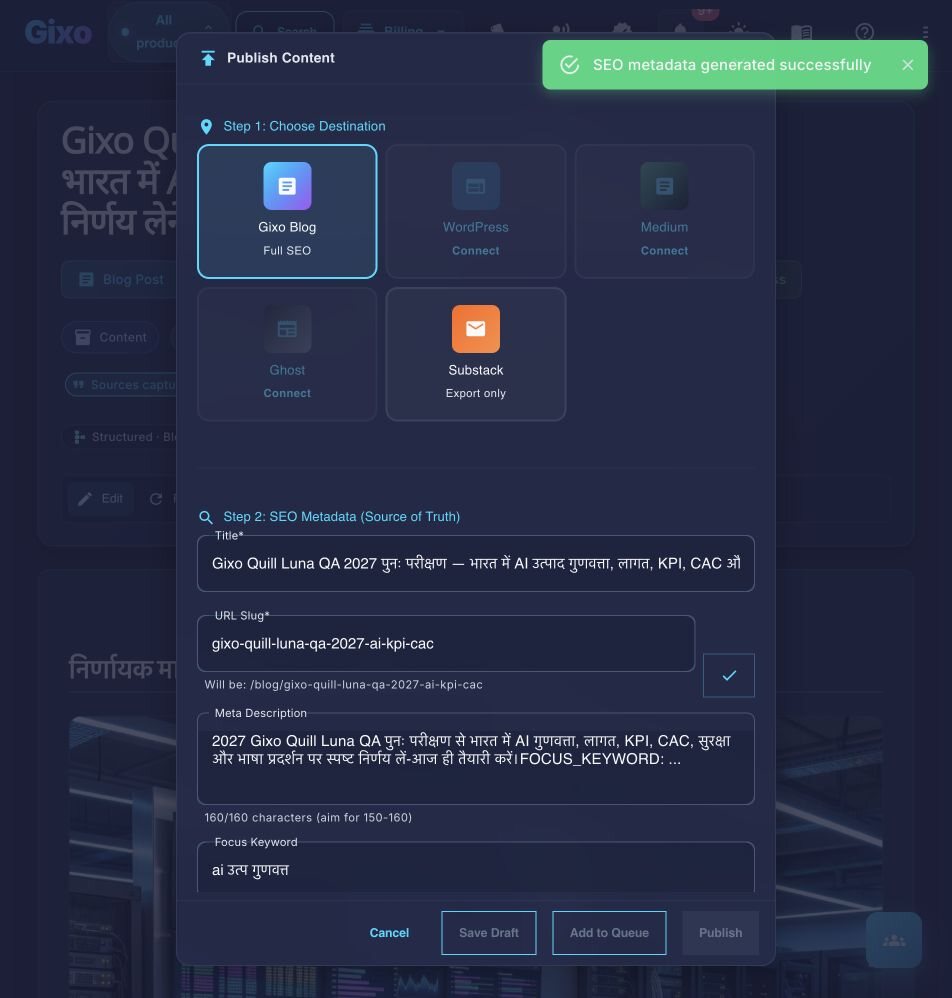
The URL slug is sent with the post, so the permalink is right on arrival. Gixo does not write into Yoast SEO or RankMath fields — set the meta title and description there as part of your usual plugin configuration.
Send each reviewed article to WordPress as a draft, scheduled post, or live post. Gixo publishes one post per action rather than batch-publishing a queue.
How It Works
Four steps from AI generation to a live WordPress post.
Add your WordPress URL and authenticate via application password or REST API key. Gixo connects securely and verifies write access to your site.
Create blog posts, articles, or pages using Gixo's AI content tools. Edit, refine, and add images directly in the editor before publishing.
Choose the content category and tags in the delivery editor. Gixo matches the category to an existing WordPress category when possible and resolves or creates WordPress tags.
Choose draft, scheduled, or published status. WordPress receives the title, slug, HTML body, excerpt, category IDs, and tag IDs; review the destination preview and SEO-plugin fields.
How does Gixo's WordPress publishing compare on formatting, images, and the WordPress SEO title?
How Gixo's direct integration compares to other WordPress publishing workflows.
| Feature | Gixo Direct | Copy-Paste | Zapier | WP AI Plugins |
|---|---|---|---|---|
| Formatting transfer | HTML body | Copy/paste dependent | Configuration dependent | Plugin dependent |
| Featured images | Set in WordPress | Manual | No | Some |
| SEO metadata | Set in your SEO plugin | Manual | No | Limited |
| Category & tag handling | Category match/default; tag resolution | Manual | Configuration dependent | Plugin dependent |
| Bulk publishing | One post per action | No | Configuration dependent | Plugin dependent |
| Content quality | AI + editor | Depends on source | Depends on source | Basic AI |
| Setup complexity | One-time connect | None | Zap configuration | Plugin install |
Frequently Asked Questions
Inside Quill
Carry an approved draft into publishing metadata and delivery
Updated