
Self-Publishing Workflow Software — One Flow Before and After the Draft
Self-publishing workflow software is software that manages more than just the final export file — it supports planning, drafting, review, format choice, and post-manuscript edition creation in one connected system. Gixo Folio is built as this kind of workflow-first tool: the manuscript brief, chapter drafts, revision pass, and export stay in the same workspace instead of moving across separate tools. It exports to 6 formats (EPUB, editable DOCX, chapter PDF, HTML, Markdown, SCORM) and supports localized editions across its full locale set (89) once the source manuscript is finished.
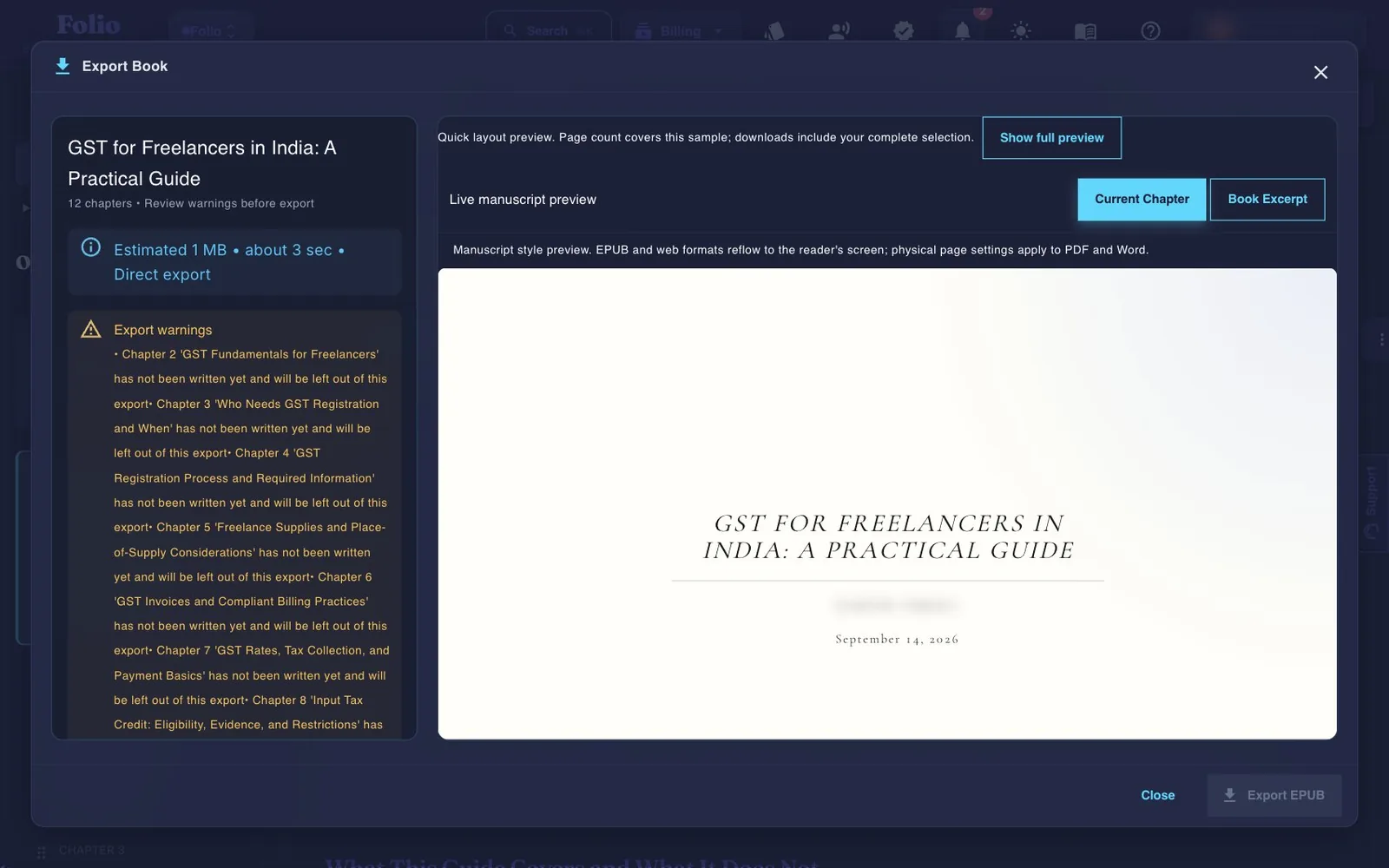
Use the persistent book workspace when the outcome is a real guide, authority book, training manual, client asset, or exportable edition.
If your manuscript is already finished and you only need specialist formatting or a dedicated fiction system, a focused tool may be the simpler choice.
What should self-publishing workflow software handle?
If the product only helps at one stage, you are still building the workflow yourself.
What does a self-publishing workflow look like inside Gixo Folio?
The simplest version is still the best one: plan, write, review, export, then expand.
Gixo Folio vs a patchwork of tools: which is better for self-publishing?
The value is in keeping the same book context from start to finish.
| Decision area | Gixo Folio | Fragmented stack |
|---|---|---|
| Planning | In the same workflow | Usually separate tool |
| Drafting and revision | Same manuscript workspace | Often spread across multiple docs and apps |
| Review and export | Connected final flow | Often disconnected |
| Editions | Supported across 89 locales after the source version is ready | Usually managed manually elsewhere |
| Best for | Authors who want one coherent book workflow | Users willing to assemble their own process |
Workflow software is judged on what it removes. The useful question is not which tool drafts best, but how many times the manuscript changes hands before the book is finished.
Folio runs the production chain on one book: draft and revise the manuscript, run the consistency audit, validate the ISBN and generate its barcode for the print cover, and export EPUB, editable DOCX and a print-ready interior PDF with KDP-sized mirrored margins at standard or custom trim sizes. The audiobook edition and the international edition are then built from that same finished book in the workspace, not from a file you export and re-import.
Assembled from separate tools, the same result means drafting in one, formatting in another, buying an ISBN from a third, sending the manuscript to a narrator or audiobook service, sending it again to a translator, and running every translated edition back through the formatter — a file handed over at each step. In Folio the only file that leaves is the finished one you upload to the distributor you choose.
Folio validates an ISBN you already hold, converts between ISBN-10 and ISBN-13, and generates the barcode for your print cover. It does not issue ISBNs. Folio prepares downloadable book files; it does not publish them to a retailer, provide human copyediting, or guarantee publishing or commercial outcomes.
Many self-publishing stacks begin with one drafting tool, move into another editing surface, then a formatter, then a distribution step. That can work, but it creates more chances for drift, versioning confusion, and missed review.
A connected workflow avoids that overhead.
Gixo Folio keeps the book brief, chapter drafts, review, export, and edition planning inside one system. That makes self-publishing less about tool handoff and more about manuscript quality.
For serious nonfiction and educational projects, that usually leads to a cleaner finish.
Frequently Asked Questions
Publishing workflow pages to read next
These pages cover the adjacent export and formatting decisions in the same launch wave.
More Gixo Folio pages
Related book writing, publishing, and alternative pages.
Updated