Sign In Try Free
Workflow-specific products Content, decks, briefs, proposals, legal, and sales each have a clearer buying path.
Review before delivery Draft, edit, collaborate, approve, and export in the same workspace.
Security + procurement path Security policy, support, and Azure Marketplace buying are public.
Books guide

Gixo Folio guide

Gixo Folio is built for long writing projects: set the goal, shape the outline, write chapter by chapter, review the whole book, and export it as PDF, EPUB, HTML, Markdown, or SCORM. You can also create editions in 89 supported locale variants.

Paid plan Plan, import, and start blank books before subscribing.
Included Planning, chapter writing, and revision tools are included.
Reader Read-through mode for manuscript review before final export.
5 Paid export paths: PDF, EPUB, HTML, Markdown, and SCORM on Pro.

How it works

It works best when you build the book chapter by chapter instead of expecting one giant first draft.

1
Set the book brief
Define the title, audience, promise, and outcome so the manuscript starts from a real long-form brief.
2
Shape the chapter plan
Build the outline before drafting so each chapter has a job and the manuscript stays coherent.
3
Draft and revise chapters
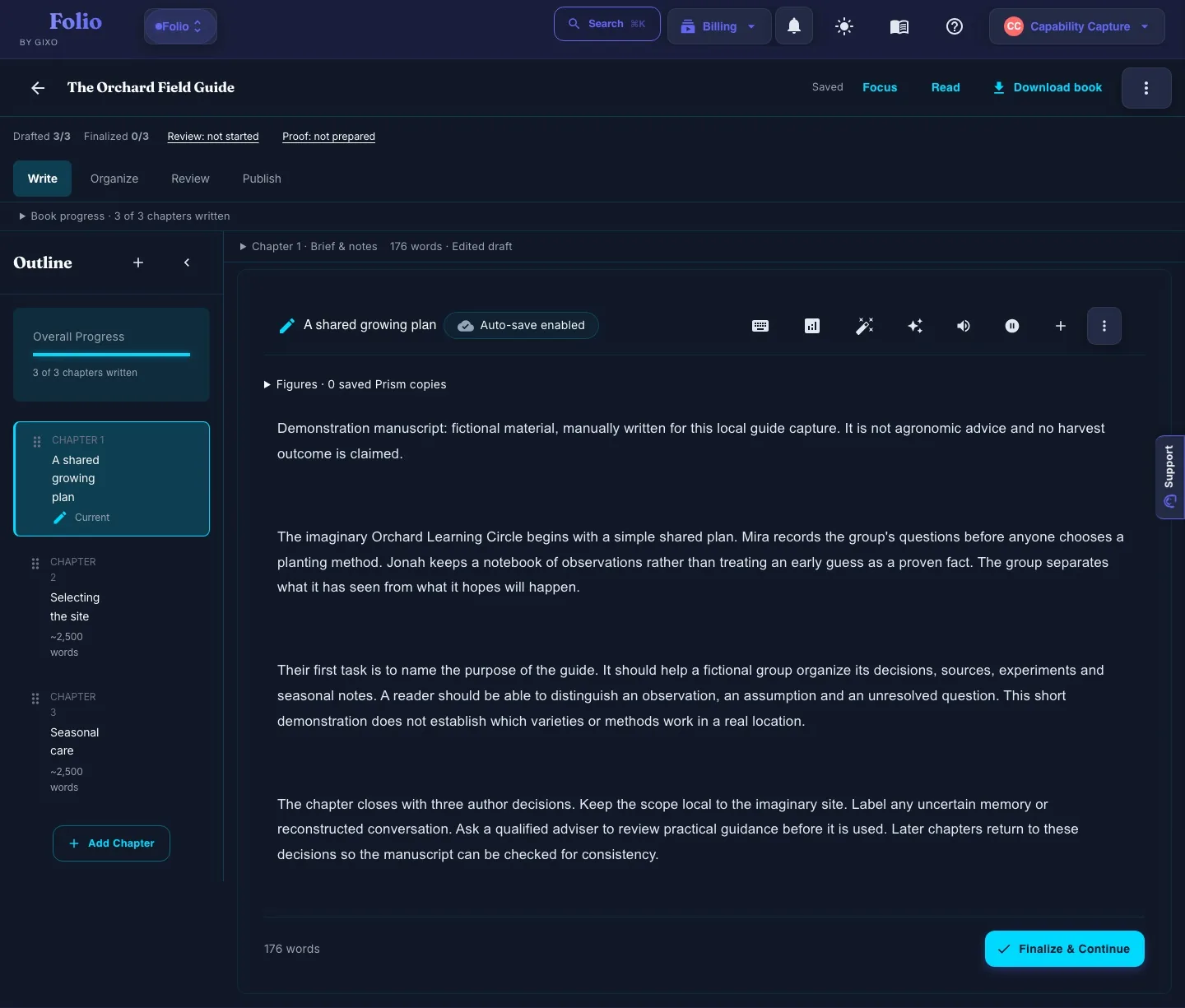
Write or create chapters, edit them in the book editor, and keep moving the manuscript toward a finished draft.
4
Review and export
Use reader mode for the last pass, then export in the format that matches the destination.
Best Practice

Finalize chapters as you go. The cleanest export path happens when the outline is stable, drafted chapters are reviewed, and the reader pass is used as the final pre-export check.

What you get

These are the main tools that help Gixo Folio feel like a real book editor, not just a prompt box.

Book brief and outline
Start from a defined brief, then turn it into a chapter plan that gives the manuscript structure before drafting begins.
Chapter-by-chapter editor
Draft, revise, save, and finalize chapters in one place without splitting the book into disconnected documents.
Manuscript readiness
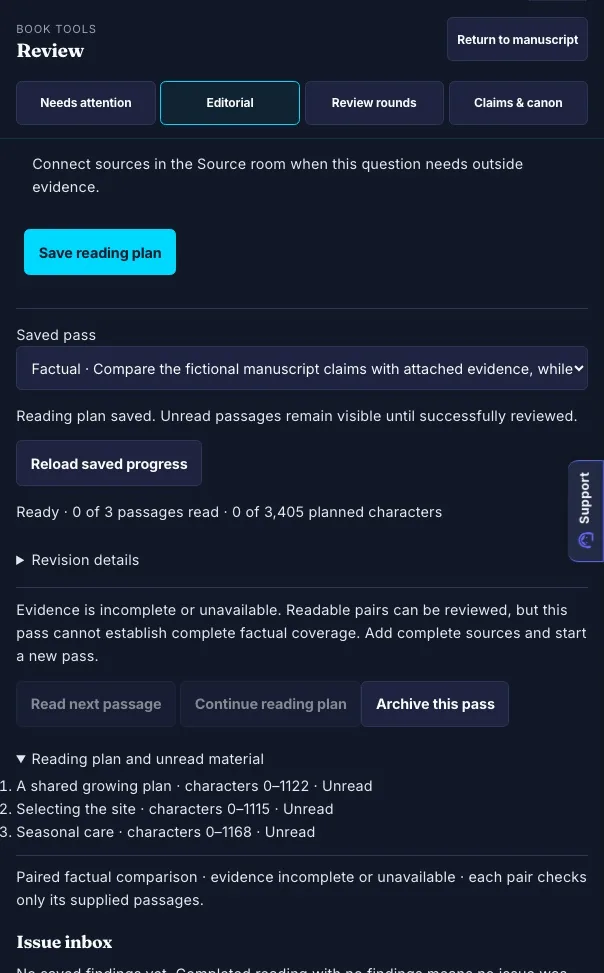
Track which chapters are final, which still need review, and whether the manuscript is actually ready to export.
Reader-mode final review
Read the book as a manuscript, not just as isolated chapters, so flow and pacing issues are easier to catch.
Story Bible and notes
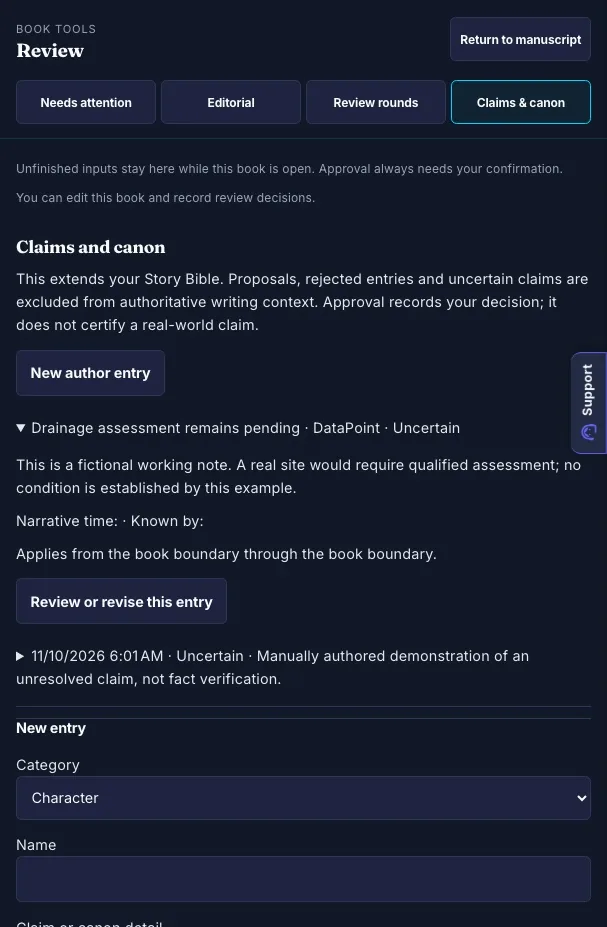
Keep frameworks, case studies, data points, source reminders, and story continuity attached to the manuscript.
Multi-format export
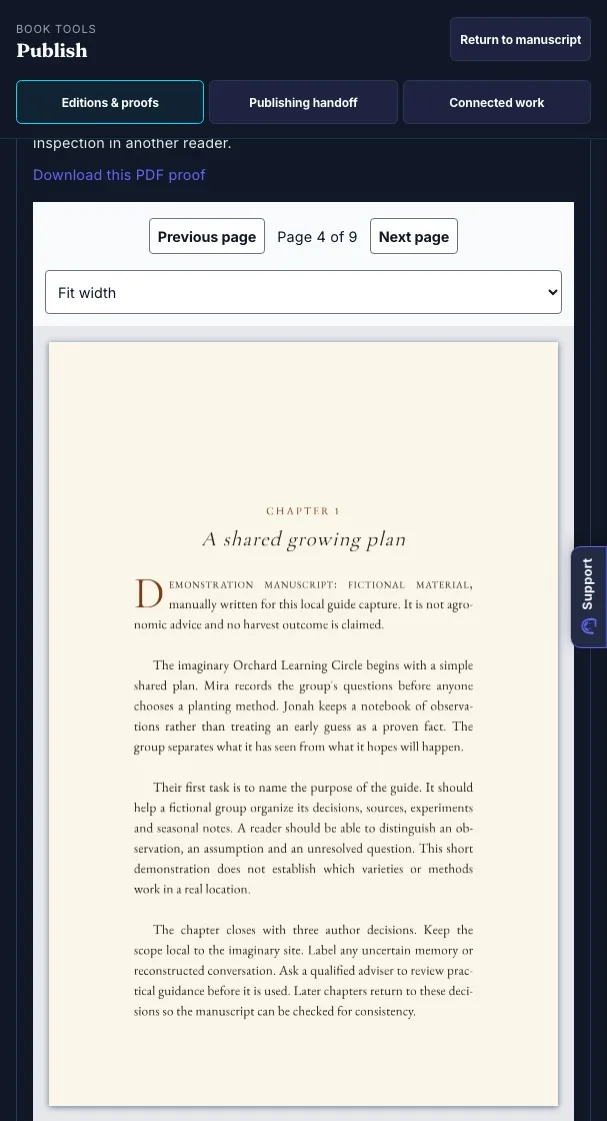
Paid plans export PDF, EPUB, HTML, and Markdown; Pro adds SCORM for LMS-ready training-manual handoff.
International editions
Once the source manuscript is strong, create localized editions across 89 supported locale variants with translated metadata and edition-specific exports.

Frequently asked questions

How big can a Gixo Folio project be?
Gixo Folio is monthly-only. Choose Author or Pro for planning, import, AI drafting, revision, and final export, then cancel when the book ships.
Is Folio a multi-seat publishing workflow?
No. Folio is best for solo experts, consultants, coaches, creators, and small service businesses. It includes review helpers, but shared billing and institutional workflow assignment are deliberately out of scope.
What export formats are available?
Paid plans support PDF, EPUB, HTML, and Markdown exports. Folio Pro adds SCORM for training-manual packages.
Can I edit AI-made chapters after they are created?
Yes. Every AI-made chapter can be edited, rewritten, expanded, shortened, and finalized in the chapter editor before the book moves into review or export.
Can I create editions in other languages?
Yes. Gixo Folio models 89 supported locale variants for language-aware export and international editions. International editions are treated as separate localized book editions with their own metadata and export files.
Ready to start your book?
If you already know the shape of the book, go to Books pricing or the main Books page and begin the first draft.