
How to write a book with AI without losing control of the manuscript
Writing a book with AI works best as a structured workflow, not a stack of unrelated prompts: brief the manuscript first, shape the chapter outline, draft chapters inside that structure, then revise, review the full book, and export only once it's ready. AI is strongest at momentum and structure -- outlining, chapter drafting, and revision speed -- while a human still supplies the judgment that makes the book coherent and credible. Gixo Folio keeps all of these steps (brief, outline, draft, revise, review, export, and later editions) in one workspace instead of treating each step as a separate tool or prompt.
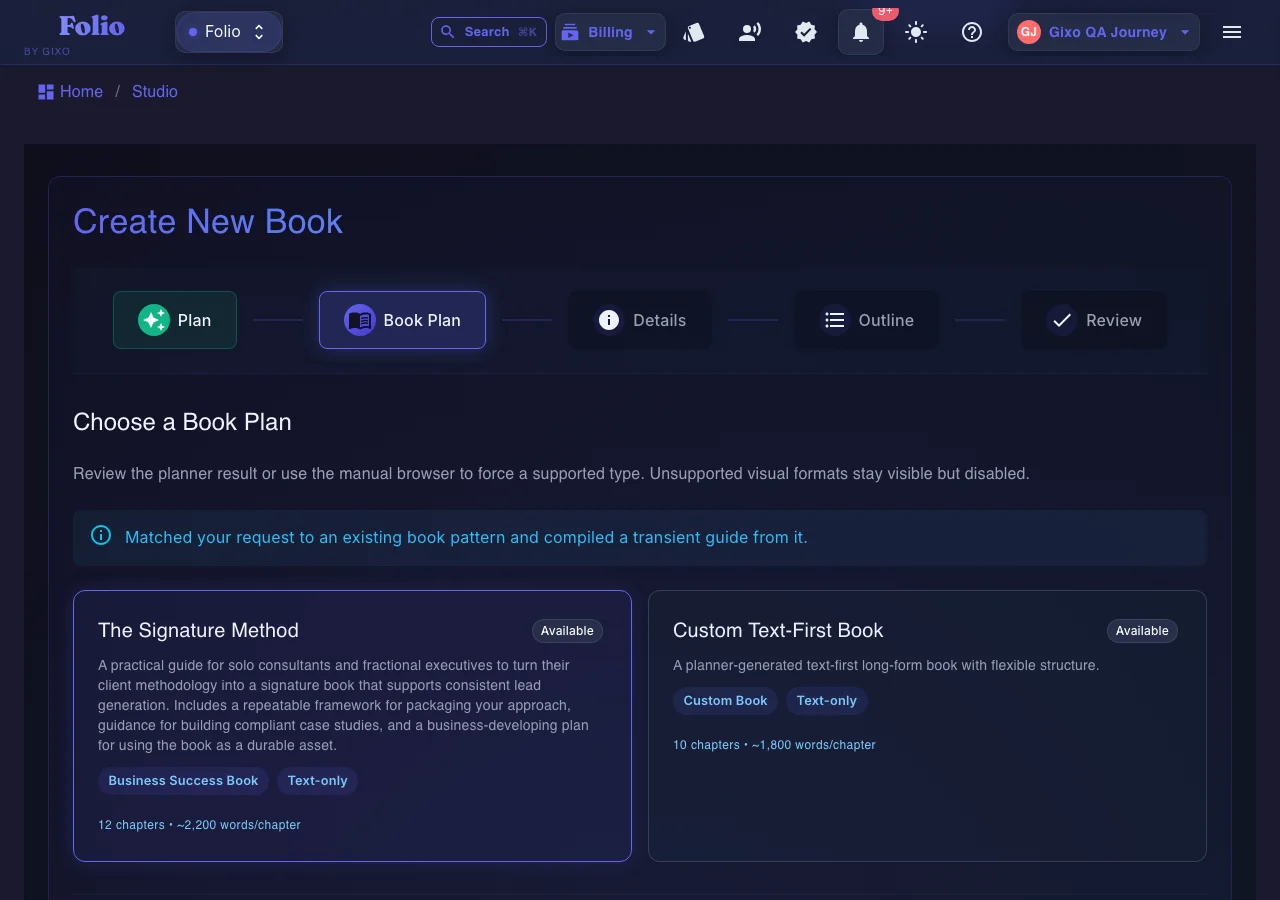
Use the persistent book workspace when the outcome is a real guide, authority book, training manual, client asset, or exportable edition.
If your manuscript is already finished and you only need specialist formatting or a dedicated fiction system, a focused tool may be the simpler choice.
What is the right order for writing a book with AI?
Most frustration comes from skipping structure and trying to fix it later.
What is a practical 4-step workflow for writing a book with AI?
This is the shortest path that still respects the manuscript.
Is a structured AI workflow better than prompt-by-prompt drafting for writing a book?
The workflow matters more than the model hype.
| Decision area | Gixo Folio | Prompt-by-prompt approach |
|---|---|---|
| Book structure | Planned before heavy drafting | Often improvised |
| Revision | Happens inside the same manuscript | Often scattered |
| Final review | Review in the workspace before export | Easy to skip |
| Export | Direct final file support | Usually another tool |
| Best for | Books that need to be shipped | Draft experiments |
| Expand later | Additional editions once the source manuscript is final | Usually not part of the workflow |
AI can speed up the first draft, help organize the chapter plan, and reduce the friction of getting started. Where it struggles is replacing the human judgment that makes a book coherent and credible.
That is why the workflow still needs review and revision.
Gixo Folio keeps the book brief, outline, chapter drafts, reader review, export, and later editions in the same place. That makes it a better way to write a book with AI than relying on ad hoc prompting alone.
The result is more likely to become a finished book instead of an unfinished draft.
Frequently Asked Questions
Next steps after the how-to page
These pages help narrow the workflow into the specific kind of book you are building.
More Gixo Folio pages
Related book writing, publishing, and alternative pages.
Updated