Start your free trial — no credit card. Start free trial
Gixo Folio · AI Book Studio

Turn your existing expertise into a book, then export when it is ready.

Import a backlog of newsletters, course notes, or drafts, shape the outline, draft chapter by chapter, review the manuscript, and download your own book without an active plan.

Planning and import included Chapter-by-chapter context Reader mode before export PDF and EPUB delivery
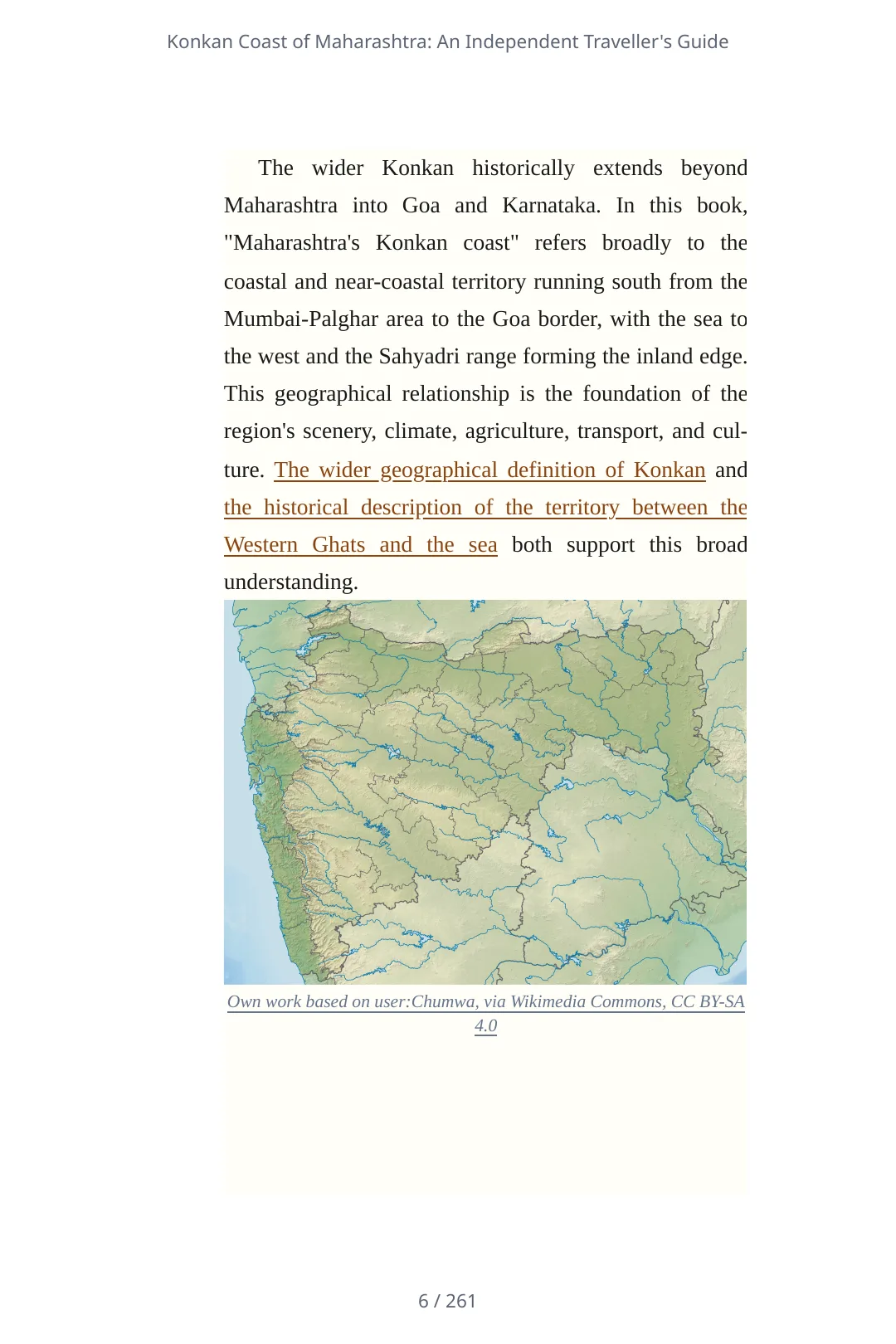
Print-PDF page from a 261-page Folio travel guide with a map and chapter prose

Export when the manuscript is genuinely ready

Review the whole book in reader mode, then choose the delivery format that fits the next step: a review copy, ebook, web edition, or training handoff. Open full-size page ↗

Start Plan and import included
Author $19/mo, cancel anytime
Included AI drafting included in plan
Exports Own-book downloads need no active plan
Workflow-specific products Content, decks, visuals, briefs, proposals, legal, books, and project delivery each have a clearer buying path.
Review before delivery Draft, edit, collaborate, approve, and export in the same workspace.
Security + procurement path Security policy, support, and Azure Marketplace buying are public.

Books Folio wrote from a short brief

Folio planned, outlined and drafted each book chapter by chapter on 3 October 2026 from the brief shown, then exported the same saved book as Word, EPUB and PDF without editing. The two stories are invented throughout, and the workbook names no one. They are samples of what Folio writes from one paragraph, not finished books: nobody has edited them.
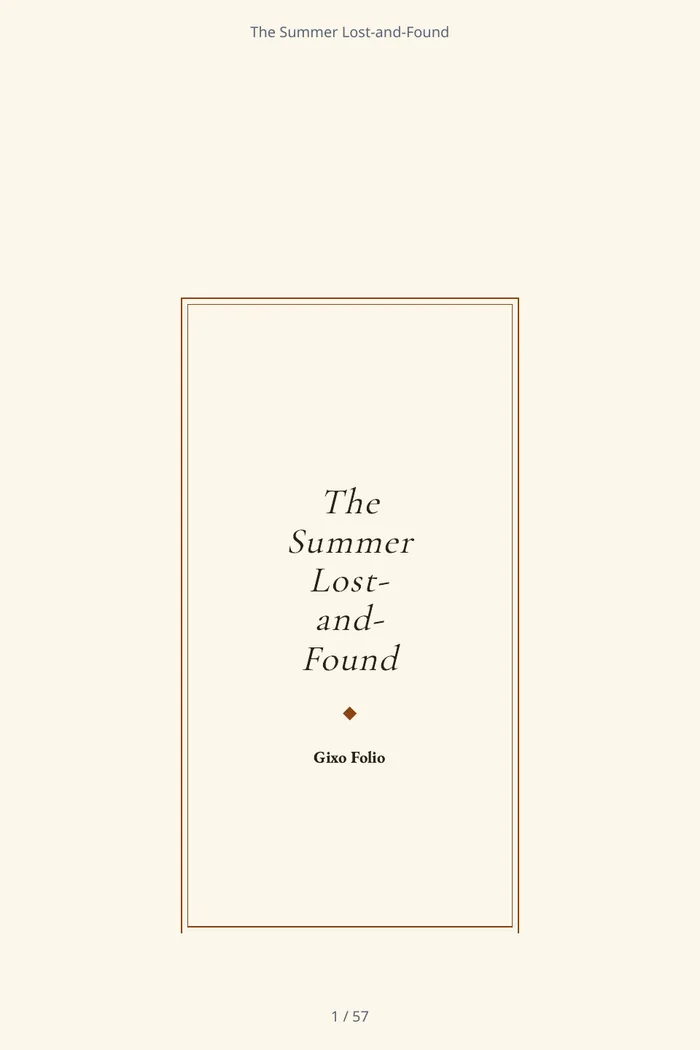
The cover of The Summer Lost-and-Found, a chapter book Folio wrote: the title in a double frame above the author line.
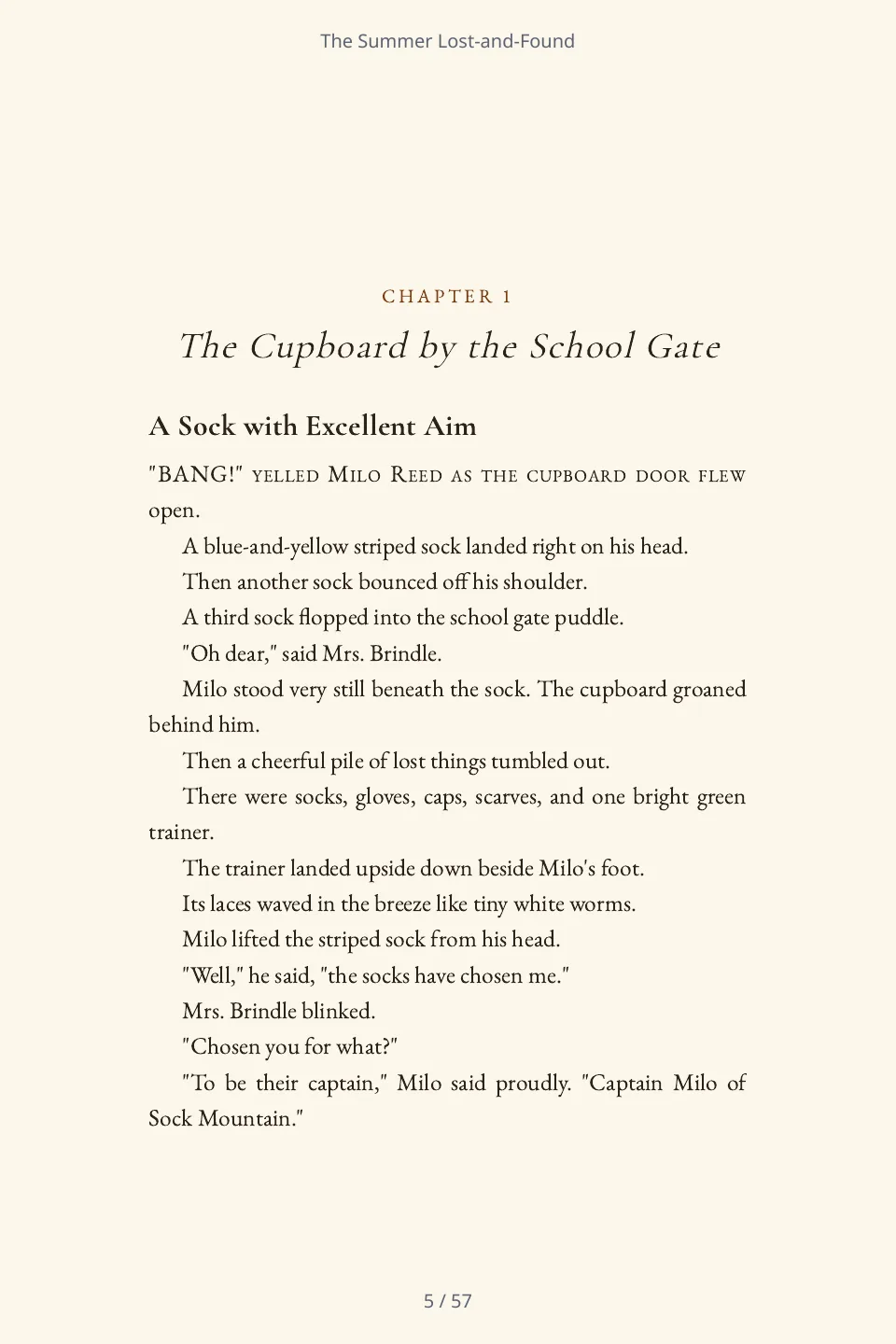
The first page of chapter one of The Summer Lost-and-Found: the chapter heading, a section heading and the opening dialogue.

Chapter book · 6 chapters · 9,528 words · 57-page PDF

The Summer Lost-and-Found

A chapter book for readers aged seven to nine: a boy is put in charge of his village's lost-property cupboard for one summer and has to find the owners of a growing pile of odd objects. Folio wrote all six chapters from the brief. Each runs 1,513 to 1,754 words where the brief asked for about 1,100.

The brief Folio was given

A funny, warm chapter book for readers aged seven to nine about a boy who is put in charge of his village's lost-property cupboard for one summer and has to find the owners of a growing pile of odd objects. Six short chapters of about 1,100 words each, short sentences, plenty of dialogue, and a gentle surprise in the last chapter. Audience: Children aged seven to nine, read alone or aloud. Tone: Funny, warm and gentle. Everything in the book is invented: the village, the people and the events. Use no real person, organisation, brand or place, and no statistics or quotations.

PDF (378 KB)Word (30 KB)EPUB (31 KB)

Screened mechanically for what the brief forbade (a real person, organisation, brand, place, statistic or quotation) and found none: every capitalised name is a character or place in the book. Nobody has edited the text, and nobody has read it for quality.
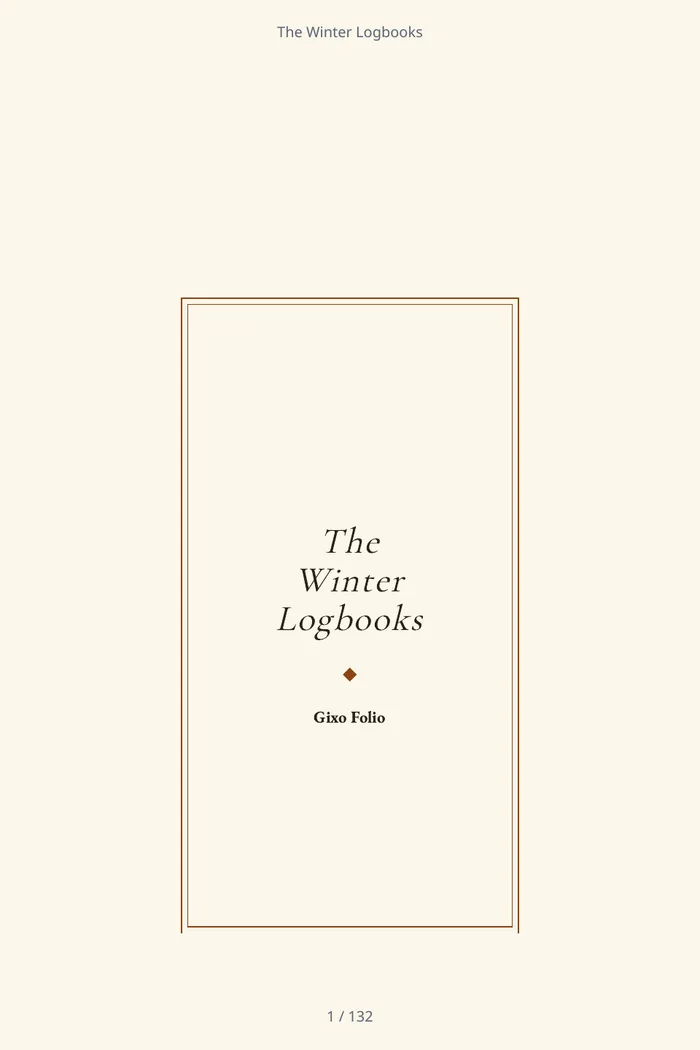
The cover of The Winter Logbooks, a novella Folio wrote: the title in a double frame above the author line.
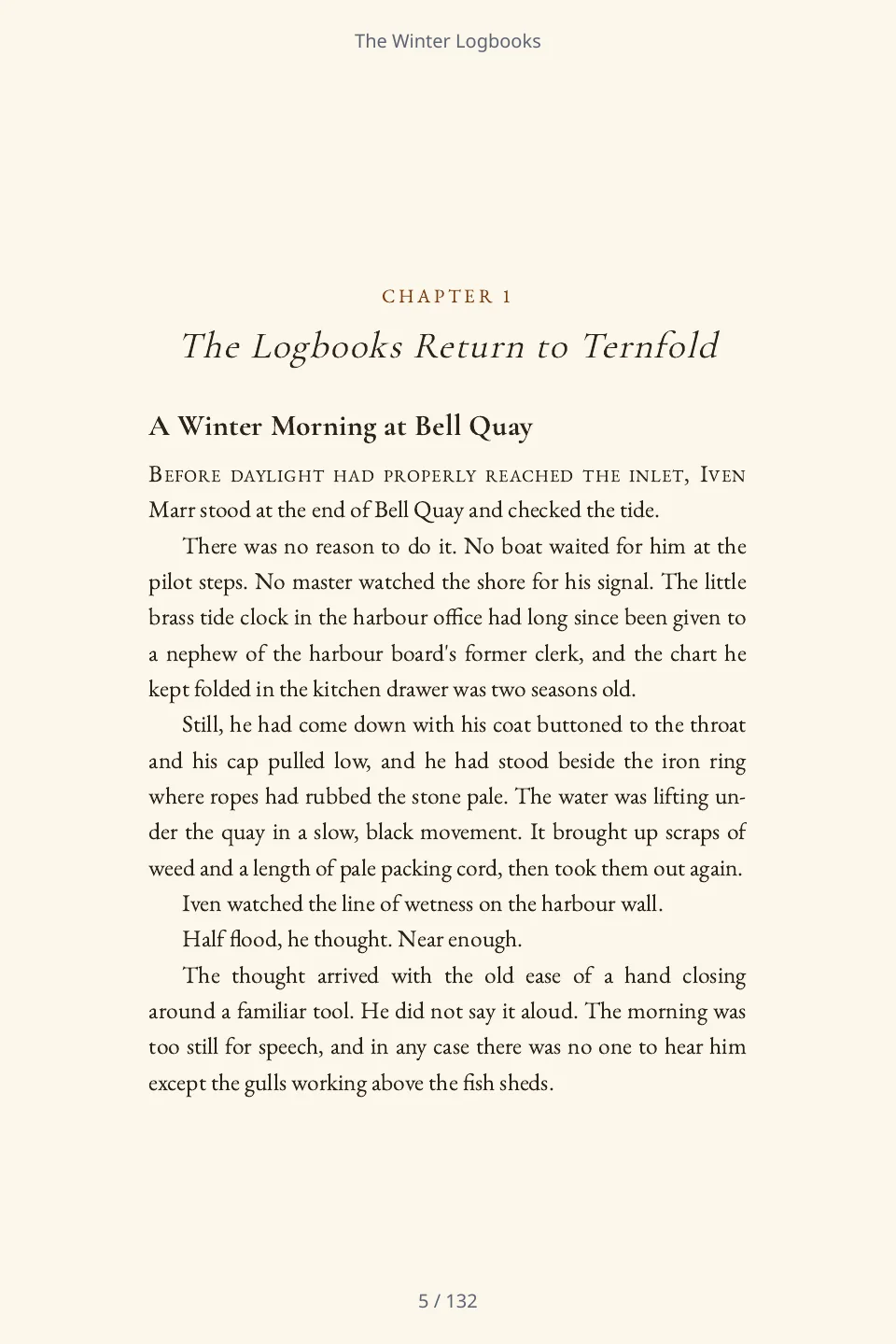
The first page of chapter one of The Winter Logbooks: the chapter heading, a section heading and the opening paragraph with a drop cap.

Novella · 5 chapters · 30,103 words · 132-page PDF

The Winter Logbooks

A quiet, character-driven novella in five chapters. A retired harbour pilot who has not spoken to his sister for years is asked by a young archivist to explain the entries in the old harbour office logbooks, and as they catalogue them the two learn how the town came to make a decision it never talks about. Folio wrote it from one paragraph; each chapter runs 4,890 to 6,860 words where the brief asked for about 4,500.

The brief Folio was given

A quiet, character-driven novella set in a small harbour town over one winter. A retired harbour pilot who has not spoken to his sister for years is asked by a young archivist to explain the entries in the old harbour office logbooks. As the logbooks are catalogued, the two of them learn how the town came to make a decision it never talks about. Five chapters of about 4,500 words each, in close third person, for adult readers of literary fiction. Audience: Adult readers of quiet literary fiction. Tone: Reflective and warm. Everything in the book is invented: the town, the people, the organisations and the events. Use no real person, organisation, place or event, and no statistics or quotations.

PDF (694 KB)Word (74 KB)EPUB (71 KB)

Screened mechanically for what the brief forbade (a real person, organisation, place, event, statistic or quotation) and found none: every capitalised name is a character, place or heading in the book. Nobody has edited the text, and nobody has read it for quality.
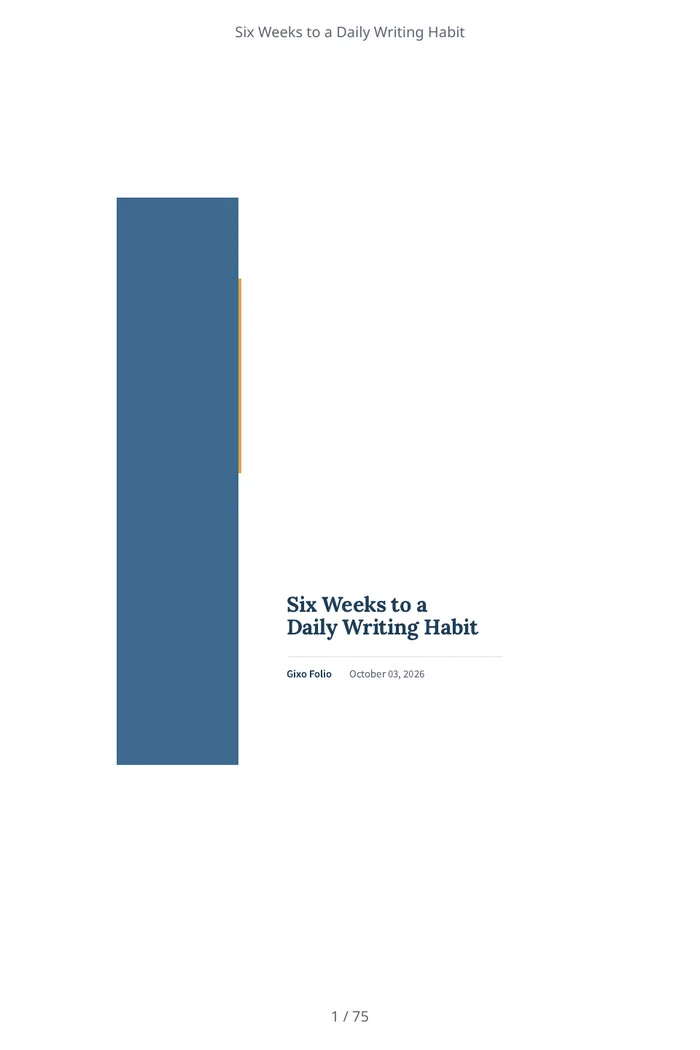
The cover of Six Weeks to a Daily Writing Habit, a workbook Folio wrote: the title and the author line.
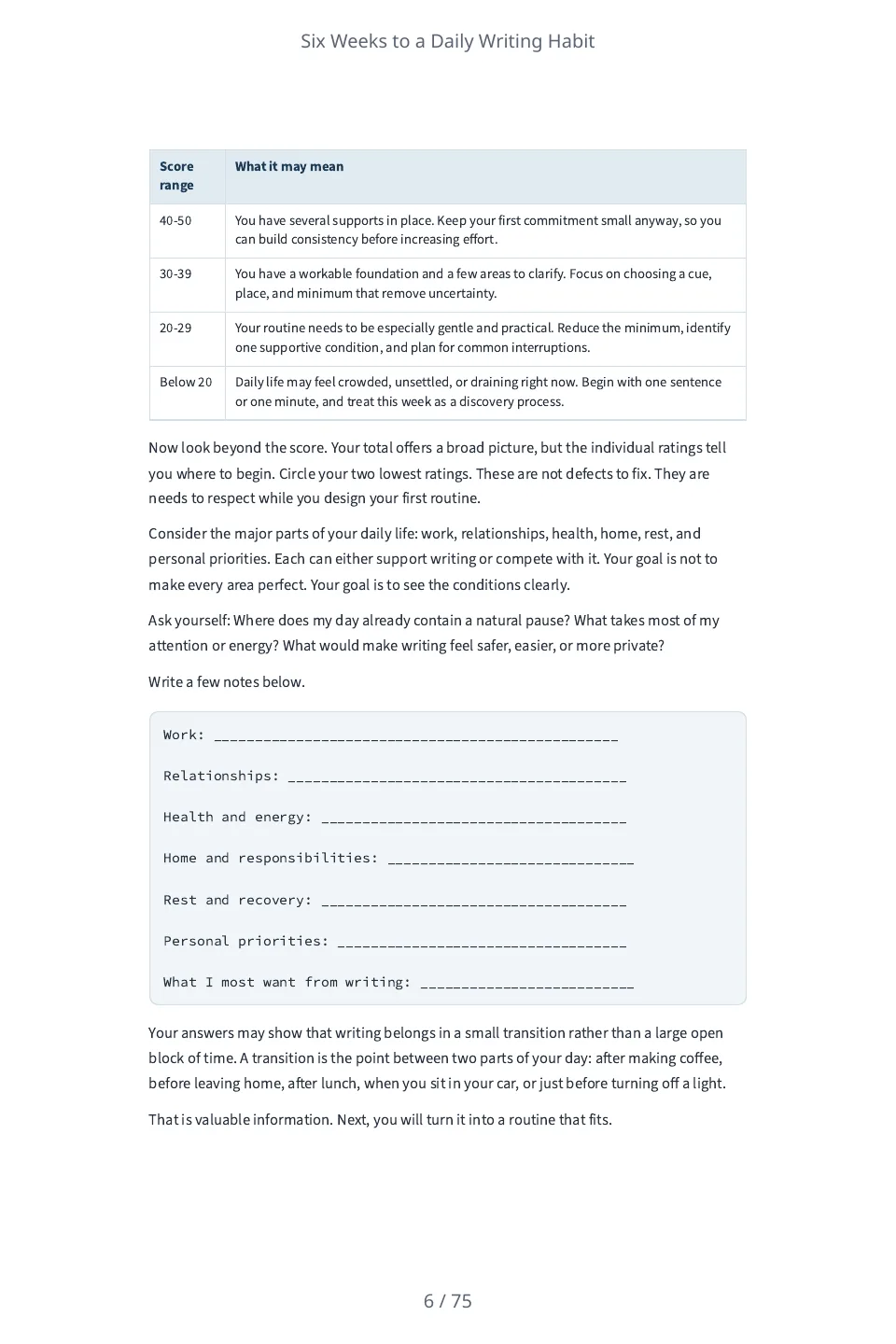
An exercise page of the workbook: a table that turns the reader's self-rating score into what it may mean, and ruled lines to write on.

Workbook · 6 chapters · 21,038 words · 75-page PDF

Six Weeks to a Daily Writing Habit

A six-week workbook of short exercises and reflection prompts for adults who want to start a daily writing habit. Each week is one chapter with ten-minute exercises to do with pen and paper, blank lines to write on and a page to look back on the week. Folio wrote it from one paragraph; each chapter runs about 3,000 to 3,800 words where the brief asked for about 2,800.

The brief Folio was given

A six-week workbook of short exercises and reflection prompts for adults who want to start a daily writing habit. Each week is one chapter of about 2,800 words with a few ten-minute exercises the reader does with a pen and paper, and a short page to look back on the week. Audience: Adults who want to write a little every day and have never kept the habit. Tone: Encouraging and practical. Do not state any statistic, study, survey, quotation, case study, testimonial or named person, and do not describe what research shows. Do not describe hypothetical writers or give anyone a name: speak to the reader as 'you'. Every exercise is something the reader does themselves with a pen and paper.

PDF (740 KB)Word (65 KB)EPUB (54 KB)

Screened mechanically for what the brief forbade (a statistic, study, survey, quotation, case study, testimonial, named person or a claim about what research shows): the only figure is the ten minutes an exercise takes, and no person is named. It carries blank lines for the reader to write on. Nobody has edited the text, and nobody has read it for quality.

Folio prepares these files; it does not publish them to a retailer. The PDF is a 6 by 9 inch interior with a title page and contents.

Inspect an imported manuscript and its exports

Read the two-chapter source, download the original Word manuscript and compare Folio’s actual Word, EPUB and PDF outputs.

Inspect the example and files →

Fictional, hand-authored demonstration inputs. The files were created by the actual product export services; this does not establish AI output quality or customer outcomes.

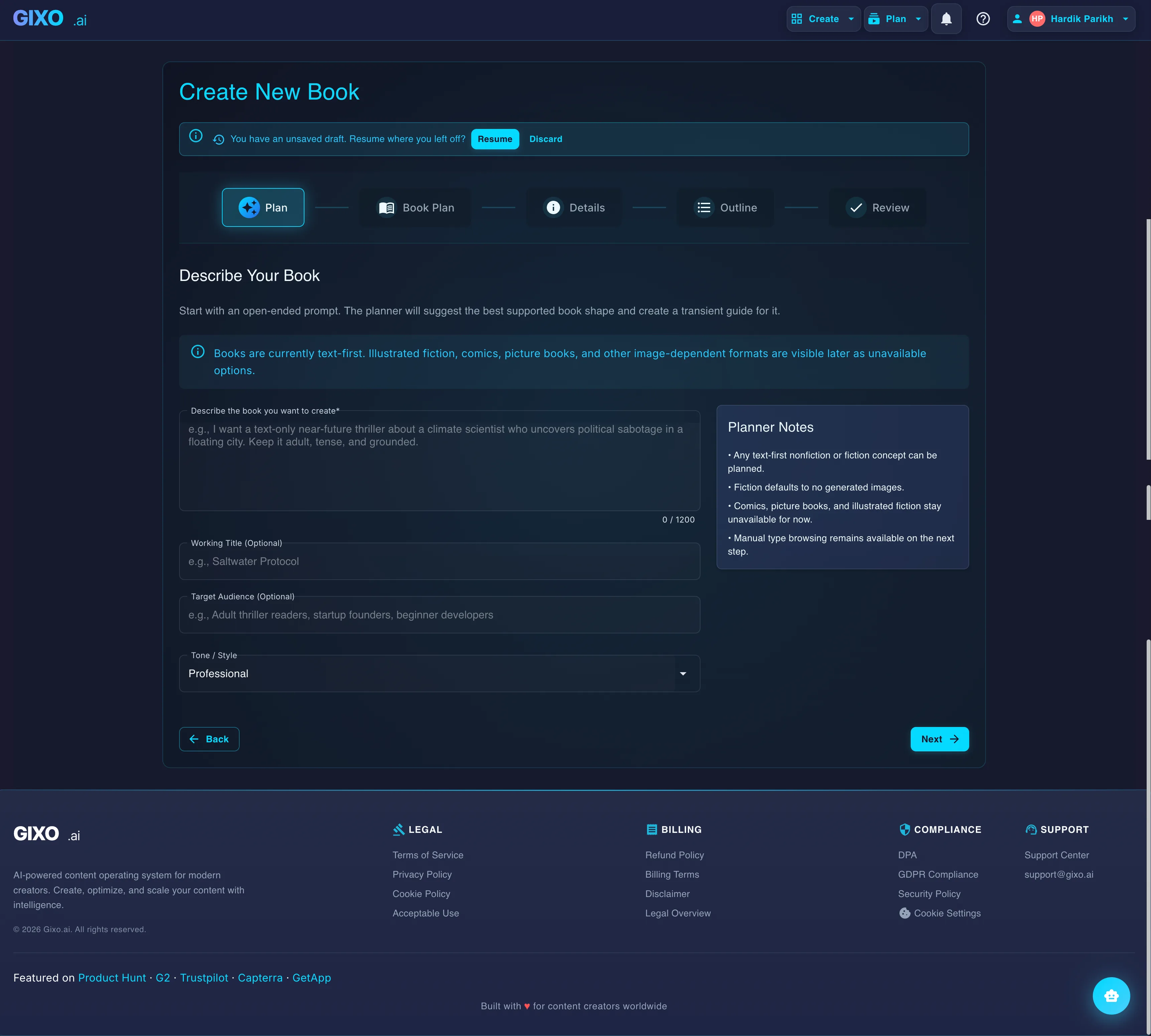
Gixo Folio New book with AI, at step 1 of 5: a typed idea for a nonfiction guide and a choice of the kind of book
The complete author journey
01Source
02Brief
03Outline
04Draft
05Revise
06Read
07Export

Built for how books actually get written

Folio supports a manuscript workflow for repeat experts: start from real material, build structure, write with context, revise the manuscript, and export the final file from one place.

1
Import the source
Bring in newsletters, course notes, consulting material, or a draft manuscript and split it into chapters.
2
Build the outline
Create or refine a chapter plan so every draft starts from a clear structure.
3
Write and revise
Write chapter by chapter, edit in the book editor, and review the flow in reader mode.
4
Export the final book
Upgrade when the manuscript is ready, then choose the right format for e-readers, review copies, or training handoff.

The manuscript stays connected to the final book

Folio keeps the brief, outline, chapters, review state, and delivery formats in one persistent project—so the thing you plan is the thing you ship.

One chapter workflowKeep drafting, revision, and completion status visible across the manuscript.
One final read-throughSwitch from editing mode to a calmer manuscript view before you ship.
More than one editionExtend a finished source book into international or audiobook editions later.

A book project, shown at every stage

The product story is easier to trust when the same kind of work is visible from planning through delivery.

Folio library with several real book projects and chapter progress
01 · LibraryKeep every manuscript in one place
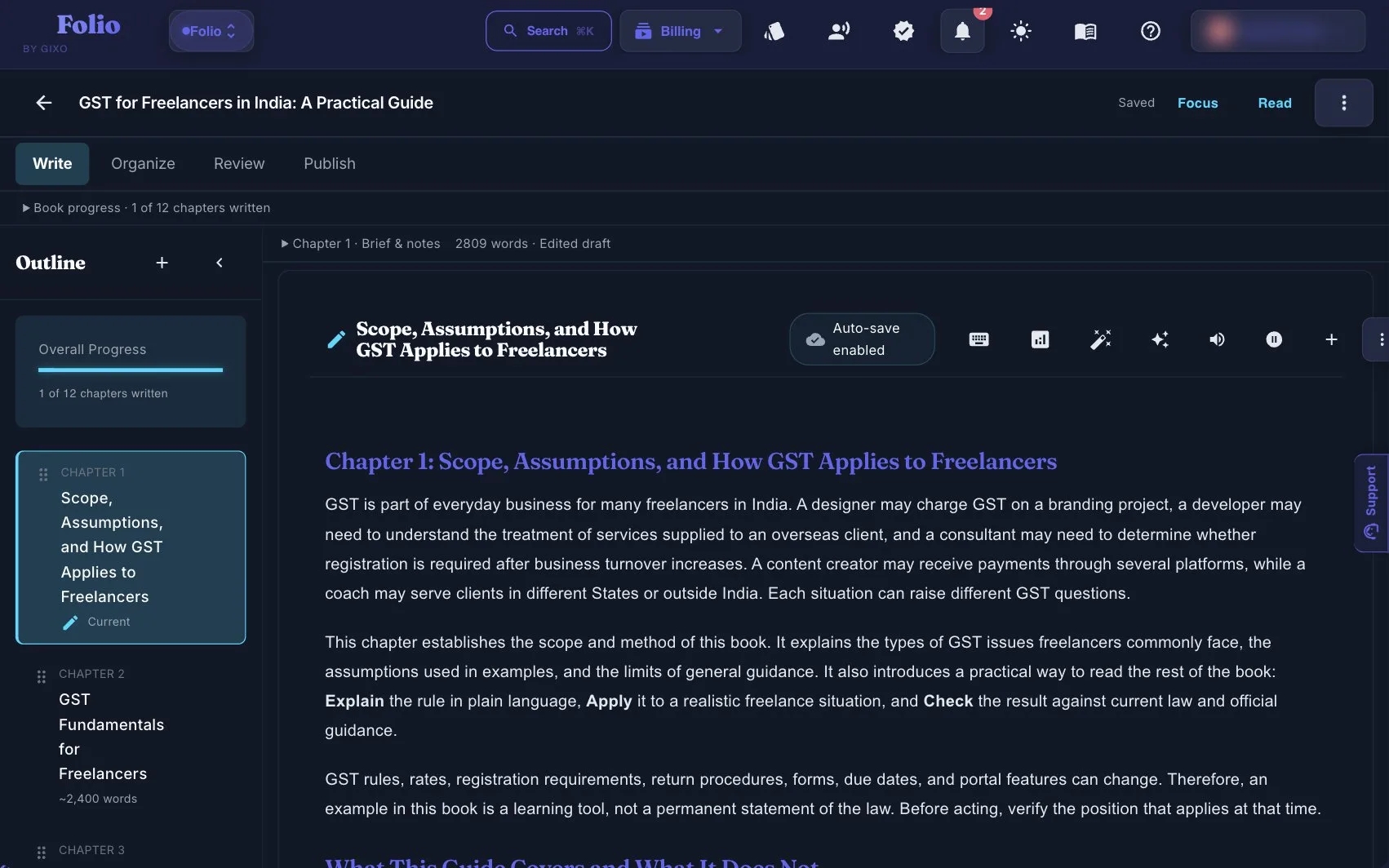
Folio chapter editor with outline, Write Organize Review Publish tabs, and drafted chapter prose
02 · WriteDraft inside the manuscript
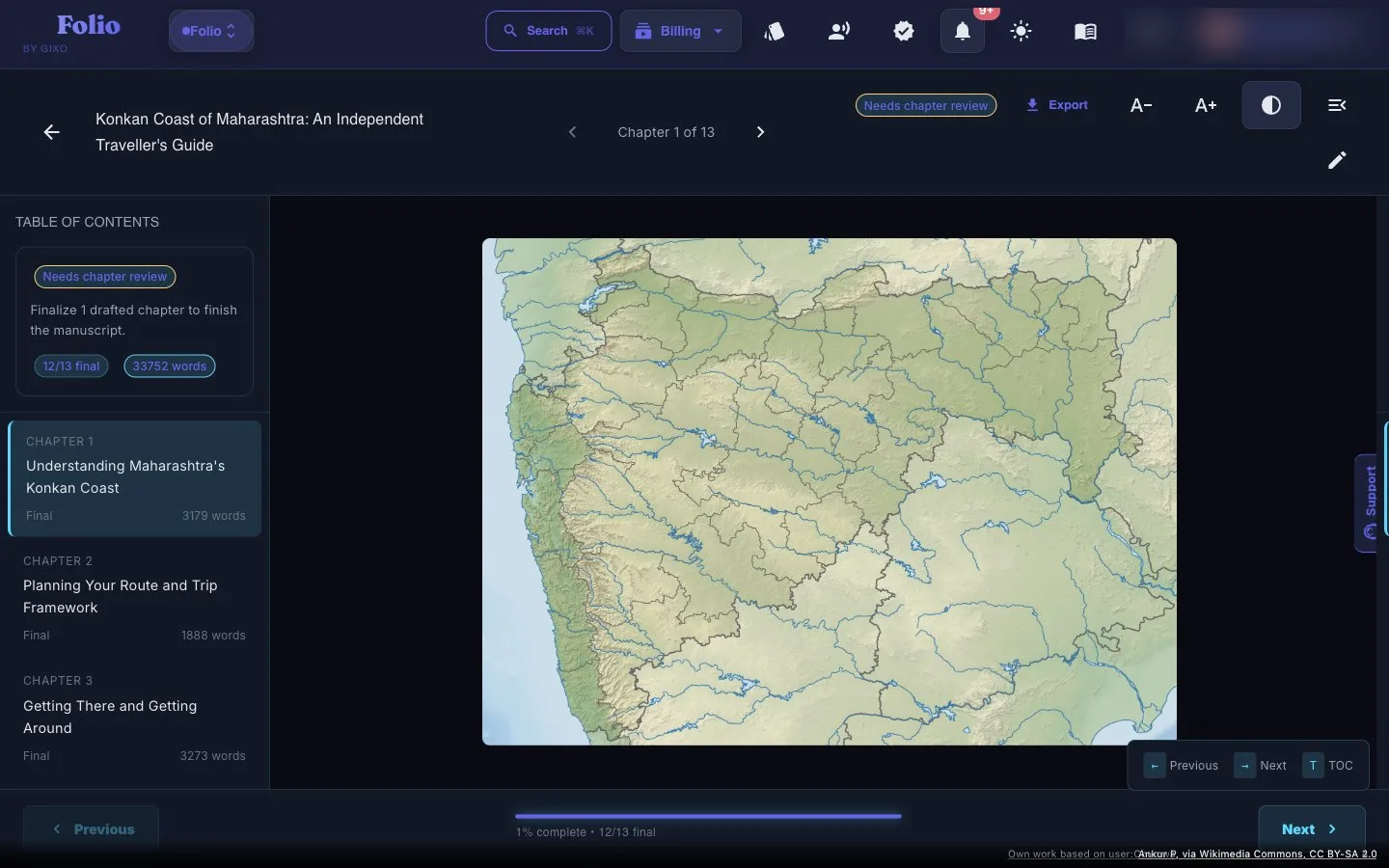
Folio reader with table of contents, chapter map, and 33,752-word travel guide
03 · ReadSee the finished book
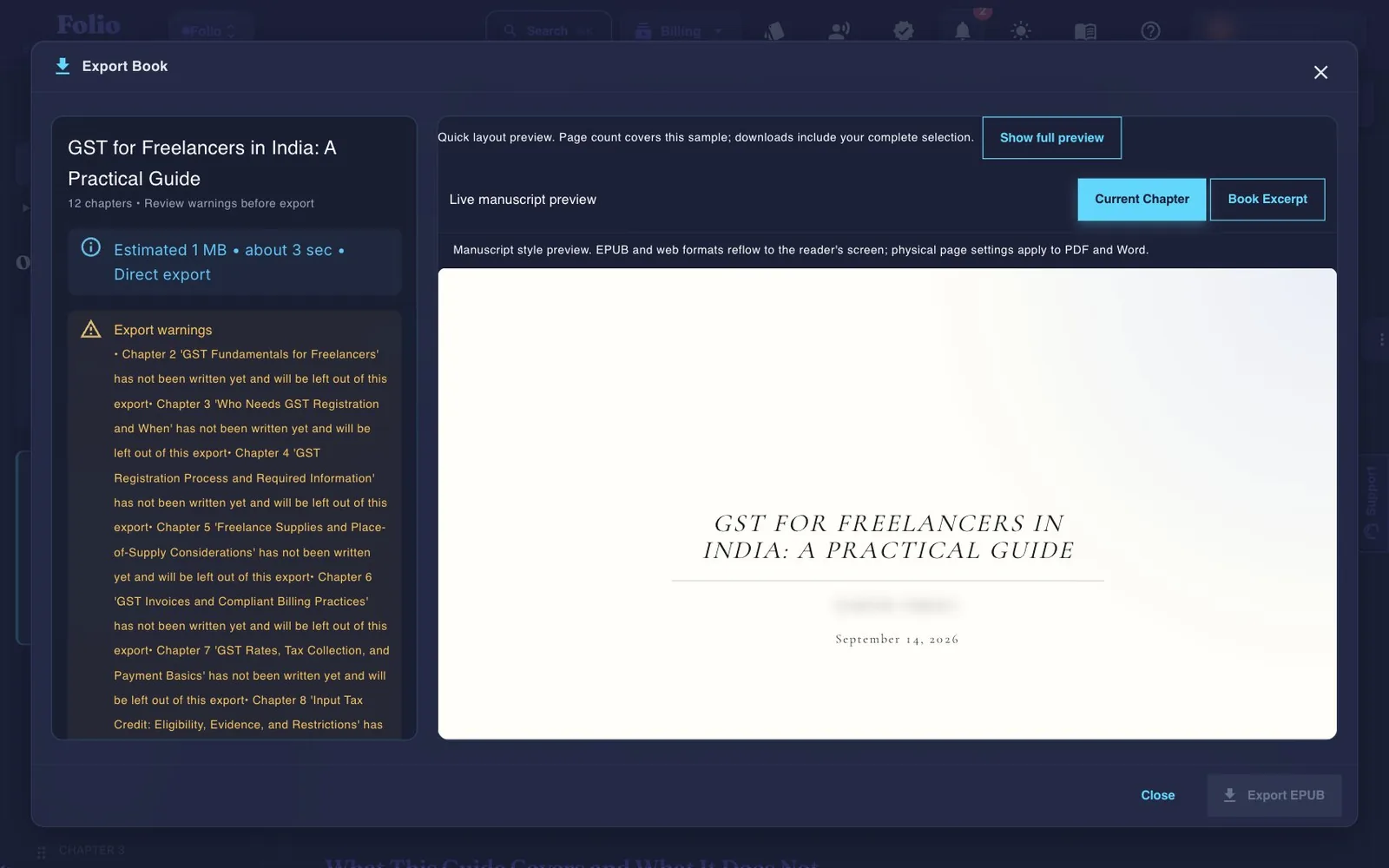
Folio Get your files dialog with Ebook, Print-ready PDF and Word manuscript, a book style and a preview
04 · ExportDeliver the finished files

Write, review and prepare the same book for handoff

Folio keeps more than a draft: chapter edits, sources, reading coverage, reader suggestions and edition proofs remain attached to the book and its recorded revisions.

Choose the edit that fits the job

Write manually or request chapter prose. Continue and AI Write add text; Quick AI and Power Edit work on selections; Ask Folio proposes changes you review.

AI assistance can change meaning or invent details. Inspect saved versions and every proposed revision.

Keep research and review accountable

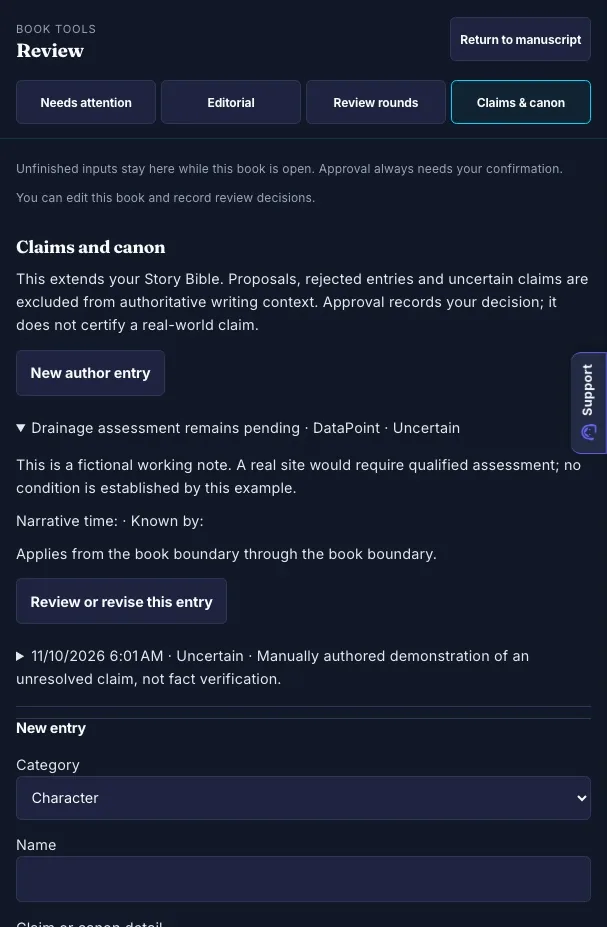
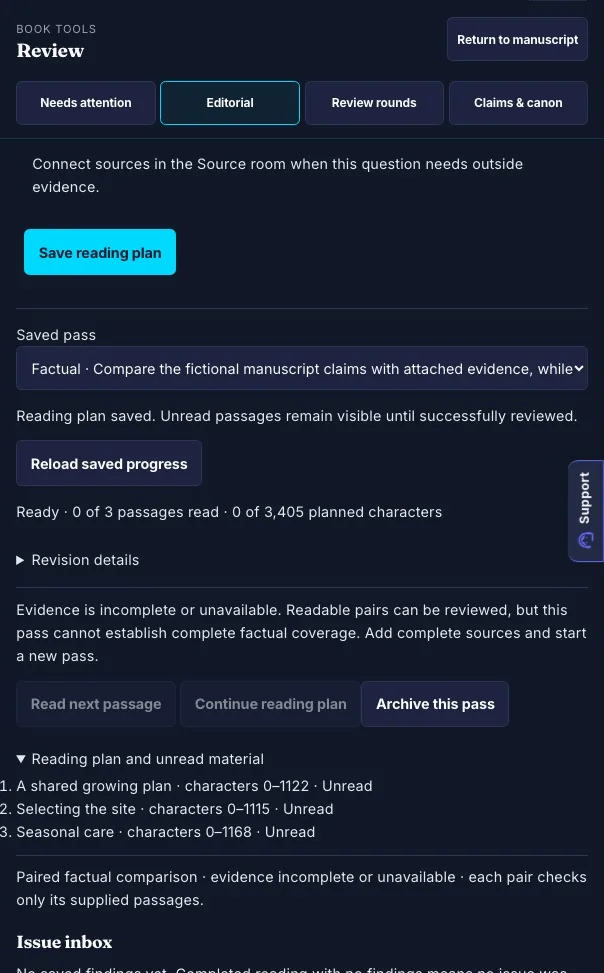
Attach readable sources, inspect extraction and passage coverage, run focused editorial passes and record claim/canon or reader-feedback decisions.

Bounded review and author approvals are not independent fact-checking. Changed inputs may make findings stale.

Keep proof and handoff with the revision

Freeze an edition, inspect the actual files, retain proof notes and prepare a handoff from the reviewed artifact.

Measured preflight is guidance. You own rights, final editing, platform requirements and the retailer upload.

Start blank, import and manually edit your own book. Its downloads and proofs do not need an active Folio subscription. New AI planning, drafting and editorial assistance need eligible access; translation and narration use separate edition conditions. Existing book view, comment and edit permissions apply.

Revision stays part of the authoring workflow

The goal is not to accept a first draft. It is to move a chapter from workable to yours, then read it in the context of the whole book.

Working draft

The framework is important because it helps people understand the process and make better decisions in their work.

Author-shaped revision

A useful framework does more than explain a process. It gives the reader a decision they can make today—and a way to recognize when the next decision has arrived.

Built for authors who care about the finished work

Folio keeps the author in control while giving the manuscript the structure, continuity, and delivery path that long projects need.

Author-controlledAI drafting is one step in the workflow. You decide what stays, what changes, and when a chapter is final.
Manuscript-firstThe outline, chapter list, review state, and reader view remain connected to the same source book.
Delivery-awareThe project ends with an exportable artifact, not just a conversation or a collection of disconnected drafts.

Start from the book project you actually have

Folio is most useful when it meets you where the manuscript is today—not where a blank-page writing app assumes you are.

See the work inside Folio

Real workspace views from the book journey, from outline decisions to chapter writing and final review.

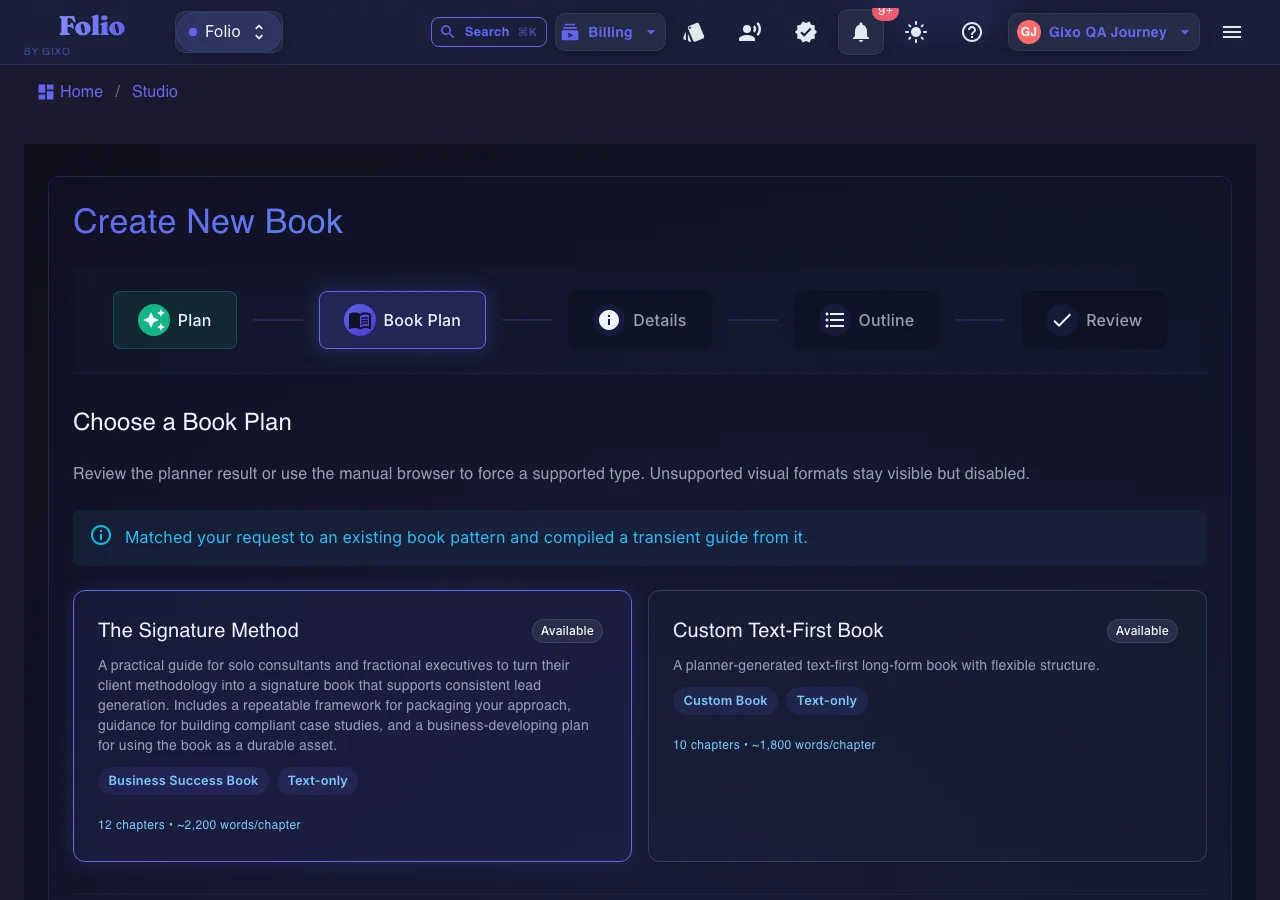
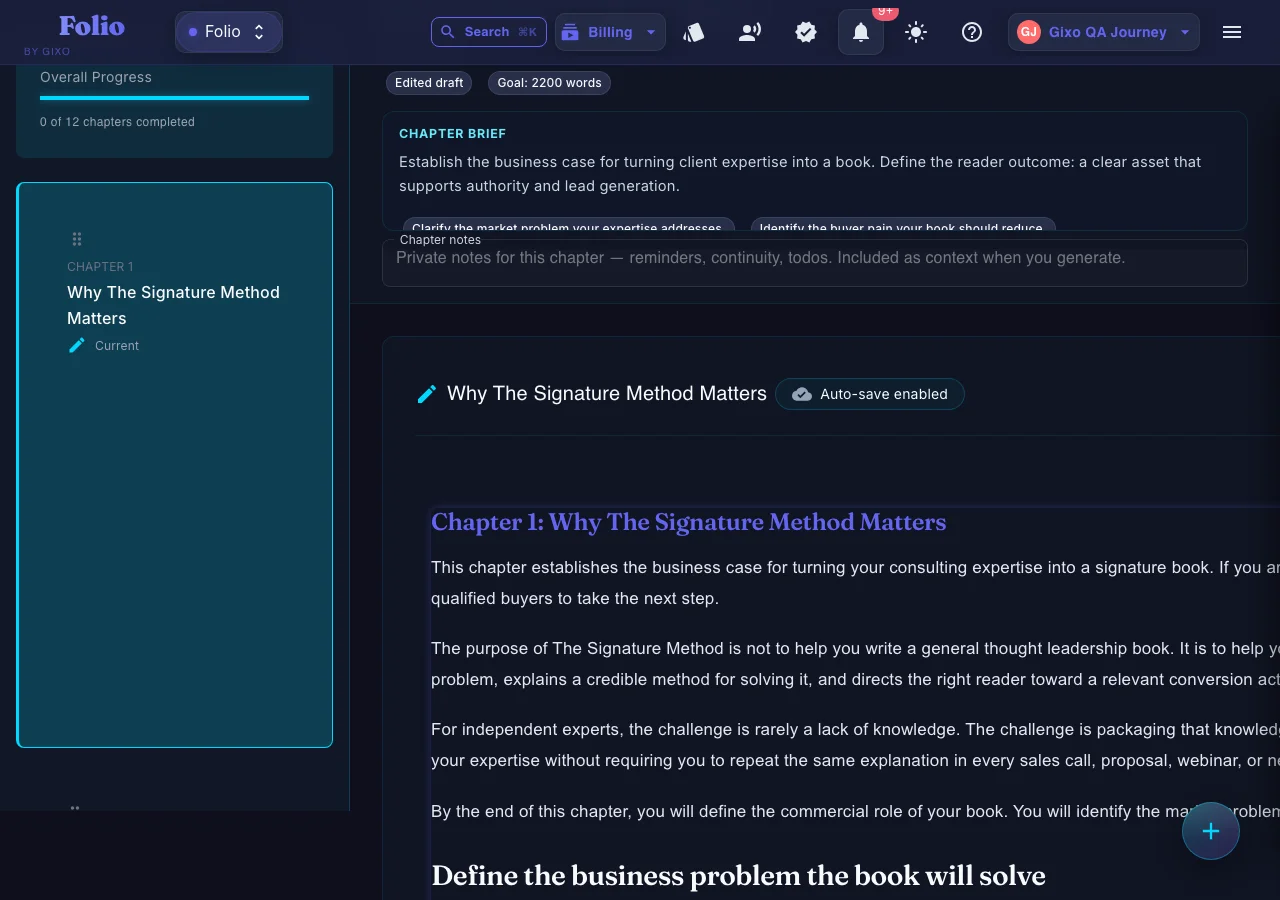
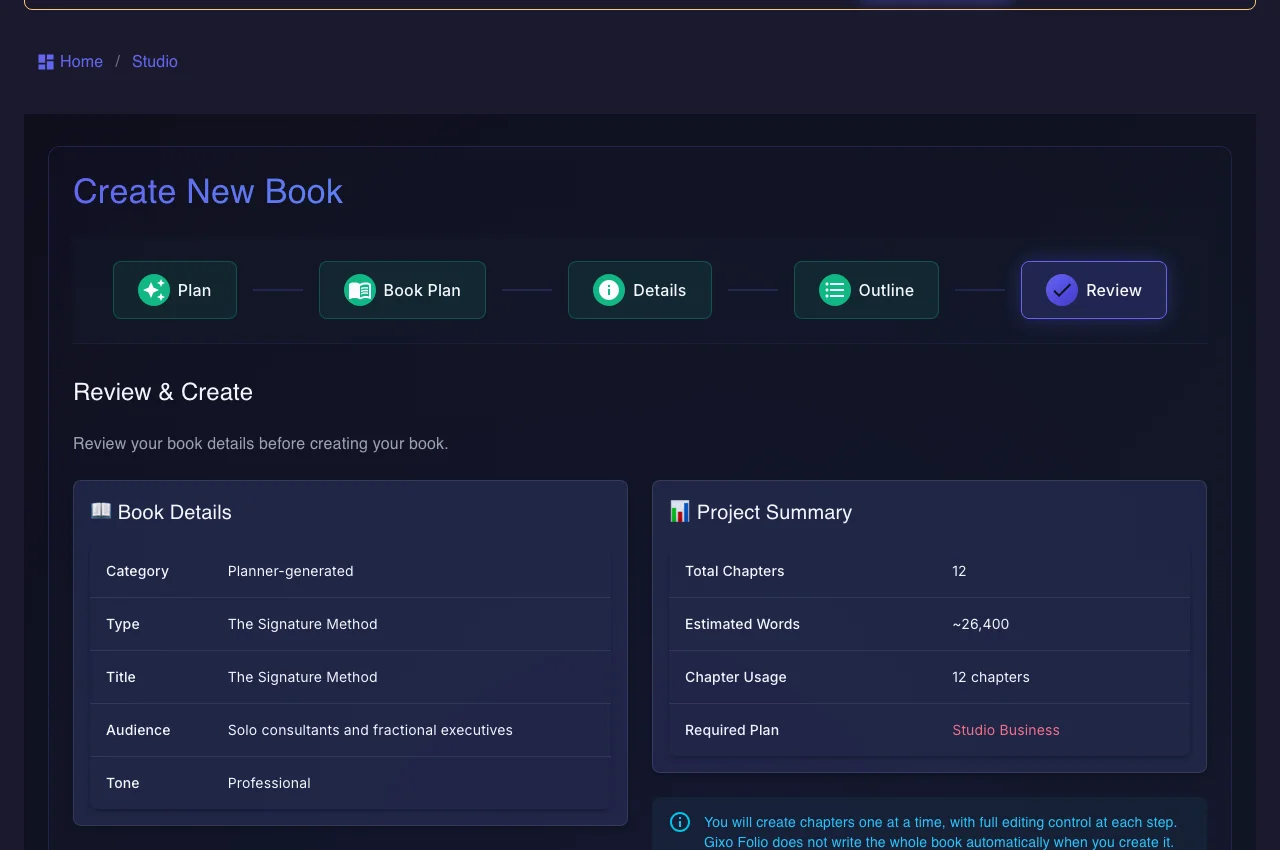
Folio book planning screen matching a project to a structured book plan
Plan before you draftStart with a brief and make the manuscript’s promise visible before chapters grow.
Folio nonfiction chapter editor with book context
Write with book contextKeep the current chapter connected to the outline and the wider manuscript.

What this helps you finish

Gixo Folio works best when the manuscript stays in one system from plan to final export instead of jumping between disconnected tools.

Import-first book planning
Start from the material you already have so the book becomes a structured asset rather than another blank-page project.
Review before export
Draft chapter by chapter, mark chapters final, use reader mode for the last pass, then export in the format that matches the destination.
International editions
After the source manuscript is ready, create localized editions through the Books international-edition flow across 89 modeled locale variants.

Learn how it works before you buy

These pages explain fit, pricing, and side-by-side comparisons before you start writing.

Pricing Books product page See the monthly Folio plans, workflow stages, and start paths for new book projects. Guide Books Studio guide Walk through the writing steps from book setup to final export. Tutorial How to write a book with Gixo Use the public step-by-step walkthrough as a first-pass onboarding page. FAQ Books FAQ Answer format, language, and export questions before you buy. Use cases Who Gixo Folio is for See the book types and use cases that fit Gixo Folio best. Pricing Folio plans and pricing See the monthly plans, AI chapter limits, and export coverage in plain language. Import Newsletter to book generator Turn newsletters, essays, and existing expertise into a structured book before paying for drafting. Workflow Writing a book with ChatGPT Know when prompts are enough and when a persistent book workspace is the better fit. Alternative Sudowrite alternative Compare fiction-first drafting with a structured book workspace for planning, chapters, and export. Alternative Vellum alternative Use Folio before formatting polish, when AI drafting, manuscript review, and export are part of the job. Client delivery White-label book production See the ghostwriter and book-packager path for recurring client authority-book work. Use case Write a nonfiction book with AI See the strongest public workflow for structured nonfiction, guides, and authority books. Use case AI business book writer Review the authority-book path for founders, consultants, and framework-led manuscripts. Use case Training manual writing software Use the operational-learning version of Books for SOPs, enablement, and internal training. SCORM SCORM training manual export Package static manuals for LMS handoff without building quizzes or course interactivity. Experiment AI fiction book workflow Test Folio for chapter-based fiction when continuity and export matter more than brainstorming depth. Use case Client guide or eBook generator See the client-facing guide workflow for consultants, agencies, and service teams. Workflow AI book outline generator See how the chapter plan stays connected to drafting, review, and final export.

A worked workflow

A chapter import that survives the publishing handoff

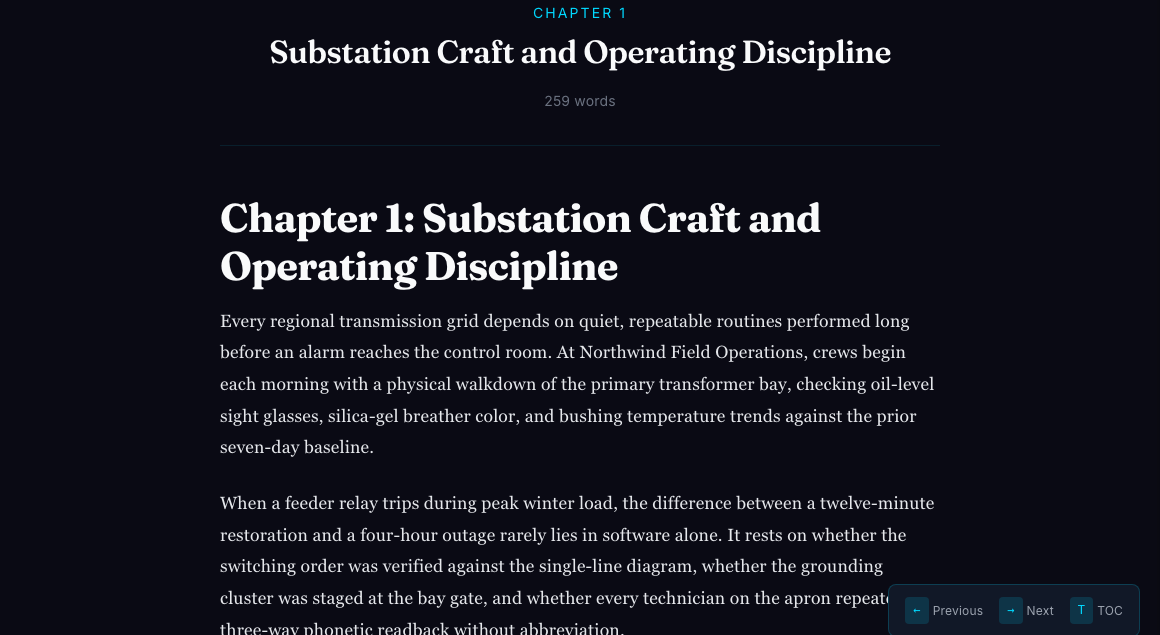
Use a permissioned two-chapter manuscript with headings, a numbered procedure, a table and a figure caption. The task is to inspect the chapter split, make a bounded editorial change and compare the actual Word, EPUB and print outputs.

Compare actual book interiors and multilingual print proofs

The fictional three-chapter manuscript was imported, edited, saved and reloaded. The retained outputs include a full-book 6 × 9 inch Novel Classic PDF, a different 7 × 10 inch workbook treatment, EPUB and Word. Separate authored Arabic, Hindi and Japanese samples were exported to PDF to inspect existing script rendering.

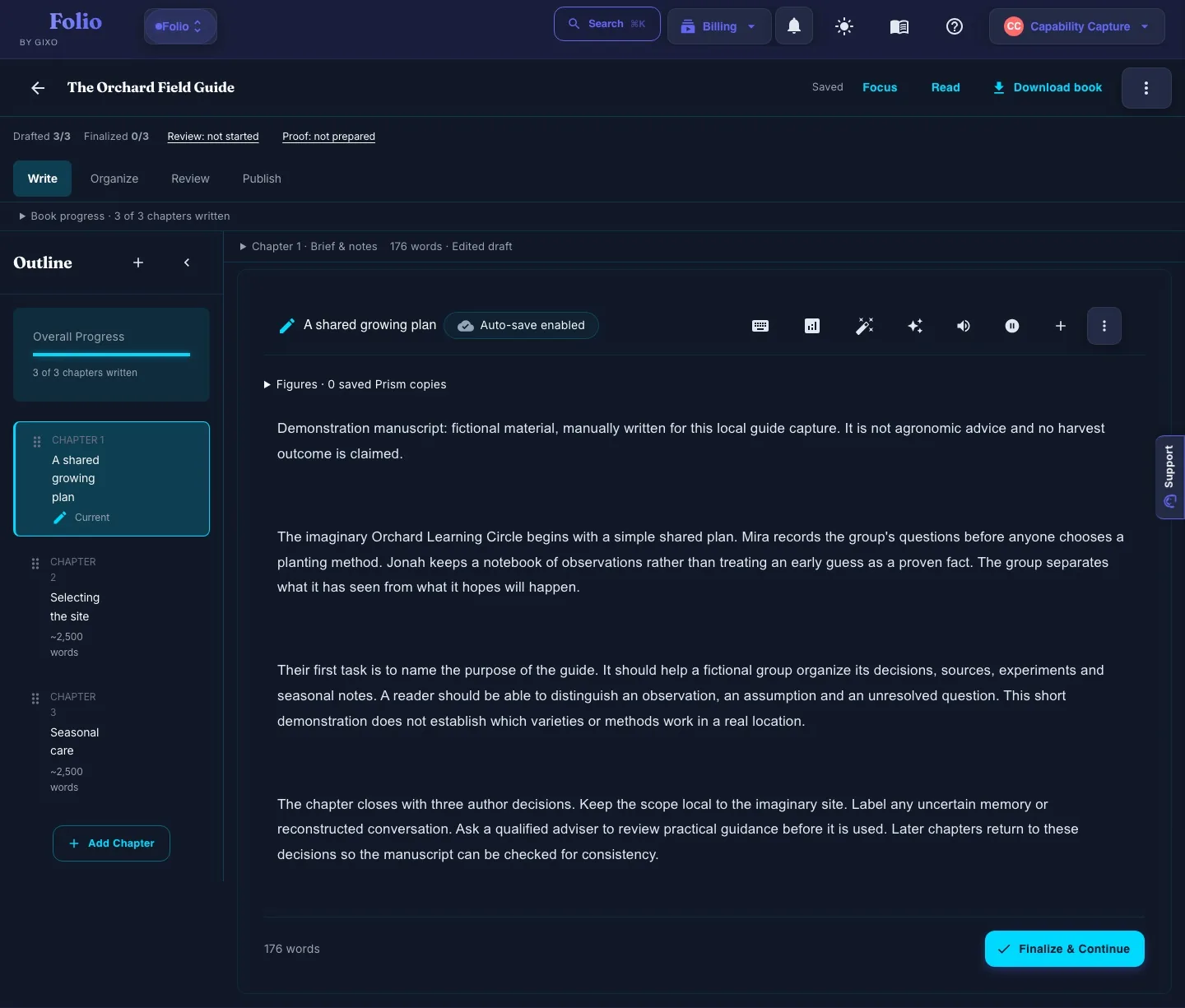
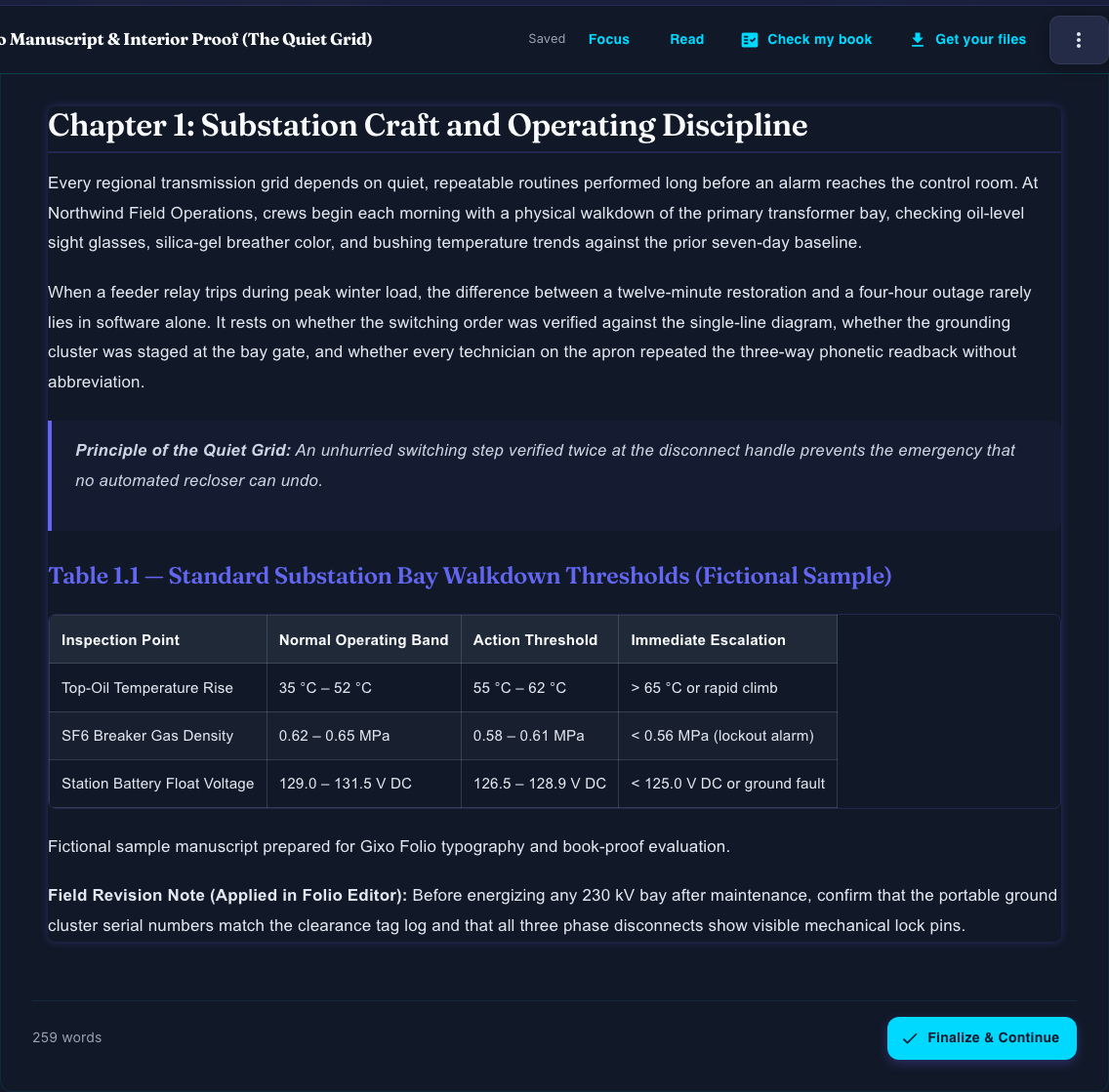
Actual Folio chapter editor after the saved edit and reload
Retained production chapter edit. The before and after HTML snapshots identify its exact scope. Open full size ↗
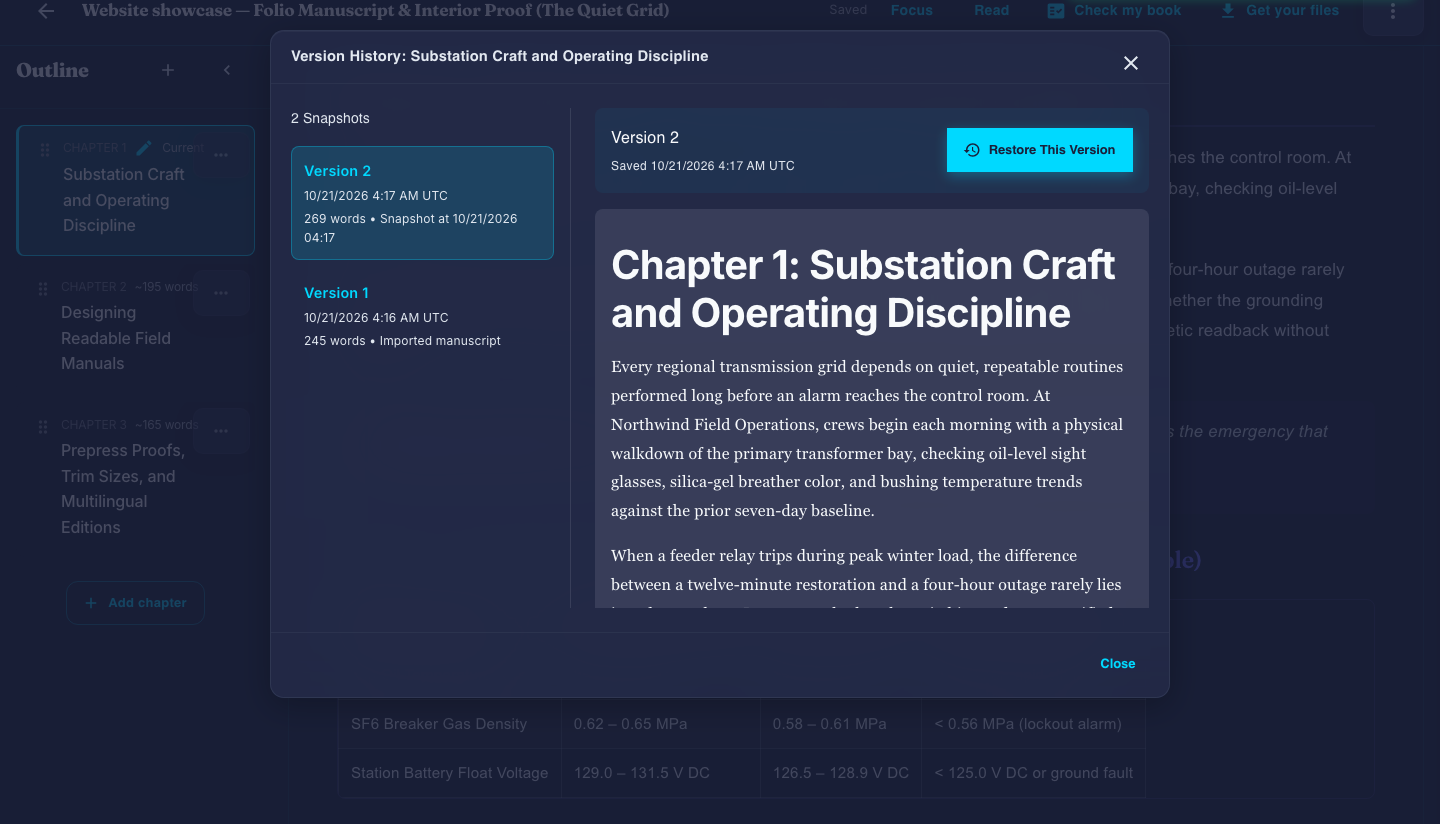
Actual Folio chapter version-history controls for the edited manuscript
Version history belongs to this manuscript; it is not a Story Bible or continuity-check result. Open full size ↗
Actual Folio reader showing the supplied fictional manuscript
Reader view is separate from the fixed-page print proof below. Open full size ↗
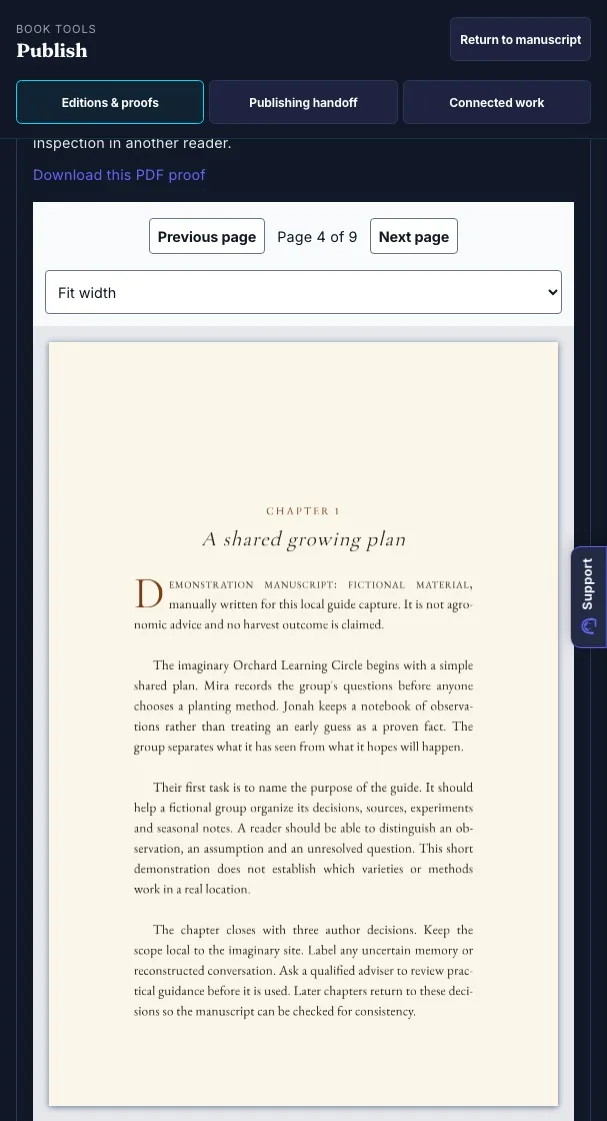
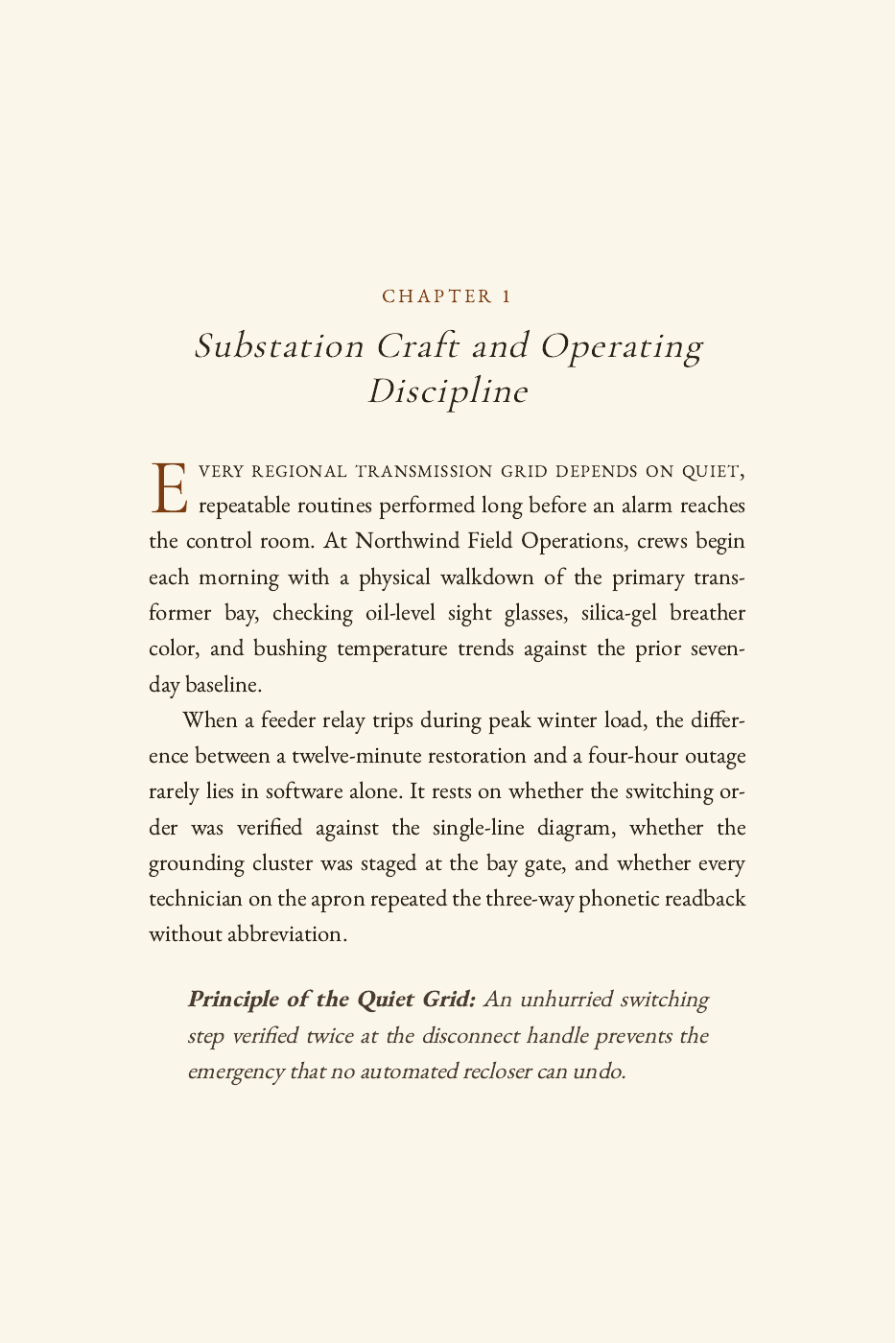
Interior page of the actual six-by-nine-inch Folio novel PDF
Actual Novel Classic print output from the supplied fictional manuscript. Open full size ↗
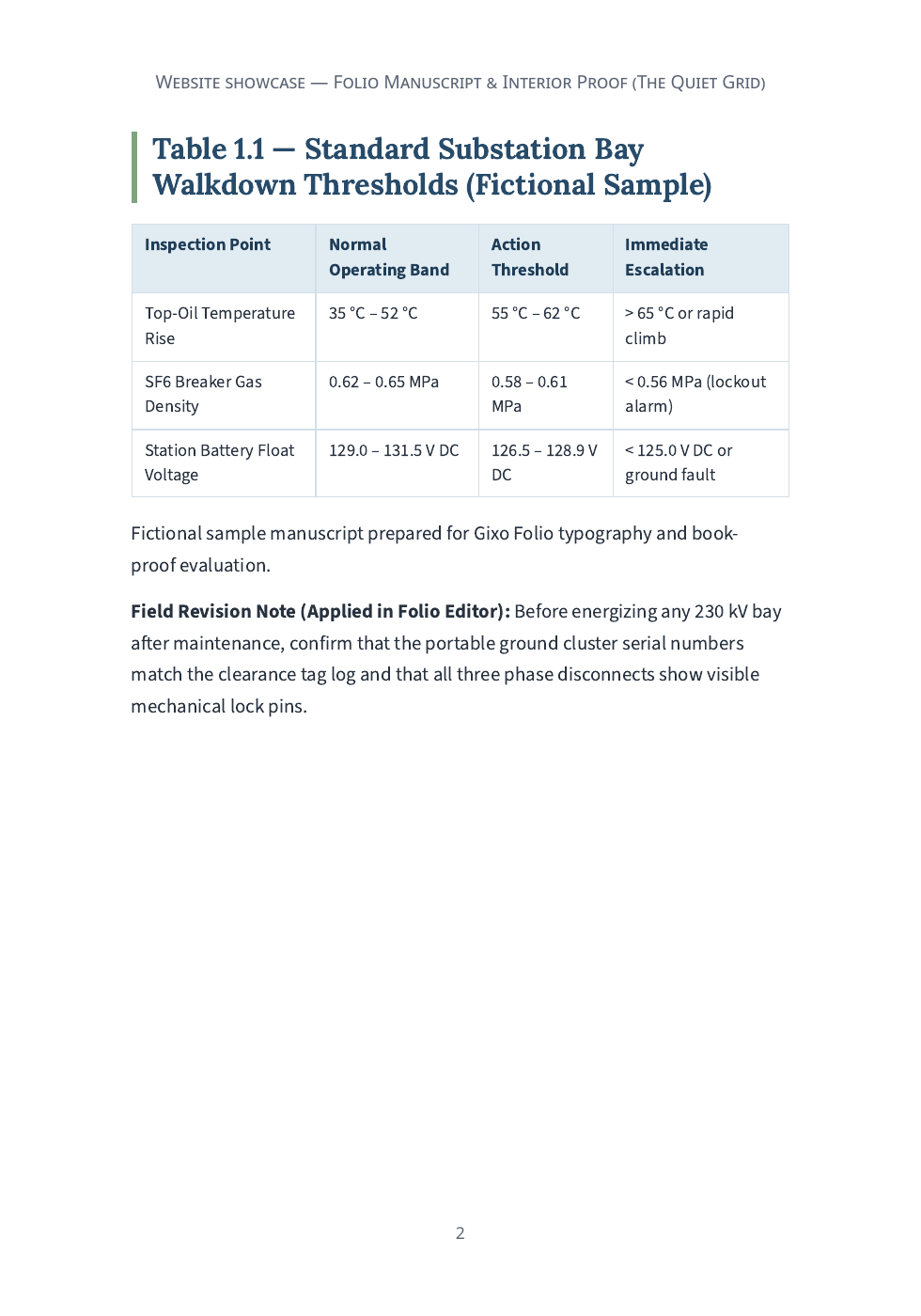
Interior page of the actual seven-by-ten-inch Folio workbook PDF
The workbook treatment was exported chapters-only; its scope differs from the full-book novel proof. Open full size ↗

These are actual interior/export examples. They do not demonstrate a completed translation order, audiobook, retailer upload or cover-wrap export. Native-language text was supplied directly. The full-frontmatter workbook attempt reported a section-page validation error; the retained successful workbook is chapters-only.

The supplied brief

Manuscript
Two chapter headings, body paragraphs, a numbered list, a table and a figure with alternative text and attribution.
Editorial change
Revise one paragraph and retain the surrounding structure and continuity context.
Export scope
Choose the full book, current chapter or selected chapters separately from the output format.
Print settings
Select trim, margins, mirrored gutter, bleed, running matter and page numbering as appropriate to the destination.
  1. Review the imported chapters

    Import the supported manuscript and inspect detected chapters, titles, order and extracted structure before accepting the split.

    Inspect: A successful import is not proof that every original layout or object was preserved. Check the list, table, caption and chapter boundary.

  2. Edit with chapter and book context

    Review the chapter, continuity information and any editorial-pass findings. Accept, reject or defer findings deliberately.

    Inspect: An editorial finding should identify evidence and a review decision; it does not automatically overwrite the manuscript.

  3. Choose format and scope deliberately

    Set the output format and chapter selection, then inspect the appropriate layout and front/back matter settings.

    Inspect: A reflowable EPUB, editable Word document and paginated print PDF serve different reading tasks. Fixed-layout EPUB spreads are not offered in the current UI.

  4. Inspect the actual exported edition

    Open each selected artifact, check navigation, reading order, tables, figures, attribution and pagination, then retain the exact proof.

    Inspect: A chapter or source-figure update does not silently replace an edition snapshot. Compare it with the saved proof before preparing another edition.

Before approving the result

  • Check chapter order and all generated navigation links.
  • Read captions and alternative text in the actual format.
  • Retain the manuscript revision and settings that produced the proof.

A source-traced import/edit/export walkthrough using a fictional manuscript structure. Chapter batching is distinct from Quill CSV bulk requests; a publishing checklist is not retailer acceptance.

Start with the material you already have.
Start blank, import a manuscript or review a book plan under its current access conditions, then draft, revise, and export when the project is ready to ship.

Return to the manuscript with its last review still beside it

One library, with the book’s own next steps

Continue a recent manuscript under Your books on the Folio home, or open All books for the complete library and its filters. In the manuscript, Read, Check my book and Get your files keep the main actions close. Publisher tools holds the wider editorial and publishing controls.

Keep a continuity report with the book

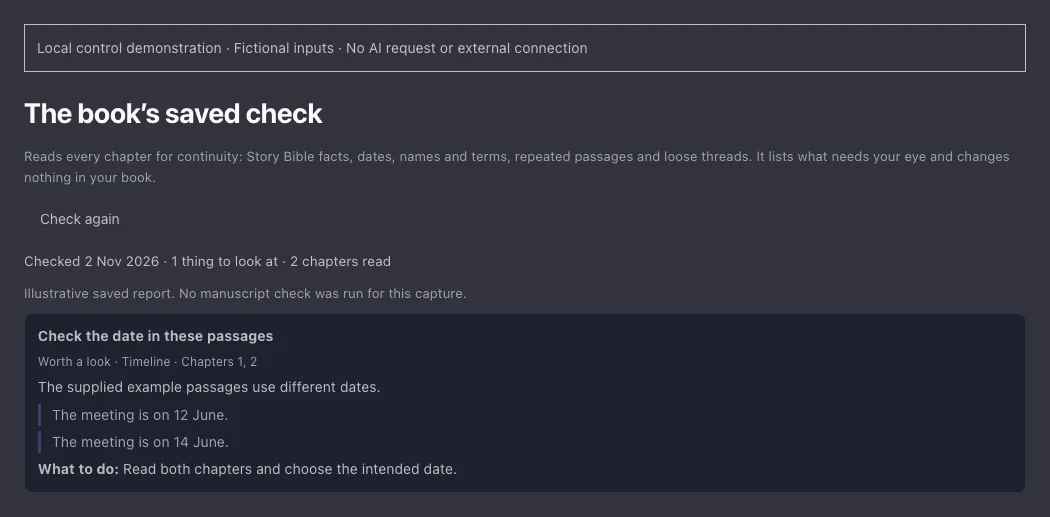
Check my book retains the latest report and when it ran, including after a reload. Findings point to the chapters involved; a later chapter edit can make a finding out of date. Check again after material revisions. The report helps you decide where to read and revise; it does not certify that the manuscript is ready to publish.

Choose illustrations, then inspect the actual print file

Non-fiction books planned in the AI wizard start with chapter illustrations enabled; review that choice before generation and check the relevance of every picture. Existing chapters are unchanged by a later settings choice. Inspect the exported PDF for diagram labels, section flow, margins and remaining manuscript findings. Print checks help locate problems; they are not printer or retailer approval.

Return to the dated report and the chapters it names
Return to the dated report and the chapters it names. Fictional saved-check state in the current control; no manuscript check performed. Captured locally on 2 November 2026. Open full-size example.