
Start with an outline template designed to become a real manuscript
A book outline template is a structural plan for a nonfiction manuscript that defines the book's promise, its target reader, and a clear job for each chapter — a spine, not just a table of contents. At minimum it should include the promise of the book, the target reader, the chapter sequence, and a clear job for each chapter. It works best for structured nonfiction, authority books, guides, workbooks, and educational manuscripts, and it's most useful when it stays connected to drafting and revision rather than becoming a one-off planning artifact.
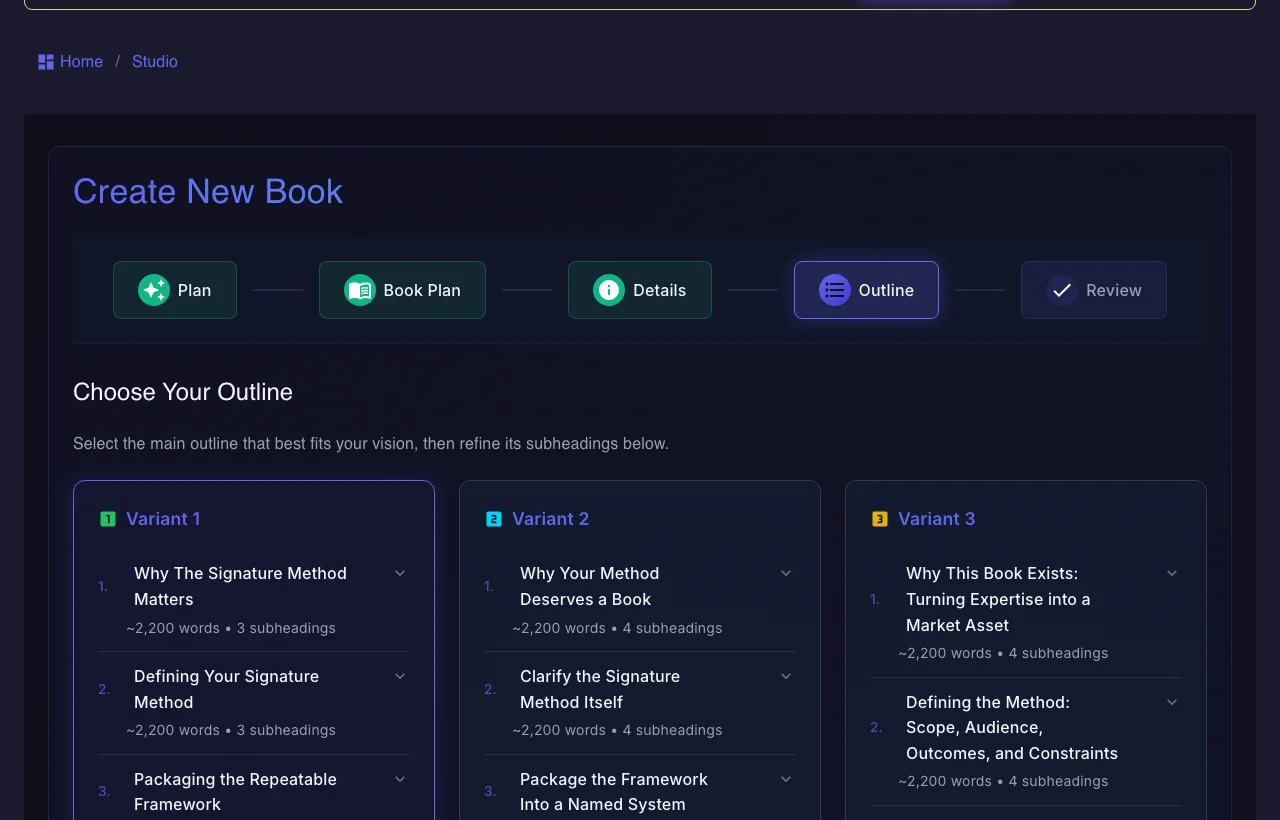
Use the persistent book workspace when the outcome is a real guide, authority book, training manual, client asset, or exportable edition.
If your manuscript is already finished and you only need specialist formatting or a dedicated fiction system, a focused tool may be the simpler choice.
What should a book outline template include?
A good template gives the book a spine, not just a table of contents.
How do you use a book outline template?
The value comes from making the structure specific enough to draft from.
How is a static outline template different from a manuscript workflow?
Templates are useful. Workflows are better when the project becomes real.
| Decision area | Gixo Folio | Static outline template |
|---|---|---|
| What you get | Template plus manuscript workflow | Template only |
| Drafting continuity | Outline stays attached to chapters | Usually copied into another document |
| Revision flow | Adjust the structure inside the manuscript workspace | Manual changes outside the writing workflow |
| Export path | Review and export stay connected to the structure | Requires extra tools |
| Best for | Serious book projects | Early planning |
Introduction — state the promise, who the book is for, and what changes by the end. Chapter 1, The stakes — why this problem matters now and what it costs to ignore. Chapters 2-3, The foundation — the core concepts or framework the reader needs before they can act. Chapters 4-6, The method — the main sequence, one chapter per major move, each ending in a concrete takeaway. Chapter 7, Application — worked examples, a template, or a walkthrough that turns the method into practice. Chapter 8, Obstacles — the common failure modes and how to handle them. Conclusion — recap, the one action to take this week, and where to go next. For each chapter, note its single job, the reader takeaway, and a rough word target.
The pattern — promise, stakes, foundation, method, application, obstacles, next step — holds for most authority and how-to books; change the chapter count to fit the subject.
A good template keeps you from generating a book that has no clear reader journey. It forces the manuscript to earn its shape before chapters begin to multiply.
That alone can save a lot of revision time.
Once the project becomes real, the outline needs to stay connected to drafting, revision, review, and export. That is what turns a useful template into a usable manuscript workflow.
Gixo Folio is designed around that next step.
Before generating chapters, check four things: every chapter has one job, the order matches the reader's learning path, the examples are specific enough to prove the point, and the final chapter gives the reader a next action. If a chapter fails one of those checks, revise the outline while it is still cheap to change.
A book outline template (above) maps a thesis: each nonfiction chapter carries its own argument and a single takeaway. A novel outline template maps a story instead — plot points such as the inciting incident, rising action, midpoint, and climax, plus the character arcs that pay off later in the book.
Chapters in a novel outline are defined by what happens and what changes for the protagonist, not by one argument to deliver. Subplots, character arcs, and foreshadowing have to be tracked across the whole manuscript rather than resolved inside a single chapter.
Gixo Folio can support this as a secondary use case: the workspace drafts fiction chapter by chapter and includes Story Bible entries for characters, settings, timelines, and plot threads to help a longer story stay consistent. The product is still built first for structured nonfiction and repeat-publishing experts, so treat the novel outline workflow as a narrower fit, not a fiction-first brainstorming tool.
Act One, Setup — introduce the protagonist and their ordinary world, then the inciting incident that disrupts it. End the act on a plot point that commits the protagonist to the central conflict.
Act Two, Confrontation — raise the stakes through rising action and complications, with a midpoint that shifts the protagonist's understanding of the conflict. Track subplots and character-arc beats here so they can pay off later. End the act on a low point or major setback.
Act Three, Resolution — build to the climax where the central conflict is confronted directly, then resolve the remaining threads and show how the protagonist has changed. For each beat, note which characters are involved, what changes, and roughly how many chapters or scenes it should span.
A story outline template — for a short story rather than a novel — usually compresses to a single arc: one central conflict, one point-of-view character, and one resolution, without the subplots or multi-chapter pacing a novel outline needs.
Because a short story has far less room, the outline can be a compact beat list rather than a chapter-by-chapter plan: situation, complication, turning point, and outcome. Most of the planning work is deciding what to leave out, not mapping chapter transitions.
Folio's chapter-based workspace is built around multi-chapter manuscripts, so it is a lighter fit for a single short story — but the same outline thinking, arc, turning point, and resolution, is still the right starting point before drafting.
Frequently Asked Questions
Planning pages to read next
These pages are the best follow-ups after reviewing the outline template.
More Gixo Folio pages
Related book writing, publishing, and alternative pages.
Updated