
Start from a training manual template, then write, review, and distribute the manual
Training manual writing software is a tool for producing structured, reviewable instructional manuals — onboarding guides, SOP handbooks, and enablement documentation — rather than a single blog post or generic doc file. Gixo Folio approaches this as a book-like workflow: a manuscript brief, ordered chapters, a full in-workspace review pass, and export to EPUB, editable DOCX, chapter PDF, HTML, Markdown, or SCORM. It is built for instruction-first, sequence-driven content, with localized editions available once the source manual is finalized. A training manual template is the section-by-section structure the manual needs before drafting starts — purpose and scope, prerequisites, roles, the process split into ordered modules, troubleshooting, reference, and a revision log. In Gixo Folio that template becomes the manual's chapter plan itself instead of a separate document you copy from.
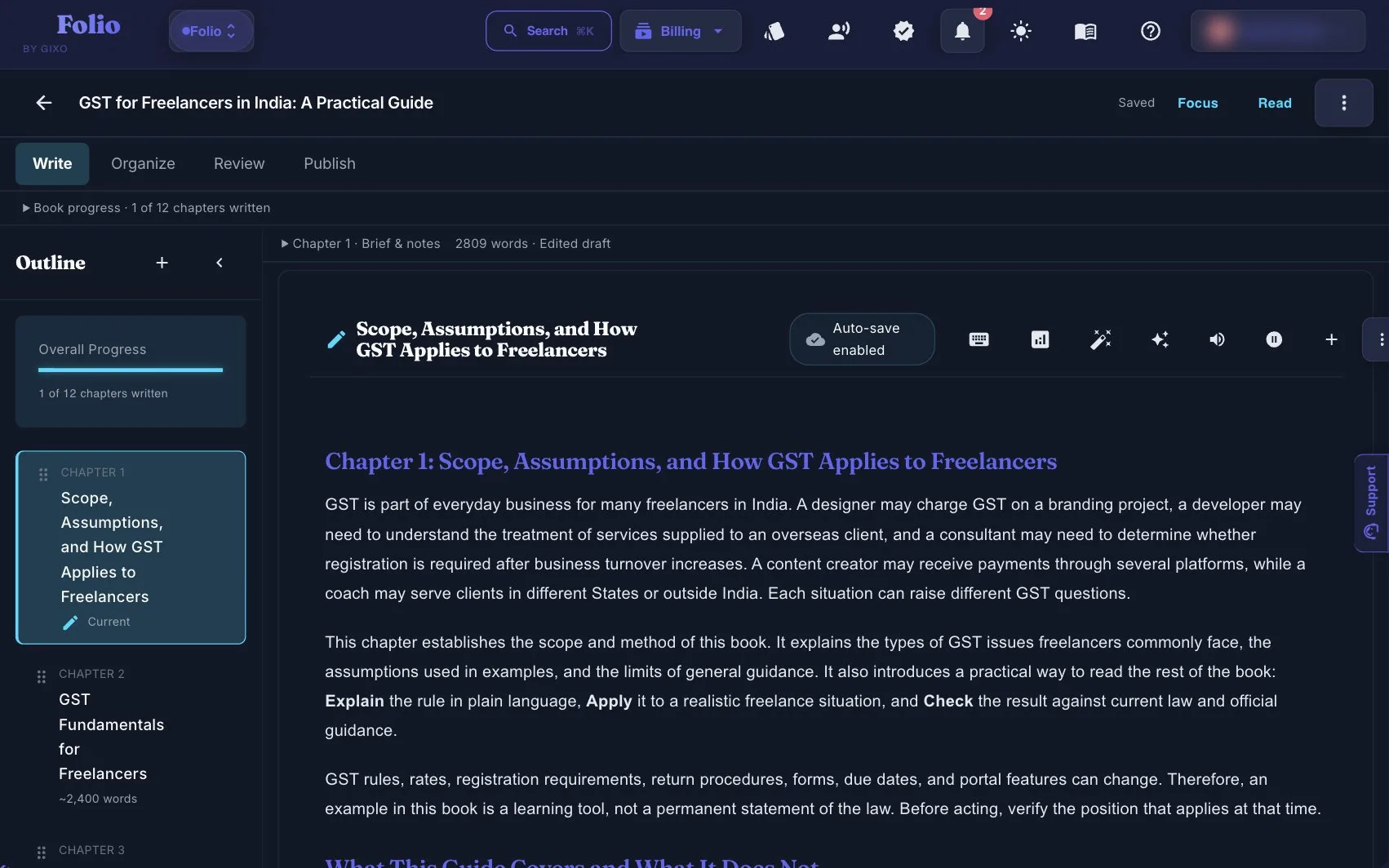
Use the persistent book workspace when the outcome is a real guide, authority book, training manual, client asset, or exportable edition.
If your manuscript is already finished and you only need specialist formatting or a dedicated fiction system, a focused tool may be the simpler choice.
What does a training manual need to get right?
Operational clarity matters more than flashy generation.
What is the workflow for writing a training manual?
The better the operational sequence, the better the manual.
How does Gixo Folio compare to generic training document tools?
A manual needs manuscript discipline, not just fast text.
| Decision area | Gixo Folio | Generic training doc tool |
|---|---|---|
| Instruction flow | Built around ordered chapters and review | Often document-first, not manual-first |
| Template | The template becomes the editable chapter plan | A static file you copy into a document |
| Review pass | Review the full manual in the workspace before export | Usually fragmented |
| Export paths | EPUB, editable DOCX, chapter PDF, HTML, Markdown, SCORM | Varies |
| Localization | Supported across 89 locales | Often handled elsewhere |
| Best for | Onboarding, SOP handbooks, enablement guides | General document drafting |
Training manuals are often treated like a pile of documents, but they work better when they are structured like a coherent instructional book. That means ordered chapters, consistent terminology, and a real review pass before distribution.
This is where a book workflow becomes useful.
Gixo Folio gives the manual a defined brief, chapter structure, revision path, export flow, and later edition support. That is especially useful when the manual is large enough that stitching together isolated docs becomes a maintenance problem.
It is a better fit than treating the manual as disconnected content pieces.
Cover and control page — manual title, version number, owner, last-reviewed date, and who the manual is for. Section 1, Purpose and scope — what the manual covers, what it deliberately does not, and what the reader should be able to do after using it. Section 2, Prerequisites — the access, tools, permissions, and prior training a reader needs before step one. Section 3, Roles and responsibilities — who performs each part of the process and who to escalate to. Sections 4 onward, The process in ordered modules — one module per stage of the real workflow, each with its own objective, numbered steps, a worked example or screenshot, and a check that confirms the step actually worked. After the modules: Troubleshooting — the failure modes people actually hit, each with the fix. Reference — glossary, forms, checklists, and links to the source policies. Revision log — what changed, when, and by whom, so the manual can be maintained instead of rewritten.
The pattern — scope, prerequisites, roles, ordered modules, troubleshooting, reference, revision log — holds for onboarding guides, SOP handbooks, and compliance manuals alike. Change the module count to fit the process being taught, and keep each module small enough that a trainee can finish it in one sitting.
An onboarding manual front-loads context: purpose, roles, and prerequisites carry more weight than procedural depth, because the reader is orienting before they operate. An SOP handbook inverts that — scope is a paragraph, and almost everything else is ordered modules with numbered steps and a verification check at the end of each one. A compliance or policy manual keeps the reference and revision-log sections the other two often skip, because the audit question is which version was in force on a given date. A client-facing training guide adds one section the internal versions do not need: a short note on how to use the manual, because the reader has no colleague to ask.
Gixo Folio does not hand you a static file to fill in and then leave you to it. The template is entered as the manual's chapter plan, where chapters can be added, renamed, reordered, or removed while the manuscript is still cheap to change. The structure then stays attached through drafting and revision, survives the full review pass, and exports as EPUB, editable DOCX, chapter PDF, HTML, Markdown, or SCORM — so the template you started from is still the shape of the file you hand over.
Read every module as the intended learner. Confirm the prerequisite is available, the numbered steps use the same terms as the interface, the worked example matches the current process, and the final check proves the task worked. Record the version and review date so the manual can be maintained after launch.
That release check is where a structured manuscript becomes operational training rather than a long document that merely describes the process.
Frequently Asked Questions
Operational-learning pages to read next
These pages are the most relevant follow-ups for training-manual buyers.
More Gixo Folio pages
Related book writing, publishing, and alternative pages.
Updated