
Plan or import the manuscript
Start blank, prepare an outline or import a supported manuscript and review its chapter split. Keep chapter titles, book context and continuity notes available during drafting.
Folio · worked guide
An ebook cover is a front-cover image. Its required pixel dimensions, aspect ratio and file type come from the store or distribution service receiving it. A print wrap is a different artifact: it includes a back cover and a spine whose dimensions depend on the finished interior and production choices.
Inspect Folio formatting →
Open the finished book and the brief that produced it. Planning, chapter drafting, editorial passes and a frozen publishing edition have different scopes.
A chapter book for readers aged seven to nine: a boy is put in charge of his village's lost-property cupboard for one summer and has to find the owners of a growing pile of odd objects. Folio wrote all six chapters from the brief. Each runs 1,513 to 1,754 words where the brief asked for about 1,100.
A funny, warm chapter book for readers aged seven to nine about a boy who is put in charge of his village's lost-property cupboard for one summer and has to find the owners of a growing pile of odd objects. Six short chapters of about 1,100 words each, short sentences, plenty of dialogue, and a gentle surprise in the last chapter. Audience: Children aged seven to nine, read alone or aloud. Tone: Funny, warm and gentle. Everything in the book is invented: the village, the people and the events. Use no real person, organisation, brand or place, and no statistics or quotations.
Screened mechanically for what the brief forbade (a real person, organisation, brand, place, statistic or quotation) and found none: every capitalised name is a character or place in the book. Nobody has edited the text, and nobody has read it for quality.
Start blank, prepare an outline or import a supported manuscript and review its chapter split. Keep chapter titles, book context and continuity notes available during drafting.
Draft individually or use Folio's sequential chapter batch. Inspect continuity findings and evidence, then accept, reject or defer editorial issues. Editorial findings do not overwrite manuscript text on their own.
Choose the format and chapter scope separately. For print, inspect trim, margins, gutter, bleed, matter and rendered page count. Freeze the edition, annotate its exact proof and track corrections before preparing the publishing handoff.
Review the imported chapter split or planned outline, then draft individual chapters or a sequential batch. Continuity entries can retain characters, frameworks, sources, story time, applicable chapters and who knows a fact. Editorial passes retain reading coverage and quoted evidence; accept, reject or defer findings without allowing the model to overwrite the manuscript automatically.
Choose the format separately from the full-book, current-chapter or selected-chapter scope. Print controls cover trim, margins, mirrored gutter, bleed, running matter and page numbering. A paperback wrap uses the rendered page count with the selected paper and ink choices. Fixed-layout EPUB spreads remain unavailable in the current UI.
Freeze the manuscript and export settings, inspect the exact proof, annotate corrections and compare it with later chapter changes. Saved Prism figures retain their own revision and accessibility text; updating the source visual does not silently replace an edition's snapshot. Translation creates a separate edition with its source revision, progress and export to review.
Folio chapter batching is separate from Quill CSV bulk generation. Fixed-layout EPUB spreads are not offered in the current UI. Print preflight and a publishing checklist do not guarantee retailer acceptance or perform a retailer upload.
A worked workflow
Prepare a fictional book called “A Clearer First Chapter”. The ebook needs a front-cover image; a paperback needs a cover sheet built around the finished interior. Use the receiving platform’s current specifications rather than treating one image size as universal.
The fictional three-chapter manuscript was imported, edited, saved and reloaded. The retained outputs include a full-book 6 × 9 inch Novel Classic PDF, a different 7 × 10 inch workbook treatment, EPUB and Word. Separate authored Arabic, Hindi and Japanese samples were exported to PDF to inspect existing script rendering.
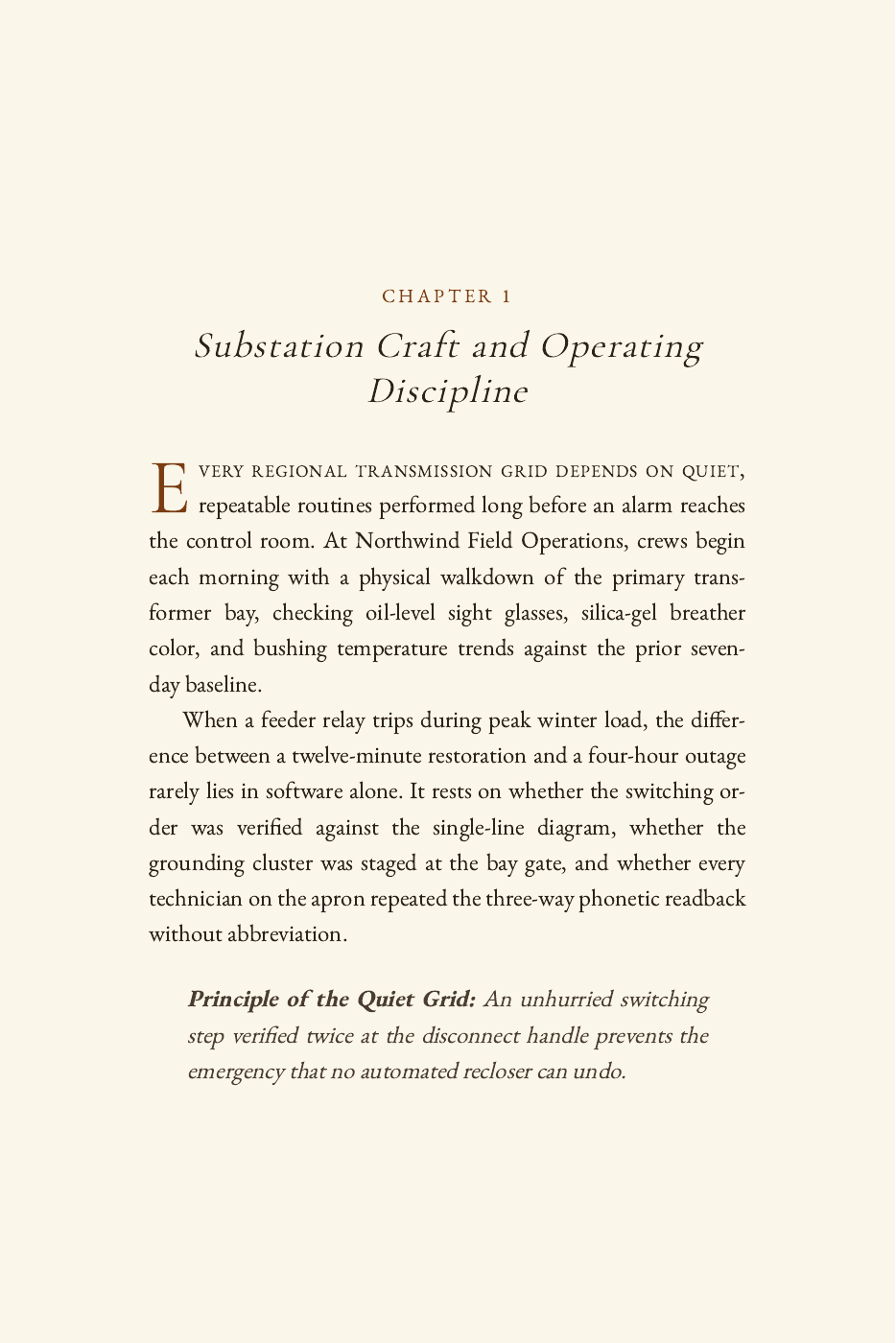
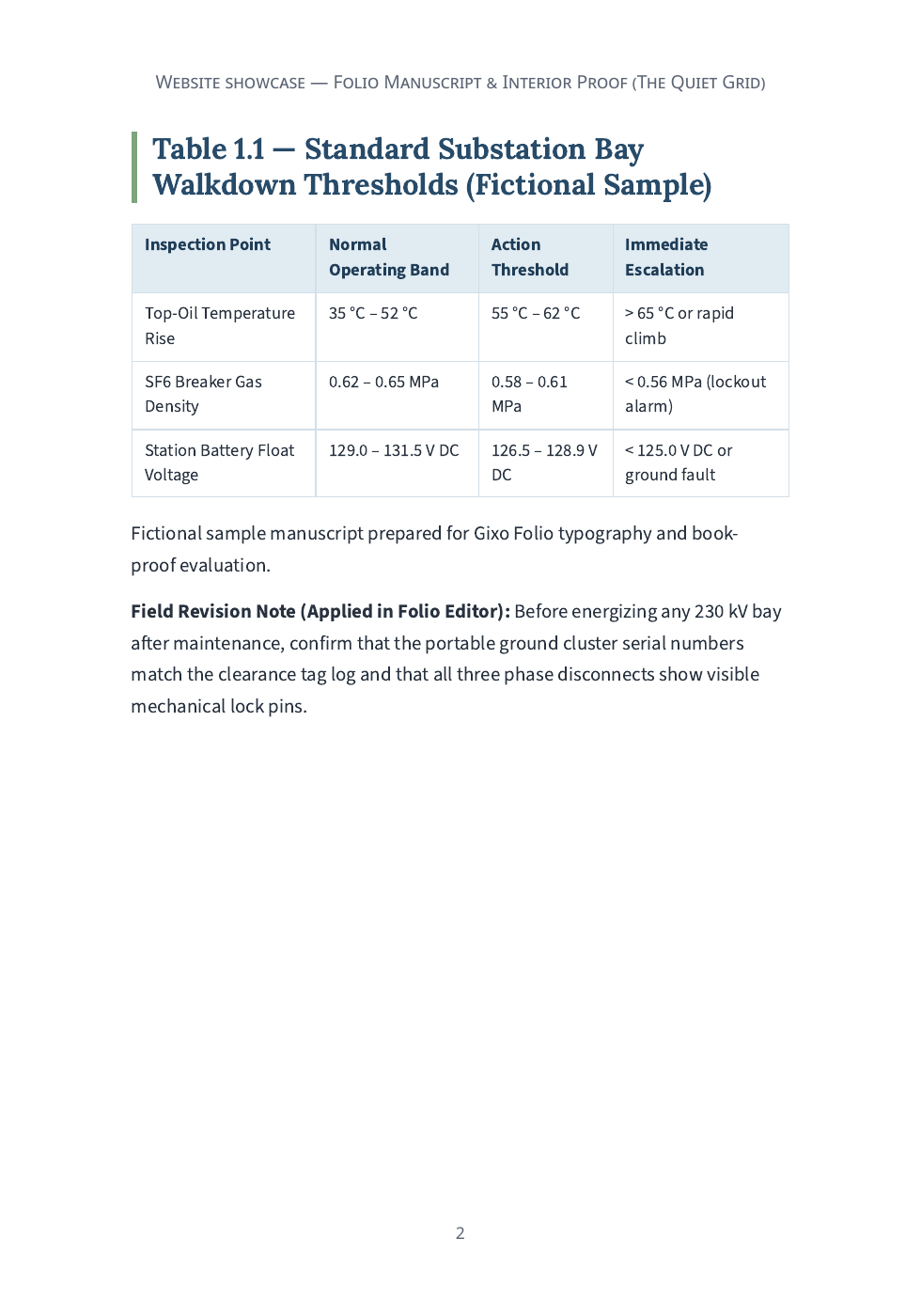
These are actual interior/export examples. They do not demonstrate a completed translation order, audiobook, retailer upload or cover-wrap export. Native-language text was supplied directly. The full-frontmatter workbook attempt reported a section-page validation error; the retained successful workbook is chapters-only.
Review the ebook cover at full resolution and as a small thumbnail. Check title, author, cropping and essential-text clearance.
Inspect: A crisp front image does not include a paperback spine or back panel. Do not stretch it across a full wrap.
Choose the print settings, generate the actual interior and use its rendered page count when preparing the paperback cover.
Inspect: Spine width depends on page count and the selected paper specification. Editing the manuscript can invalidate an earlier wrap geometry.
Inspect front, back, spine, bleed, safe areas and barcode space. Check reading direction and whether the spine supports the intended text.
Inspect: The fixed-size cover sheet should match the current interior and production choices; a browser thumbnail is not a dimension check.
Open the front-cover file, print interior and wrap associated with the intended saved edition.
Inspect: Check metadata, typography, script shaping and the receiving platform’s current requirements before submission.
Fictional book title and a source-traced cover workflow. Folio’s print support already covers the stated scripts; a preflight or preview does not guarantee a retailer’s acceptance or perform retailer upload.
This filled example is an editorial explanation of the structure. The related real product output above is separately identified.
| Part | Example and review point |
|---|---|
| Recommended dimensions | 1,600 pixels wide by 2,560 pixels high. |
| Portrait ratio | Width:height is 1:1.6. |
| File preparation | KDP lists JPEG or TIFF and an RGB color profile. |
| Size limit | The image must be less than 50 MB. |
| Check date | Reference checked on 20 October 2026; confirm the current receiving platform’s rules before submission. |
Inspect the title and author at thumbnail size as well as full resolution. Leave room around essential text and check that the final file is the intended front image. For a paperback wrap, finish the interior first: trim, paper, ink and rendered page count influence the spine and full cover dimensions. In Folio, keep the manuscript edition, export settings and exact proof together. Inspect the downloaded artifact; a preview or checklist does not guarantee store acceptance.
Reference: Amazon KDP ebook cover specifications. Checked 20 October 2026.
Updated