
Create workbooks your readers will actually complete
An AI workbook generator is a tool that turns a workbook brief into a structured, exercise-led manuscript — not just a chapter draft, but a sequenced set of prompts, worksheets, and checkpoints that build toward a clear learner outcome. Gixo Folio works as an AI workbook generator by taking the project through brief, chapter structure, drafting, in-workspace review, and final export, using the same workspace end to end. It fits coaches, educators, and client-workbook builders, and supports EPUB, editable DOCX, chapter PDF, HTML, Markdown, and SCORM export once the workbook is ready.
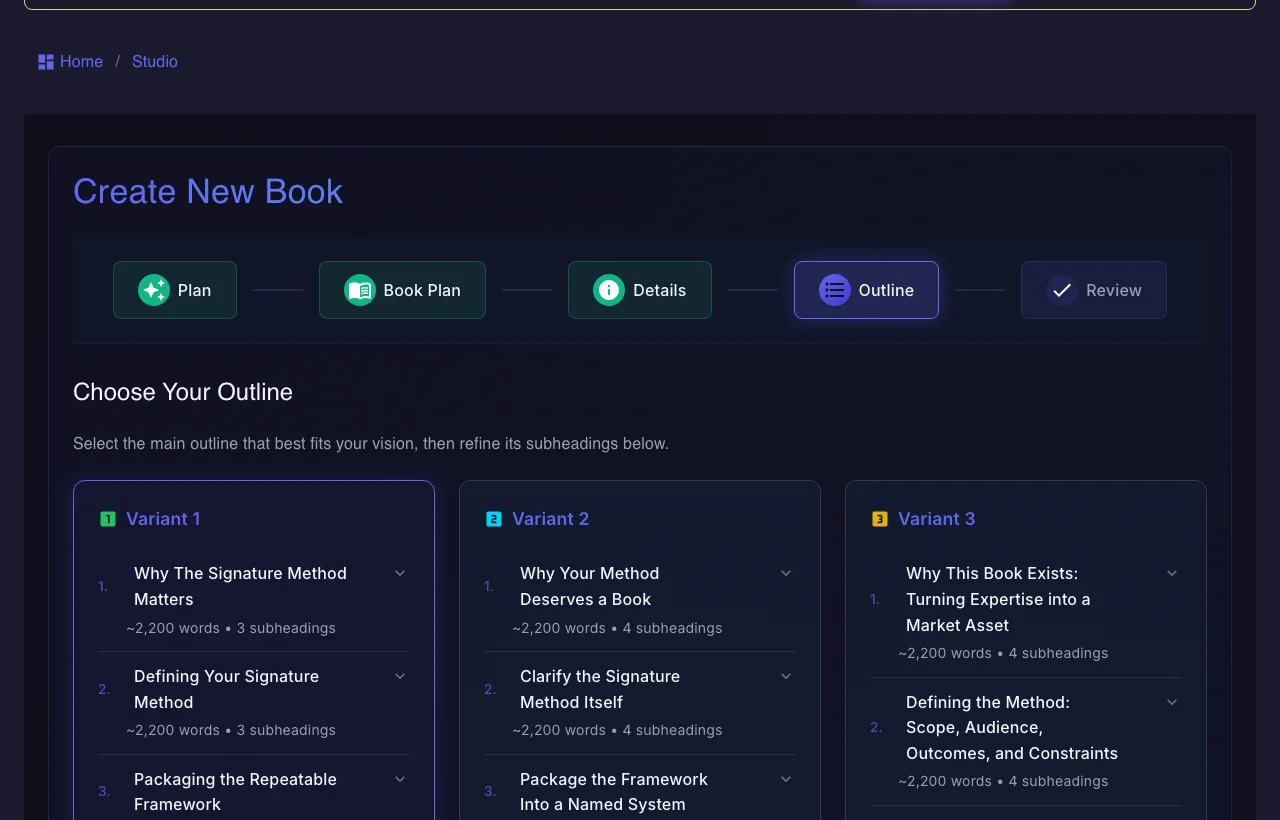
Use the persistent book workspace when the outcome is a real guide, authority book, training manual, client asset, or exportable edition.
If your manuscript is already finished and you only need specialist formatting or a dedicated fiction system, a focused tool may be the simpler choice.
What does an AI workbook generator need to get right?
The workbook has to teach, prompt action, and remain usable after export.
How does an AI workbook generator actually work?
The clearer the learner outcome, the better the workbook.
How does Gixo Folio compare to a generic AI workbook generator?
The difference is whether the workbook is treated like a real learning product.
| Decision area | Gixo Folio | Generic workbook generator |
|---|---|---|
| Starting point | Workbook brief and learner outcome | Topic prompt |
| Chapter progression | Structured chapter plan | Often flat or repetitive |
| Review | Review and revise in the workspace | Often missing |
| Export | Built into the same workflow (EPUB, editable DOCX, chapter PDF, HTML, Markdown, SCORM) | Usually requires another tool |
| Best for | Coaches, educators, client workbooks, practical guides | Quick worksheet drafts |
| AI drafting allowance | Folio Author includes 10 AI chapters/month; Pro includes 50 | Not applicable |
A workbook fails when it feels like a random set of prompts. The exercises need progression, context, and a clear learner outcome from chapter to chapter.
That is why a simple prompt-to-PDF generator is usually not enough.
Gixo Folio lets you brief the workbook, structure its chapters, draft and revise exercises, review the whole experience, and export the final file without moving the project through disconnected tools.
That makes it a strong fit for practical educational and client-facing workbooks.
Frequently Asked Questions
Workbook-adjacent Books pages
These are the most relevant next reads for workbook and educational-book buyers.
More Gixo Folio pages
Related book writing, publishing, and alternative pages.
Updated