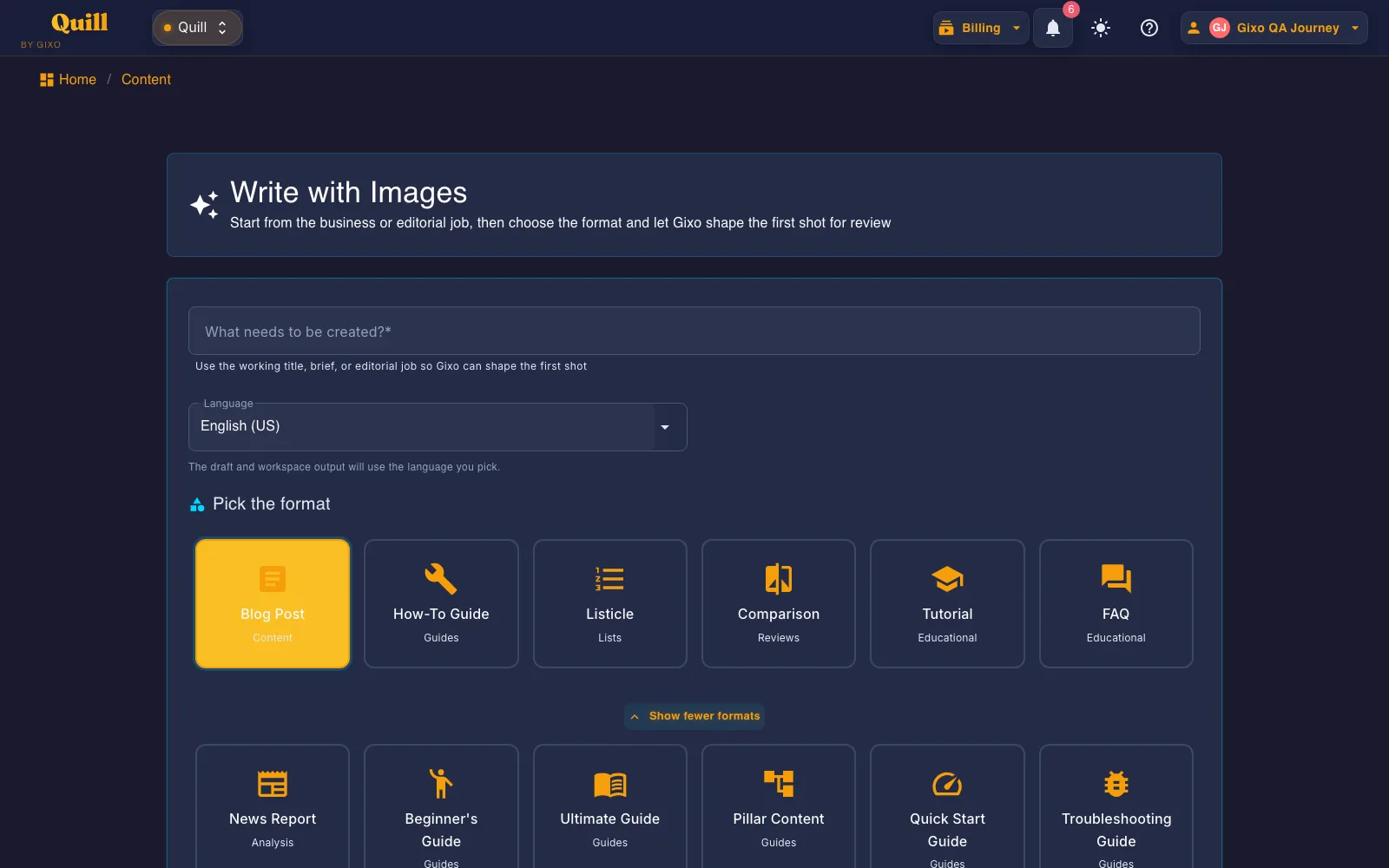
Create a sourced history article with chronology, context, turning points, primary evidence, competing interpretations, and present-day significance. The active guide targets 2,500 words, asks the model for 11 structural elements and then checks the draft for them, binds sources after generation, and keeps review before export.
~2500
Target word count
11
Required elements
4
Citation styles bound post-gen
2
One-click CMS publish targets
Details
History Article format details
See the expected length, required sections, citation options, and publishing paths for this format.
Topic
Details
What to know
Target length
Approximately 2,500 words
Designed for the depth and reading experience expected from this format.
Required structure
11 required elements
Requested in the prompt, then reported as detected or missing on the workspace checklist.
Tone and voice
Informative, chronological, and contextual; Active voice
Keeps the writing style aligned with the selected format.
Audience
History enthusiasts, students, researchers, anyone seeking historical understanding.
Shapes the draft for the people most likely to read and use it.
Source handling
Post-generation claim extraction and source binding
Lets you review claims and connect citations without inventing sources in the draft.
Delivery
2 direct publishing targets; PDF, DOCX, HTML, Markdown, TXT, and JSON
Export the finished content or publish it through a connected destination.
What should I provide to the AI History Article Generator?
Provide the subject boundary, period, geography, key events and people, primary and secondary sources, disputed points, and the present-day question the history should illuminate.
What structure does a Gixo History Article follow?
The active guide targets approximately 2,500 words and injects 11 required structural elements using a informative, chronological, and contextual tone for history enthusiasts, students, researchers, anyone seeking historical understanding..
Can I review and publish the generated History Article?
Yes. The History Article opens in the Quill workspace for editing and team review. You can bind sources after generation, render APA, MLA, Chicago, or Harvard citations, export in PDF, DOCX, HTML, Markdown, TXT, and JSON, or publish to a supported CMS destination.
What is an AI History Article Generator?
An AI history article generator builds a chronological, contextual account of a subject using traceable evidence. It identifies turning points, distinguishes primary from secondary interpretation, acknowledges disputed accounts, and explains why the history matters now.
What to provide: Provide the subject boundary, period, geography, key events and people, primary and secondary sources, disputed points, and the present-day question the history should illuminate.
History Article is one of the 48 direct-create formats generated from this same screen — a shared workspace, not a separate tool per format.
What is instructed, what is enforced, and what you check
The History Article style guide below is read from the Gixo source at request time. Most of it is written
into the generation prompt to steer the draft. A smaller part is enforced by code after the model answers.
The editorial judgments stay with you — so they are listed separately rather than folded into one promise.
1 · Written into the prompt — steers the draft
These are instructions, not checks. They shape what the model is asked to produce; nothing afterwards
verifies that the tone landed or that the draft suits the audience. That is what step 3 is for.
Structure
Introduction & Historical Context, The Beginning/Origins, Early Development Period, Key Turning Points, Major Milestones & Dates, Important Figures, Evolution & Changes, Modern Era, Impact & Legacy, Timeline Summary
Tone & voice
Informative, chronological, and contextual · Active voice
Audience
History enthusiasts, students, researchers, anyone seeking historical understanding.
SEO posture
Target 'history of' keywords, use timeline schema, include dates prominently, cite historical sources.
Required structural elements
H1 title
Historical timeline
Period divisions
Key dates
Important figures
Primary sources
Historical photos/artifacts
Evolution tracking
Formatting preferences
Timeline graphics
Period headers
Date callouts
Historical photos
Evolution charts
Then vs now
2 · Enforced by code, after the draft comes back
Too short is regenerated. A draft under the floor for this format is sent back for another pass, not padded.
Too long is reported, not cut. For this format a structurally complete draft is allowed to ship above the target.
Brand compliance. The draft is passed through your brand rules and you get a report of what changed.
Structure sanitising. Malformed or unsafe markup is cleaned before the draft reaches the editor.
3 · Checked, then handed to you
The workspace runs a checklist over the finished draft and shows you the result. It reports; it does not
gate. Publishing remains your decision.
Required elements — each is marked detected or not detected in the headings and body text. This is a presence test on wording, not a judgment that the section is any good.
Word-count target — flagged for review outside roughly 1,625-4,375 words, rather than forced to a number.
Quality checklist — the items this format carries are always marked for manual review, because no machine check stands behind them.
How a Gixo History Article is built
Every generation passes through a deterministic 7-stage pipeline.
The publishing pipeline
Plan — Token allocation, section count, structural completeness target. GenerationPlanner.cs
Render — APA / MLA / Chicago / Harvard inline citations injected at export. CitationHtmlRenderer.cs
Publish — Send approved work to connected WordPress and Ghost sites, hand a draft to Medium, or export it for other destinations. Export in PDF, DOCX, HTML, Markdown, TXT, and JSON.
Generate a History Article now
Start in the real Quill writing workflow. No credit card required.
Keep the finished draft and its next actions together
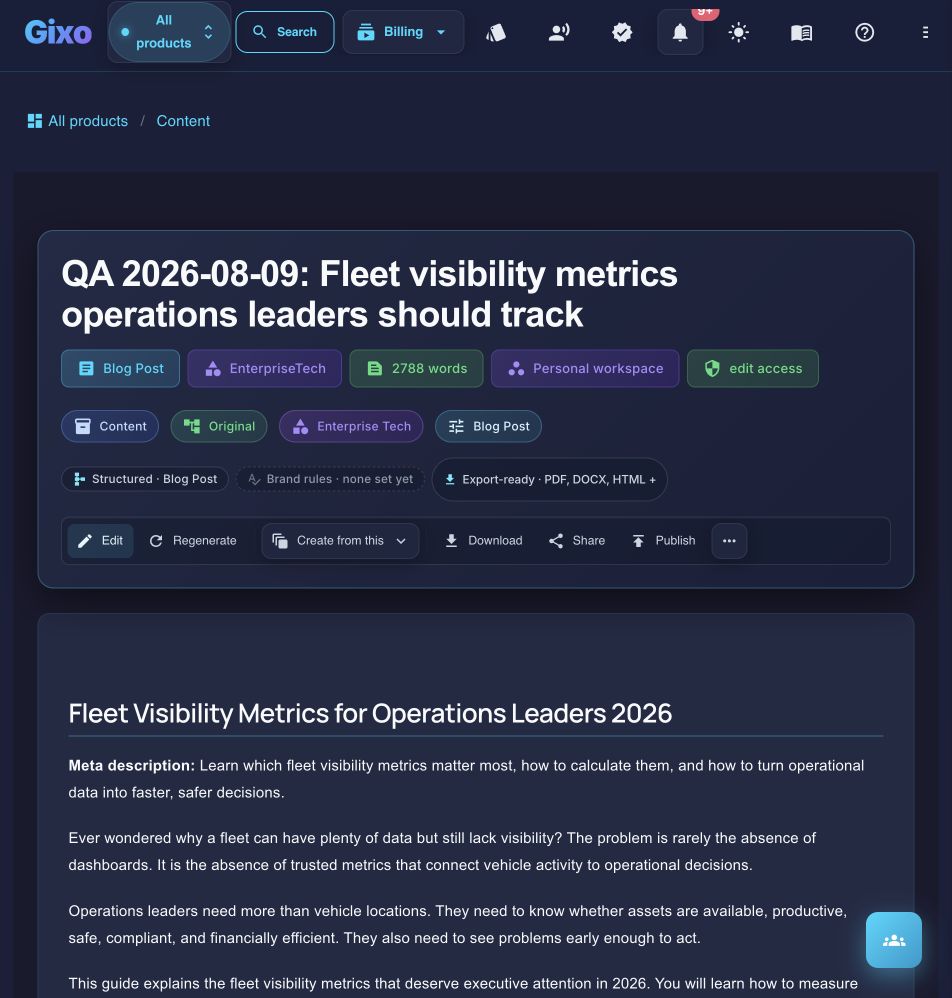
Current Quill draft view using a QA-labelled article rather than customer work. Format, workspace, export, editing, repurposing, sharing, and publishing controls remain attached to the artifact.
Cookie
We value your privacy
We use cookies to improve the product, measure site usage, and keep settings in sync.
Choose which categories you want to allow.