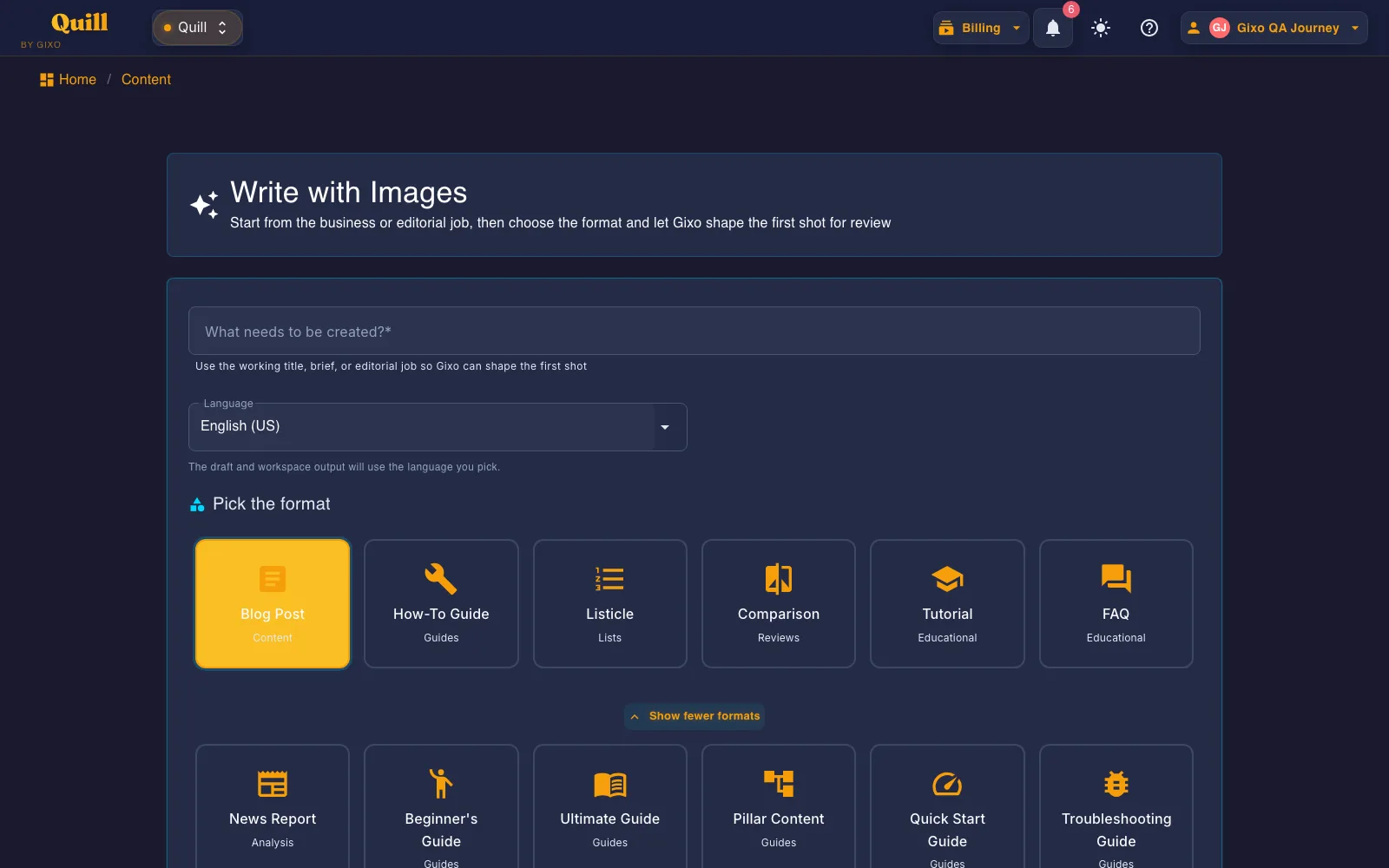
Create an industry report with market context, evidence, segments, trends, risks, implications, and traceable sources for review. The active guide targets 5,000 words, asks the model for 10 structural elements and then checks the draft for them, keeps source review explicit, and keeps review before export.
~5000
Target word count
10
Required elements
4
Citation styles for source review
2
WordPress and Ghost sites
Details
Industry Report format details
See the expected length, required sections, citation options, and publishing paths for this format.
Topic
Details
What to know
Target length
Approximately 5,000 words
Designed for the depth and reading experience expected from this format.
Required structure
10 required elements
Requested in the prompt, then reported as detected or missing on the workspace checklist.
Tone and voice
Professional, analytical, and forward-looking; Active voice
Keeps the writing style aligned with the selected format.
Audience
Industry professionals, investors, analysts, decision makers, strategic planners.
Shapes the draft for the people most likely to read and use it.
Source handling
Generation-time sources and citation review
Sources captured at generation are listed for review, with inline source links where the draft cites them.
Delivery
2 WordPress/Ghost site connections; PDF, DOCX, HTML, Markdown, TXT, and JSON
Export the finished content or publish it through a connected destination.
What should I provide to the AI Industry Report Generator?
Provide the industry boundary, geography, date range, audience, primary datasets, company or segment list, research questions, and rules for handling uncertain or conflicting evidence.
What structure does a Gixo Industry Report follow?
The active guide targets approximately 5,000 words and injects 10 required structural elements using a professional, analytical, and forward-looking tone for industry professionals, investors, analysts, decision makers, strategic planners..
Can I review and publish the generated Industry Report?
Yes. The Industry Report opens in the Quill workspace for editing and team review. You can add sources for review, render APA, MLA, Chicago, or Harvard citations, export in PDF, DOCX, HTML, Markdown, TXT, and JSON, or publish to a supported CMS destination.
What is an AI Industry Report Generator?
An AI industry report generator synthesizes evidence about a market or sector into a structured analytical document. It separates sourced facts from interpretation and covers context, segments, trends, participants, risks, and implications for a defined audience.
What to provide: Provide the industry boundary, geography, date range, audience, primary datasets, company or segment list, research questions, and rules for handling uncertain or conflicting evidence.
Industry Report is one of the 49 direct-create formats generated from this same screen — a shared workspace, not a separate tool per format.
What is instructed, what is enforced, and what you check
The Industry Report style guide below is read from the Gixo source at request time. Most of it is written
into the generation prompt to steer the draft. A smaller part is enforced by code after the model answers.
The editorial judgments stay with you — so they are listed separately rather than folded into one promise.
1 · Written into the prompt — steers the draft
These are instructions, not checks. They shape what the model is asked to produce; nothing afterwards
verifies that the tone landed or that the draft suits the audience. That is what step 3 is for.
Professional, analytical, and forward-looking · Active voice
Audience
Industry professionals, investors, analysts, decision makers, strategic planners.
SEO posture
Match the intent of readers looking for a report on the industry, use business schema, include downloadable version, cite sources.
Required structural elements
Executive summary box
Market data
Growth statistics
Competitive analysis
Trend identification
SWOT analysis
Regulatory updates
Forecast data
Strategic recommendations
Data sources
Formatting preferences
Executive format
Data tables
Growth charts
Competitive matrices
Trend graphs
Forecast models
2 · Enforced by code, after the draft comes back
Too short is regenerated. A draft under the floor for this format is sent back for another pass, not padded.
Too long is reported, not cut. For this format a structurally complete draft is allowed to ship above the target.
Brand compliance. The draft is passed through your brand rules and you get a report of what changed.
Structure sanitising. Malformed or unsafe markup is cleaned before the draft reaches the editor.
3 · Checked, then handed to you
The workspace runs a checklist over the finished draft and shows you the result. It reports; it does not
gate. Publishing remains your decision.
Required elements — each is marked detected or not detected in the headings and body text. This is a presence test on wording, not a judgment that the section is any good.
Word-count target — flagged for review outside roughly 3,250-8,750 words, rather than forced to a number.
Quality checklist — the items this format carries are always marked for manual review, because no machine check stands behind them.
How a Gixo Industry Report is built
Every generation runs the first four stages automatically. Source review, citation rendering and publishing are steps you take in the Quill workspace.
The publishing pipeline
Plan — Token allocation, section count, structural completeness target. GenerationPlanner.cs
Review sources — Add your own sources and inspect the citations attached to the draft before export. EditableSourcesPanel.razor
Render — APA / MLA / Chicago / Harvard inline citations injected at export. CitationHtmlRenderer.cs
Publish — Send reviewed work to connected WordPress or Ghost sites, or to your own Webflow, Notion, HubSpot or Shopify connection. Destination actions differ: HubSpot receives a blog draft and Notion a page. Medium supports manual export or an available legacy-token draft handoff; inspect the receiving destination before publication. Export in PDF, DOCX, HTML, Markdown, TXT, and JSON.
Generate a Industry Report now
Start in the real Quill writing workflow. No credit card required.
Keep the finished draft and its next actions together
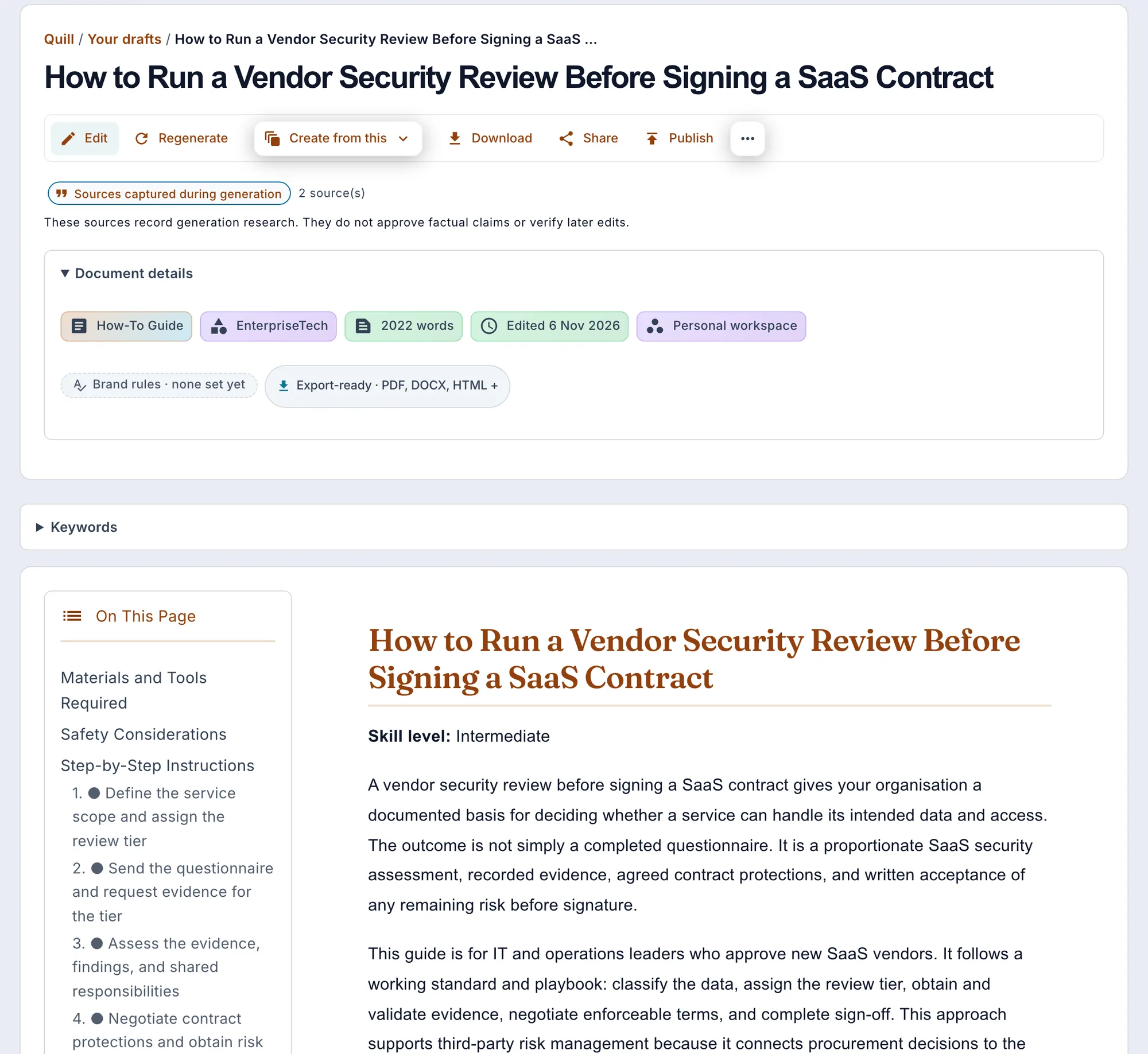
Current Quill draft view using a sample article rather than customer work, written from two fictional source documents. Format, workspace, export, editing, repurposing, sharing, and publishing controls remain attached to the artifact.
Updated
Cookie
We value your privacy
We use cookies to improve the product, measure site usage, and keep settings in sync.
Choose which categories you want to allow.