Create a trend analysis that distinguishes signal from noise using dated evidence, drivers, counter-signals, implications, and scenarios. The active guide targets 2,400 words, asks the model for 10 structural elements and then checks the draft for them, binds sources after generation, and keeps review before export.
~2400
Target word count
10
Required elements
4
Citation styles bound post-gen
2
One-click CMS publish targets
Details
Trend Analysis format details
See the expected length, required sections, citation options, and publishing paths for this format.
Topic
Details
What to know
Target length
Approximately 2,400 words
Designed for the depth and reading experience expected from this format.
Required structure
10 required elements
Requested in the prompt, then reported as detected or missing on the workspace checklist.
Tone and voice
Insightful, analytical, and predictive; Active voice
Keeps the writing style aligned with the selected format.
Audience
Strategists, innovators, planners, trend watchers, business leaders staying ahead.
Shapes the draft for the people most likely to read and use it.
Source handling
Post-generation claim extraction and source binding
Lets you review claims and connect citations without inventing sources in the draft.
Delivery
2 direct publishing targets; PDF, DOCX, HTML, Markdown, TXT, and JSON
Export the finished content or publish it through a connected destination.
What should I provide to the AI Trend Analysis Generator?
Provide the topic, timeframe, geography, comparable data points, relevant events, source URLs, suspected drivers, counter-evidence, and decisions the analysis should inform.
What structure does a Gixo Trend Analysis follow?
The active guide targets approximately 2,400 words and injects 10 required structural elements using a insightful, analytical, and predictive tone for strategists, innovators, planners, trend watchers, business leaders staying ahead..
Can I review and publish the generated Trend Analysis?
Yes. The Trend Analysis opens in the Quill workspace for editing and team review. You can bind sources after generation, render APA, MLA, Chicago, or Harvard citations, export in PDF, DOCX, HTML, Markdown, TXT, and JSON, or publish to a supported CMS destination.
What is an AI Trend Analysis Generator?
An AI trend analysis generator examines how a measurable pattern is changing and why. It defines the timeframe, establishes evidence, identifies drivers and counter-signals, separates observation from forecast, and explains implications for a specific audience.
What to provide: Provide the topic, timeframe, geography, comparable data points, relevant events, source URLs, suspected drivers, counter-evidence, and decisions the analysis should inform.
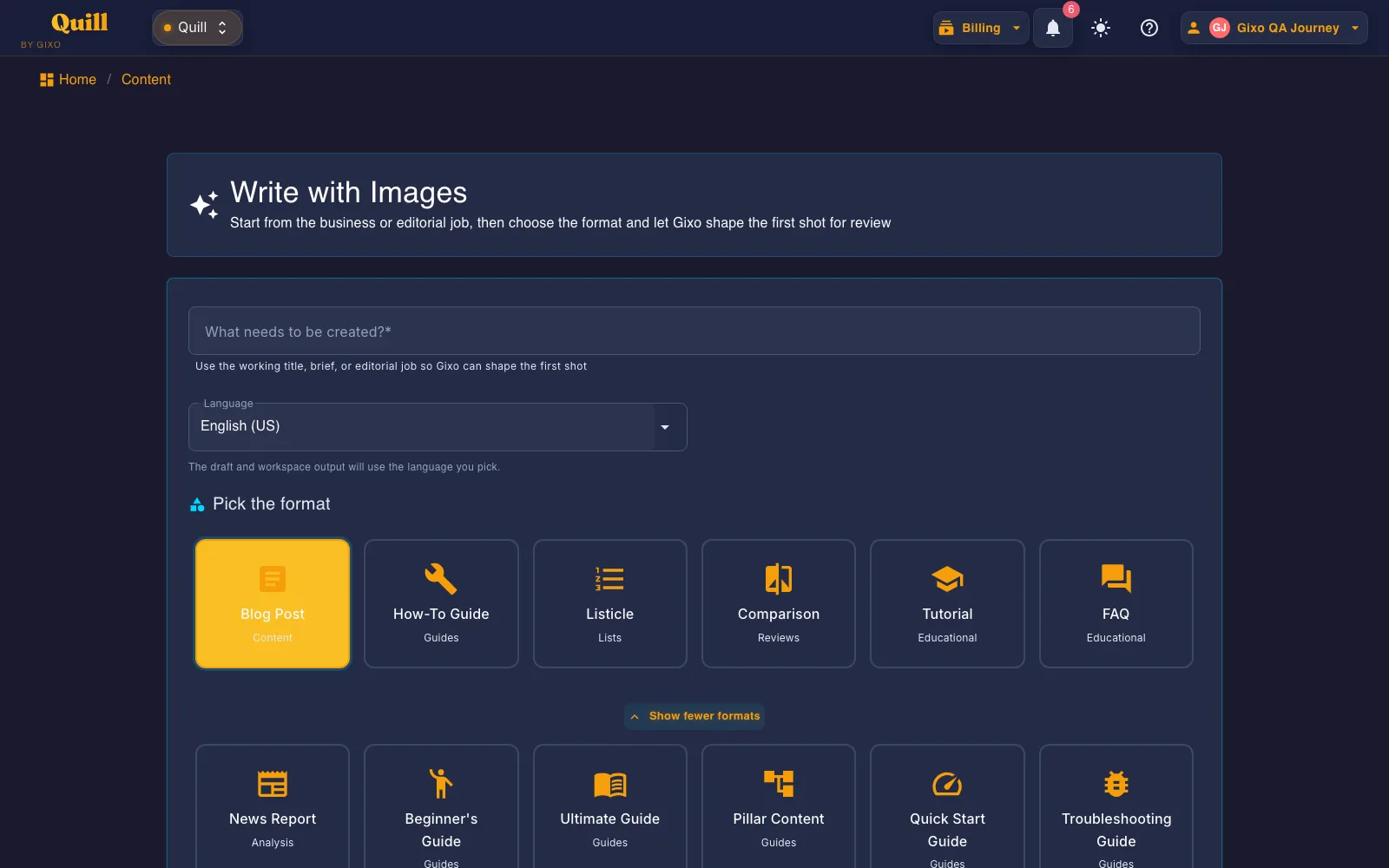
Trend Analysis is one of the 48 direct-create formats generated from this same screen — a shared workspace, not a separate tool per format.
What is instructed, what is enforced, and what you check
The Trend Analysis style guide below is read from the Gixo source at request time. Most of it is written
into the generation prompt to steer the draft. A smaller part is enforced by code after the model answers.
The editorial judgments stay with you — so they are listed separately rather than folded into one promise.
1 · Written into the prompt — steers the draft
These are instructions, not checks. They shape what the model is asked to produce; nothing afterwards
verifies that the tone landed or that the draft suits the audience. That is what step 3 is for.
Insightful, analytical, and predictive · Active voice
Audience
Strategists, innovators, planners, trend watchers, business leaders staying ahead.
SEO posture
Target 'trends in' keywords, use current data, include visual trend lines, update regularly.
Required structural elements
H1 title
Trend identification
Data sources
Trend lifecycles
Adoption curves
Impact analysis
Driver identification
Case examples
Formatting preferences
Trend graphs
Adoption curves
Timeline graphics
Impact matrices
Driver diagrams
Projection charts
2 · Enforced by code, after the draft comes back
Too short is regenerated. A draft under the floor for this format is sent back for another pass, not padded.
Too long is reported, not cut. For this format a structurally complete draft is allowed to ship above the target.
Brand compliance. The draft is passed through your brand rules and you get a report of what changed.
Structure sanitising. Malformed or unsafe markup is cleaned before the draft reaches the editor.
3 · Checked, then handed to you
The workspace runs a checklist over the finished draft and shows you the result. It reports; it does not
gate. Publishing remains your decision.
Required elements — each is marked detected or not detected in the headings and body text. This is a presence test on wording, not a judgment that the section is any good.
Word-count target — flagged for review outside roughly 1,560-4,200 words, rather than forced to a number.
Quality checklist — the items this format carries are always marked for manual review, because no machine check stands behind them.
How a Gixo Trend Analysis is built
Every generation passes through a deterministic 7-stage pipeline.
The publishing pipeline
Plan — Token allocation, section count, structural completeness target. GenerationPlanner.cs
Render — APA / MLA / Chicago / Harvard inline citations injected at export. CitationHtmlRenderer.cs
Publish — Send approved work to connected WordPress and Ghost sites, hand a draft to Medium, or export it for other destinations. Export in PDF, DOCX, HTML, Markdown, TXT, and JSON.
Generate a Trend Analysis now
Start in the real Quill writing workflow. No credit card required.
Keep the finished draft and its next actions together
Current Quill draft view using a QA-labelled article rather than customer work. Format, workspace, export, editing, repurposing, sharing, and publishing controls remain attached to the artifact.
Cookie
We value your privacy
We use cookies to improve the product, measure site usage, and keep settings in sync.
Choose which categories you want to allow.