Best for
You need a presentation workflow that keeps outline planning, slide editing, citations, presenter tools, and handoff exports attached to the same deck.
Start fast from a topic, or plan from notes, briefs, articles, and reference material. Build a deck you can review, cite, present, export, and hand to a client without rebuilding it elsewhere.
Good for one person making the occasional deck
AI deck generation
Themes, speaker notes, and present mode
Slide editing plus PDF and HTML export
Good for one person making decks regularly
Everything in Lite
Room for decks every week, not now and then
Personal presentation workspace
Good for teams creating and sharing presentations
Everything in Starter
Sharing and presentation collaboration
Comments and review before a deck goes out
Minimum 2 seats
Good for brand-led presentation teams
Everything in Professional
Custom brand themes for every deck
Shared presentation workspaces and team management
Minimum 5 seats
For Azure and private-offer deployments
Everything in Business
API access and AI provider governance
Azure Marketplace or private offer
Onboarding and enterprise rollout support
The 14-day no-card Lumen trial includes AI generation and clean hybrid PPTX/PDF export. Downloading your own decks stays available afterwards; paid plans continue generation and unlock AI editing, publishing, sharing, collaboration, brand workflows, team controls, and higher capacity.
One presentation handoff workspace for teams that need a strong first pass, outline control, theme switching, citations, presenter tools, and delivery without rebuilding the deck somewhere else.
Teams switch when the first pass already understands the workflow, the section order, and the layout rhythm instead of dropping them into blank-slide cleanup.
Theme changes, slide edits, layout swaps, transformations, and regeneration stay available after the deck exists, so refinement does not mean starting over.
Evidence checks, citations, speaker notes, present mode, and exports stay on the same deck instead of being rebuilt in a second presentation tool.
You need a presentation workflow that keeps outline planning, slide editing, citations, presenter tools, and handoff exports attached to the same deck.
Your requirement is that every complex slide element remain a native, individually editable PowerPoint object.
PowerPoint export is hybrid by design: stable layouts become editable text and shapes, complex slides preserve fidelity as images, and the file opens cleanly in PowerPoint. Before an export runs, a deterministic readiness check inspects every slide and blocks the file when an unresolved placeholder, an unfilled image slot, or a browser-only image would otherwise ship unfinished, while fidelity trade-offs are surfaced as warnings rather than applied silently.
Review the narrative, figures, citations, source-critical claims, and the exported deck before presenting or handing it to a client.
PowerPoint export is hybrid: stable layouts become editable text and shapes, while complex slides may preserve fidelity as images.
Gixo Lumen is AI presentation software that turns a topic, notes, briefs, articles, and uploaded reference material into an editable 16:9 slide deck. As an AI presentation maker it produces the first pass — outline, structure, slide text, layouts, imagery, speaker notes — using 8 workflow profiles across consulting, finance, startup, sales, executive, product, training, and general business decks, 34 active themes, and 26 slide layouts. What separates it from a slide generator is everything after that first pass: you review the outline before slides are built, edit every slide in place, keep citations and source review attached while you work, present from the browser, and export the same deck as PPTX, PDF, HTML, and slide images without rebuilding it somewhere else. The generated deck is a structured draft that still needs human review, not a finished presentation.
Open the sample deck to learn the workspace without using a monthly deck. Use the consultant path when a client will receive the file, the fast path when you need a clean first pass from a topic, outline first when notes matter, or start blank and design slide by slide.
Evaluate the editable export during the trial, continue with a solo plan for recurring client work, then add team controls when a firm needs shared ownership.
Generate and preview decks, then export clean hybrid PPTX/PDF so the handoff is visible before purchase.
Continue AI generation after the trial and use Lumen for recurring client, investor, and executive handoff decks.
Add brand workflows, higher capacity, collaboration, sharing, and governance once multiple people own the deck process.
Start from a topic when speed matters, or use outline-first planning when notes, articles, briefs, and reference material need to shape the deck.
Start from a topic for the fastest first pass, or open the outline workflow when you already have notes, a brief, an article, or uploaded reference material.
Pick the deck workflow that fits consulting, finance, startup, sales, executive, product, or general business decks, then choose a theme direction that supports that audience.
Use the outline-first path when you want a reviewable structure, then build the full deck with workflow-specific sections, layout rhythm, and slide types.
Change text, switch layouts, regenerate sections, and review grounding details without rebuilding the whole deck.
Present in the browser, review citations, share a link, or export the same finished deck as PPTX, PDF, HTML, and slide images.
Explore business-facing examples for the presentation jobs teams most often need to complete.
Lumen also includes Stanza, a responsive visual-story mode that turns the same sources into a scrolling web story instead of a slide deck. Start quickly, or plan first and approve the scene plan before generation. Stanza grounds sources through the same pre-authorized search path as Lumen decks, it ships under Lumen access, and any Lumen deck can be converted into a Stanza story.




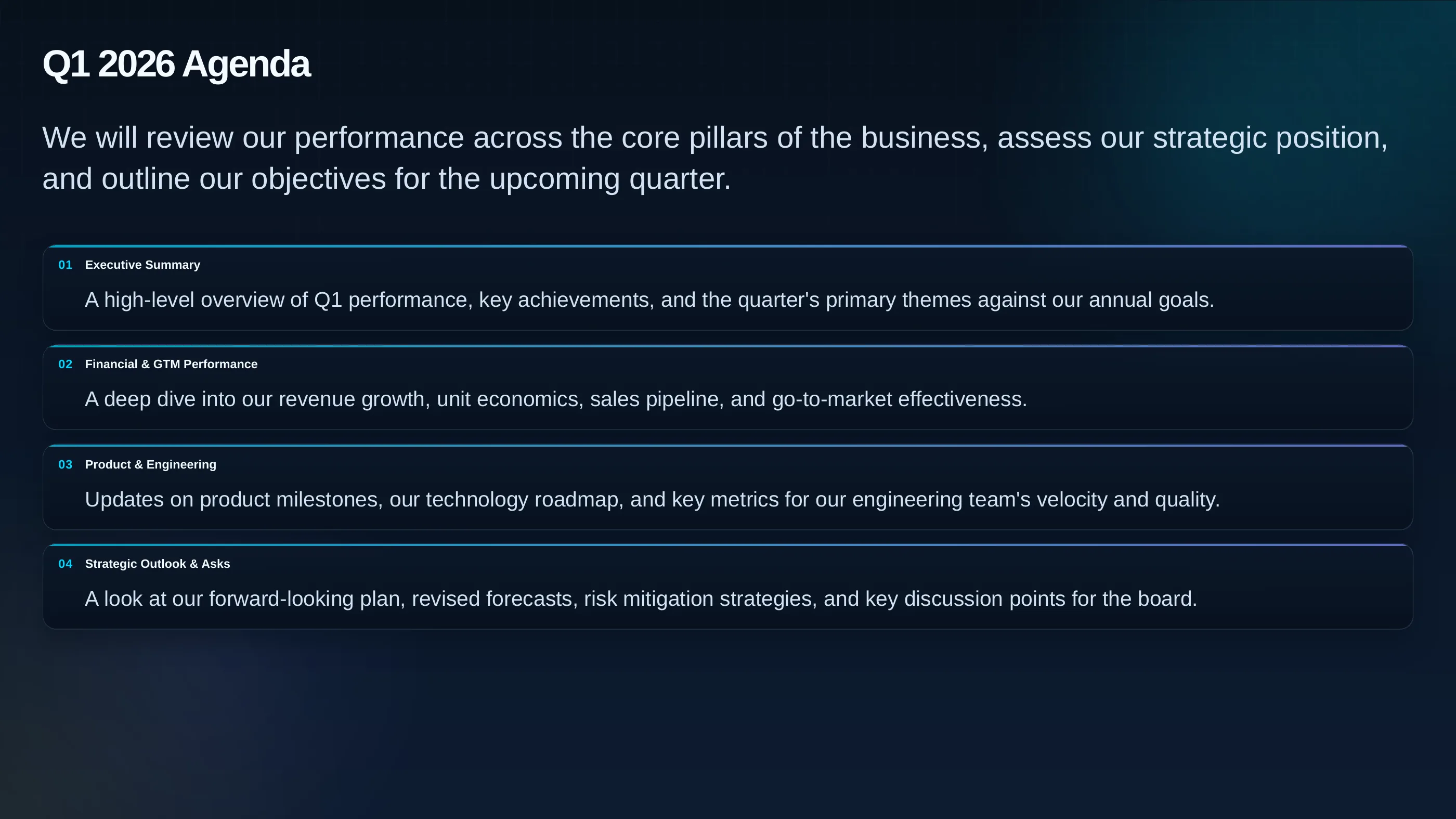
Citations, source review, present mode, and PPTX, PDF, HTML, and slide-image exports stay attached to the same deck.
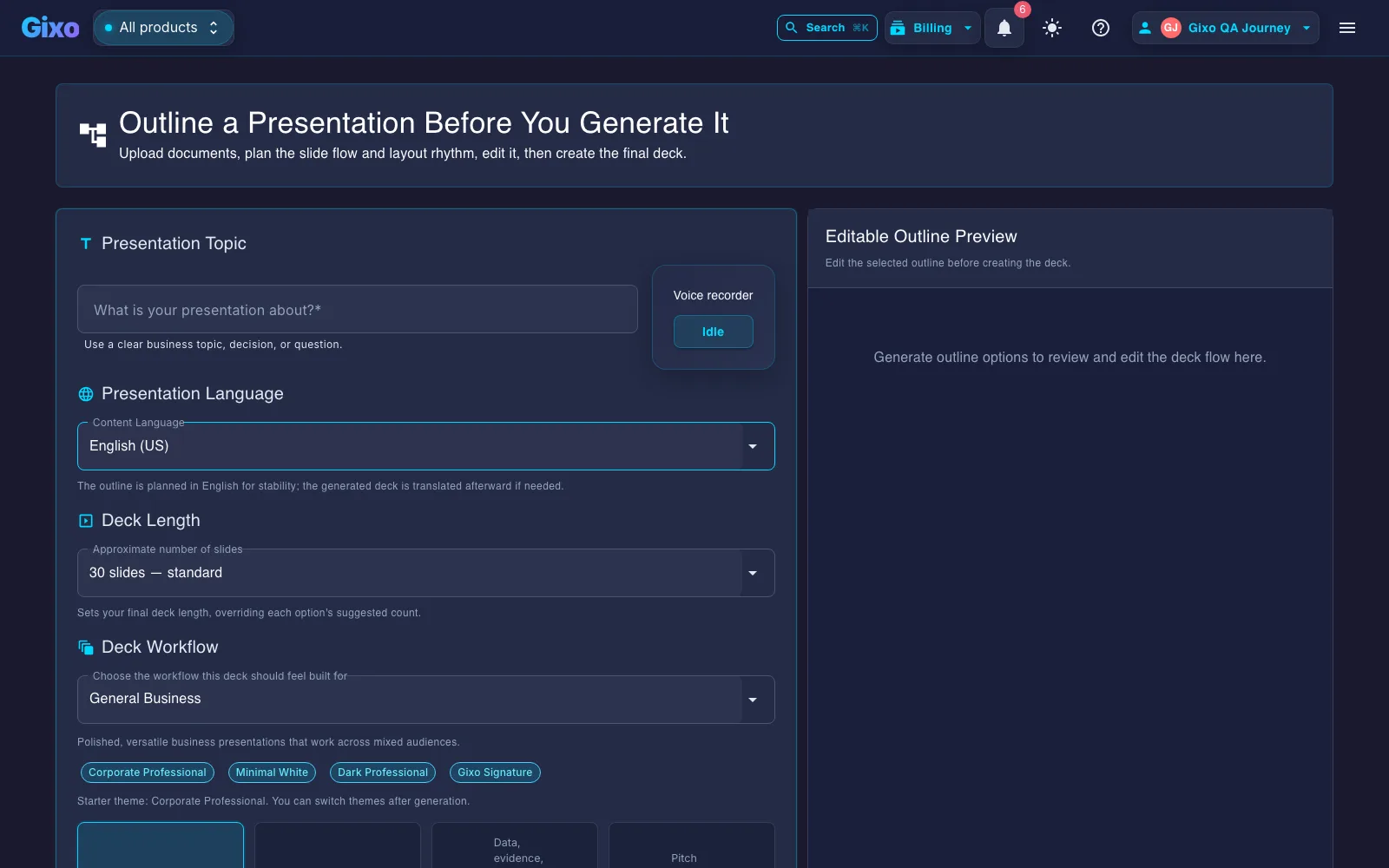
Deck creation starts from source material and workflow fit, so the structure is reviewable before the full deck is generated.
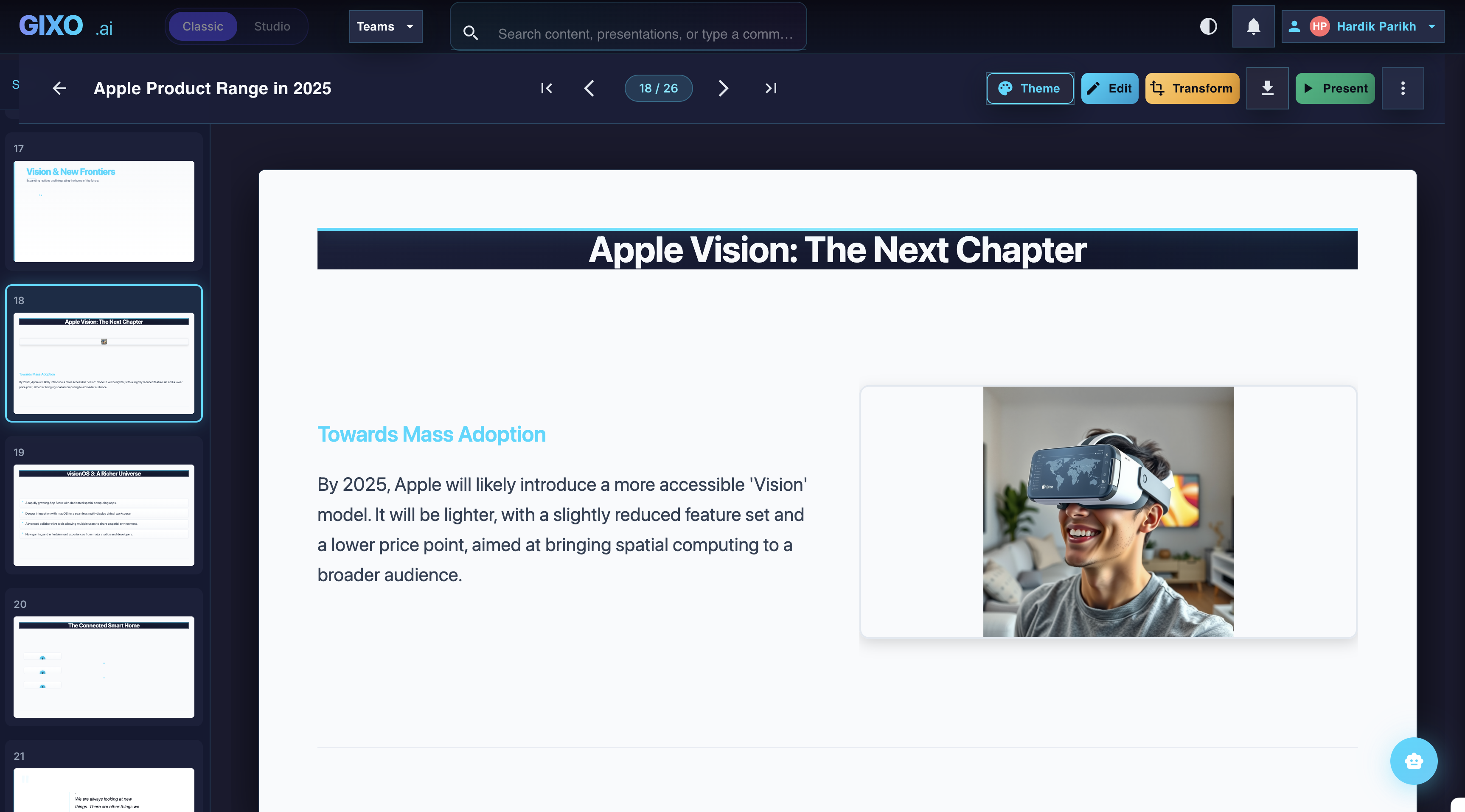
Theme changes, slide-level edits, transformations, and layout control stay inside the same workspace after the first pass lands.
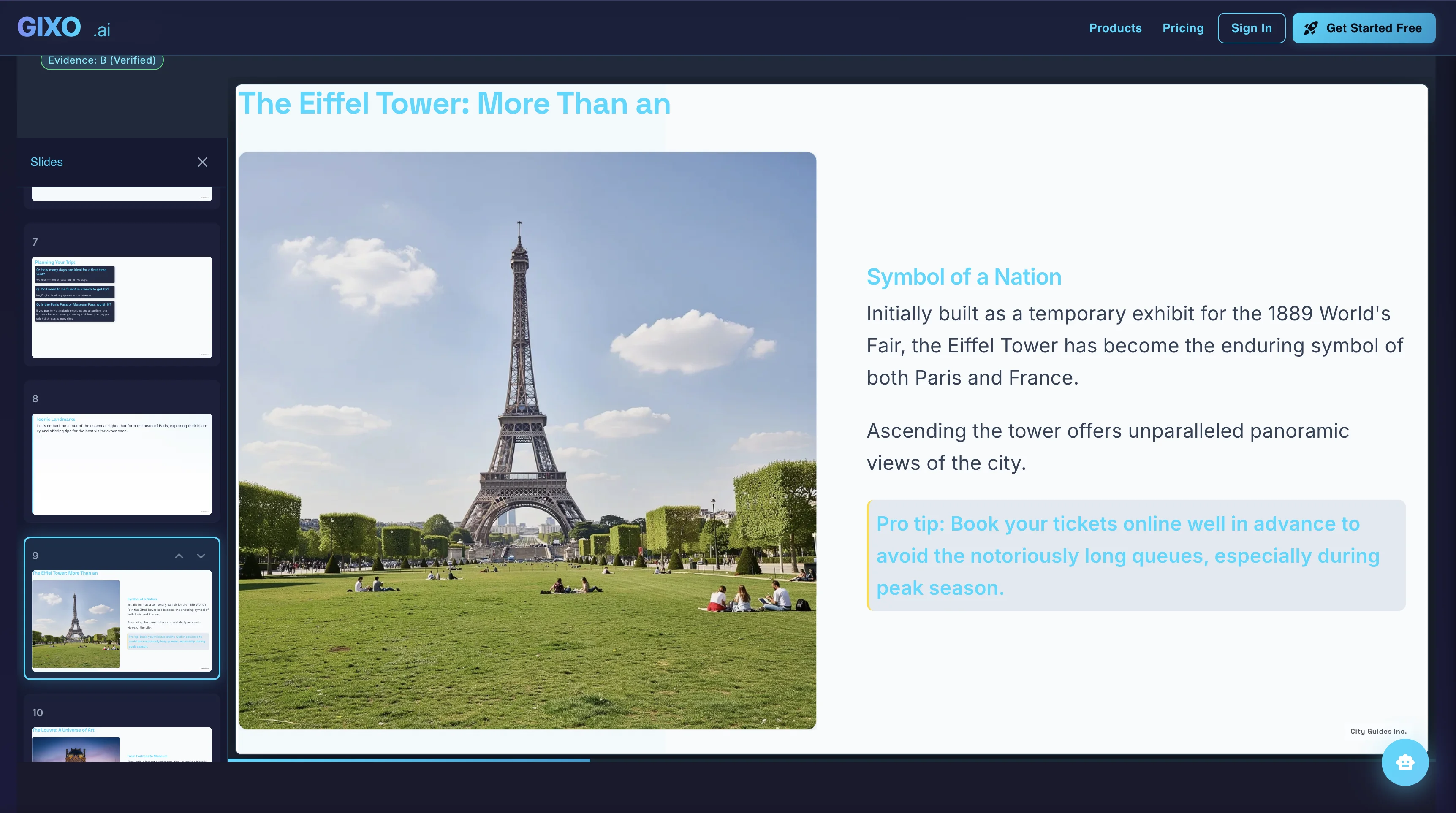
Presenter notes, citations, shareable delivery, and exports belong to the same deck instead of being rebuilt in another presentation tool.
These are sample directions from a live theme library with 34 active themes and workflow-specific packs.
Create a client-handoff presentation in one workspace, with outline planning, workflow-specific structure, slide editing, citations, presenter tools, and export attached to the same deck.
Keep decks grounded to source material and approved web research when needed. Gixo extracts key claims, highlights what needs verification, and surfaces citations, attribution, and trust status inside the deck viewer.
13 structured infographic modules — data grids, process flows, timelines, comparisons, and more. Same themes, same workspace.
Use the free deterministic Pitch / Board Deck Skeleton Builder for a numbered, evidence-ready narrative and KPI checks.
Gixo Lumen is AI presentation software that turns a topic, notes, briefs, articles, and uploaded reference material into an editable 16:9 slide deck, then keeps outline control, slide editing, citations, presenter tools, and export attached to that same deck. It is built for decks that get handed to someone else — a client, a board, an investor — rather than for slides that only ever live in a browser tab.
Pick a starting path — a topic when speed matters, or the outline-first path when you have notes, a brief, an article, or reference material to upload. Choose the workflow that matches the job and a theme that matches the audience. Review the outline, then generate the full deck with workflow-specific sections and slide types. Edit slides and evidence in place, then present, share, or export.
Yes — every slide. Edit text directly on the slide, swap the layout to change the visual structure, reorder slides in the overview grid, regenerate a section without touching the rest, and switch themes at any point without losing content. Undo and redo history tracks the changes. AI produces the draft; the deck stays yours to finish.
You can download the deck as PPTX, PDF, HTML, and slide images. PowerPoint export is hybrid: stable layouts — title, bullet, column, stats, and table slides among them — arrive as editable text and shapes, while genuinely complex slides preserve fidelity as images. Export a representative deck early and open the file on the machine that will present it.
34 active themes, 26 slide layouts, and 8 workflow profiles, with decks of up to 60 slides generated in one pass. Layouts cover title, content, bullet, comparison, stats, timeline, team, image gallery, quote, process, and icon grid among others, so a long deck stays legible instead of repeating one slide shape.
Lumen also includes Stanza, a responsive visual-story mode that turns the same sources into a scrolling web story instead of a slide deck. Start quickly, or plan first and approve the scene plan before generation. Stanza grounds sources through the same pre-authorized search path as Lumen decks, it ships under Lumen access, and any Lumen deck can be converted into a Stanza story. Stanza composes a scrolling web story from 15 typed block kinds across 16 visual-story themes, each with its own display-and-body type pairing.
It's a 14-day free trial (no card required), not an unlimited free tier — Gixo Lumen has no standing $0 plan. After the trial, continued generation requires a paid plan. The 14-day trial includes AI generation and clean hybrid PPTX/PDF export, so the handoff is visible before you buy. After the trial, existing decks remain reviewable, presentable, and downloadable; paid plans continue AI generation and AI editing, and add publishing, sharing, collaboration, brand workflows, team controls, and higher capacity.