
Free AI Presentation Maker & Online PPT Maker
Build a structured first pass from a topic, notes, brief, or article, then keep outline control, editing, source review, and presenter-ready delivery inside the same workspace — and export the finished deck as editable PowerPoint (.pptx) or PDF. Generate AI decks during your free 14-day trial (no credit card), existing decks remain reviewable afterward. Lumen's no-card 14-day trial includes AI generation and clean hybrid export. Downloads are not gated: a deck you generated stays yours to review, present, and export as PPTX, PDF, HTML, or slide images, unwatermarked, whether the trial is running, paid, or long over. Paid Lumen is what continues AI generation and AI editing, and adds publishing, sharing, collaboration, brand workflows, team controls, and higher capacity.
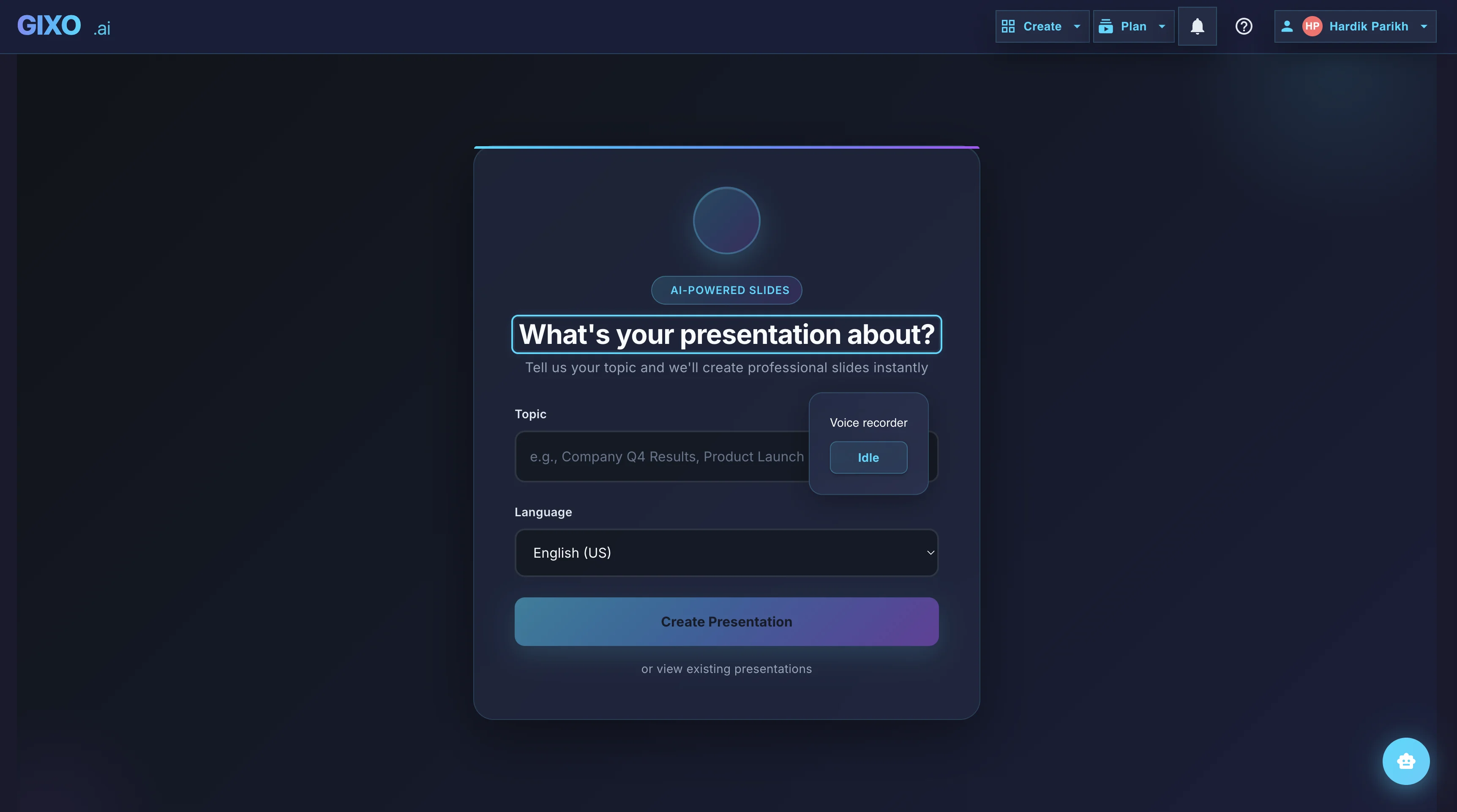
Everything You Need to Finish Presentations with AI
Create a client-handoff presentation in one workspace, with outline planning, workflow-specific structure, slide editing, citations, presenter tools, and export attached to the same deck.
Keep decks grounded to source material and approved web research when needed. Gixo extracts key claims, highlights what needs verification, and surfaces citations, attribution, and trust status inside the deck viewer.
Start from a topic, notes, brief, article, or uploaded material and get a complete, structured presentation without rebuilding the story slide by slide.
Choose from themes designed for business, startup, academic, creative, editorial, and workflow-specific contexts. Every theme includes coordinated typography, colors, and slide layouts.
The AI selects the right layout for each slide — title slides, bullet lists, data cards, timelines, comparisons, team grids, and more. Every layout is optimized for readability at deck scale.
Edit any slide after generation. Change text, swap layouts, add images, regenerate individual slides, or restructure the entire deck to match your needs.
Generate custom visuals for any slide using built-in AI image creation. No stock photos needed — images match your presentation theme and content automatically.
Review evidence and citations, then export or present directly in the browser with speaker notes and presenter controls attached to the same deck.
Proof from the actual deck workflow
Citations, source review, present mode, and PPTX, PDF, HTML, and slide-image exports stay attached to the same deck.
Outline First
Deck creation starts from source material and workflow fit, so the structure is reviewable before the full deck is generated.
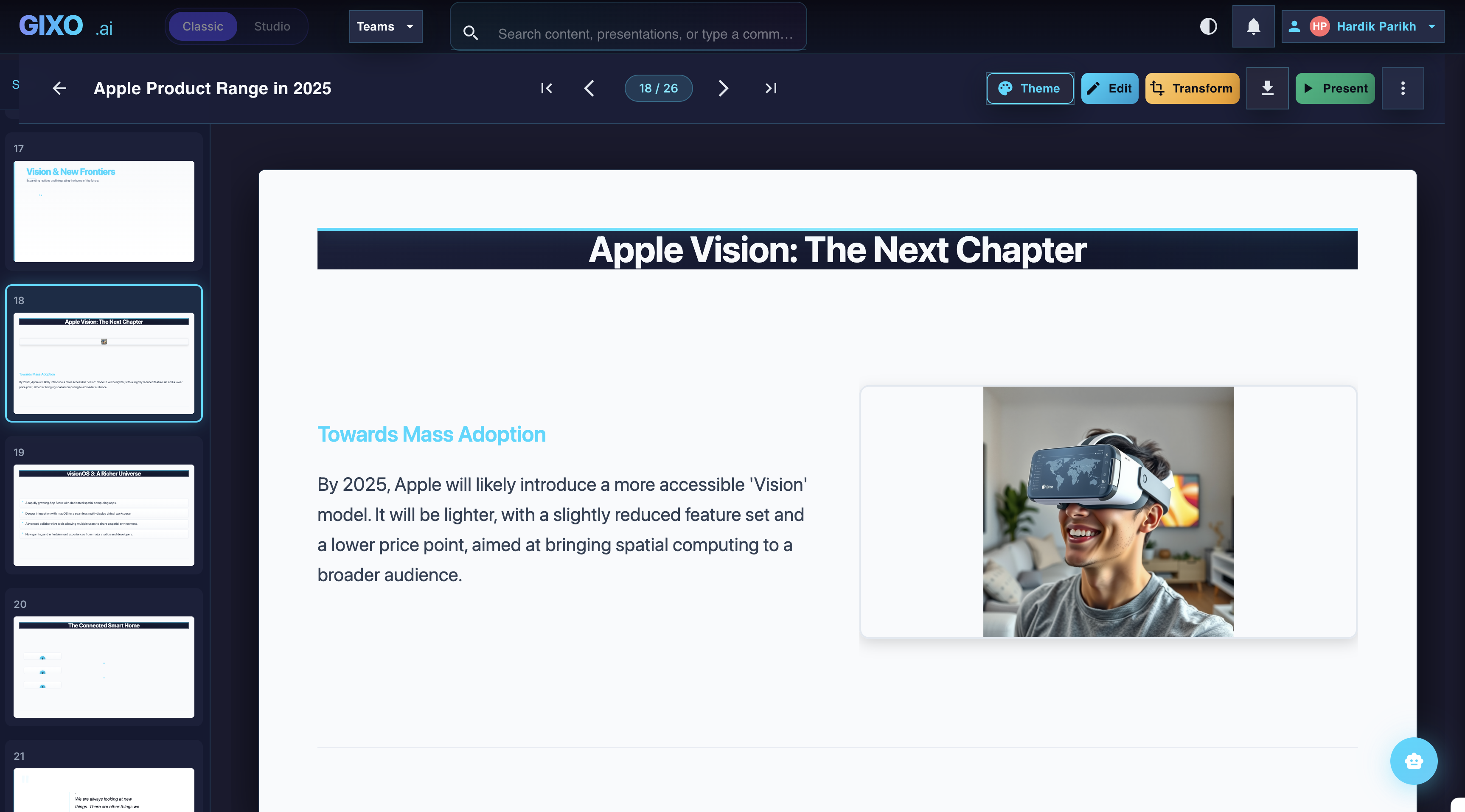
Edit the Finished Deck
Theme changes, slide-level edits, transformations, and layout control stay inside the same workspace after the first pass lands.
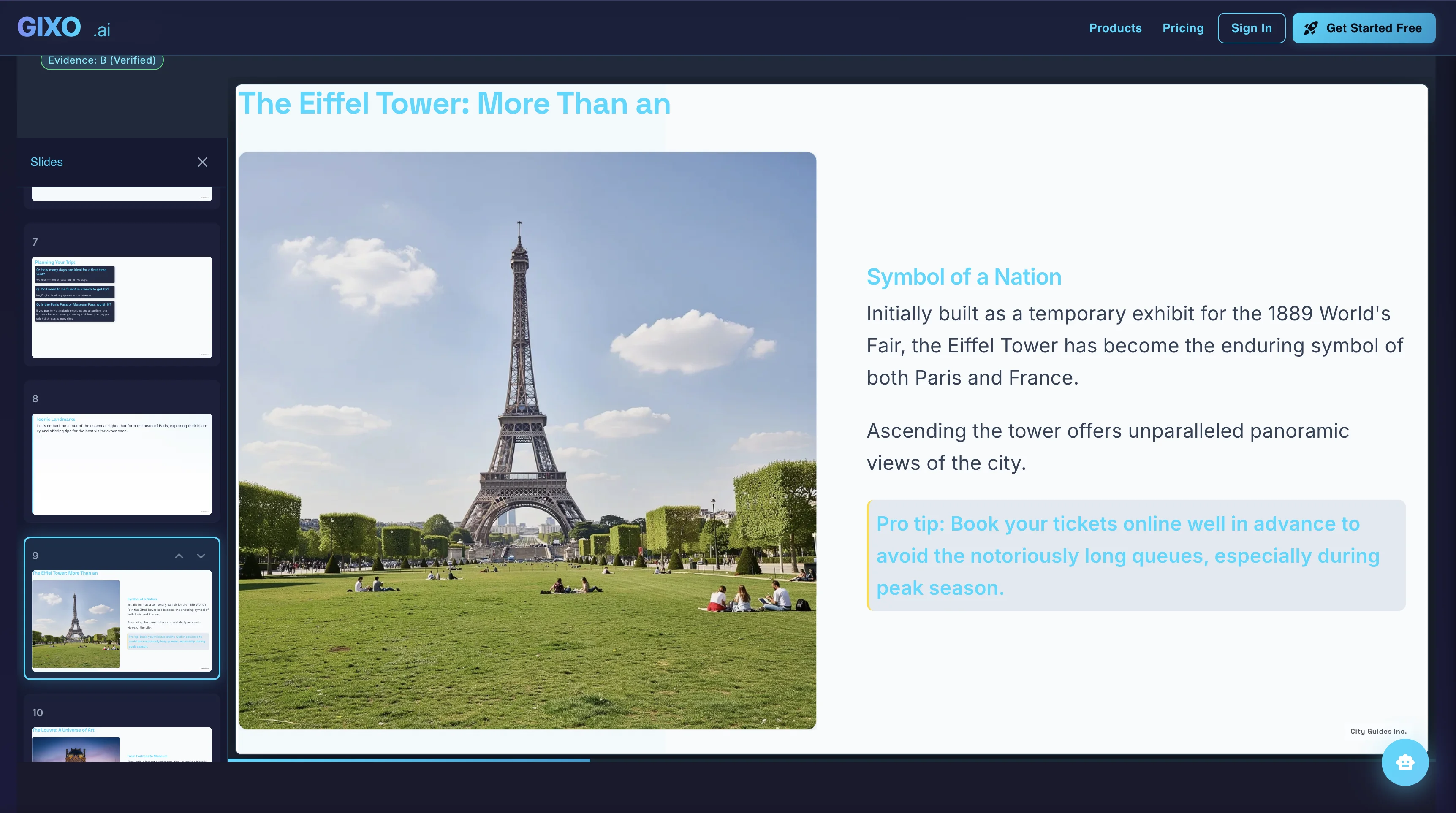
Present and Export
Presenter notes, citations, shareable delivery, and exports belong to the same deck instead of being rebuilt in another presentation tool.
How the AI Presentation Maker Works
Type any subject, paste notes, upload source material, or describe your presentation. The AI understands context and plans the right structure.
Browse curated workflows and themes, then pick the direction that fits the audience and the kind of deck you need to finish.
Review the outline first, then let Gixo build the presentation with workflow-specific sections and source provenance attached. Verify source-critical claims before presenting.
Refine any slide, add AI images, review the sources, then export or present directly from the browser.
AI PPT Maker vs Traditional Presentation Software
See how an AI PPT maker compares to building PowerPoint slides manually.
| Feature | Gixo | PowerPoint | Google Slides | Canva |
|---|---|---|---|---|
| AI generates full deck | Yes | No | No | No |
| Topic to slides in minutes | Yes | No | No | No |
| Professional themes | 20+ | Basic | Basic | Templates |
| Slide layouts | 25+ | Manual | Manual | Templates |
| AI image generation | Built-in | No | No | Add-on |
| Full editing after creation | Yes | Yes | Yes | Yes |
| PDF export | Yes | Yes | Yes | Yes |
| Editable PPT (.pptx) export | Yes | Native | Yes | Yes |
| Design skills required | None | High | High | Medium |
| Runs in the browser, no install | Yes | Desktop or web | Yes | Yes |
Presentation AI, PPT AI, AI slide generator, AI deck maker — same job, different words
People search for this tool a dozen ways. Presentation AI, PPT AI, AI PPT maker, AI slide generator and AI deck maker all describe the same workflow: describe the topic or upload the source material, review the outline the AI proposes, then let it build the slides. Whichever phrase you arrived on, this is the page — and the deck downloads as a real .pptx you can keep editing in PowerPoint, Keynote or Google Slides.
The word order changes, the job does not. AI for PPT, PPT generator AI, PPT creator AI, PPT AI tool, AI tool for PPT, AI to create PPT, AI to make PPT, AI for PPT making, PowerPoint presentation AI, AI PowerPoint presentation maker — people type all of these looking for the same thing, which is a way to get from a topic or a document to a set of presentation slides without building each one by hand. If you arrived searching for the best AI PPT maker, the honest answer is that "best" depends on whether you need the deck to stay editable afterwards, whether it has to follow your own source material, and whether anyone will check the numbers on it.
Some people search for the output rather than the tool: PPT presentation slides, presentation slides, slides presentation, slide presentation, slide deck. That is the same destination from the other direction — you want finished slides, and the route here is to describe the deck or hand over the source document and review what comes back. Creating a PPT using AI takes minutes; deciding whether the argument on those slides is right still takes you.
AI PowerPoint generator: the same tool in Microsoft's vocabulary
Roughly half the people who need this type "AI presentation maker" and the other half type "AI PowerPoint generator". They want the same outcome — a deck built for them rather than by them, in a file PowerPoint can open. Gixo Lumen plans the outline, builds the slides, and exports a real .pptx, so "AI PowerPoint maker" is a fair description of what you get even though the deck is generated and reviewed in the browser first.
The variants are endless — PowerPoint AI generator, AI PowerPoint creator, PowerPoint generator AI, free AI PowerPoint generator, best AI PowerPoint generator, AI for PowerPoint presentations, PowerPoint maker, PowerPoint creator. They resolve to one question: can a tool take what I already know and hand back slides I can still edit? The part worth checking before you pick one is the export. A deck that only lives on a web page is not a PowerPoint file however much it looks like one, whereas Lumen's hybrid .pptx keeps stable layouts as editable text and shapes and preserves complex slides as images so nothing breaks on the way out.
If you are comparing AI presentation software rather than one tool, the useful criteria are narrow: does it start from your own material or only from a prompt, can you see the structure before the slides get built, and does the file you download stay editable. Those three decide how much rework lands on you afterwards — not the number of templates on the pricing page.
Online PPT maker: nothing to install, and a real file at the end
"Online PPT maker" is usually shorthand for two requirements at once — nothing to install, and a PowerPoint file when you are done. Gixo Lumen runs entirely in the browser, so there is no desktop download, no plugin, and no Office licence needed to produce the .pptx: the file is assembled on our side and handed to you, which means a Chromebook, a Mac without PowerPoint, or a borrowed laptop all behave the same as a machine with Office on it. What you do need is an account, and the 14-day trial takes no credit card.
The second requirement is the one most online PPT makers quietly fail. A deck that only opens on the tool's own web page is a web page, not a presentation file, and a download that arrives watermarked or behind an upgrade prompt is the same problem wearing a different coat. Lumen's delivery formats are PPTX, PDF, HTML, and slide images, the download is unwatermarked, and it is not gated behind the paid plan — a deck you generated stays yours to export whether the trial is running, paid, or long over. Presenting does not require the download either: present mode, speaker notes, and a timer all run in the same tab you built the deck in. Whichever online PPT maker you are trying, test the export before you invest the hour, not after.
PowerPoint for the web and Google Slides are online PPT makers too, and both are free, so the honest comparison is not about the browser — it is about who builds the slides. In those you still write and lay out every one. Here you describe the deck or hand over the source material, review the proposed outline before a single slide exists, and then edit what comes back. Whether you searched for a free online PPT maker, a PPT maker online, or simply somewhere to make a PPT online without downloading anything, that is the distinction worth checking: not where the tool runs, but how much of the deck is already done when you open it.
What Can You Make?
The AI presentation maker adapts to any context — business, education, marketing, and more.
Business Reports
Quarterly reviews, department updates, and executive summaries with data-friendly layouts and corporate themes.
Pitch Decks
Investor-ready decks with problem-solution narrative, market sizing slides, and financial projections.
Educational Lectures
Course material, thesis defenses, and conference talks with clear structure and academic themes.
Marketing Decks
Campaign plans, brand presentations, and go-to-market strategies with creative and vibrant themes.
Project Updates
Sprint reviews, milestone reports, and stakeholder updates with timeline and status layouts.
Strategy Reviews
SWOT analyses, competitive landscapes, and strategic roadmaps with comparison and data card layouts.
Choose the Lumen page for the deck you actually need
This page owns the general AI presentation and PPT-maker job. The related pages below answer narrower jobs, so the workflow and export promise stay clear.
General presentation or PPT maker
Use this page when you want to turn a topic, notes, or source material into an editable deck, review the outline, and export PPTX or PDF.
Pitch or investor deck
Use the AI pitch deck generator for a fundraising narrative, or the investor deck generator when the audience and evidence are specifically investors.
Format conversion
Use the PDF-to-PowerPoint converter when the source is an existing PDF and the job is conversion rather than generating a new argument.
Frequently Asked Questions
Explore more: Board Deck Structure · Consulting Deck Structure · AI Pitch Deck Generator · Create Presentation with AI
Updated