
How to create a presentation with AI
Use a fast topic start when you need speed, or use outline-first planning from notes and reference material when the deck needs structure before slides are generated. Generate AI decks during your free 14-day trial — no card required. Existing decks remain reviewable afterward; continued generation requires a paid Lumen plan.


The core presentation workflow starts with source material, builds a full deck, then lets you adjust slides, grounding, notes, and theme before delivery.
Everything You Need to Create Presentations Fast
One presentation handoff workspace for teams that need a strong first pass, outline control, theme switching, citations, presenter tools, and delivery without rebuilding the deck somewhere else.
Keep decks grounded to source material and approved web research when needed. Gixo extracts key claims, highlights what needs verification, and surfaces citations, attribution, and trust status inside the deck viewer.
Use a topic for the fastest first pass, or use the outline workflow when you need to shape the deck from notes, briefs, articles, or uploaded reference material first.
The AI organizes your topic into a logical presentation arc with clear sections, smooth transitions, and appropriate content depth for every slide.
Choose from 34 active themes designed for different contexts. Every slide stays on-system and you can switch themes after generation without rebuilding the deck.
Edit any slide after creation. Change text, swap layouts, add images, and regenerate individual slides. Start with AI, finish with your personal touch.
Create custom visuals for any slide with built-in AI image generation. No stock photo searching — generate images that match your specific content.
Present directly in your browser with full-screen mode or export to PDF. Share via link for easy access by anyone, anywhere.
Proof from the actual deck workflow
Citations, source review, present mode, and PPTX, PDF, HTML, and slide-image exports stay attached to the same deck.
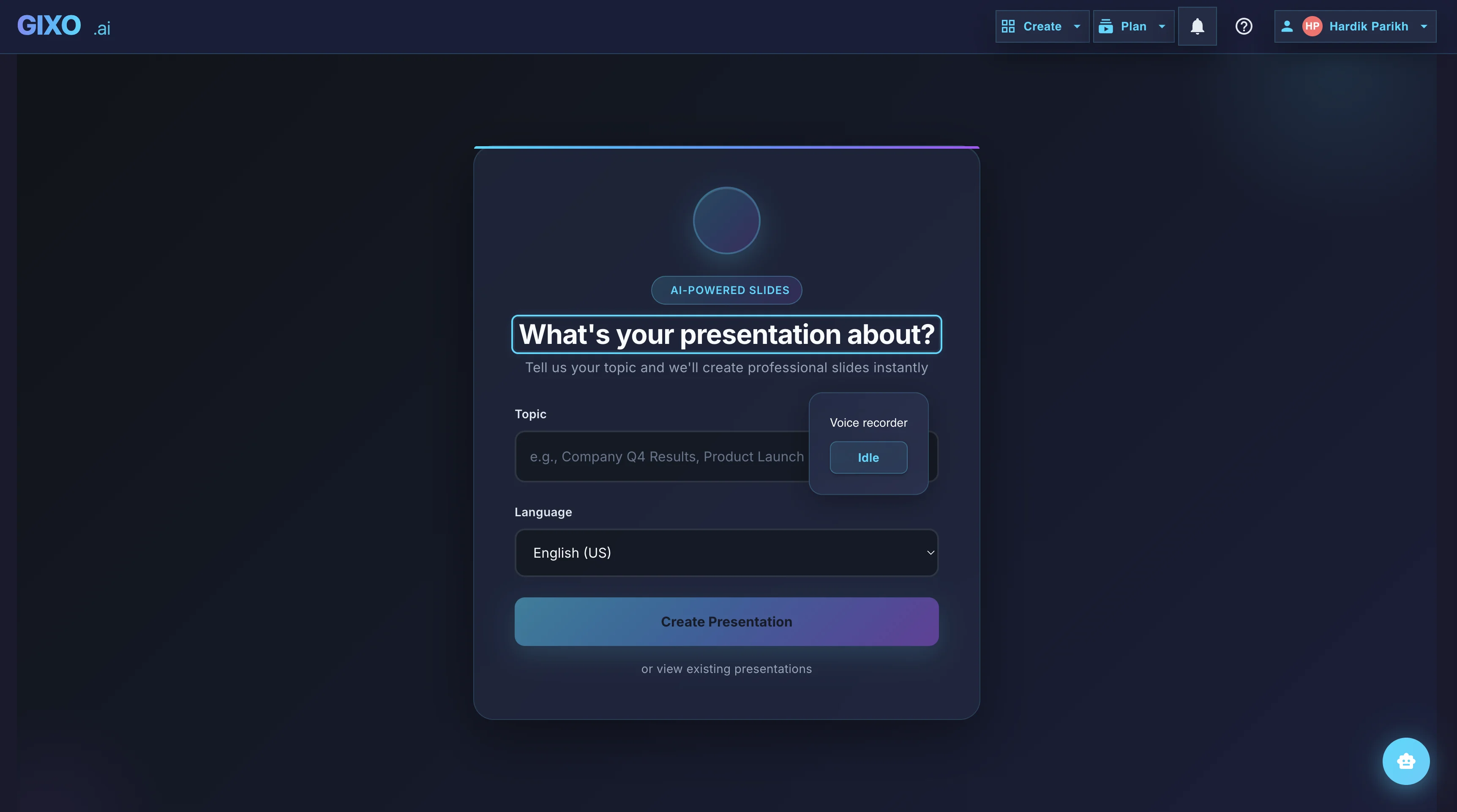
Outline First
Deck creation starts from source material and workflow fit, so the structure is reviewable before the full deck is generated.
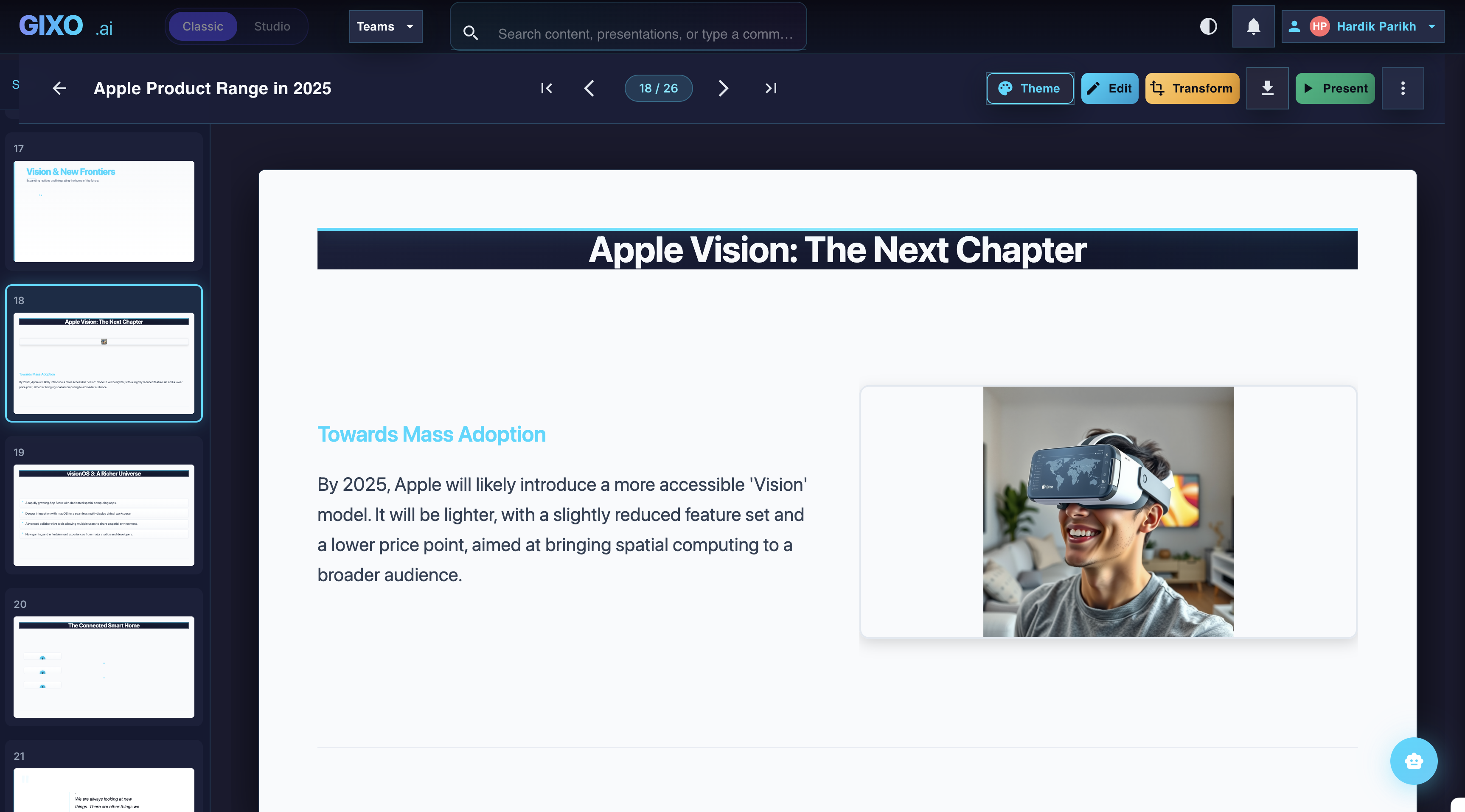
Edit the Finished Deck
Theme changes, slide-level edits, transformations, and layout control stay inside the same workspace after the first pass lands.
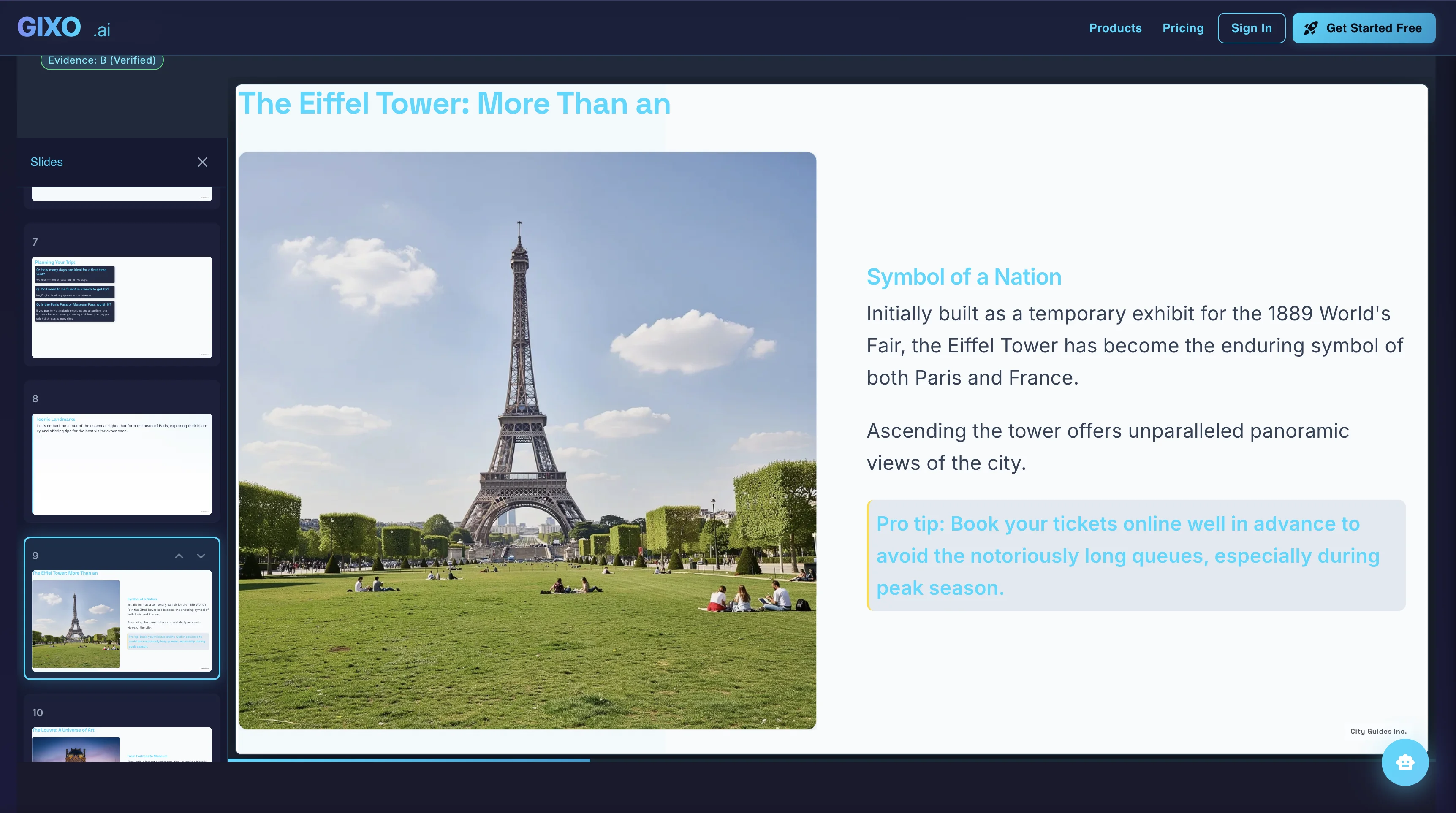
Present and Export
Presenter notes, citations, shareable delivery, and exports belong to the same deck instead of being rebuilt in another presentation tool.
How to Create a Presentation with AI
Start from a topic for the fastest route, or use the outline-first workflow when you want to build from notes, briefs, articles, and uploaded reference material first.
Choose the visual direction that fits the audience. Each theme includes typography, colors, and layout styles that support the deck type.
Gixo creates a complete deck with title slides, content sections, data layouts, and a closing sequence once the topic and workflow are set.
Edit any slide, add AI-generated images, review citations, then export to PDF, share via link, or present directly from the browser.
Creating Presentations: AI Slide Generator vs Manual
See how creating a presentation with AI compares to the traditional manual approach.
| Aspect | With Gixo AI | Manual Creation |
|---|---|---|
| Time to complete | 2-5 minutes | 4-8 hours |
| Design skills needed | None | Significant |
| Content structure | AI-organized | Manual planning |
| Layout selection | Automatic | Manual per slide |
| Theme consistency | Guaranteed | Error-prone |
| Image creation | AI-generated | Stock search |
| Editing capability | Full | Full |
| Export options | PDF, link, present | Varies by tool |
How to Make a PowerPoint with AI
If what you actually need is a .pptx file at the end, the workflow has one extra consideration: what survives the export.
Lumen creates real 16:9 slides in its own workspace rather than driving PowerPoint remotely, so you do not need PowerPoint installed to generate or edit the deck. Export is a decision you make once the content is right.
Stable layouts come across as editable text and shapes you can keep working on in PowerPoint. Genuinely complex slides preserve their fidelity as images instead of breaking apart. That trade is stated up front rather than discovered when you open the file.
Text changes, layout swaps, slide reordering, and regenerating a section are all faster in the deck editor than in a downloaded file. Export when the narrative is settled, then treat the .pptx as the deliverable.
For pre-reads and stakeholder circulation, PDF removes the question of whether the recipient's fonts and version match yours. Keep PPTX for the people who need to edit.
The vocabulary varies — AI PPT maker, AI slide generator, AI deck builder, presentation creator — but the questions worth asking are the same three: what does it build from, what stays editable, and what file do you leave with.
How to Make a PowerPoint by Hand, Step by Step
Not every deck needs generating. If you are opening PowerPoint yourself, the order of operations is what separates a two-hour deck from a two-day one.
The Outline view under the View tab lets you type every slide title and sub-point in one plain column, with no formatting to distract you. A deck that is wrong at the outline stage cannot be rescued by design work later, and the outline is the cheapest place to find that out.
Pick a theme on the Design tab, then open Slide Master under the View tab and make the font, colour, and logo decisions there. Every slide inherits them. Restyling forty slides one at a time is the single most reliable way to lose an afternoon.
Applying a layout gives you placeholders that inherit the master and stay aligned as the deck grows. Text dropped into a hand-drawn box inherits nothing, which is why a deck that looked tidy at eight slides drifts out of alignment by slide thirty.
A chart pasted from a spreadsheet with its data link kept will keep updating; the same chart pasted as a picture is frozen at today's figures. Both are defensible. Mixing them inside one deck is how a slide ends up quietly showing last quarter's number.
Presenter View puts speaker notes, the next slide, and a timer on your screen while the room sees only the deck. Most of the cuts a deck needs become obvious the first time you say it out loud rather than read it.
Every one of those steps is judgement plus assembly. AI does not remove the judgement — you still decide what the argument is and which number carries it. It removes the assembly, which is the half that takes the afternoon.
Online Presentation Tools vs the Desktop App
Online presentation tools moved the work into the browser. It is worth understanding that trade before picking one, because it is genuinely a trade rather than a straight upgrade.
The deck opens on whatever machine is in front of you, and there is one current copy instead of four laptops each holding a differently named final. Most of a team's version arguments disappear with the attachments.
A link updates when the deck does and does not bounce off a mailbox size limit. It is also revocable, which an emailed file never is — worth knowing before a pricing deck goes to an external address.
Editing on a plane, elaborate animation and transition work, and PowerPoint add-ins are the jobs that still send people back to the desktop application. An honest browser tool hands the deck over cleanly instead of pretending those jobs do not exist.
That is where Lumen sits: real 16:9 slides built, edited, and presented in the browser, leaving as PPTX, PDF, HTML, and slide images. PowerPoint export is hybrid, so a deck made online can still be finished in the desktop app on the one slide that needs it.
Frequently Asked Questions
Ready to dive deeper? See our complete AI Presentation Maker guide.
Updated