
Plan the reading order
Supply the audience, decision, source material and required coverage. Review the outline before generating. For a QBR, keep results, variance, risks and next decisions distinct instead of mixing them into a status collage.
Visual deck structure library
Preview the shape of six common business decks, filter by delivery room, inspect the complete structure guide, and start the matching outline-first workflow.
These are Lumen workflow structures, not third-party PowerPoint theme files. You can still switch themes after the deck exists.
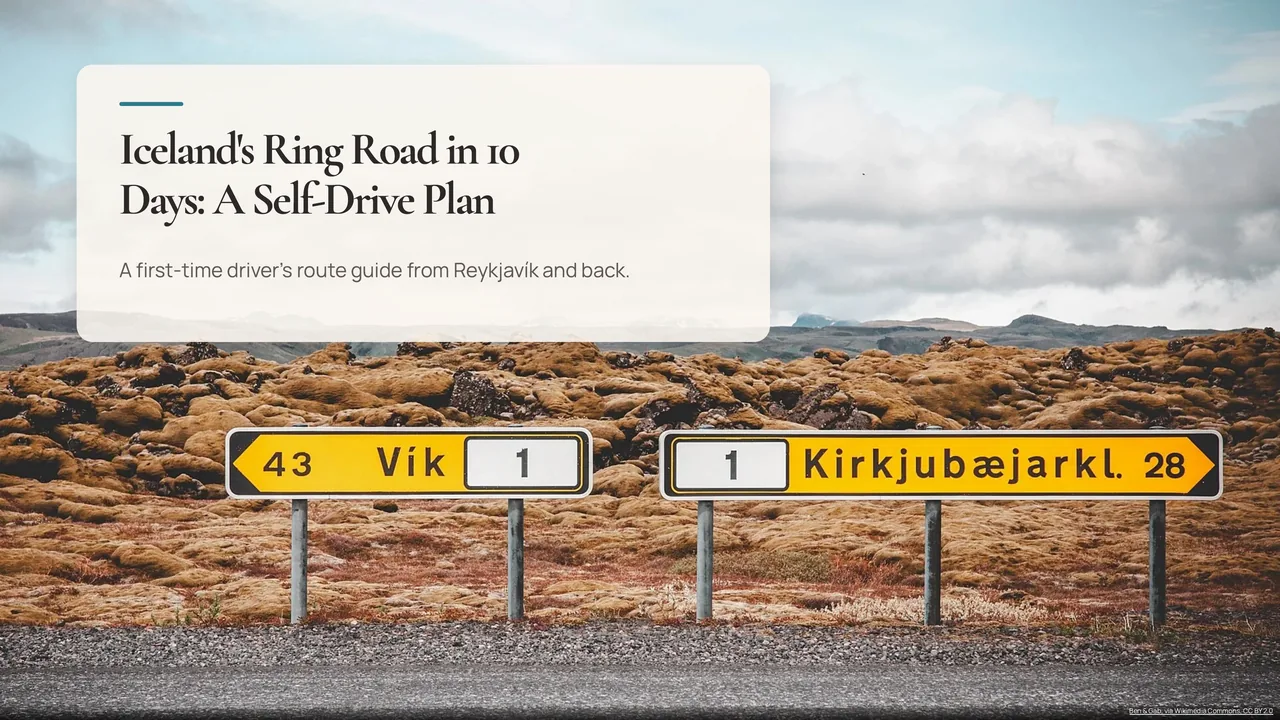
Open an actual exported deck, then compare its outline, source constraints and slide choices with the job you need to finish.
A 12-slide plan for driving Iceland’s Ring Road in ten days, built only from 14 official Icelandic pages: the route and its length, daylight by season, a suggested day-by-day loop, the South, the Eastfjords, the North and the West, the driving rules, when the highland F-roads open, and the official fees on the way with the dates they apply from. Five of its seven pictures are credited photographs from Wikimedia Commons.
A planning deck for a traveller or a small group who will drive Iceland's Ring Road (Route 1) in 10 days, from Reykjavík and back, and who has not driven in Iceland before; no tour operator or company is named. Cover the route and its length, when to go and the daylight in each season, the regions in the order the drive meets them with a day-by-day outline, road and weather safety and where to check conditions, the highland F-roads and when they open, and the official fees and charges on the way. Every figure, date and rule must come from the supplied official pages, with the year or date it applies to written in full; never write 'this year', 'next summer' or a date relative to today. Where the pages give no drive time, distance or price, say that the pages do not give it rather than estimate; fuel, car hire and accommodation prices are not in the pages, so leave them out. Use no placeholders and no illustrative numbers. Where a slide is about a place on the route, a photograph of that place serves it best. Workflow: General business. 12 slides requested. Documents supplied as text (Visit Iceland, "Iceland's Ring Road – Route Number One (Visit Iceland)", https://www.visiticeland.com/article/the-ring-road/; Visit Iceland, "Driving in Iceland (Visit Iceland)", https://www.visiticeland.com/article/driving-in-iceland/; Visit Iceland, "Visiting Iceland in the Summer (Visit Iceland)", https://www.visiticeland.com/article/iceland-in-the-summer/; Visit Iceland, "South Iceland (Visit Iceland)", https://www.visiticeland.com/the-regions/the-south/; Visit Iceland, "North Iceland (Visit Iceland)", https://www.visiticeland.com/the-regions/the-north/; Icelandic Road and Coastal Administration (Vegagerðin), "The Ring Road (Vegagerðin)", https://www.vegagerdin.is/en/home/exploring-iceland/the-ring-road; Icelandic Road and Coastal Administration (Vegagerðin), "Driving safely in Iceland (Vegagerðin)", https://www.vegagerdin.is/en/home/exploring-iceland/driving-safely-in-iceland; Icelandic Road and Coastal Administration (Vegagerðin), "Opening of mountain roads (Vegagerðin)", https://www.vegagerdin.is/en/the-transportation-system/the-road-system/roads/opening-of-mountain-roads; Icelandic Road and Coastal Administration (Vegagerðin), "Traffic service (Vegagerðin)", https://www.vegagerdin.is/en/travel-info/traffic-service; Safetravel (ICE-SAR), "How to Drive in Iceland (Safetravel)", https://safetravel.is/driving/; Vatnajökull National Park, "Pricelist (Vatnajökull National Park)", https://www.vatnajokulsthjodgardur.is/en/communities--businesses/pricelist; Þingvellir National Park, "Parking Service (Þingvellir National Park)", https://www.thingvellir.is/en/service/parking-service/; Vaðlaheiðargöng tunnel toll (Veggjald), "Prices & payment methods (Vaðlaheiðargöng tunnel toll)", https://www.veggjald.is/en-gb/verd-greidsluleidir; Skatturinn (Iceland Revenue and Customs), "Lodging tax (Skatturinn)", https://www.skatturinn.is/english/companies/tax-issues/lodging-tax).
A separate reviewer agent read the deck’s 135 claims, slides and speaker notes, against the 14 pages: 119 are supported, 16 loosen or go a little beyond their wording, and none is missing from them or contradicts them. The day-by-day loop is labelled as the deck’s suggestion: no page sets a ten-day plan. It is not a person’s review.
Supply the audience, decision, source material and required coverage. Review the outline before generating. For a QBR, keep results, variance, risks and next decisions distinct instead of mixing them into a status collage.
Edit structured slide fields, preview field alternatives or review a whole-slide rewrite. Ask Lumen can propose wider changes; inspect and select the changes before applying them to the saved deck.
Check charts, speaker notes, images and contrast in presentation view and the downloaded file. A new-period deck is a separate draft with changed values and sources to review.
Choose a creation mode and workflow profile, supply source material and review the planned coverage. Slide fields have layout-specific budgets. Field assistance offers alternatives with rationale and word counts; whole-slide refinement shows field-level changes. Ask Lumen can propose wider structural edits, which require a reviewed preview before application.
Paste spreadsheet rows, choose header handling and preview replacement chart data. Where offered, select Business metrics explicitly and inspect their source receipt. Review changes in values and sources before accepting a next-period draft. Theme controls cover brand colors, type, logo placement, background and contrast choices; a custom theme still needs visual review.
Inspect full-screen and audience views, speaker notes, next-slide preview, navigation and timer. Check PDF and PowerPoint separately. Supported elements can become native editable shapes or charts; complex visuals can use a flattened fallback. Speaker notes and per-slide handoff choices should be inspected in the actual file.
PowerPoint export is hybrid: supported content may remain editable while complex visuals can be flattened. Conversion between a responsive story and slides requires a preview; it is not lossless.
For one specific slide, start with its information job. These worked structures answer the older individual slide URLs; they are guidance for building a slide, not downloadable theme files.
Use one decision-relevant metric, its unit, time period, denominator and source. Example: “18 of 24 teams completed the four-week pilot.” Add the source and the limitation: completion does not establish renewal demand.
In Lumen, give the metric and context in the outline, then inspect the generated layout. Avoid a giant “75%” with no population or reporting period. If you need to compare several series, use a chart instead.
Finish with a named owner and a specific next step: “Book a 20-minute pilot scoping call with the implementation lead.” Include a readable email or URL and the expected response time only if it is a real commitment.
Place essential details in text, not only in a QR code. Verify every link in the exported file. A general “Thank you” slide gives the audience less direction than a clear action and owner.
Map stages such as discover, evaluate, start and renew. For each stage, show the user’s task, touchpoint, friction and responsible team. Separate observed research from assumptions.
Example: during “start,” the user needs access, the touchpoint is the invitation email, the friction is an expired link, and support owns recovery. If four stages make the slide unreadable, use an overview plus one slide per difficult stage. A journey map is not simply a timeline of company activities.
Six rooms, six narrative jobs
Search by job or filter by room. Each card shows a real Lumen visual direction and leads to both the full guide and the corresponding creation workflow.
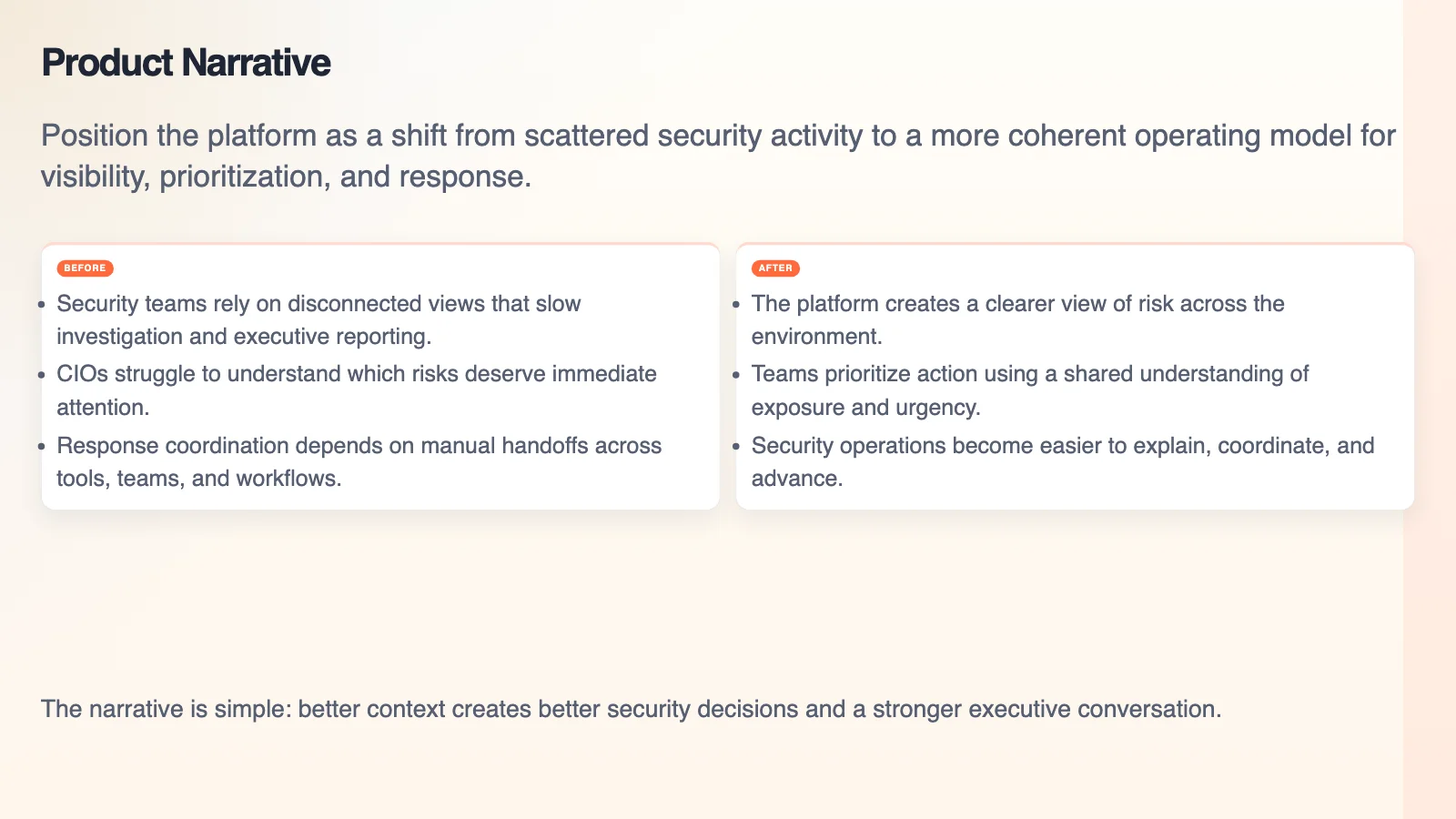 Commercial
Sales
Build from buyer pain through differentiated value, proof, objections, implementation, and next step.
Scrolling visual stories
Stanza is Lumen’s visual-story mode, and each blueprint sets the story’s narrative sections, their order and a starting theme. Choosing one opens the story setup with that blueprint and theme already selected; nothing is planned or generated until you ask, and generating a story then uses your plan’s generation capacity.
Recommended theme: Boardroom
A decision-ready narrative for boards and leadership teams.
Recommended theme: Signal
A buyer-specific problem, proof, solution, and next-step sequence.
Recommended theme: Aurora
A launch story from change and differentiation through adoption.
Recommended theme: Paper
A paced explanation with concepts, examples, checks, and recap.
Recommended theme: Editorial Ink
A source-led finding, evidence, implication, and recommendation flow.
Eighteen specific decks
The six patterns above are the shapes. These are the named decks people are handed by a calendar invite — each one a slide-by-slide sequence with the audience, typical length, and the mistakes that sink it.
Structure template or design template?
Both get called a presentation template, and confusing them is why so many decks look finished and land badly.
Fonts, colour, spacing, master layouts. A downloadable PowerPoint or Google Slides theme solves this, and so does picking a Lumen theme — which you can switch after the deck exists, without rebuilding it.
The narrative sequence the room expects: situation before recommendation in a consulting readout, problem before traction in a pitch, results before plan in a QBR. This is what the six cards above encode, and it is the part a theme file cannot give you.
A misaligned logo gets spotted in ten seconds. A pitch deck that buries the ask on slide 19, or a quarterly review with no honest miss, reads as polished right up until the questions start.
Choose the structure, review the outline, then pick the look. Reordering an argument is cheap while it is still an outline and expensive once forty slides are designed around it.
What every one of these slide decks shares
Consulting readout, board deck, pitch, sales narrative, QBR, roadmap — every one of them opens on a slide that states the verdict, carries three to five numbers against a comparison, names the decision you need, and admits the biggest risk. It is the only slide some of your audience will read closely.
The heading should be the conclusion, not the topic. "Retention improved 8 points after onboarding changed" beats "Retention" on every slide type in this gallery, and it makes the deck readable when it circulates as a PDF without you in the room.
Keep the presented sequence tight and move backup metrics, methodology, and secondary analysis behind the last slide. The appendix answers the deep-dive question without spending the meeting on it.
These structures earn most of their value on repetition. Keeping the sequence stable across quarters or clients is what lets an audience compare one deck to the last one instead of relearning your layout each time.
Start with the audience, decision, source material, and section order. Theme switching, Brand Kit controls, and slide editing remain available after the deck exists.
From source material to presentation handoff
Start a 14-day, no-card Starter trial to generate and review decks and evaluate clean hybrid PPTX and PDF exports. Existing decks remain reviewable after the trial; paid Lumen continues AI generation and AI editing and adds the sharing and brand controls shown in pricing, while downloading a deck you already generated stays open.
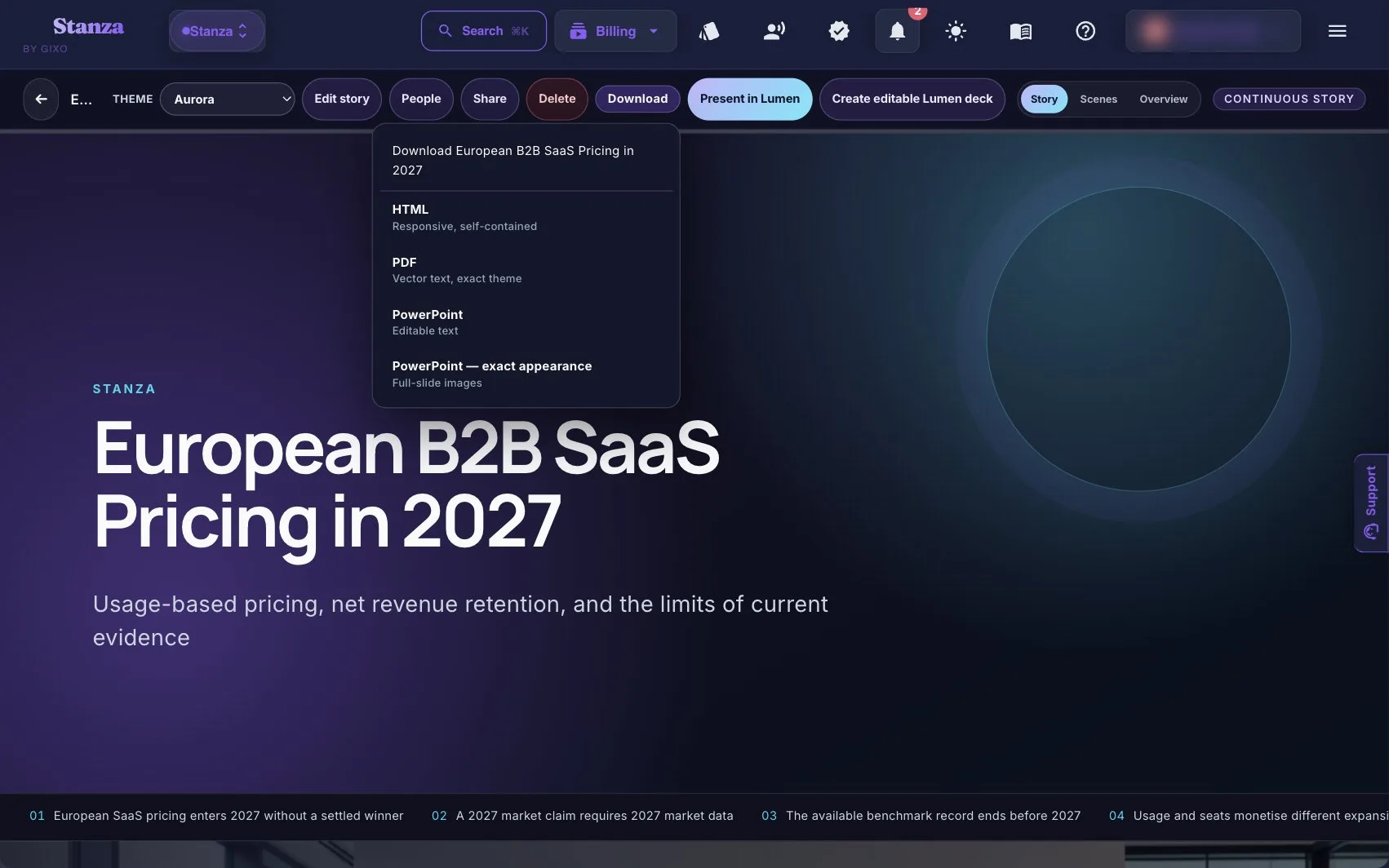
Lumen also includes Stanza, a responsive visual-story mode that turns the same sources into a scrolling web story instead of a slide deck. Start quickly, or plan first and approve the scene plan before generation. Stanza grounds sources through the same pre-authorized search path as Lumen decks, it ships under Lumen access, and a supported Lumen deck can be converted into a separate Stanza story. Stored slide pictures are carried into the story, the deck's theme is matched to the closest story theme, and any omitted logo or unstored picture is named in the conversion warnings.

Updated