
AI RFP Response Generator and RFP Response Automation Software
Upload the issued RFP and the supporting material your team trusts. Gixo Arc turns those files into a structured response draft, keeps the buyer's requirements visible during review, and leaves final compliance, pricing, legal, security, and delivery decisions with your people.
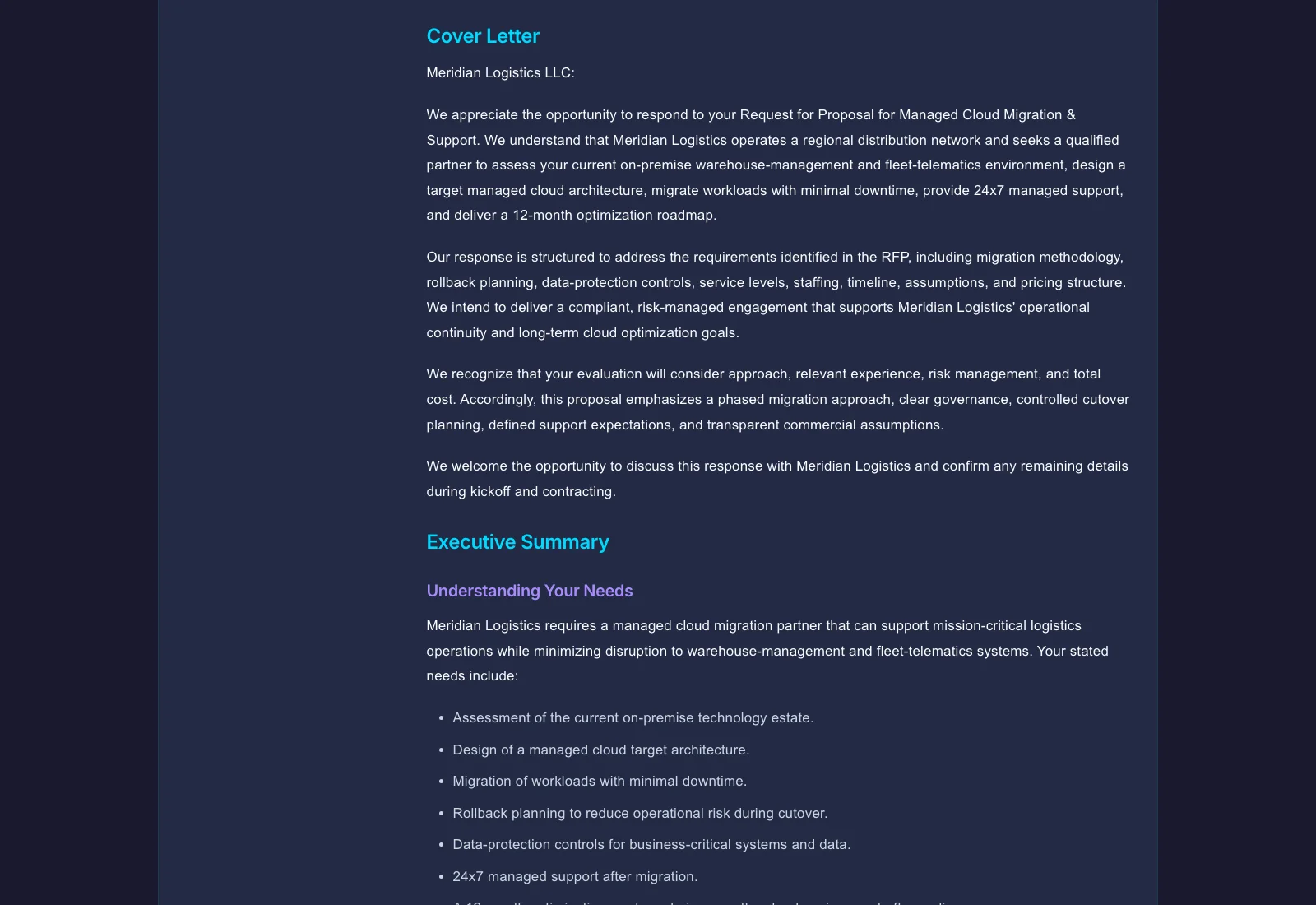
An AI RFP response generator is a supplier-side tool that turns an uploaded request for proposal into a structured first draft. It reads the buyer's document using OCR and structure extraction, separates requirements into response targets, drafts against the buyer's section logic, and keeps a coverage view so reviewers can see what appears answered before export. The free analyzer is a deterministic review aid for structure, section coverage, and requirement-coverage signals. It does not certify RFP compliance or replace final human review. Arc works from the current RFP and supporting files, with an approved-answer library for reviewed material you want to reuse. It creates source-grounded first drafts and exports the reviewed response as PDF, DOCX, or HTML; it does not make the final compliance judgment.
See what Arc helps your team review
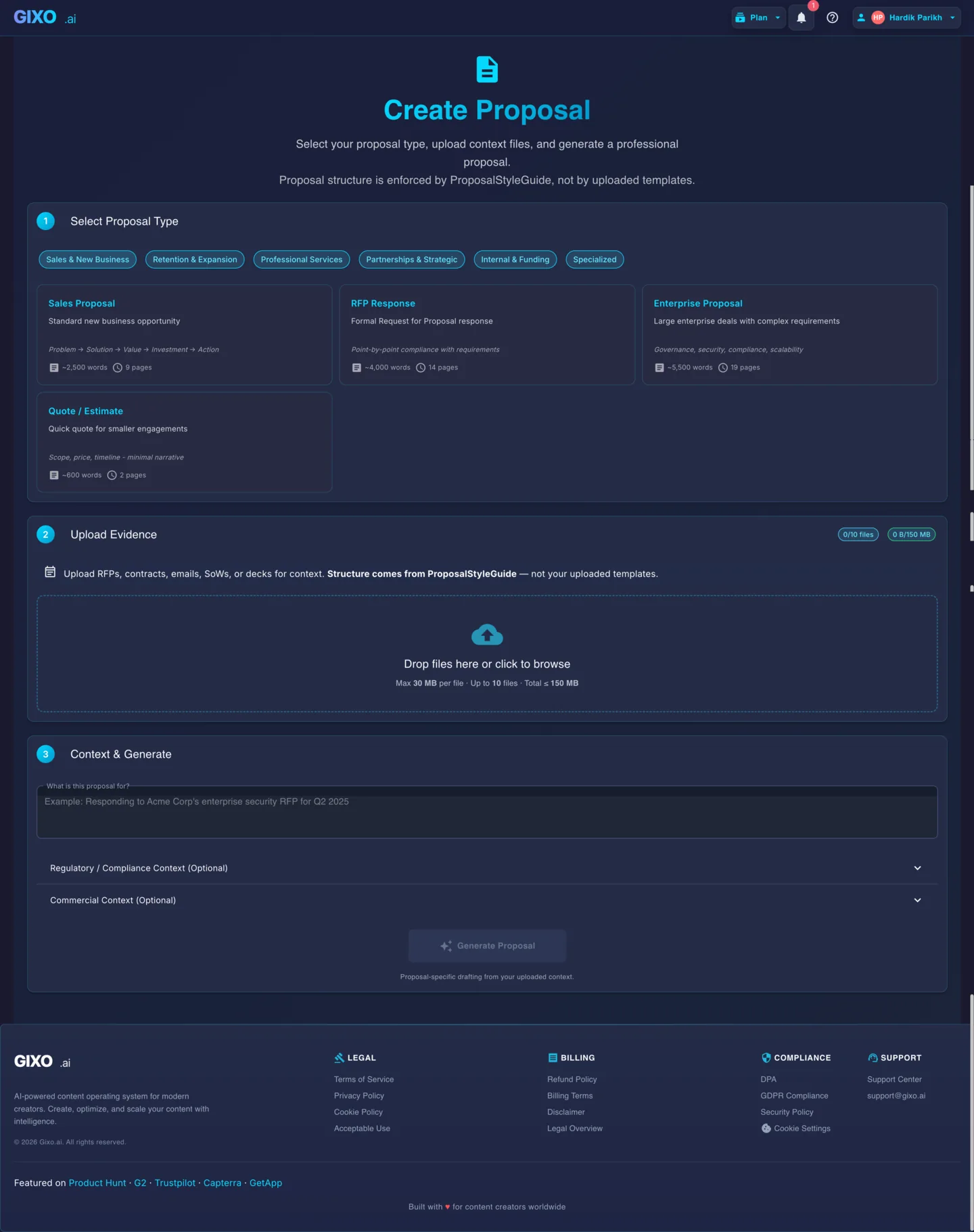
Choose the proposal type, add the RFP, brief, notes, or prior work, then review a structured first draft before it reaches a client.
- 1Add source materialRFPs, briefs, notes, decks, and prior work
- 2Draft to the proposal typeSections and structure follow the real opportunity
- 3Review before deliveryYour team checks facts, scope, pricing, and commitments
What a coverage check looks like
The table below is an illustrative review shape, not a claim about a particular buyer or a generated customer result. A real response should show the source location, named owner, and evidence for each requirement.
| Requirement | Draft status | Evidence / owner | Next action |
|---|---|---|---|
| Implementation timeline | Answered | Implementation plan, delivery owner | Technical reviewer confirms dates |
| Security controls | Needs evidence | Security pack, security owner | Attach current approved evidence |
| Pricing schedule | Unanswered | Commercial owner | Obtain approved price and assumptions |
| Mandatory form | Not checked | Buyer appendix, proposal owner | Confirm form is complete before export |
What is RFP response automation?
RFP response automation is the use of software to reduce repetitive supplier-side work between receiving a buyer's RFP and preparing a response for human approval. Useful automation can read the issued documents, surface requirements and instructions, organize a draft, reuse the source material supplied for the opportunity, support requirement coverage review, and prepare an export. It should accelerate analysis and drafting without treating a plausible answer as an approved commitment.
Buyer-side and supplier-side request for proposal software solve different jobs
- Buyer-side request for proposal software helps procurement teams issue an RFP, invite vendors, collect bids, and compare submissions.
- Supplier-side RFP response software helps bid and proposal teams interpret an issued request, prepare answers, review the draft, and package the response.
- Gixo Arc is supplier-side RFP proposal software. It focuses on turning the current RFP and supporting files into a reviewable response; it also supports approved-answer reuse and review gates. It is not a sourcing portal or CRM.
What makes an AI RFP response generator useful?
The main value here is not just speed. It is getting from a long RFP document to a reviewable draft that already follows the buyer's logic.
Upload the buyer document instead of copying sections by hand into a prompt.
Gixo separates the request into clearer response targets so your team can see what needs an answer.
The result is easier to review because the draft follows what the buyer asked, not a generic proposal flow.
If the RFP shows how the buyer will score the response, Gixo helps organize the draft around that logic.
Support for compliance-style views helps teams see what has been answered and what still needs attention.
Keep edits and comments in one place while the response is still taking shape.
When the RFP has section numbering or a table of contents, the draft is easier to shape around it.
Create the output your buyer expects without redoing the document in another tool.
What to prepare before you automate an RFP response
The quality of an automated RFP response depends on the quality and scope of its inputs. Before drafting, assemble the complete buyer package and a current source pack. A request for proposal generator can organize and write from those materials, but it cannot reliably fill gaps that the source files do not answer.
Include the main RFP, appendices, amendments, clarification answers, pricing sheets, forms, and submission instructions—not only the narrative document.
Add approved capability notes, implementation material, security documentation, case studies, and relevant past proposal content that still reflects the offer.
Record page limits, required formats, prohibited assumptions, known exceptions, answer-length constraints, and commitments that need specialist approval.
Identify the proposal owner and the people responsible for technical, security, privacy, legal, commercial, delivery, and executive review before the deadline compresses.
How to automate RFP responses without putting AI on autopilot
Use RFP response automation for the repeatable work, then apply human ownership wherever the response creates risk or a customer commitment.
Before generating content, confirm the deadline and time zone, amendments, mandatory forms, submission channel, evaluation criteria, page limits, and whether the team can satisfy the request.
Arc reads the buyer files and separates the request into response targets. A person should verify scanned pages, tables, attachments, “must” language, and instructions that OCR or document structure could obscure.
Supply current capability, implementation, security, and proof material. Arc uses the RFP structure and that source pack to prepare a first-pass response; its model is instructed not to invent missing facts, so reviewers confirm anything the sources do not cover.
Use the coverage view as a compliance-matrix review aid. Check that each mandatory, technical, security, commercial, and administrative item has an answer, owner, evidence, or explicit unresolved status.
Ask reviewers to validate facts, feasibility, requirement alignment, evidence, assumptions, exceptions, pricing, and commitments. Arc supports the draft and comment loop; your organization owns formal approvals.
Connect verified capabilities to the buyer's stated priorities, check consistency and required attachments, then export PDF, DOCX, or HTML. A named human should perform the final visual check and submit through the buyer's required channel.
RFP response automation best practices
The strongest automated RFP workflow treats the response as requirements management expressed through persuasive writing. These controls make the generated draft more useful and reduce late-stage surprises.
Keep the buyer's wording and source location beside the working answer. Normalization helps tracking, but it should not erase qualifiers, dependencies, or mandatory language.
Use current internal sources and distinguish supported facts from assumptions, planned capabilities, unresolved gaps, and language that still needs an owner.
Route standard content to proposal reviewers and reserve specialist attention for security, privacy, legal, pricing, architecture, delivery, roadmap, and contractual exceptions.
Align the response to the buyer's documented priorities and terminology. Do not turn personalization into unsupported claims about the customer or promises the delivery team has not approved.
Reconcile amendments, attachments, names, dates, numbers, assumptions, implementation timing, hosting models, pricing, and exceptions across the final response.
Finish content early enough for document production, file-size and page-limit checks, signatures, portal validation, upload recovery, and submission confirmation.
Example: use software to generate a proposal from an RFP
Imagine a buyer sends a 70-page RFP, a security appendix, a pricing workbook, and an amendment. The proposal owner uploads the narrative RFP and the approved source pack to Arc. The AI RFP response generator identifies response sections and requirement targets, then prepares a draft against the source material.
The team does not treat that output as submission-ready. It verifies that the amendment was incorporated, checks OCR-sensitive tables, assigns the security appendix to the security owner, sends price and contract language through the company's approval process, and records any partial or conditional position. Reviewers then personalize the supported answers around the buyer's stated evaluation priorities and use requirement coverage review to find gaps.
Once the response is complete, the owner confirms attachments, file names, limits, signatures, and consistency before exporting. This is the practical value of RFP proposal generation software: less blank-page and document-assembly work, with more reviewer time available for evidence, differentiation, and risk.
Where Arc stops
- Arc does not issue a compliance determination, approve exceptions, set pricing, accept contract terms, or promise roadmap and delivery commitments.
- Arc supports approved-answer reuse and review gates with named reviewers. Your organization owns the approval decision. Arc offers no self-serve CRM sync and does not submit through the buyer's portal.
- Arc does help turn the current RFP and trusted files into a structured, source-grounded draft that your accountable reviewers can inspect and improve.
How does Gixo compare to other RFP tools and RFP response approaches?
See how Gixo's source-first RFP response generation compares with full answer-library platforms and manual drafting. The best RFP response software is the option that fits your actual document volume, content maturity, review model, security needs, integrations, and implementation capacity.
| Capability | Gixo AI | Loopio / Responsive | Manual RFP Response |
|---|---|---|---|
| Time to first draft | Faster first draft from uploaded sources | Strong answer-library workflows | Manual drafting cycle |
| RFP document parsing | OCR + structure extraction | Import tools | Manual reading |
| Point-by-point alignment | Draft organized around requirements | Answer library match | Manual mapping |
| Evaluation criteria mapping | Criteria kept visible for review | Depends on implementation | Manual judgment |
| Compliance matrix | Coverage review aid | Workflow feature | Manual spreadsheet |
| Inline AI editing | Rewrite / expand / simplify | No | N/A |
| Answer library / CRM | Approved-answer library included; no self-serve CRM sync | Core feature | N/A |
| Real-time collaboration | Multi-user + comments | Workflow-based | Email rounds |
| Best for | Fast first drafts from uploaded RFPs | High-volume RFP teams | Highly custom responses |
How to evaluate the best AI RFP response automation software for your team
Compare tools with difficult, representative files rather than a polished demo. Test a long RFP, a scanned page, nested tables, amendments, an incomplete source pack, and at least one high-risk answer that requires human judgment.
Questions for an RFP software comparison
- Does the software extract requirements and administrative instructions accurately enough for a human to validate them?
- Can reviewers see the source material behind important claims and identify when the supplied files do not support an answer?
- Does it preserve the buyer's structure, scoring logic, and answer constraints in the draft?
- Can your SMEs review and comment without losing the relationship between the requirement, answer, and evidence?
- Does the tool match your operating model: source-based drafting, or a full RFP content management, workflow, CRM, and answer-library platform?
- Can the final response be exported in the formats your buyers require, with enough time for a human production and submission check?
Arc is best evaluated as an AI RFP response software workspace for source-based first drafts, requirement coverage review, collaborative editing, and export. Teams seeking RFP response content automation software with a governed reusable library, formal routing, connections to customer systems, content expiry, and portfolio analytics should compare dedicated RFP operations platforms as well.
RFP response automation software: frequently asked questions
Updated