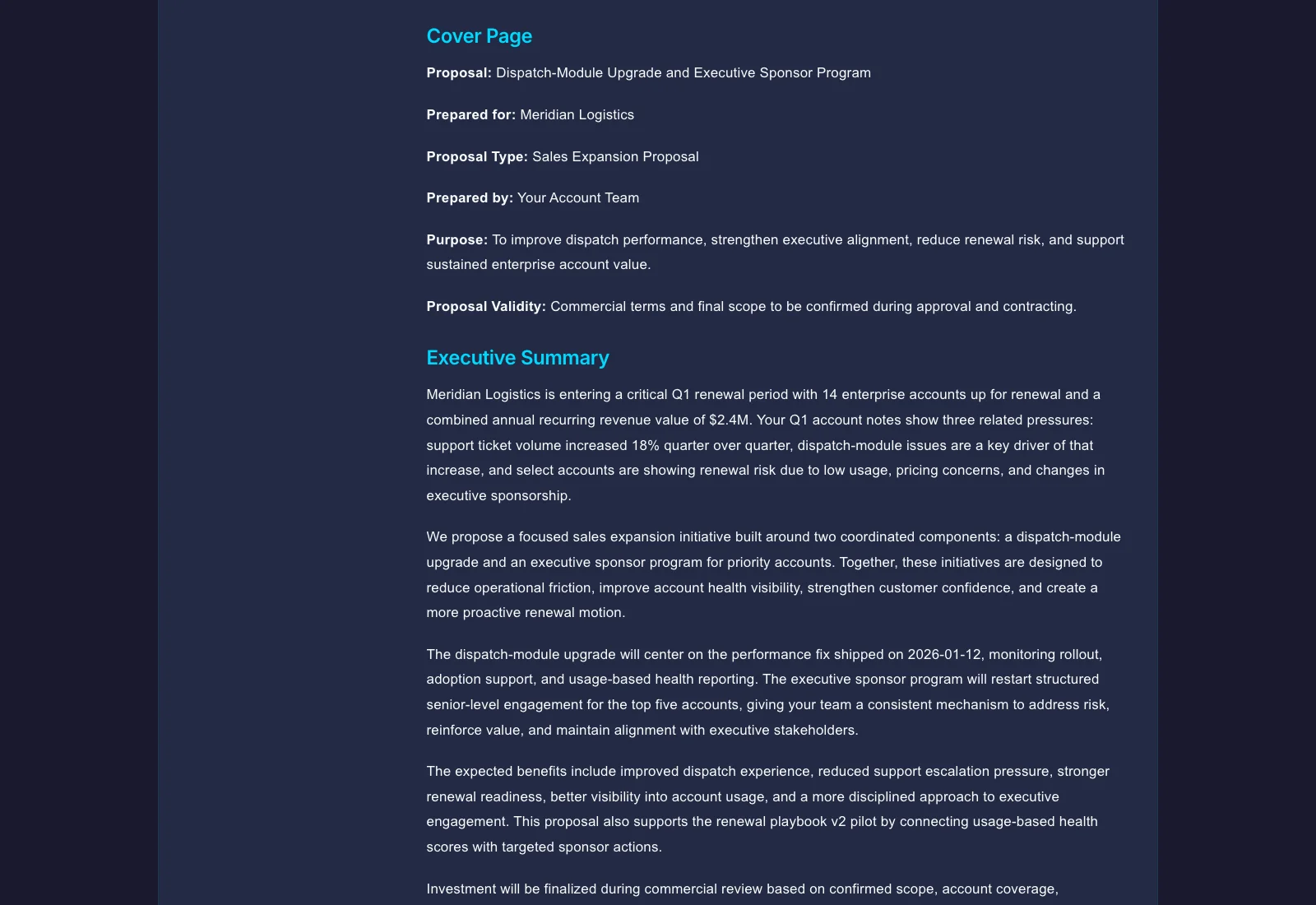
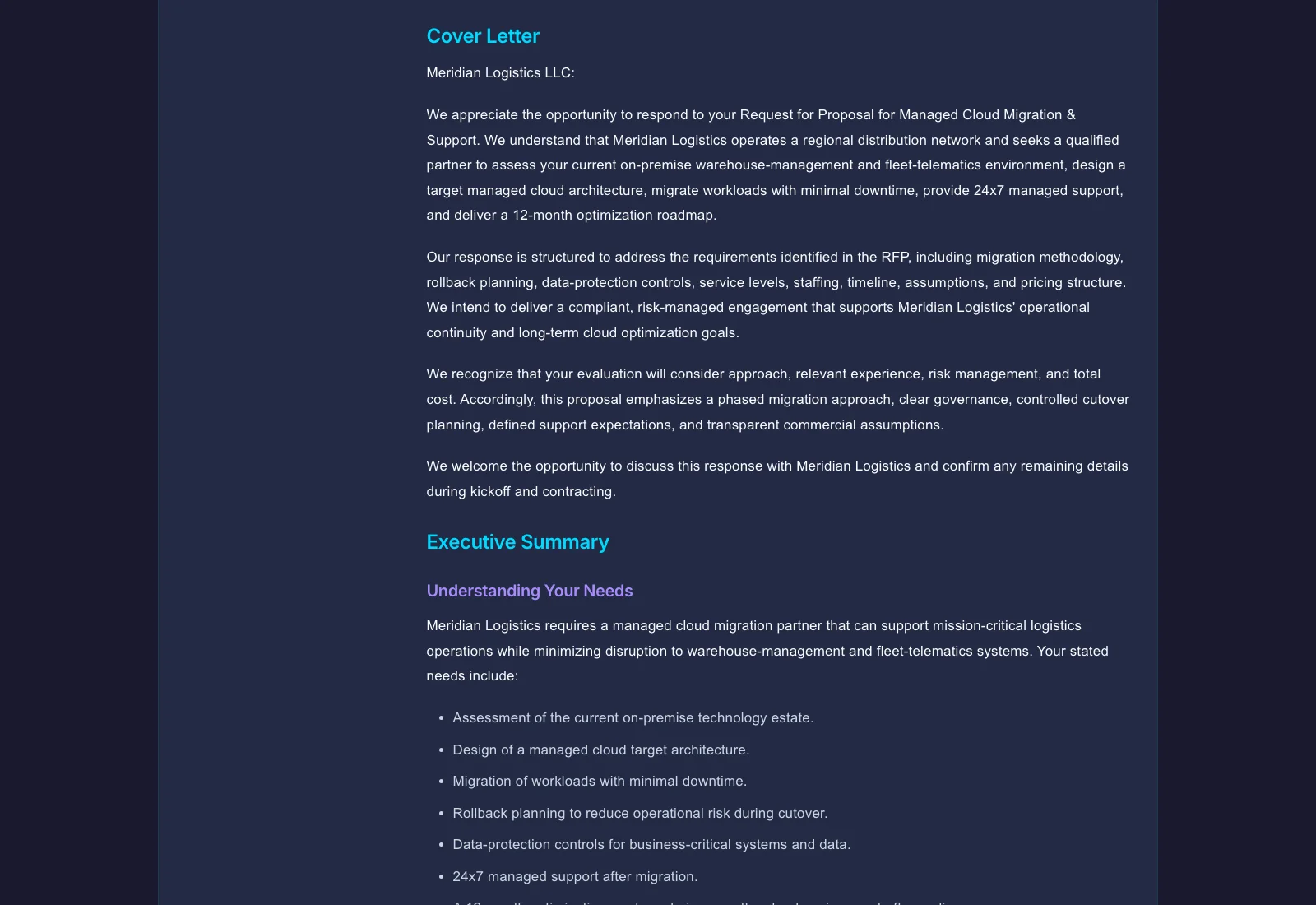
Prepare the source pack
Choose the proposal kind and supply the buyer brief, approved evidence, delivery assumptions and commercial terms. For RFP work, retain the issued requirements and separate known answers from missing evidence.
Upload deal notes, discovery call summaries, and technical requirements — Gixo drafts structured sales proposals with sections your team can review for enterprise and mid-market deals. Source-first drafting turns scattered deal context into a clearer starting point; it does not establish a win outcome.
AI proposals for B2B sales teams are deal-specific sales proposals generated from uploaded deal context — discovery call notes, technical requirements, and competitive positioning — rather than from generic templates. Gixo reads that source material and drafts a proposal with the section structure and technical depth appropriate to the deal (enterprise, mid-market, technical implementation, or multi-year agreement), then lets sales reps, solutions engineers, and deal desk review shared drafts with comments and version history before exporting to PDF or DOCX.
A tracked proposal link can help a team inspect supported recipient activity. A recorded sales outcome tells the team something different: what happened to the opportunity. Keep those records distinct when reviewing a proposal’s progress.
| Part | Worked detail |
|---|---|
| Delivery | Confirm the intended recipient, shared artifact version and permitted access. |
| Activity | Read only the events the current tracked-delivery workflow actually records. |
| Review status | Check whether the saved proposal still has the required approval state. |
| Outcome | Record the deal outcome and reason separately from link activity. |
An opened link is not acceptance of scope, price or terms. Use the delivery history, current review state and recorded outcome together without treating engagement as proof of intent. The real exported sales proposal above makes the underlying artifact inspectable.
A worked workflow
A proposal can be delivered, opened and still not accepted. Use these records together while preserving the distinction between recipient activity, document approval and the eventual opportunity outcome.
Open the current proposal and review state; confirm that a later edit has not made the earlier approval stale.
Inspect: Recipient access should apply to the intended artifact version, not to an assumption about the most recent draft.
Review recipient access, expiry, password and available permissions before creating a delivery.
Inspect: An active link does not itself mean the recipient may download, accept or reuse every underlying attachment.
Use the supported delivery-history events to understand what the recipient actually did.
Inspect: An open event is an activity signal. It is not agreement to price, scope or legal terms.
Enter the outcome and reason based on the team’s actual decision evidence.
Inspect: Keep the activity timeline, current review state and recorded outcome available without treating one as proof of another.
Source-traced workflow explanation. No fictional delivery events, customer acceptance or conversion measurements are presented as captured production results.
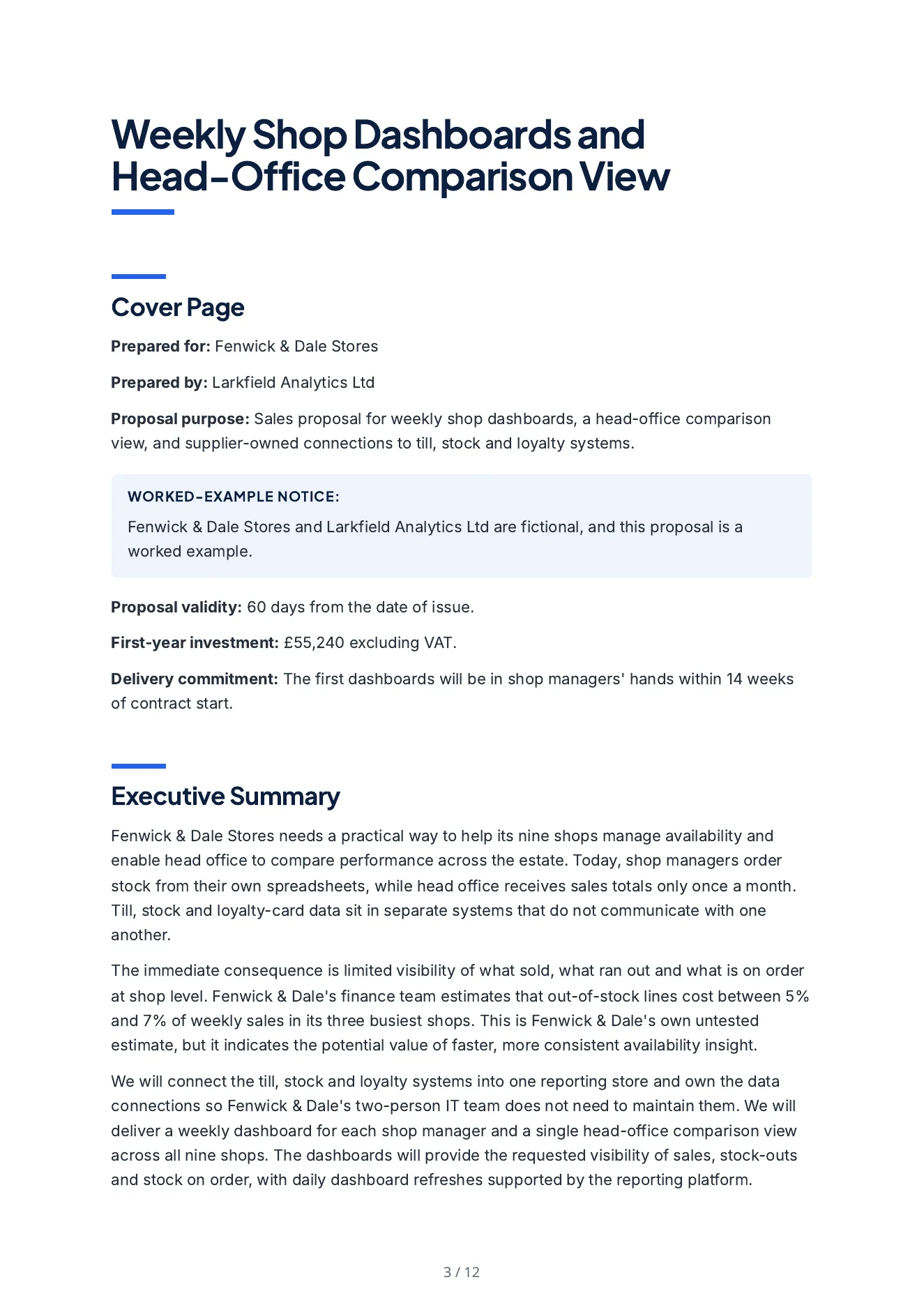
Read a real exported proposal alongside the brief Arc received. The example keeps supplied scope, commercial assumptions and reviewer responsibility visible.
A proposal for an invented regional retailer: the buyer's own untested estimate of what stock-outs cost it (described as untested), what the supplier will deliver and own, the data connections and implementation approach, the launch timeline, a first-year price built from the bidder's rates, two case studies and the team.
Propose weekly shop dashboards and a head-office comparison view to Fenwick & Dale Stores on behalf of Larkfield Analytics Ltd, with the supplier owning the data connections to the till, stock and loyalty systems. In any requirements table list only what the buyer's brief asks for; Larkfield's own standards belong in the method. Build every price line from the standard rates in the evidence file and show the days or months behind it. Add nothing the evidence file does not state. Put a notice on the cover page that the buyer and the bidder are fictional and the proposal is a worked example. Inputs: the buyer's document (brief-fenwick-dale.md); the bidder's evidence file (larkfield-evidence.md); commercial terms: value 52,000 to 60,000 GBP, valid for 60 days, payment terms 'Invoiced monthly in arrears, payable within 30 days.'; deal context: The buyer and the bidder in this proposal are fictional, and this proposal is a worked example. The buyer's out-of-stock cost of 5 to 7 percent of weekly sales in its three busiest shops is the buyer's own untested estimate and must be described as such. The first dashboards must be in shop managers' hands within 14 weeks.
A separate reviewer agent read its 178 claims against the bidder's evidence file, the buyer's brief and the deal terms: 142 are supported, 36 add detail or an inference, none is absent from every input and none contradicts one. Every price line recomputes. It is not a person's review.
Choose the proposal kind and supply the buyer brief, approved evidence, delivery assumptions and commercial terms. For RFP work, retain the issued requirements and separate known answers from missing evidence.
Inspect scope, exclusions, requirements and price assumptions. Use reviewable edits and saved comparisons; an unresolved buyer question needs an owner or an explicit qualification.
Inspect the actual PDF, Word or HTML output. Tracked delivery activity and a recorded deal outcome answer different questions; verify the recipient, permissions and current approval state before sharing.
Keep buyer RFP files separate from bidder evidence and approved reusable answers. Inspect extraction coverage, requirement source locations, questionnaire previews and submission limits. Response work can carry an SME owner, due date, escalation owner and required reviewer decisions. Compare an addendum with the source before changing a response.
Review each line's quantity, rate, unit, optional status and one-off, monthly or annual recurrence. Inspect recurrence totals and the estimated first-year total separately. Currency, supplied tax input and commercial assumptions need review. When importing Business metrics, select and review the source values before applying them to the schedule.
Choose the current saved response or an approved edition. Inspect retained attachments, filled questionnaires, the compliance matrix and the package preview. A release manifest identifies stored delivery bytes. For tracked links, review recipient access, expiry, password and permissions separately from delivery activity and the recorded opportunity outcome.
A draft or readiness check is not approval of pricing, legal terms or a delivery commitment. Arc proposal drafting does not imply CRM, CPQ or tax-calculation automation.
Choose the proposal type, add the RFP, brief, notes, or prior work, then review a structured first draft before it reaches a client.
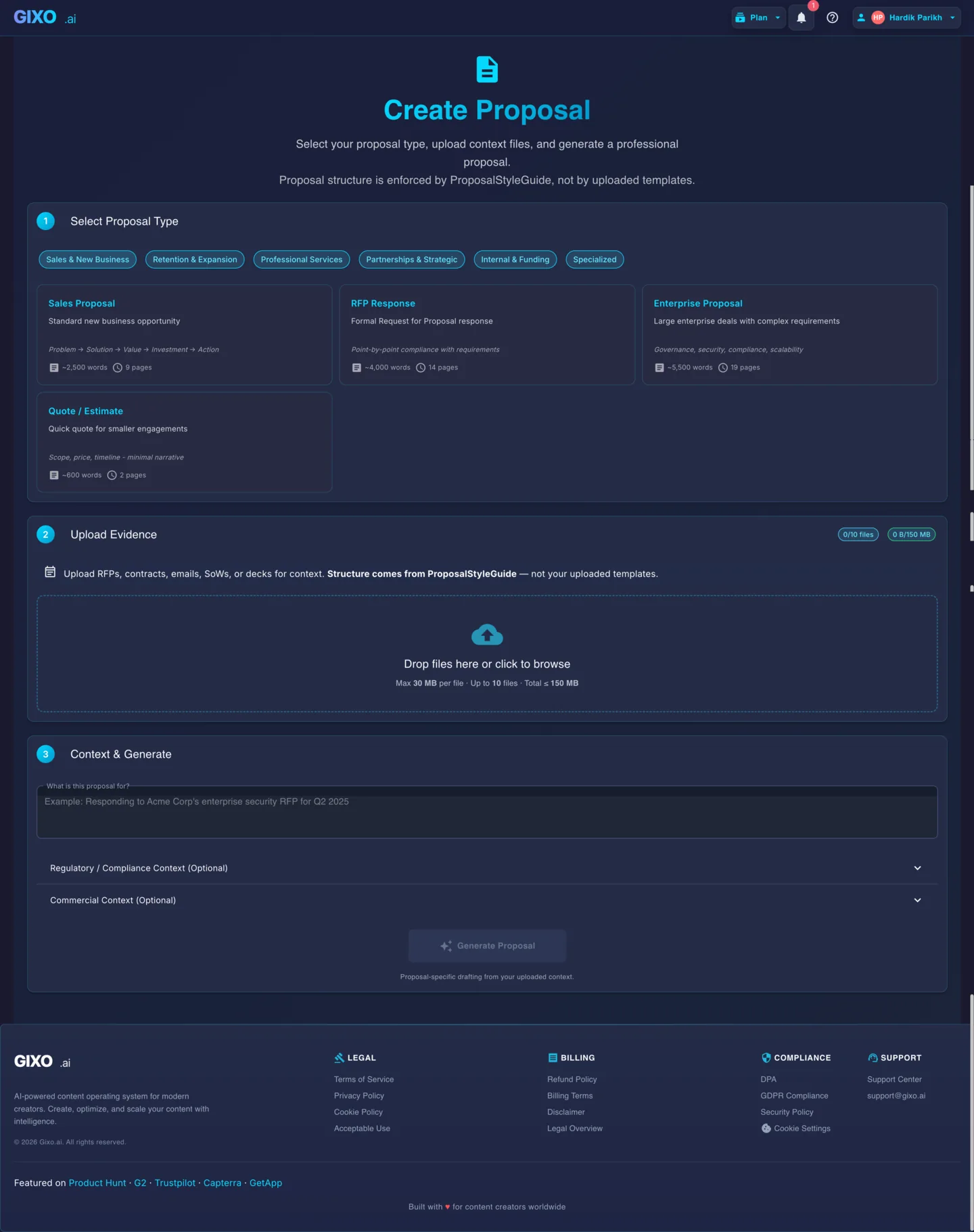
Illustrative example Output screens show document structure — not a promised or real customer result.
B2B deals have account-specific requirements. Gixo reads the deal context you supply and drafts a proposal that reflects the documented requirements; sales and solutions teams still verify the positioning, proof, scope, and commercial terms.
Upload discovery call notes, technical requirements, and account history. Gixo generates a proposal that addresses this specific prospect's pain points and objectives — not a generic pitch that could apply to any account.
Include approved competitive intelligence and positioning notes in your source files. The draft can reflect those differentiators, but your team must verify the comparison and decide what evidence belongs in the proposal.
Enterprise deals often require technical architecture sections, integration specifications, or implementation methodologies. Upload technical documentation and Gixo incorporates the right level of detail for technical decision-makers.
Gixo structures each proposal type with the sections and depth that B2B buyers expect.
| Proposal Type | Key Sections | Deal Size |
|---|---|---|
| Enterprise Deal | Executive summary, solution architecture, implementation plan, pricing tiers, SLA | $100K+ |
| Mid-Market Pitch | Problem/solution, product fit, onboarding timeline, ROI projection, pricing | $25K-$100K |
| Technical Implementation | Architecture overview, integration requirements, migration plan, acceptance criteria | $50K+ |
| Multi-Year Agreement | Phased rollout, year-over-year pricing, success metrics, renewal terms, escalation | $200K+ |
Drop in discovery call notes, RFP documents, technical requirements, or competitive positioning notes. Gixo reads everything and uses it to generate a deal-specific proposal.
Choose enterprise deal, mid-market pitch, technical implementation, or multi-year agreement. Each type generates the section structure and depth appropriate for that deal size.
Sales reps, solutions engineers, and deal desk see teammates editing proposals. Use inline AI tools to refine sections; compare versions and choose what to keep after conflicts.
Review the proposal for source fidelity, proof, scope, pricing, and commitments, then export to PDF or DOCX for your normal buying-committee process.
Proposal tracking software helps a team follow recipient activity on the link it shared with a buyer. Arc's recipient-specific delivery history records views, downloads, last-viewed activity, engaged reading time, buyer questions and recorded acceptance. Ordinary live links show the current saved body when opened; approved-release links retain their fixed edition. Activity totals belong to the link, not a verified revision for every view. Use those signals to prepare a relevant follow-up; an open or a download does not establish buying intent or a won deal.
Keep pursuit tracking separate from recipient activity. Arc projects summarizes accessible recent proposals, recorded Won and Lost outcomes, and open pipeline value. The current project view loads up to 200 recent accessible proposals, so its win rate reflects the outcomes recorded in that view rather than every historic opportunity. Your team enters outcomes and commercial values; these figures are not a sales forecast or automatic CRM synchronization.
Review the proposal and required release checks before sharing, then record the outcome when it is known. Check current delivery and integration paths, and inspect the editing and release controls.
Updated