
Draft Consulting Proposals That Win Engagements
Upload engagement briefs, scope notes, and client context — Gixo drafts structured consulting proposals with phased deliverables, pricing models, and timelines. Source-first AI drafting that handles the complexity of multi-phase engagements so you focus on strategy, not formatting.
AI proposals for consultants means uploading engagement briefs, scope notes, and client context so the AI drafts a structured consulting proposal — with phased deliverables, pricing models, and timelines already in place — instead of starting from a blank template. Gixo reads the uploaded source files and generates a first draft covering 21 proposal types, using OCR for scanned source intake, exportable to 6 formats (PDF, DOCX, HTML, Markdown, JSON, plain text), with live collaborative editing for multi-partner review. You then refine the draft in an editor with inline AI tools before client delivery.
See what Arc helps your team review
Choose the proposal type, add the RFP, brief, notes, or prior work, then review a structured first draft before it reaches a client.
- 1Add source materialRFPs, briefs, notes, decks, and prior work
- 2Draft to the proposal typeSections and structure follow the real opportunity
- 3Review before deliveryYour team checks facts, scope, pricing, and commitments
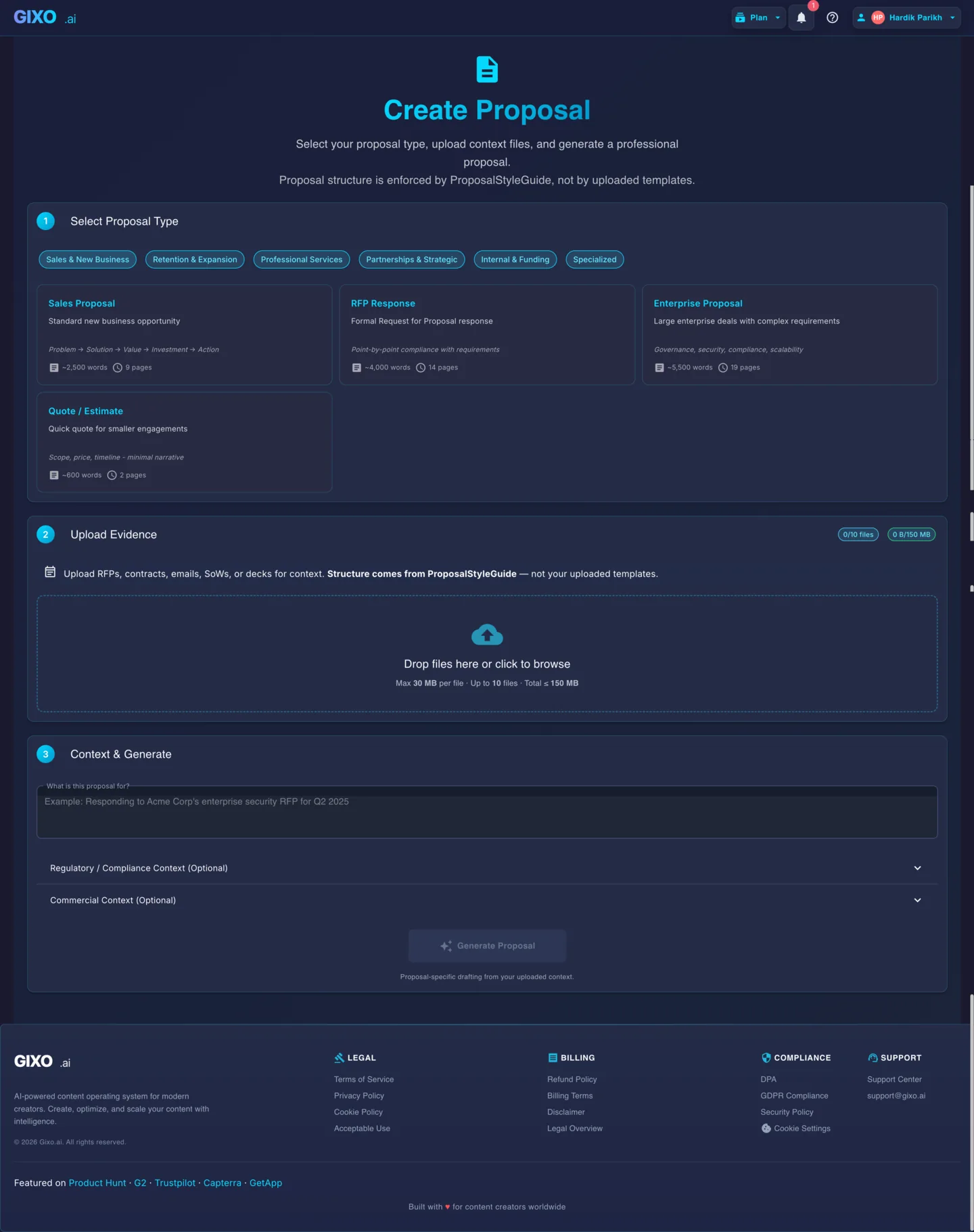
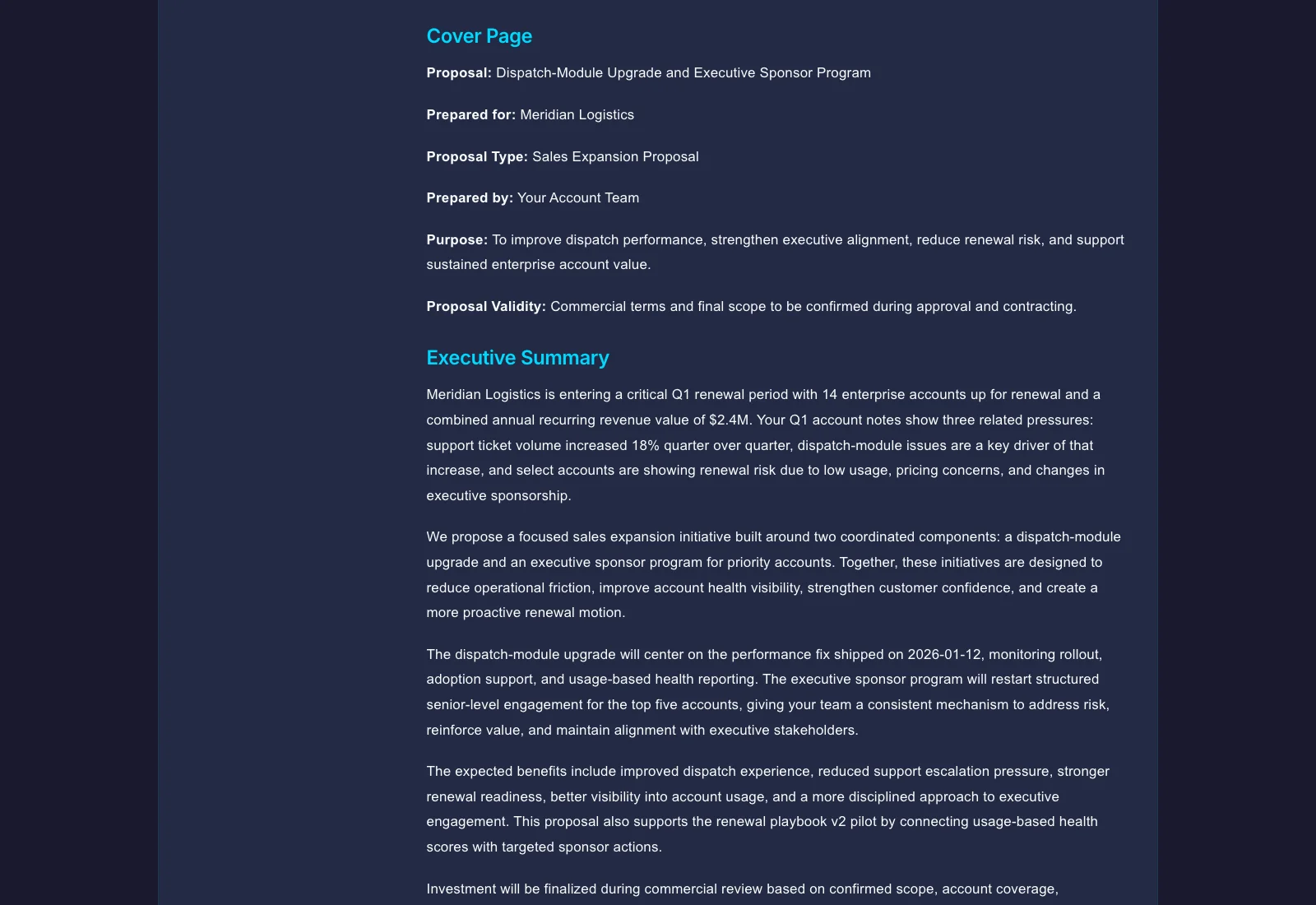
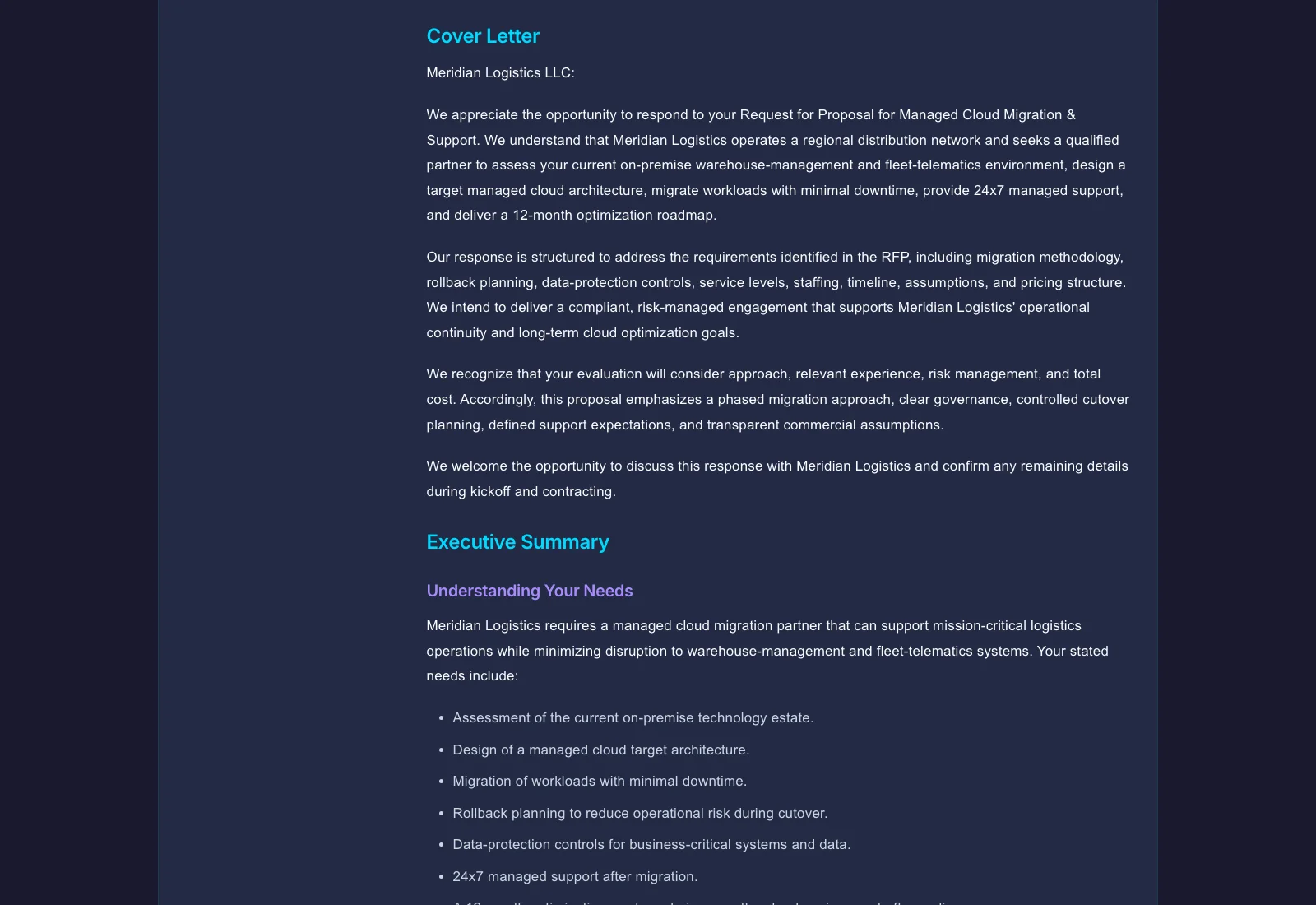
Illustrative example Output screens show document structure — not a promised or real customer result.
What does Gixo include for AI consulting proposals?
| Capability | Detail (as shown on page) |
|---|---|
| Proposal types supported | 21 |
| Source intake | OCR (PDF, DOCX, scanned documents) |
| Export formats | 6 — PDF, DOCX, HTML, Markdown, JSON, plain text |
| Collaboration | Live / real-time collaborative editing with remote cursors |
| Highest-complexity proposal type | Transformation Program (current state, future state, phased roadmap, change management, governance) |
| Workflow steps | 4 — upload context, select proposal type, refine in editor, export and deliver |
Why Do Consultants Use AI for Proposals?
Consulting engagements have complex scoping, multi-phase delivery, and client-specific pricing. Generic templates cannot handle that. Gixo reads your source files and generates proposals that reflect the actual engagement structure.
Consulting proposals need phased workstreams, milestone-based deliverables, and conditional scope. Upload your engagement brief and Gixo structures the proposal around your actual delivery model — not a one-size-fits-all template.
From discovery through implementation, each phase has different deliverables, timelines, and team compositions. Gixo generates phase-by-phase breakdowns with the right level of detail for each stage of the engagement.
Every client engagement is different. Upload client-specific context, past deliverables, or RFP requirements and get a proposal draft tailored to this particular client — not recycled from a previous engagement.
What Types of Consulting Proposals Can AI Generate?
Gixo handles the structural complexity of each consulting proposal type.
| Proposal Type | Key Sections | Typical Complexity |
|---|---|---|
| Strategy Engagement | Situation analysis, approach, workstreams, deliverables, team, pricing | High |
| Advisory Retainer | Scope of advisory, meeting cadence, escalation model, monthly fee | Medium |
| Project-Based | Problem statement, methodology, timeline, milestones, fixed fee | Medium |
| Transformation Program | Current state, future state, phased roadmap, change management, governance | Very High |
How Does AI Proposal Drafting Work for Consultants?
Drop in your client brief, scope notes, RFP document, or past proposal. Gixo supports PDF, DOCX, and scanned documents via OCR.
Choose strategy engagement, advisory retainer, project-based, or transformation program. Each type generates the right section structure and depth.
Edit the generated draft in a collaborative editor with inline AI tools. Adjust scope, rewrite sections, or expand specific deliverables with Quick AI and Power Edit.
Export to PDF or DOCX with professional formatting. Your proposal is structured, detailed, and ready for client review.
Frequently Asked Questions
Updated