
Turn your KPI data into clear trend narratives
Generate structured KPI trend notes with metric movement analysis, driver identification, exception flagging, and action recommendations. Turn raw performance data into clear narratives your stakeholders can act on.
An AI KPI trend note generator turns raw performance metrics into structured trend notes — automatically classifying each KPI as up, down, or flat, identifying the drivers behind the movement, flagging exceptions and threshold breaches, and closing with specific action recommendations. It compares metrics across month-over-month, quarter-over-quarter, and year-over-year windows, then exports the finished note as HTML, PDF, or Markdown. Gixo generates a full trend note in under two minutes, complementing dashboard tools rather than replacing them.
What does an AI KPI trend note generator include?
Gixo transforms raw metrics into structured trend notes with movement context, driver analysis, exception flags, and clear next steps for every reporting period.
Automatically classify each KPI as up, down, or flat with precise percentage changes. Movements are written up against the baselines you supply, so readers see the significance at a glance.
Identify why metrics moved with structured driver attribution. Gixo links metric changes to contributing factors such as campaigns, seasonal shifts, or operational changes so stakeholders see the story behind every number.
Detect anomalies, outliers, and threshold breaches automatically. Gixo highlights metrics that deviate from expected ranges and flags them for immediate attention with severity classification.
Every trend note ends with specific, actionable next steps. Gixo recommends what to investigate further, where to double down, and which metrics need corrective action based on the data patterns it identifies.
Compare metrics across month-over-month, quarter-over-quarter, and year-over-year windows. Gixo writes the comparison for the window you choose. Seasonal adjustment, if the figures need it, is yours to do before you paste them in.
Report goal attainment for every KPI. Supply actuals and plan and Gixo writes up where each metric stands against it. It does not forecast the end of the period for you.
How does an AI KPI trend note generator work?
Four steps from raw metrics to structured performance narratives.
Paste KPI data or describe the metrics you want to report on. Gixo accepts raw numbers, spreadsheet excerpts, or plain-text summaries of your performance data.
Choose your comparison window: weekly, monthly, quarterly, or year-over-year. Gixo structures the write-up around your selected timeframe.
Gixo produces structured trend notes with movement classification, driver analysis, exception flags, and action recommendations for each metric in your set.
Download as HTML, PDF, or Markdown. Copy sections into your existing reporting deck or email. Every output is formatted for immediate stakeholder consumption.
What does Gixo's AI KPI trend note generator include?
How Gixo compares for structured KPI trend reporting.
| Feature | Gixo | Databox | Klipfolio | Manual Reporting |
|---|---|---|---|---|
| Narrative generation | Full trend notes | Dashboards only | Dashboards only | Manual writing |
| Driver analysis | Automated | No | No | Manual |
| Exception flagging | AI-powered | Basic alerts | Basic alerts | Manual review |
| Action recommendations | Built-in | No | No | Manual |
| Period comparison | MoM, QoQ, YoY | Yes | Yes | Manual |
| Export formats | PDF, DOCX, HTML, Markdown, TXT, and JSON | PDF, PNG | Varies |
Frequently Asked Questions
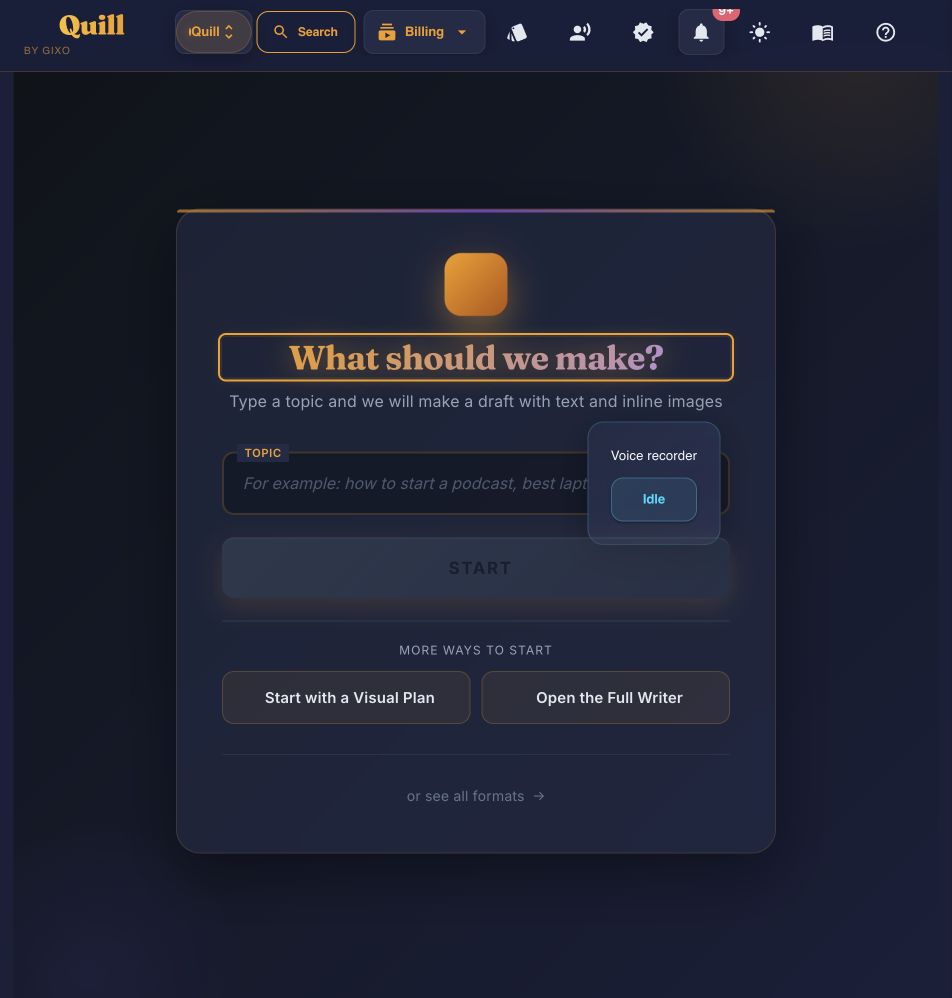
Inside Quill
Start with the amount of structure you already have
Updated