
Plan the reading order
Supply the audience, decision, source material and required coverage. Review the outline before generating. For a QBR, keep results, variance, risks and next decisions distinct instead of mixing them into a status collage.
Claude can build a downloadable PowerPoint file from a chat prompt — on the free tier. It is genuinely useful, and it has sharp limits. This is the workflow that gets the best deck out of it, what to check before you present, and the honest line where a purpose-built deck tool becomes the better choice.
Last reviewed: September 2026
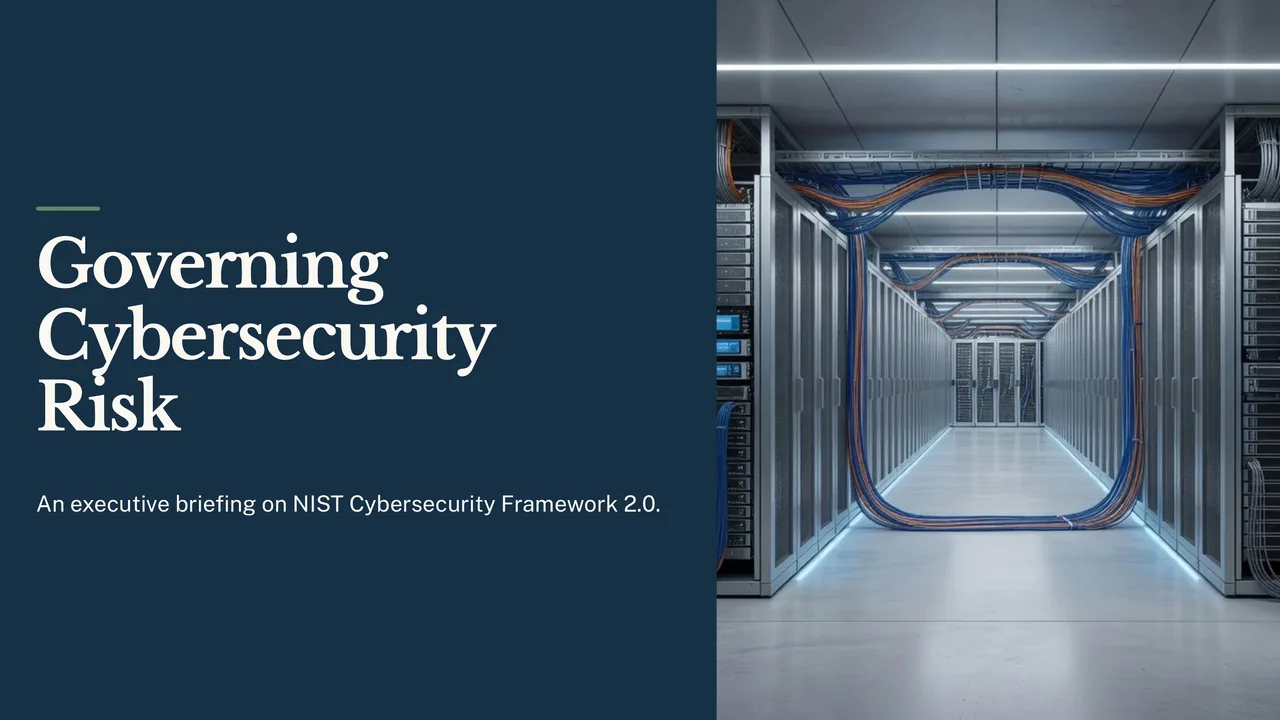
Open an actual exported deck, then compare its outline, source constraints and slide choices with the job you need to finish.
A 10-slide briefing for an organisation’s leaders on NIST’s Cybersecurity Framework 2.0, built only from the framework document: the six Functions as a set with Govern at the centre, what Govern covers, questions leaders can ask their teams, how Current and Target Profiles show the gap to close, and the four Tiers. It describes no company, so it has no performance data.
A briefing for the executive leadership of an organisation of any kind; no company is named and none is described. Cover, in this order: what the framework is and why leaders should care; the six Functions, shown together as a set with Govern at the centre, with no numbering or order because the document says they are addressed concurrently; what the Govern Function covers, using the document's own list of Govern topics; questions leaders can ask their teams, in the document's own terms; what Current and Target Profiles are and how comparing them shows the gap to close; the four Tiers by name; and what to ask for next. Do not show any process as numbered steps. Say executives, leaders or the organisation wherever the document does: it mentions boards of directors only as readers, so do not give a board any role the document does not give it. Give at most one slide to how different kinds of organisation use the framework. Use only the supplied document. Where it gives no figure, date or finding, do not supply one: use no placeholders, no illustrative numbers and no made-up status data. Pictures should show technology, infrastructure or abstract subjects, not people. Workflow: Corporate executive. 10 slides requested. Document supplied as text (NIST, "The NIST Cybersecurity Framework (CSF) 2.0, NIST CSWP 29 (26 February 2024)", https://nvlpubs.nist.gov/nistpubs/CSWP/NIST.CSWP.29.pdf).
A separate reviewer agent read the deck’s 70 claims, slides and speaker notes, against the framework document: 62 are supported, 8 loosen or go a little beyond its wording, and none is missing from it or contradicts it. 19 of the 70 are advice the deck gives, and all 19 are supported. It is not a person’s review.
Supply the audience, decision, source material and required coverage. Review the outline before generating. For a QBR, keep results, variance, risks and next decisions distinct instead of mixing them into a status collage.
Edit structured slide fields, preview field alternatives or review a whole-slide rewrite. Ask Lumen can propose wider changes; inspect and select the changes before applying them to the saved deck.
Check charts, speaker notes, images and contrast in presentation view and the downloaded file. A new-period deck is a separate draft with changed values and sources to review.
Choose a creation mode and workflow profile, supply source material and review the planned coverage. Slide fields have layout-specific budgets. Field assistance offers alternatives with rationale and word counts; whole-slide refinement shows field-level changes. Ask Lumen can propose wider structural edits, which require a reviewed preview before application.
Paste spreadsheet rows, choose header handling and preview replacement chart data. Where offered, select Business metrics explicitly and inspect their source receipt. Review changes in values and sources before accepting a next-period draft. Theme controls cover brand colors, type, logo placement, background and contrast choices; a custom theme still needs visual review.
Inspect full-screen and audience views, speaker notes, next-slide preview, navigation and timer. Check PDF and PowerPoint separately. Supported elements can become native editable shapes or charts; complex visuals can use a flattened fallback. Speaker notes and per-slide handoff choices should be inspected in the actual file.
PowerPoint export is hybrid: supported content may remain editable while complex visuals can be flattened. Conversion between a responsive story and slides requires a preview; it is not lossless.
The single biggest quality lever. Ask Claude for a slide-by-slide outline first — titles and the one point each slide makes — and edit it in chat. Every slide you fix at outline stage costs seconds; every slide you fix in PowerPoint costs minutes. Only then say "now build this as a .pptx file."
Paste your notes, your numbers, your document. A deck generated from a bare topic is generated from the model's general knowledge, which means confident filler and — if you asked for charts — invented values. A deck generated from your material at least starts from the right facts.
Left alone, Claude leans on title-plus-bullets for everything. Say what you want per slide: "slide 4 is a three-column comparison," "slide 6 is one big number with a caption." You are doing the design thinking manually, but it works.
Anything you did not paste in yourself needs checking — chart values especially. Nothing in the file marks which numbers came from your material and which the model supplied. For a deck that will be presented to people who can ask questions, this is the non-negotiable step.
The downloaded file opens fine, but it is built on library defaults: plain boxes, default fonts, no brand. Budget real time for restyling if appearance matters — or accept the default look for an internal audience that will not judge it.
| Dimension | Claude chat deck | Purpose-built pipeline (Gixo Lumen) |
|---|---|---|
| Cost to try | Free tier | 14-day trial, then paid |
| Speed to first draft | A minute or two | A few minutes for a full themed deck |
| Design | Library defaults; colors on request | 30+ contrast-checked themes, plus a one-click brand kit on Professional plans and up |
| Layout variety | Bullets unless you direct each slide | A grammar of purpose-specific layouts chosen per slide |
| Chart data | Invented unless you supplied it, unmarked | Drawn from your uploaded documents; estimates visibly stamped on the slide |
| Number checking | Yours to do by hand | Slide copy checked against your uploaded sources; unbacked figures corrected or removed |
| Editing afterwards | Restyle in PowerPoint by hand | On-canvas editor, per-slide AI edits, then export |
| Export | Basic .pptx from library defaults | Editable PowerPoint shapes for the core layouts (decorative ones render as images), plus PDF |
Updated