
Plan the reading order
Supply the audience, decision, source material and required coverage. Review the outline before generating. For a QBR, keep results, variance, risks and next decisions distinct instead of mixing them into a status collage.
ChatGPT can draft outlines, slide copy and speaker notes, and supported ChatGPT Work presentation workflows can also create and revise PowerPoint or Google Slides from source material. This guide shows a useful outline-first process, the checks before handoff, and where Gixo Lumen offers a dedicated deck workflow with source review and hybrid export.
Yes. The result depends on the workflow and tools available to your account: a text-only exchange gives you copy, while supported presentation tools can produce a deck. Review the outline, sources and final file in either case.
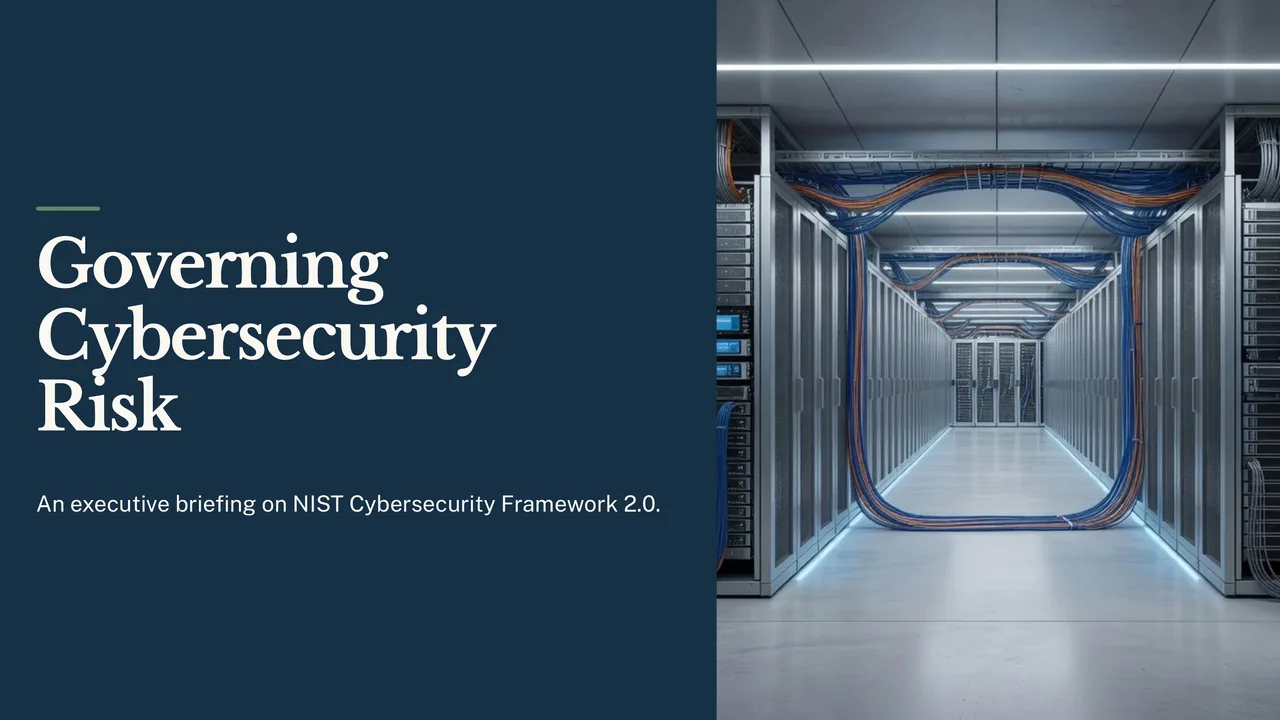
Open an actual exported deck, then compare its outline, source constraints and slide choices with the job you need to finish.
A 10-slide briefing for an organisation’s leaders on NIST’s Cybersecurity Framework 2.0, built only from the framework document: the six Functions as a set with Govern at the centre, what Govern covers, questions leaders can ask their teams, how Current and Target Profiles show the gap to close, and the four Tiers. It describes no company, so it has no performance data.
A briefing for the executive leadership of an organisation of any kind; no company is named and none is described. Cover, in this order: what the framework is and why leaders should care; the six Functions, shown together as a set with Govern at the centre, with no numbering or order because the document says they are addressed concurrently; what the Govern Function covers, using the document's own list of Govern topics; questions leaders can ask their teams, in the document's own terms; what Current and Target Profiles are and how comparing them shows the gap to close; the four Tiers by name; and what to ask for next. Do not show any process as numbered steps. Say executives, leaders or the organisation wherever the document does: it mentions boards of directors only as readers, so do not give a board any role the document does not give it. Give at most one slide to how different kinds of organisation use the framework. Use only the supplied document. Where it gives no figure, date or finding, do not supply one: use no placeholders, no illustrative numbers and no made-up status data. Pictures should show technology, infrastructure or abstract subjects, not people. Workflow: Corporate executive. 10 slides requested. Document supplied as text (NIST, "The NIST Cybersecurity Framework (CSF) 2.0, NIST CSWP 29 (26 February 2024)", https://nvlpubs.nist.gov/nistpubs/CSWP/NIST.CSWP.29.pdf).
A separate reviewer agent read the deck’s 70 claims, slides and speaker notes, against the framework document: 62 are supported, 8 loosen or go a little beyond its wording, and none is missing from it or contradicts it. 19 of the 70 are advice the deck gives, and all 19 are supported. It is not a person’s review.
Supply the audience, decision, source material and required coverage. Review the outline before generating. For a QBR, keep results, variance, risks and next decisions distinct instead of mixing them into a status collage.
Edit structured slide fields, preview field alternatives or review a whole-slide rewrite. Ask Lumen can propose wider changes; inspect and select the changes before applying them to the saved deck.
Check charts, speaker notes, images and contrast in presentation view and the downloaded file. A new-period deck is a separate draft with changed values and sources to review.
Choose a creation mode and workflow profile, supply source material and review the planned coverage. Slide fields have layout-specific budgets. Field assistance offers alternatives with rationale and word counts; whole-slide refinement shows field-level changes. Ask Lumen can propose wider structural edits, which require a reviewed preview before application.
Paste spreadsheet rows, choose header handling and preview replacement chart data. Where offered, select Business metrics explicitly and inspect their source receipt. Review changes in values and sources before accepting a next-period draft. Theme controls cover brand colors, type, logo placement, background and contrast choices; a custom theme still needs visual review.
Inspect full-screen and audience views, speaker notes, next-slide preview, navigation and timer. Check PDF and PowerPoint separately. Supported elements can become native editable shapes or charts; complex visuals can use a flattened fallback. Speaker notes and per-slide handoff choices should be inspected in the actual file.
PowerPoint export is hybrid: supported content may remain editable while complex visuals can be flattened. Conversion between a responsive story and slides requires a preview; it is not lossless.
Yes, for the content. ChatGPT is genuinely good at drafting an outline, expanding each section into slide bullets, and writing speaker notes. If you're staring at a blank deck, it's a fast way to get past that.
Yes, for a deck when presentation tools are available. OpenAI’s current documentation describes creating and revising PowerPoint or Google Slides from notes, data, source files or an existing deck. ChatGPT Work also supports generated-file review and download. Check the plan, workspace and tools you have rather than assuming every ChatGPT interaction is text-only.
A dedicated deck workspace is another option. Gixo Lumen combines source settings, workflow-specific structure, provenance, citation review, editing, presenter tools and hybrid PowerPoint handoff. Compare those review and delivery requirements with the presentation workflow already available to you.
Get the most out of the part ChatGPT is actually good at, then know where to hand off.
Prompt something like Outline a 10-slide presentation on [topic] for [audience], one line per slide. Getting the structure right before the words saves rewriting later.
Ask for concise slide copy and speaker notes. Attach or provide your notes, brief, source files and approved figures, and tell the assistant to flag missing evidence. Review the result against the original material; an attached document does not guarantee that every generated statement is correct.
If you are using a text-only exchange, move the copy into PowerPoint or Slides and build the deck. If presentation tools are available, ask for the presentation file directly and specify a reference style or template. Review the rendered slides, edit the draft and open the exported file on the intended presentation machine.
A general chatbot and a presentation tool are aimed at different jobs. Here's the honest split.
| Job | ChatGPT (depends on available workflow) | Gixo Lumen |
|---|---|---|
| What you get | Slide copy, or a generated presentation with supported tools | A finished, editable 16:9 slide deck |
| Building the slides | Text-only copy needs assembly; presentation tools can build and revise the deck | Generated for you, then editable |
| Grounding | Attached source files and connected context where available; verify generated claims | Grounds in your uploaded sources, with a citation and source-review surface |
| Structure | Generic unless you prompt carefully | 8 workflow profiles — shaped for the job |
| Export | Supported presentation workflows return a file; review output type and editing depth | PPTX, PDF, HTML, and slide images |
| Best at | Fast first-draft writing and rewrites | Going from idea or sources to a deck you can present |
Microsoft Copilot and Gemini also generate source-based slides inside PowerPoint and Google Slides on eligible plans. ChatGPT’s current presentation workflows can create files too. Lumen remains a dedicated source-review and handoff workspace; compare the actual tools and permissions available to your team.
The useful question is not which model writes best. It is whether the assistant can reach into a slide file at all — and that is decided by the surface it runs in, not by the model.
Check the tools as well as the model. A text-only exchange yields an outline, slide bullets or notes. Current ChatGPT Work presentation workflows can create and revise files from source material. Other assistants’ file output also depends on their enabled tools, plan and workspace; do not infer a missing file capability from the chat interface alone.
Copilot for PowerPoint works inside Microsoft’s slide editor. It can create from supported source files, add file-grounded slides and refine a deck. Availability and source support depend on licence, platform and organisation settings; check current Microsoft guidance.
Gemini in Slides creates a whole editable presentation on eligible plans. Google documents Drive sources, optional references, outline review and a reference deck style. A native Slides deck can also be downloaded as PowerPoint; check plan and rollout requirements.
Compare the review workflow. Lumen combines workflow profiles, source settings, generation-time provenance, citation review, presenter tools and hybrid export. Those are reasons to evaluate its workspace. Source-file input and presentation-file output are also available in other workflows, so neither is an exclusive capability.
Plenty of the time, the chatbot is all you need. Here's when.
For a quick outline, a list of angles, or getting past a blank page, ChatGPT is fast and flexible. That first-draft thinking is a genuine strength.
Tightening a headline, making a bullet punchier, or drafting speaker notes for a slide you've already built — ChatGPT does that in seconds, no new tool required.
If it's a five-slide internal update you'll build in a couple of minutes anyway, the copy-paste tax is small and ChatGPT's text is plenty.
The job is not to generate slides once. The job is to hand off a deck another person can actually open, review, and use.
Keep decks grounded to source material and approved web research when needed. Gixo extracts key claims, highlights what needs verification, and surfaces citations, attribution, and trust status inside the deck viewer.
Not just text — Lumen generates the actual 16:9 slides, so you skip the copy-paste-and-design step entirely and start from a finished draft you can edit.
8 workflow profiles across consulting, finance, startup, sales, executive, product, training, and general business decks A consulting readout is structured differently from an investor pitch, without you prompting for it.
Hybrid export: stable layouts become editable PowerPoint text and shapes; complex slides preserve fidelity as images — so the deck leaves the tool as a real file.
Try full generation and clean hybrid export on a no-card 14-day trial. No-card 14-day trial with full generation; after the trial, continued generation needs a paid plan (existing decks stay reviewable, presentable, and downloadable).
Not a mockup — an actual rendered Lumen deck. Scroll it.
Generated with Gixo Lumen from two public U.S. Energy Information Administration pages and exported to a self-contained deck.
One presentation handoff workspace for teams that need a strong first pass, outline control, theme switching, citations, presenter tools, and delivery without rebuilding the deck somewhere else.
The deck starts from a consulting, finance, fundraising, sales, executive, product, or general-business workflow instead of generic slide filler.
Structure stays reviewable before full generation, so the first pass is shaped like a real deck instead of a prompt experiment.
Theme switches, layout swaps, slide edits, and regeneration all happen after the deck exists without forcing a rebuild.
Decks are grounded in your sources, and evidence — citations, trust checks, source review — has a built-in home in the workspace instead of being bolted on after generation.
Speaker notes, present mode, shareable delivery, and exports stay on the same finished deck when it is time to ship.
Sources & verification. Checked 9 October 2026 against official OpenAI documentation: Create or revise a slide deck and Work with files; Google’s Gemini presentation guidance; and Microsoft’s file-grounded Copilot slide guidance. Account features vary; this is a documentation review, not a hands-on quality benchmark.
Updated