
Gemini in Slides vs Gixo Lumen
Gemini in Slides creates fully editable presentations from prompts and reference files, with outline review and a reference deck for style. Lumen combines workflow profiles, explicit source modes, provenance, citation review, presenter tools and hybrid PowerPoint/PDF handoff. Both accept source material and can deliver a file; compare the review workflow and exported editing depth. Google’s official documentation was checked on 9 October 2026; availability depends on your plan and rollout.
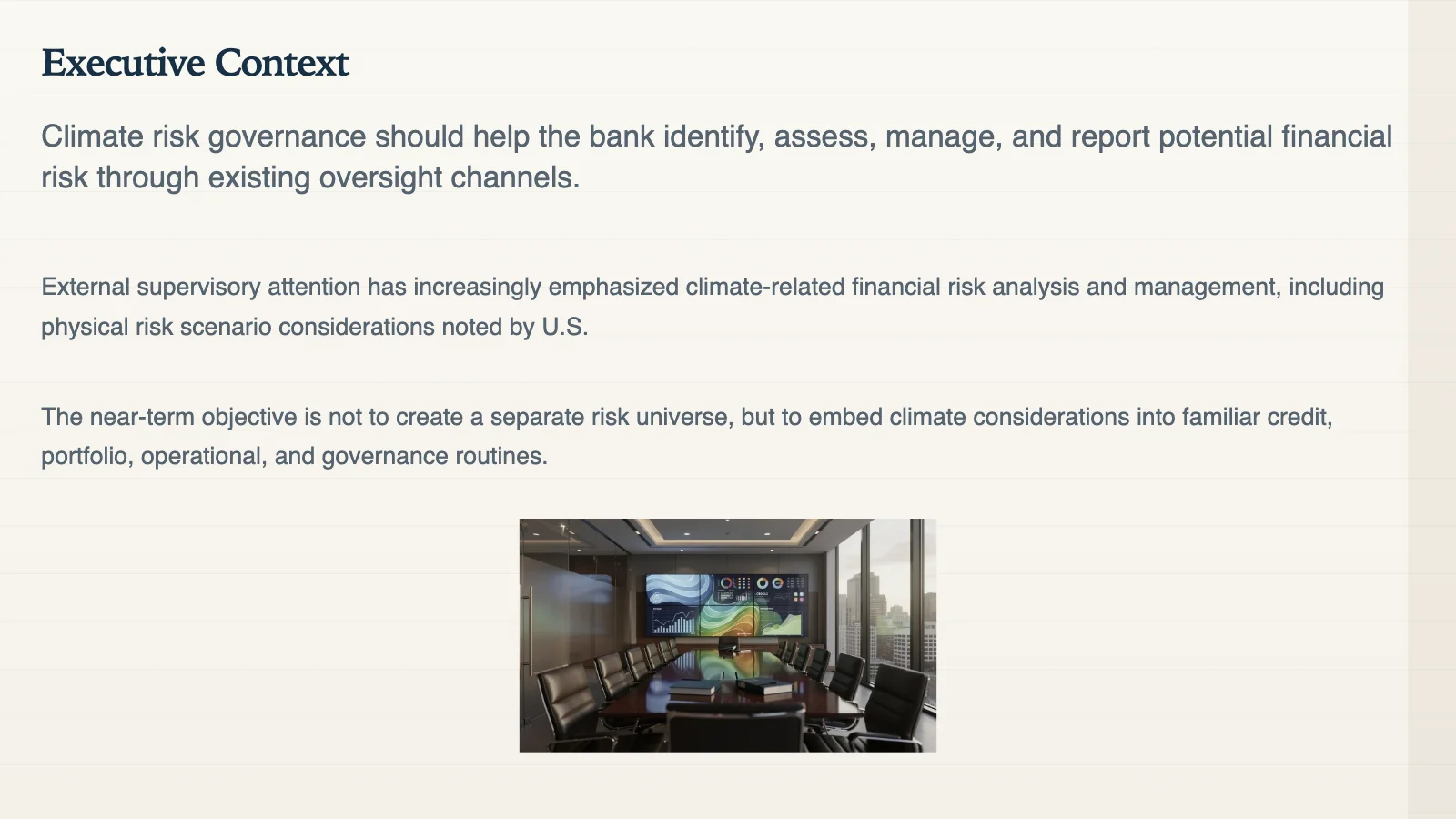
A real Lumen-generated slide — the kind of handoff-ready output Lumen produces for a PowerPoint or PDF export, outside a Workspace edit loop.
The short version
Gemini is a natural starting point for teams already editing and collaborating in Google Slides. Evaluate Lumen when its named workflow profiles, source settings, provenance, citation review and hybrid delivery fit your job. Google Slides can also export PowerPoint and PDF; file availability alone is not the distinction.
Native inside Slides, fast for Workspace users, and strongest when Drive context and Google-native collaboration are the whole workflow.
A separate presentation workspace for consultants, agencies, and teams that need to review sources, edit structure, and hand off PowerPoint or PDF.
Where will the recipient edit, how will reviewers check the sources, and which elements need to stay editable in the exported file?
Gemini in Slides vs Lumen
This comparison is about workflow fit, not whether one AI can produce prettier first drafts from a prompt.
| Need | Gemini in Slides | Gixo Lumen |
|---|---|---|
| Native editing surface | Google Slides. | Lumen workspace with 34 active themes and PowerPoint/PDF export for handoff. |
| Best audience | Teams already collaborating inside Google Workspace. | Consultants, agencies, founders, and operators handing decks to external recipients. |
| Source workflow | Drive files, optional web/chat/email references, a reference deck style and a reviewed outline; availability depends on plan and rollout. | Built around uploaded notes, briefs, articles, source review, citations, and delivery. |
| PowerPoint handoff | Google Slides supports PowerPoint and PDF export; test fonts, charts and layout after download. | PowerPoint handoff is hybrid: stable layouts become editable text and shapes, complex slides preserve fidelity as images, and the export stays clean and ungated on the trial, on a paid plan, and after either lapses. |
| Where review happens | Inside a collaborative Slides document. | Inside a deck workspace that keeps outline, source review, editing, citations, presenter tools, and export together. |
Why the handoff file still matters
Create a client-handoff presentation in one workspace, with outline planning, workflow-specific structure, slide editing, citations, presenter tools, and export attached to the same deck.
The recipient may not use your Workspace, your template, or your sharing permissions. A file that opens cleanly matters.
Decks can cite uploaded source material and approved web research, with a built-in citation, trust-check, and source-review surface for reviewers before handoff.
PowerPoint export is hybrid by design: stable layouts become editable text and shapes, complex slides preserve fidelity as images, and the file opens cleanly in PowerPoint. Before an export runs, a deterministic readiness check inspects every slide and blocks the file when an unresolved placeholder, an unfilled image slot, or a browser-only image would otherwise ship unfinished, while fidelity trade-offs are surfaced as warnings rather than applied silently.
What an AI slide generator inside Google Slides does and does not settle
Gemini in Slides and Copilot in PowerPoint now generate from source material as well as prompts, and native slide files have export paths. The remaining checks apply to every workflow: whether critical figures match the sources, how the outline is reviewed, and which objects remain editable after handoff.
Generating a first pass from a prompt is now table stakes. If your only problem is staring at an empty deck on a Monday, the Google Slides AI you already have is the shortest path and you should use it.
A generated slide reads the same whether the number behind it was in your memo or invented to fill the layout. Decks can cite uploaded source material and approved web research, with a built-in citation, trust-check, and source-review surface for reviewers before handoff.
A Google Slides deck can be shared with permissions or downloaded as a file. Lumen exports PPTX, PDF, HTML, and slide images from its workspace. Compare the actual files on the recipient’s machine rather than assuming a cloud-native deck cannot leave as PowerPoint.
Sources & verification. Read from support.google.com on 9 October 2026, including Google’s Create a presentation with Gemini guidance and its fully editable Slides announcement. Eligibility, language and rollout vary. This is a documentation review, not a hands-on export benchmark.
Why teams use Lumen after Gemini changes the baseline
One presentation handoff workspace for teams that need a strong first pass, outline control, theme switching, citations, presenter tools, and delivery without rebuilding the deck somewhere else.
Workflow fit
The deck starts from a consulting, finance, fundraising, sales, executive, product, or general-business workflow instead of generic slide filler.
Outline first
Structure stays reviewable before full generation, so the first pass is shaped like a real deck instead of a prompt experiment.
Editability
Theme switches, layout swaps, slide edits, and regeneration all happen after the deck exists without forcing a rebuild.
Evidence
Decks are grounded in your sources, and evidence — citations, trust checks, source review — has a built-in home in the workspace instead of being bolted on after generation.
Delivery
Speaker notes, present mode, shareable delivery, and exports stay on the same finished deck when it is time to ship.
FAQ
Updated