
Free AI slide generator with slide-by-slide control
Generate one slide at a time, or fill the whole deck. During your free 14-day trial, generate decks, review the full result, and export clean hybrid PPTX/PDF. After the trial, existing decks remain reviewable, presentable, and downloadable. Paid Lumen continues AI generation and adds publishing, sharing, collaboration, brand workflows, team controls, and higher capacity.
Generate free deck See Gixo Lumen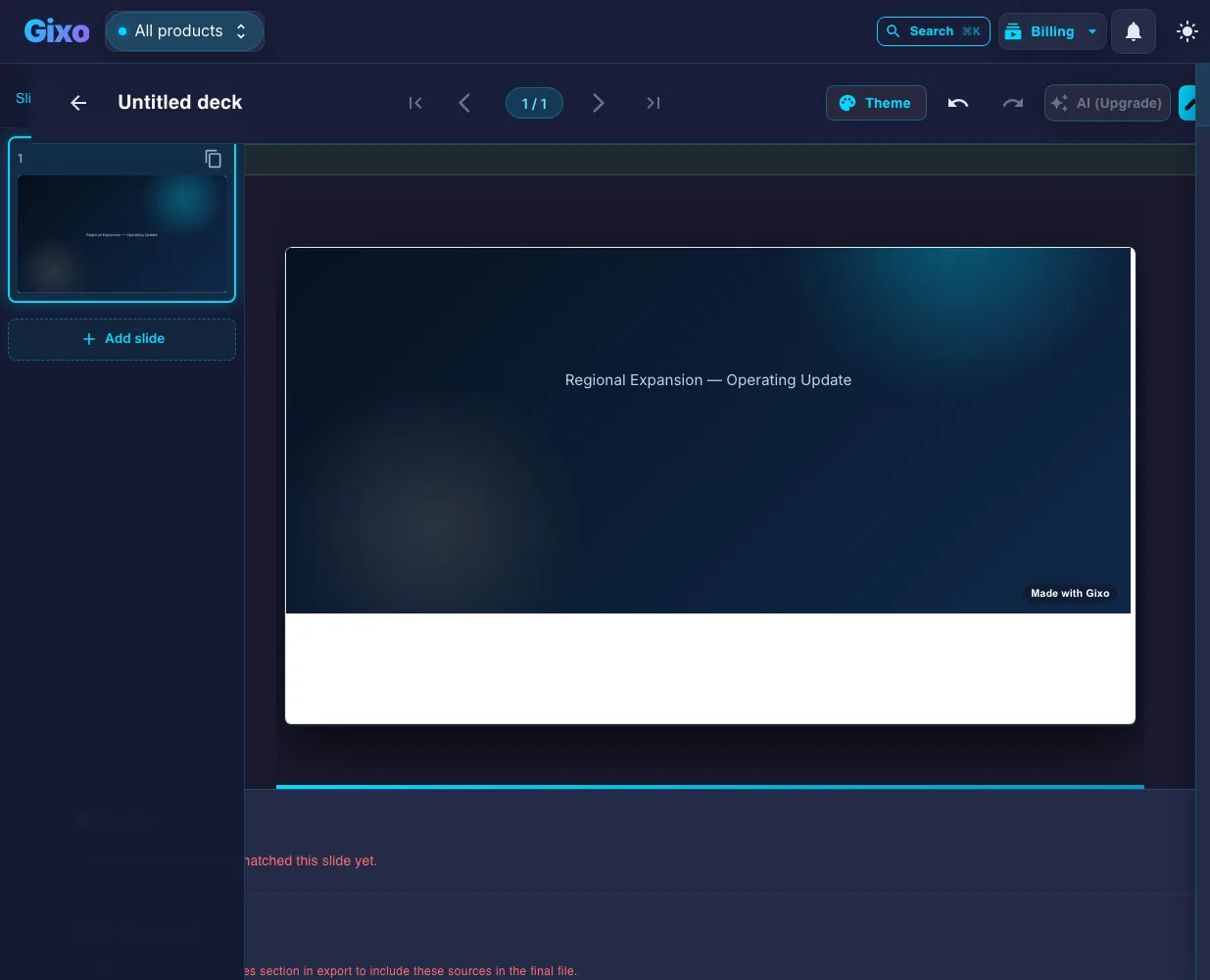
Gixo's free AI slide generator lets you generate one slide at a time or fill an entire deck, choosing from 26 layouts — stat, comparison, three-step, quote, framework, team, content frame, and chart slides. During the free 14-day trial you can generate decks and view the full finished deck in the workspace and export clean hybrid PPTX/PDF. After the trial, generation requires a paid Lumen plan; existing decks remain reviewable, presentable, and downloadable, hybrid export included. Regenerating a single slide leaves the rest of the deck untouched.
Why does slide-by-slide generation matter?
Most decks die in the middle. The slide generator targets exactly the slides that drag.
What does Gixo's free AI slide generator include?
| Capability | What it does |
|---|---|
| Generation modes | Generate one slide at a time, or fill the whole deck from a brief |
| Layouts supported | 26 layouts: stat, comparison, three-step, quote, framework, team, content frame, agenda, section divider, chart, and more |
| Chart types | Bar, line, pie, comparison — accepts your numbers, builds the visualization |
| Regeneration | Regenerate a single slide only; the rest of the deck stays unchanged |
| Editing | Every slide is fully editable — click and type, swap layout, regenerate, or rewrite with AI assist |
| Free trial | 14-day free trial includes deck generation and full workspace preview |
| After trial | AI generation requires a paid plan; existing decks remain reviewable, presentable, and downloadable, including hybrid PPTX/PDF export |
How do you start generating slides for free?
Is this a free AI slide maker, AI PPT generator and PPT maker too?
Same job, different vocabulary — and one honest caveat about the word "free".
Slide maker, AI PPT maker, presentation generator, deck builder: four names for the same task, and the tool that serves them is judged on one thing — what comes out at the end. Lumen's answer is a PowerPoint file. Generate the deck, edit it, and export hybrid PPTX or PDF, so the artifact opens in PowerPoint, Keynote or Google Slides like any other .pptx rather than staying trapped in a web viewer.
Text to PPT. You do not need a finished outline to start. Paste notes, a brief or an article and the deck is drafted from that material; then use per-slide generation on the slides that are not carrying their weight. Nothing here removes the editing pass — the first draft is a starting point you shape, which is exactly why single-slide regeneration exists.
On the word "free". This is a no-card 14-day trial rather than a standing free tier, and it is worth being blunt about that because several tools in this category do run a permanent free plan. If a forever-free plan is the requirement, compare honestly — our own Gixo vs Gamma pricing page says outright that Gamma wins on that specific point. What the trial buys you is a full-strength evaluation: real generation, the real editor, and a real export, rather than a watermarked preview.
Frequently asked questions
Generate slides one at a time during your free 14-day trial
Per-slide control, 26 layouts, charts that work. Lumen deck generation during your free 14-day trial.
Generate free deckUpdated