Free AI diagram maker — no dragging, no connector-snapping
Describe a structure or paste your steps into Gixo Prism's Diagram Maker and get back an
exact diagram — process, cycle, tree, matrix, and seven more shapes. Nothing is rendered by
an image model, so labels never garble and lines never miss their anchors. Try it free for
14 days, no credit card required.
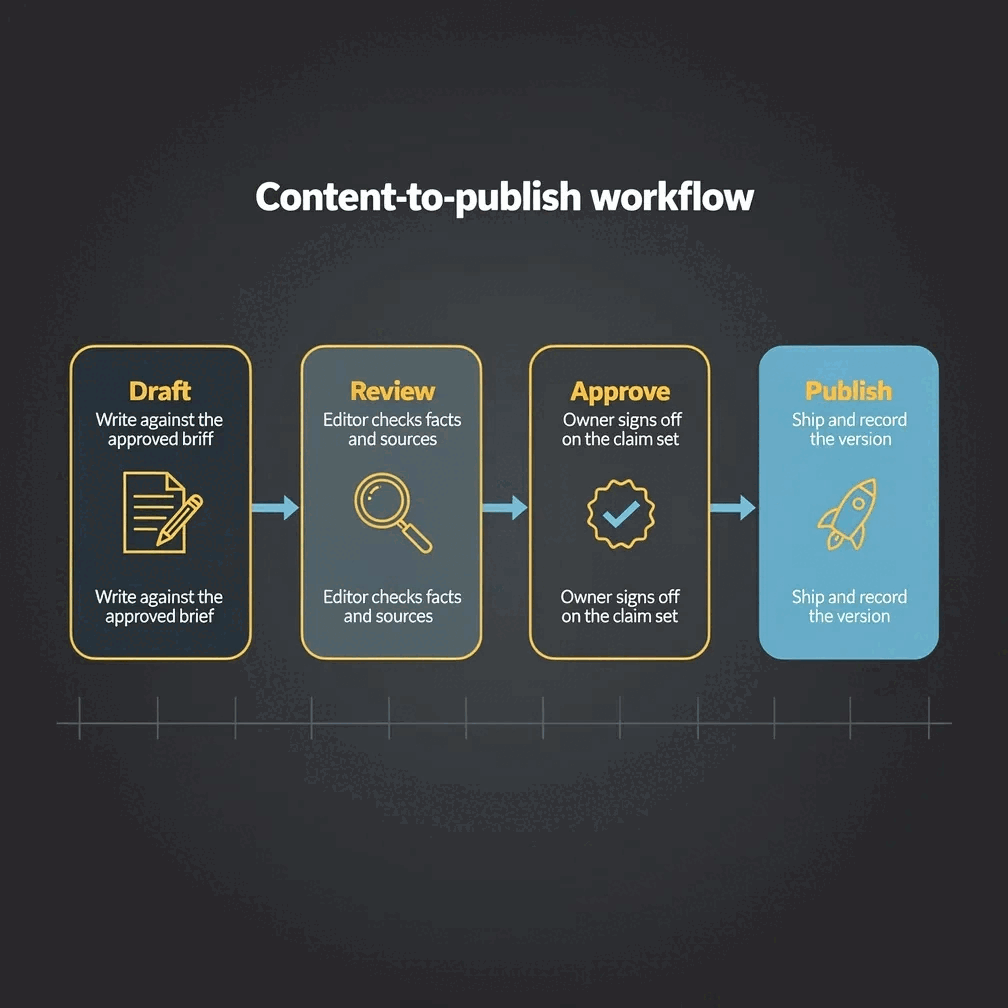
Gixo's free AI diagram maker is Gixo Prism's Diagram Maker, available on a 14-day free trial with no credit card required: describe a structure or paste your steps, pick from 14 diagram geometries — including process, cycle, pyramid, funnel, tree, pillars, matrix, venn, concentric, stack, and graph — and it renders an exact SVG diagram. There is no AI image model in the loop, so labels are never garbled, and the deterministic makers have no per-run AI charge, so you can generate as many diagrams as you want during the trial or on a plan.
Why does a deterministic diagram maker beat dragging shapes?
No canvas, no manual alignment, no connector fighting you.
No manual dragging or connector-snapping
You describe the structure or paste the steps. The maker places every shape and line — you never drag a box or hunt for a connector point.
14 shapes to choose from
Process, cycle, pyramid, funnel, tree (hierarchy/org chart), pillars, matrix with custom axis labels, venn, concentric, stack, and graph — pick the geometry that fits your content.
Brand-consistent theme across every diagram
Apply one of four theme presets or your Brand Kit palette, and every diagram you generate — process map or org chart — matches.
What do you get with Gixo's free AI diagram maker vs. paid Prism?
Capability
Free 14-day trial
Paid Prism
Credit card required
No
—
Generate diagrams from structure or steps
Yes
Yes
14 diagram geometries
Yes
Yes
Brand Kit palette
Yes
Yes
Export as HTML/SVG
Yes
Yes
Trial length
14 days
N/A
How do you make your first free AI diagram?
1
Describe the structure or paste your steps
A few lines about the stages, hierarchy, or categories — or an outline you already have.
2
Pick a shape
Process, cycle, tree, matrix, funnel, pyramid, pillars, venn, concentric, stack, or graph — choose the geometry that matches your content.
3
Apply a theme
Conservative, bold, brand-conservative, or brand-bold — or your own Brand Kit palette. Every shape and label updates together.
4
Export as HTML/SVG
Take the clean, self-contained file with you — no rasterized image, no re-drawing later.
Frequently asked questions
Do I need design skills to use this?
No. You describe the structure or paste the steps, pick a shape, and the maker handles placement, spacing, and lines. There is nothing to drag or align by hand.
Is this fully free?
It is a 14-day free trial (no credit card). The deterministic makers have no per-run AI charge, so you can generate as many diagrams as you want during the trial or on a plan.
What diagram shapes are supported?
14 geometries, including process, cycle, pyramid, funnel, tree (hierarchy/org chart), pillars, matrix (quadrant, with custom axis labels), venn, concentric, stack, and graph.
Can I apply my brand to the diagrams?
Yes. Choose from four theme presets — conservative, bold, brand-conservative (the default), and brand-bold — or apply your own Brand Kit palette so every diagram matches your other materials.
Does the free trial expire?
Yes. The trial runs for 14 days with no credit card needed to start. From there, Gixo Prism starts at $10/month for Starter (one seat) and rises through Professional, Business and Enterprise; the Brand Kit, which applies your own colours and typeface, starts on the Professional plan.
Is the diagram maker really free, or is it a trial?
It's a 14-day free trial, not an unlimited free tier — no credit card is needed to start. Because the diagram maker is deterministic and has no per-run AI charge, you can generate as many diagrams as you want during those 14 days or on a paid plan.
What export formats are available?
Diagrams export as clean, self-contained HTML/SVG — vector output you can drop into a doc, deck, or site without re-drawing it.
Will the diagram ever render with garbled text or misplaced lines?
No. There is no AI image model in the loop — every diagram is rendered to an exact SVG from your structure, so labels are never garbled and connectors always land where they should.
Turn a structure into a diagram, not a canvas project
Describe the steps. Pick a shape. Walk away with an exact SVG diagram you can export and reuse.