
Free AI Business Presentation Tool
Generate a structured first pass for quarterly reviews, strategy decks, and operating updates, then review the data, narrative, and delivery in Lumen. Lumen's no-card 14-day trial includes AI generation and clean hybrid export. Downloads are not gated: a deck you generated stays yours to review, present, and export as PPTX, PDF, HTML, or slide images, unwatermarked, whether the trial is running, paid, or long over. Paid Lumen is what continues AI generation and AI editing, and adds publishing, sharing, collaboration, brand workflows, team controls, and higher capacity.
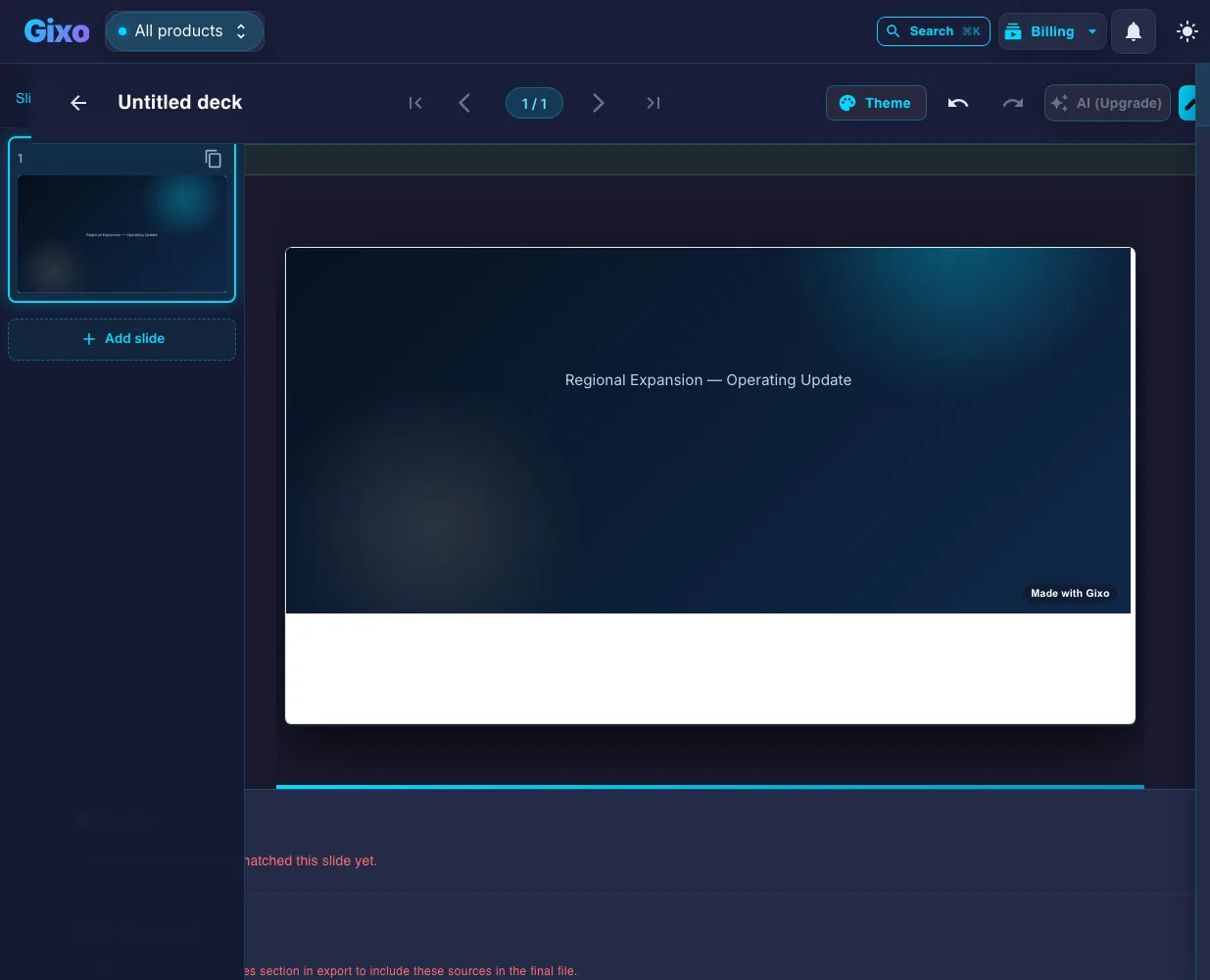
AI PPT Maker for Enterprise-Grade Corporate Presentations in Minutes
Built for the demands of corporate professionals who need polished presentations quickly and consistently.
Keep decks grounded to source material and approved web research when needed. Gixo extracts key claims, highlights what needs verification, and surfaces citations, attribution, and trust status inside the deck viewer.
Executive themes with refined typography, restrained color palettes, and professional layouts. Restrained typography and palettes, applied consistently across every slide.
Dedicated slide types for KPIs, quarterly metrics, comparison tables, and trend analysis. Present data clearly without spending hours on chart formatting.
The AI organizes business content into clear sections — executive summary, analysis, recommendations, and next steps — matching corporate presentation standards.
Generate a 40-slide board presentation in minutes instead of days. Meet tight deadlines without sacrificing quality or professionalism.
Edit every slide after generation. Insert your company data, adjust messaging, add product visuals, and fine-tune the narrative for your specific audience.
Present in full-screen mode with speaker notes for boardroom meetings. Export to PDF for distribution to stakeholders and leadership teams.
How to Create a Business PPT Using AI
Enter the subject — quarterly review, strategy proposal, market analysis, or project update. The AI structures the presentation for a business audience.
Choose from corporate and executive themes designed for professional settings — clean, authoritative, and data-friendly.
Get a complete presentation with executive summary, analysis sections, data slides, recommendations, and action items — all professionally formatted.
Insert real numbers, refine the narrative, add company visuals, then export to PDF or present directly in your next meeting.
AI Business Presentations vs Traditional Workflow
See how AI-generated business decks compare to building them manually.
| Feature | Gixo AI | PowerPoint Manual | Design Agency |
|---|---|---|---|
| Time to complete | Minutes | Hours to days | 1-2 weeks |
| Executive design quality | 34 themes | DIY quality | Custom |
| Data slide layouts | Built-in | Manual | Custom |
| Business structure | AI-optimized | Manual | Consultant-led |
| AI image generation | Yes | No | No |
| Iteration speed | Instant | Hours | Days |
| Cost per deck | Affordable | Staff time | $5,000+ |
| Full editing | Yes | Yes | Limited revisions |
What Belongs on the Executive Summary Slide
Every business deck the AI builds opens with an executive summary. Here is what that slide is actually for, so you can check the generated one against a real standard.
State the conclusion before the evidence: what happened, what you are recommending, or what you are asking for. An executive summary slide that opens with background instead of the answer wastes the only slide some readers will look at.
Pick the metrics that carry the verdict — revenue, margin, pipeline, retention, run-rate — and show each against its target or its prior period. Numbers without a comparison are decoration.
Name the approval, budget, or trade-off you want from the room, with the owner and the date. A summary that does not end in an ask leaves the meeting with nothing decided.
Executives discount summaries that only carry good news. Naming the biggest risk and what you are doing about it is what makes the rest of the slide credible.
Lumen drafts this slide as part of the deck structure rather than leaving you a blank executive summary slide template to fill in. Because the stat and comparison layouts are picked per slide, the summary arrives with somewhere to put the numbers — then you replace the placeholders with your actual figures before the meeting.
Using an AI PowerPoint Generator for Business Decks
What an AI PPT maker changes about the corporate deck workflow — and what it does not.
An AI PowerPoint generator is not a template gallery. The difference that matters for business work is that the tool chooses the structure — executive summary, analysis, recommendation, next steps — and then selects a layout per slide, instead of stamping one template across forty slides. That is why an AI-generated business deck reads as a sequence rather than a stack.
What an AI PPT maker does not do is know your quarter. It has no access to your general ledger, your CRM, or the number the CFO agreed to last Thursday. Treat the generated deck as a structured first pass: the narrative, the slide order, and the design are done; the figures, the caveats, and the ask are yours to put in. Every slide stays editable in Lumen for exactly that reason.
The handoff matters as much as the draft. A deck that only lives inside a web tool becomes a problem the moment someone senior asks for the file. Lumen exports hybrid PowerPoint — stable layouts become editable text and shapes, and genuinely complex slides preserve fidelity as images — plus PDF for circulation before the meeting.
Frequently Asked Questions
Updated