
Gixo Lumen FAQ — Your Presentation Questions, Answered (14-Day Free Trial)
Answers to the most common questions about creating and reviewing presentations with Lumen — from workflow profiles and themes to editing, presenting, and export. The no-card 14-day Starter trial includes clean PPTX and PDF export. After the trial, existing decks remain reviewable, presentable, and downloadable; only continued AI generation requires paid Lumen.
What You Can Do with Gixo Lumen
Everything you can do with Gixo Lumen at a glance.
Keep decks grounded to source material and approved web research when needed. Gixo extracts key claims, highlights what needs verification, and surfaces citations, attribution, and trust status inside the deck viewer.
Enter a topic and the AI creates a full deck with structured sections, data layouts, comparisons, and a consistent narrative flow across all slides.
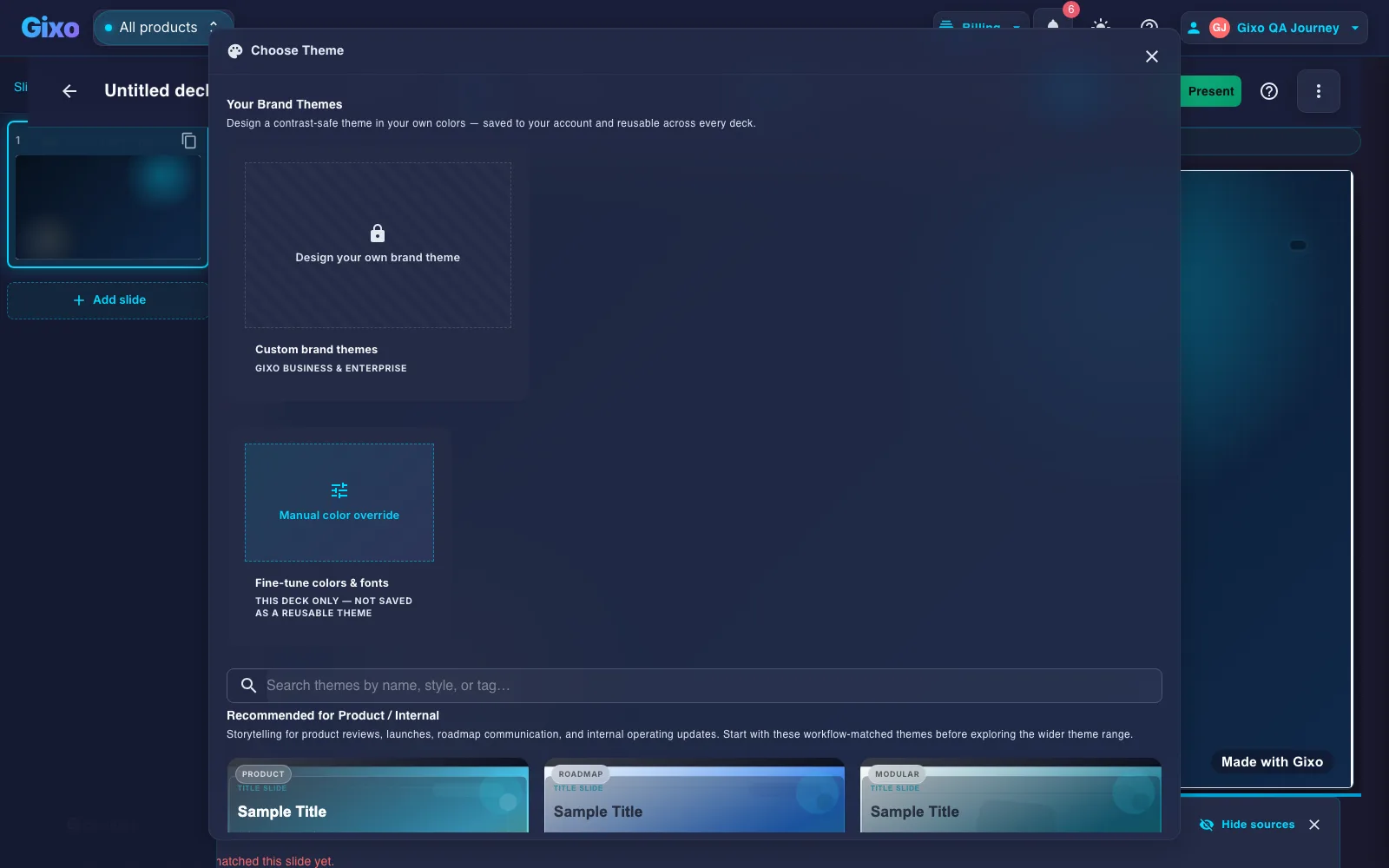
Choose from 34 active themes spanning corporate, startup, creative, academic, and executive directions. Each includes typography, colors, and layout rules.
Edit slide text and structured fields, swap layouts, reorder slides, regenerate selected content, and review citations before delivery.
Generate custom images for any slide using AI. Create visuals that match your presentation content and theme without needing stock photos.
Present directly in the browser with full-screen mode, keyboard navigation, and speaker notes. No software installation required.
Export as PPTX, PDF, HTML, and slide images. PPTX is hybrid: stable layouts become editable shapes, while complex slides preserve fidelity as images.
How to Create a Presentation
Type a topic, paste notes, or provide an outline. The AI analyzes your input and plans the optimal slide structure.
Browse the theme gallery and pick one that fits your audience and context. Preview how your content will look before generating.
Gixo creates your complete deck with title, content, data, and closing slides. Review the overview grid to see all slides at once.
Review the deck, add images, present in the browser, or export as PPTX, PDF, HTML, and slide images.
What Every Generated Slide Deck Includes
A detailed look at what Gixo presentations include.
| Feature | Details |
|---|---|
| Supported generated deck size | Up to 40 slides |
| Available themes | 34 active themes |
| Slide layouts | 26 types |
| AI image generation | Built-in |
| Slide editing | Text, structured fields, layouts, order, and selected regeneration |
| Present mode | Browser-based |
| Delivery formats | PPTX, PDF, HTML, and slide images |
| Speaker notes | Included |
| Slide reordering | Drag and drop |
| Multi-language | 50+ languages |
Frequently Asked Questions
Updated