
Formats
Article, industry report, how-to guide, best practices, news report, trend analysis, FAQ, checklist, overview or product description.
Gixo Quill for Docs™
Brief Quill on a topic in the Google Docs™ sidebar. It researches the web, writes a long-form draft and shows the pages it drew on, so you decide which sources the draft keeps before any of it reaches your document. Installation is free; drafts are written under an active Quill trial or subscription.
Open it from Extensions in Google Docs™. It reaches only the document you open it in.
Inside Quill
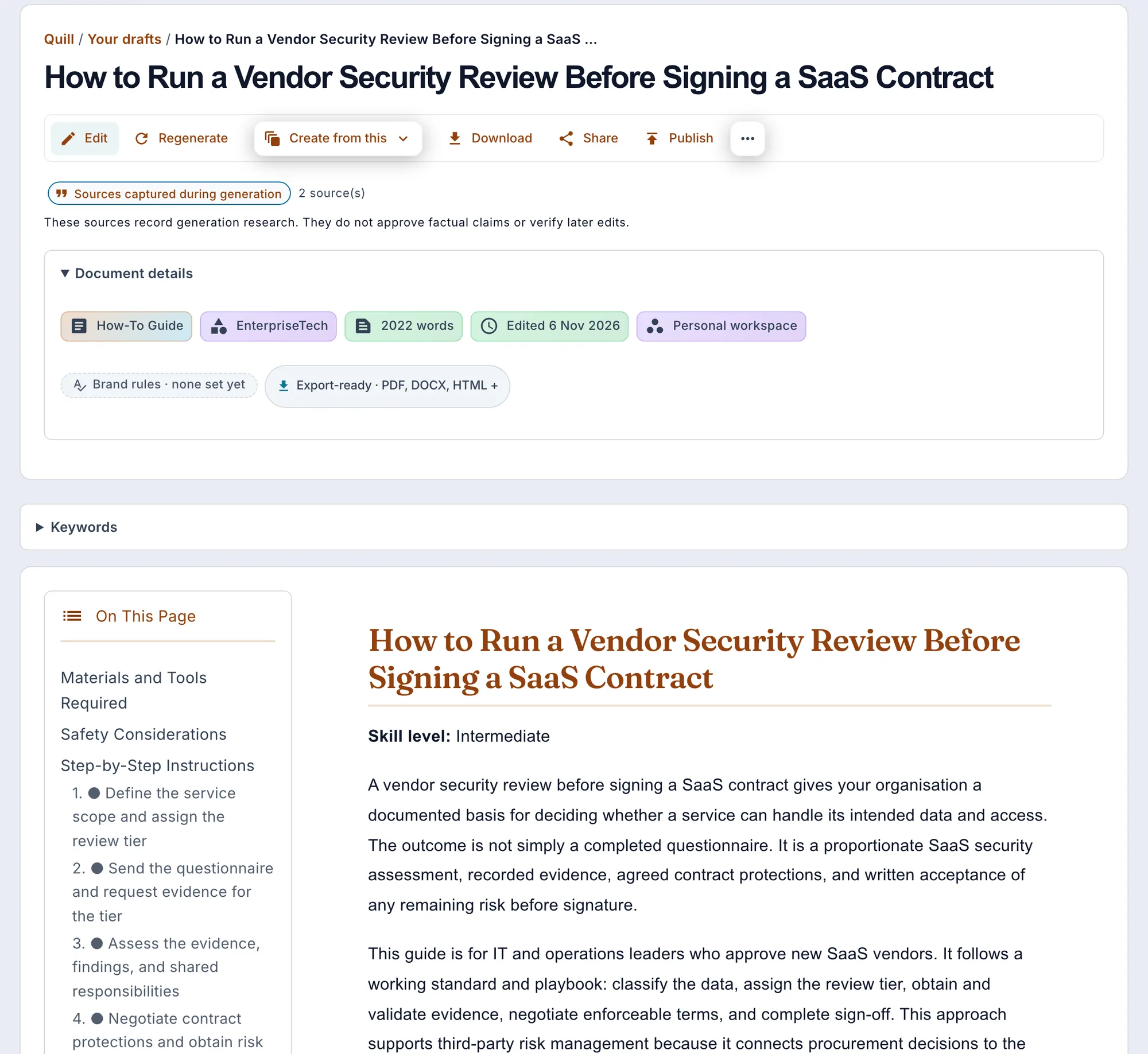
Article, industry report, how-to guide, best practices, news report, trend analysis, FAQ, checklist, overview or product description.
About 600 to 2,500 words, in English, Hindi, Spanish, French or German. Add keywords, instructions or your own source material.
To work from text already in the document, select it and copy it into the brief with one click.
The draft goes in after the paragraph with your cursor, or at the end, as ordinary Google Docs™ headings, paragraphs, lists and tables. The sources you ticked can follow as a numbered References list with working links. Nothing already in the document is replaced, and each draft is also kept in your Gixo account.
Quill's Docs access is limited to the document you open it in. Text from the document is read only when you copy a selection into the brief, and the document is written only when you insert a draft.
Every way to take a Quill draft out: Word, Google Docs™ and publishing
Self-service from first draft to delivery
Start a 14-day, no-card trial to use Quill's generation and review workflow. Prefer to inspect first? The Content Health Check stays free and anonymous.
Updated