
How to generate publish-ready content with AI
Most AI tools generate drafts that need heavy editing. Learn how to produce review-ready content faster, with structure, citations, formatting, and brand voice already in place before your team finishes the final pass.
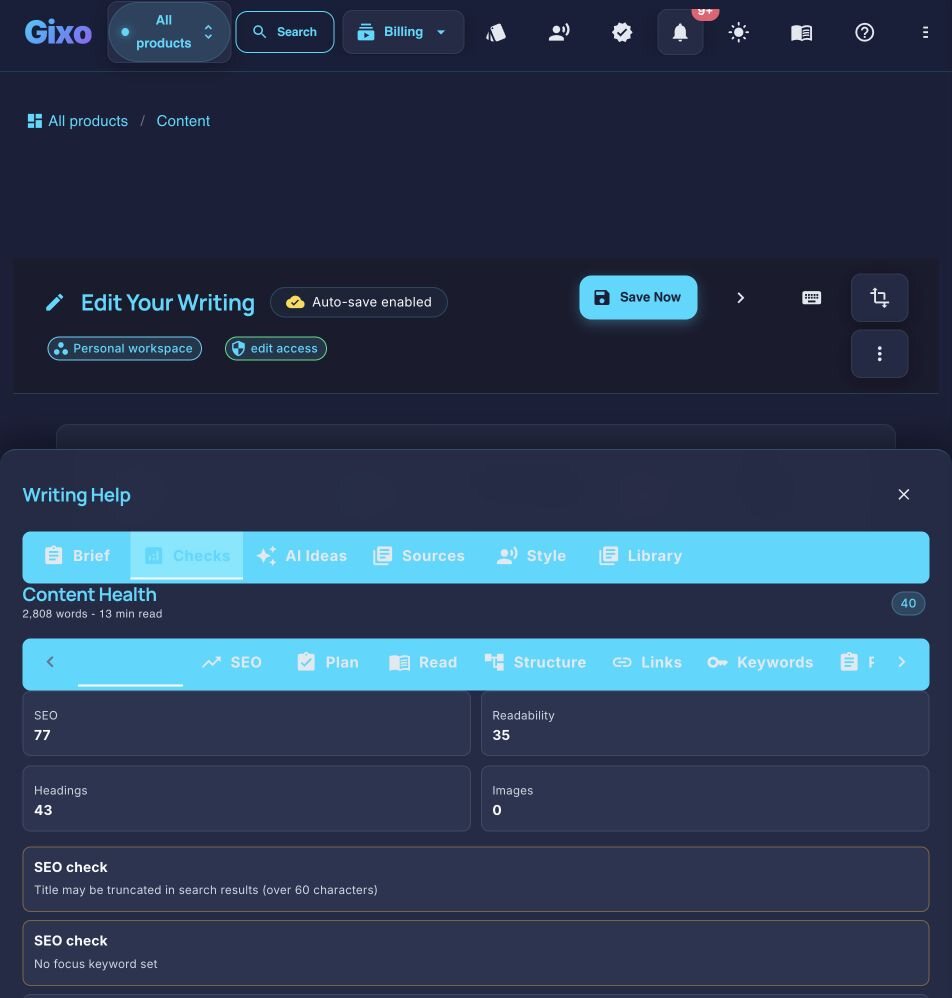
Publish-ready content is not unreviewed AI output. It is a structured, source-grounded draft that has passed human verification, editing, deterministic content checks, metadata review, and a destination preview appropriate to its risk. In Quill the workflow is four steps: define the brief and source scope, generate a cited article, review and approve it, then use direct WordPress or Ghost publishing, the Medium draft handoff, or an export. Board and finance material requires especially careful verification before any later presentation layout.
What makes AI writing review-ready?
Six capabilities that separate review-ready output from raw AI drafts.
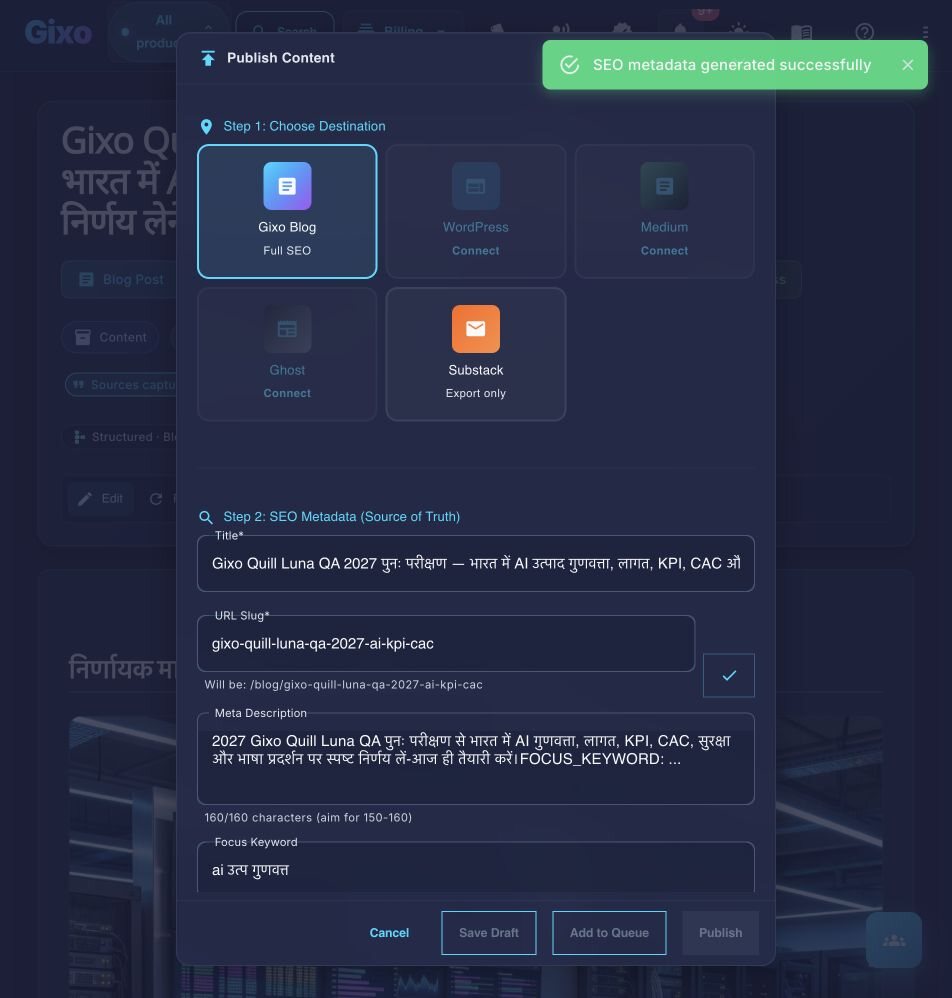
Content is generated with heading hierarchy and supplied-keyword direction, then checked for readability, links, brief coverage, answer readiness, and overlap with your own library. Delivery metadata can be generated and edited before publishing.
relevant web sources are injected into generation, and Quill keeps the source set and inline citations attached to the draft. Editors use that traceability to verify claims before publication.
Configure your brand voice settings and the AI maintains consistent tone, vocabulary, and style across all generated content. The output sounds like your brand, not like generic AI writing.
Articles include proper headings, subheadings, bullet points, numbered lists, and paragraph breaks. The formatting follows publishing best practices — scannable, structured, and reader-friendly.
Publish directly to connected WordPress or Ghost sites, hand a draft to Medium, or export as PDF, DOCX, HTML, Markdown, TXT, and JSON, Word, or plain text. Inspect the receiving preview because destination rendering can differ.
The workbench reports deterministic issues across readability, structure, brief coverage, links, answer readiness, and related checks. Those checks guide review; they do not independently verify factual accuracy.
How do you go from brief to published in four steps?
A workflow that reduces mechanical post-production while keeping editorial approval explicit.
What you get when you export to Word or PDF
Most AI writers hand back prose and a download link. Quill gives you a document you set up first, with a live preview that redraws as you change it.
Headings export as real Word heading styles, not bold paragraphs, so the navigation pane and any contents list work. Numbered and bulleted lists carry their own numbering rather than typed-in digits.
Pick a theme, write the cover, choose where page numbers sit, turn the contents list on or off, set line spacing and orientation. A live preview redraws the whole document as you change each control, so you know what you are getting before you download it.
Inline markers, a references section with retrieval dates and full URLs, or both — they are separate switches. Images keep their attribution and licence line as a caption, so the file you hand over carries its own provenance rather than losing it at the door.
Six formats — PDF, Word, HTML, Markdown, plain text and JSON. The cover page and contents list are on the PDF; the Word file carries the heading styles, the list numbering and a page-numbered footer.
See the actual export, not a description of it
Rather than describe the export, here is one. Both files are the same Quill article, exported on 20 September 2026 through the ordinary Export Document screen, both A4 portrait. Nothing was tidied up afterwards, and the article is a sample written for this purpose rather than a customer document.
3.8 MB, 39 pages, A4 portrait. The document design exactly as it was set up: a cover page with the title and date, a contents list, and a numbered footer on every page.
2.8 MB, A4 portrait, opens in Word. The same article as an editable layout: real Heading 1 and Heading 2 styles so the navigation pane works, list numbering Word owns rather than typed-in digits, a page-numbered footer, and 19 embedded images.
They are not identical, and that is the point. PDF preserves the document design exactly; DOCX arrives as an editable Word layout, where fonts, backgrounds and page breaks may differ. The cover page and contents list belong to the PDF; the Word file gives you the structure to edit instead. Its contents list is written out as text rather than a field Word refreshes, so if you restructure the document, retype that list. Both files carry the same 19 images, byte for byte. Open both before deciding which one your workflow needs — Quill exports PDF, DOCX, HTML, Markdown, TXT, and JSON, and these two are the ones that carry a document design.
Specify the source material, target audience, desired length, tone, and publishing goals. The brief gives the AI the context it needs to generate content that fits your workflow.
The AI produces a complete article with proper headings, citations, and formatting. Unlike raw chatbot output, the content arrives with structure that is ready for team review.
Verify claims against the attached sources, add proprietary insight, resolve workbench issues, and adjust specific sections. Review time varies with topic risk, source quality, and the editor's acceptance criteria.
Review delivery metadata, then publish to connected WordPress or Ghost, hand a draft to Medium, or export. Inspect the destination preview and add CMS-only schema or social metadata where required.
How does Gixo's publish-ready output compare to ChatGPT, Jasper, and manual writing?
| Quality Factor | Gixo Publish-Ready | ChatGPT Raw | Jasper Drafts | Manual Writing |
|---|---|---|---|---|
| SEO structure built-in | ✓ | ✗ | Partial | Manual |
| Citations included | ✓ | ✗ | ✗ | Manual |
| Brand voice | ✓ | Generic | ✓ | ✓ |
| Publishing format | ✓ | Plain text | Partial | ✓ |
| Review needed | Always | Always | Always | Always |
| Multi-format export | ✓ | ✗ | Limited | Manual |
| Deterministic checks attached | ✓ | ✗ | Product-dependent | Manual checklist |
What do people ask about generating publish-ready content?
Inside Quill
Carry an approved draft into publishing metadata and delivery
Updated