
How to create a renewal proposal with Gixo
Select the Renewal proposal type, upload account context and prior contracts, configure renewal terms, generate the draft, then edit and export. Five steps from existing account data to a polished renewal proposal.
See what Arc helps your team review
Choose the proposal type, add the RFP, brief, notes, or prior work, then review a structured first draft before it reaches a client.
- 1Add source materialRFPs, briefs, notes, decks, and prior work
- 2Draft to the proposal typeSections and structure follow the real opportunity
- 3Review before deliveryYour team checks facts, scope, pricing, and commitments
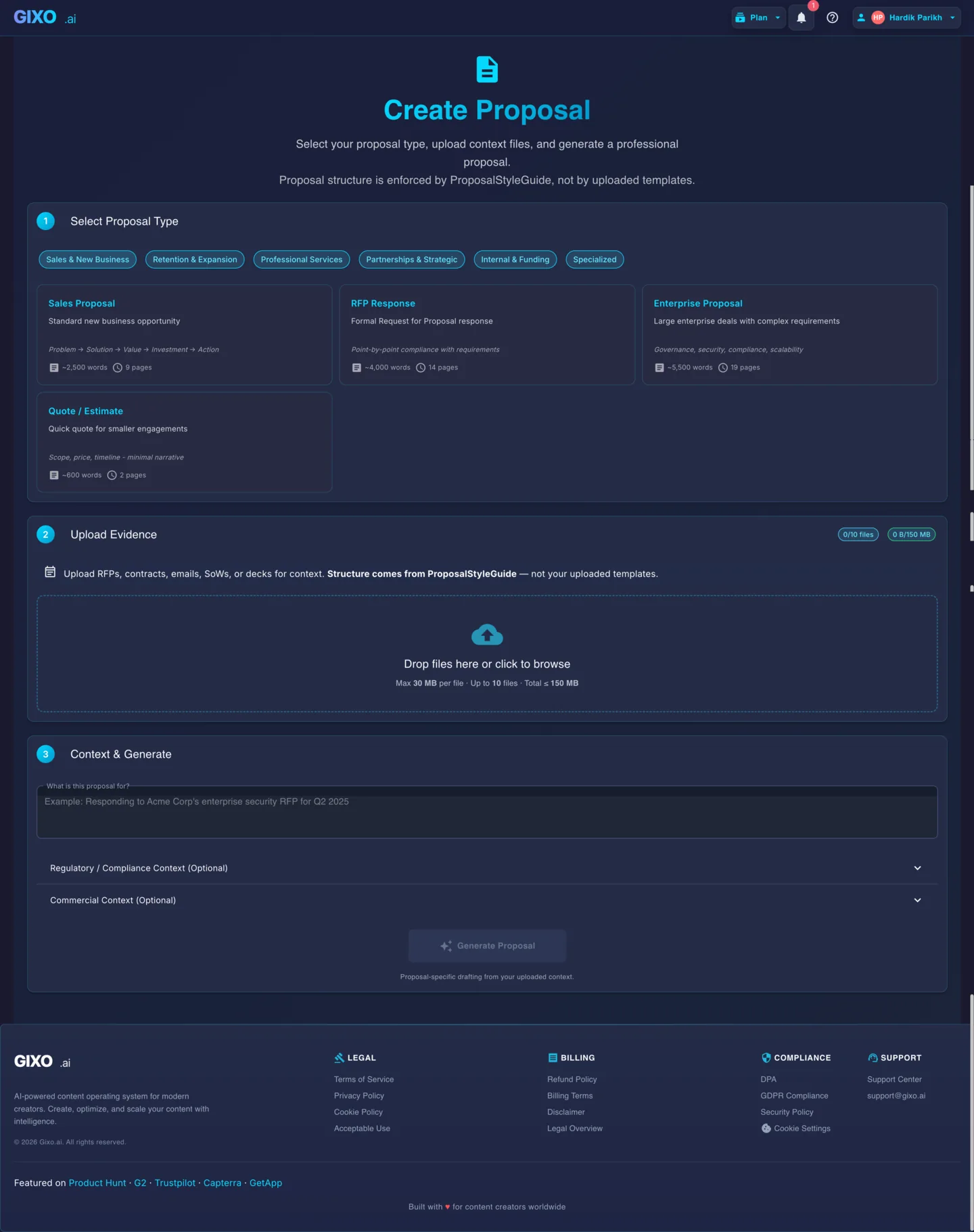
Five Steps to a Renewal Proposal
Open the proposal creator and choose Renewal from the proposal type selector. This tells Gixo to generate a structure focused on renewal-specific sections — value delivered, usage summary, what has changed, renewed terms, and expansion opportunities — rather than a net-new sales proposal.
Upload the existing contract, account reviews, usage reports, support tickets, and any expansion discussions. Gixo reads these files to understand what the customer purchased, how they used it, and what changed during the current term. This context drives the value recap and renewal justification sections.
Specify the proposed renewal duration, pricing changes, any new products or services being added, and terms you want to adjust from the prior contract. Gixo uses these inputs to generate a renewal proposal that clearly articulates what is staying the same, what is changing, and why.
Click generate and Gixo produces a structured renewal proposal with an executive summary, value delivered recap, usage highlights, renewal terms and pricing, expansion recommendations, and updated contract details. All sections reference your uploaded account context for specificity.
Review and refine each section in the editor. Use inline AI to strengthen the value recap, adjust pricing language, or expand on expansion recommendations. Export to PDF for formal presentation or DOCX for collaborative review with the account team before sending to the customer.