
Turn any blog post into an actionable checklist
Transform any blog post into a structured, actionable checklist. Gixo reads your content, extracts the key action items, organizes them into logical categories, and produces a downloadable checklist — perfect for lead magnets and resource libraries.
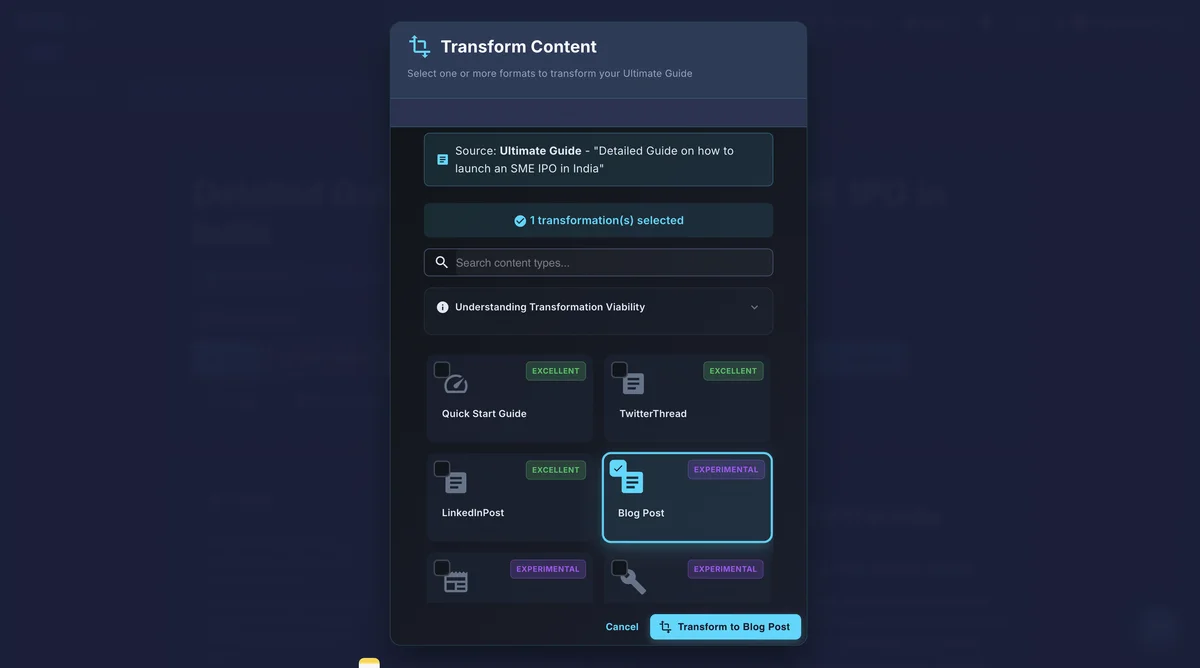
Gixo's blog-to-checklist tool converts any blog post into a structured, actionable checklist automatically: it reads the content, extracts action items via AI-powered analysis, groups them into logical categories, and produces a checklist you can export as branded PDF, Markdown, or HTML in seconds. It filters out explanatory text and keeps only actionable steps and recommendations. The output stays editable — items can be reordered, renamed, or merged after generation — and supports batch conversion of multiple posts at once.
Why do checklists outperform blog posts?
Checklists turn passive reading into active doing. They are the most shared content format for a reason — and now you can create them from content you already have.
Gixo reads your blog post and identifies every actionable recommendation, step, and task. It distinguishes between explanatory text and actual to-do items automatically.
Extracted actions are organized into categories that mirror your blog sections. The checklist follows a logical sequence — no random ordering of unrelated tasks.
Checklists are the highest-converting lead magnet format. Offer a downloadable checklist companion to your blog post and capture email addresses from engaged readers.
Export checklists as PDF for lead magnets, Markdown for documentation, or HTML for embedding directly in your blog post. Each format preserves the checkbox structure.
Paste your blog post and get a checklist in seconds. No manual reading, no highlighting, no rewriting. The AI handles the entire transformation from long-form to checklist.
Add, remove, or reorder checklist items after generation. The inline editor lets you refine the checklist while maintaining clean formatting for any export format.
Unlock the value in your blog archive
Why Your Best Content Is Underperforming
Most content teams publish blog posts and move on. The article sits in the archive, generating some organic traffic but never reaching its full potential. A 2000-word guide on email marketing best practices contains twenty or more actionable steps — but readers scan the article, bookmark it, and rarely return to implement the advice. The information is valuable, but the format creates friction between reading and doing.
Checklists solve this friction. They strip away the explanatory prose and present only the actions, organized in the order they should be completed. Readers download the checklist, pin it to their workspace, and check off items as they complete them. The same information that was passively consumed as a blog post becomes an active tool that drives results — and that transformation happens automatically when you run your existing content through Gixo.
Checklists as a Content Repurposing and Multiplication Strategy
Every blog post in your archive is a potential checklist, and every checklist is a potential lead magnet. By converting your top-performing articles into downloadable checklists, you create a content upgrade for each post without writing anything new. This strategy compounds: each blog post becomes a traffic source and a lead capture mechanism simultaneously, turning your content library from a static archive into an active conversion engine.
How does blog-to-checklist conversion work?
Copy and paste any blog post, article, or how-to guide into Gixo. The content can be any length — short posts to comprehensive guides.
Gixo identifies every actionable item in your content — steps, recommendations, tasks, and best practices — and converts them into concise checklist items.
Check the generated checklist, reorder items, adjust wording, or add custom steps. The editor preserves checklist formatting throughout your edits.
Download as a branded PDF lead magnet, embed as HTML in your blog, or export as Markdown for your documentation system.
Use cases: lead generation SEO, onboarding, and client deliverables
How content teams use blog-to-checklist conversion across different marketing strategies.
Tips for better results
What does Gixo's blog-to-checklist converter include?
| Capability | Gixo | ChatGPT | Manual |
|---|---|---|---|
| Automatic action extraction | AI-powered | Prompt-dependent | Manual reading |
| Logical grouping | Category-based | Flat list | Manual organizing |
| Export as PDF | Branded PDF | No | Manual design |
| Lead magnet formatting | Ready to use | None | Design needed |
| Checklist editing | Inline editor | Re-prompt | Full control |
| Time to convert | Seconds | 5-10 minutes | 30-60 minutes |
| Batch conversion | Multiple posts | One at a time | Extremely slow |