
Gixo Prism · Visual guide
Concept Map
A concept map shows how ideas relate, with concepts in boxes and, critically, labelled links describing the relationship between them — 'causes', 'is a type of', 'depends on'. The labelled link is the whole difference from a mind map: a mind map radiates associations from one centre, a concept map states what each connection means, which is why it is used to test understanding rather than to generate ideas.
Last reviewed: August 2026
A current Prism output
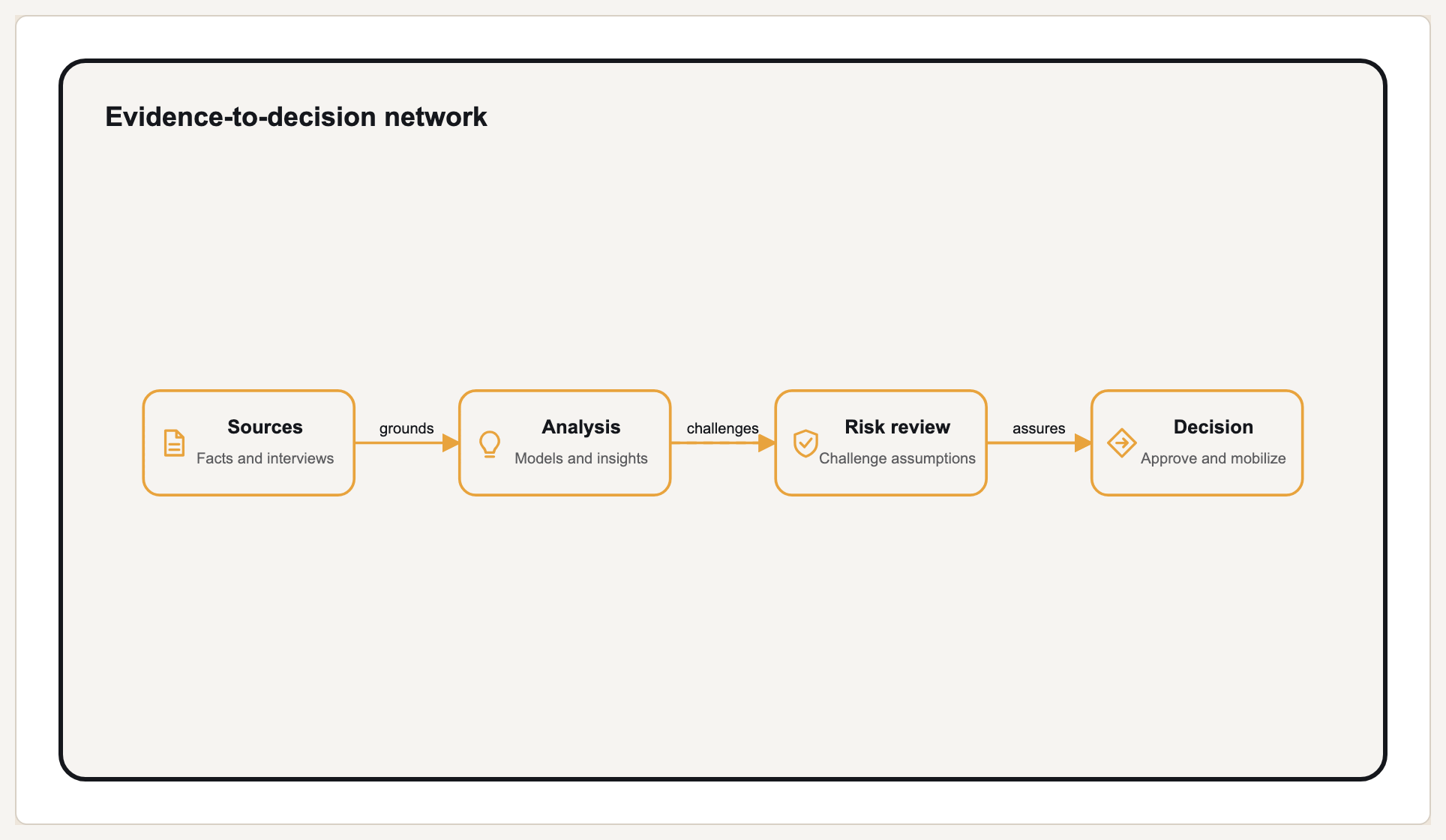
This current relationship diagram shows the kind of labelled structure Prism renders exactly from supplied nodes.
Labelled links are the point
In a concept map, an unlabelled arrow is a missing claim. If two concepts are joined, the map should say how — 'inflation reduces real wages' rather than a bare line between 'inflation' and 'wages'. Reading a well-made concept map produces sentences, and that is the test of whether one is finished.
This makes concept maps unusually good at exposing shallow understanding. Anyone can place related terms near each other; naming the relationship requires knowing it. In teaching, that is the entire reason the format exists, and the same property makes it useful for mapping a domain before writing about it.
Concept maps also differ from mind maps in shape. A mind map is a tree radiating from one centre, so every idea has exactly one parent. A concept map is a network: cross-links between branches are expected, and often the cross-links carry the most insight.
Concept map, mind map, other structures
| Format | Structure | Best for |
|---|---|---|
| Concept map | Network with labelled links | Showing how ideas relate; testing understanding |
| Mind map | Tree radiating from one centre | Generating and organising ideas quickly |
| Tree / hierarchy | Strict parent-child | Decomposition where cross-links do not exist |
| Flowchart | Ordered steps and decisions | Sequence, not conceptual relationship |
Building a concept map
List the concepts first
Nouns and noun phrases, without connecting anything. Fifteen to twenty is a workable range for one map.
Rank from general to specific
Put the broadest concepts near the top. Concept maps read best hierarchically even though they are networks.
Connect and label every link
Write the relationship on the line. If you cannot name it, either you do not understand the connection or it is not there.
Add cross-links between branches
The connections between separate branches are usually where the real insight sits, and they are what distinguish this from a tree.
Read it back as sentences
Each concept-link-concept should form a readable claim. Anything that does not is unfinished.
What Gixo Prism does here
Prism renders tree and network-style diagram geometries deterministically, so a concept structure you supply is laid out with consistent spacing rather than dragged into place. Prism is a rendering engine rather than a brainstorming canvas: it is strongest once you know the concepts and relationships and want a clean, on-brand visual of them for a document or deck.
Concept map: FAQ
What is a concept map?
A diagram of how ideas relate, with concepts in boxes and labelled links naming each relationship, so the map reads as a set of claims.
What is the difference between a concept map and a mind map?
A concept map is a network with labelled links and expected cross-connections. A mind map is a tree radiating from a single centre with unlabelled branches.
Why label the links?
An unlabelled line says two things are related without saying how. Labelling forces the claim to be explicit, which is why the format is used to test understanding.
How many concepts should a concept map have?
Fifteen to twenty for a single readable map. Beyond that, split it into linked maps rather than shrinking the type.
Render your concept structure
The free diagram maker lays out tree and hierarchy geometries from structure you supply.