
Gixo Business decision artifact guide
Use decision artifacts alongside Gixo Business recommendation work to keep Go/No-Go checks, weighted scorecards, confidence, and trade-offs explicit. New decision artifacts are made in Gixo Prism with a Prism plan; decision pages made in Gixo Business before 1 October 2026 stay viewable and editable by their owners.
How It Works
From decision question to a reviewable decision artifact in four steps.
Start with the business question, the available options, and the criteria that matter most.
Use Go/No-Go, weighted scorecards, risk review, or comparison work depending on the shape of the case.
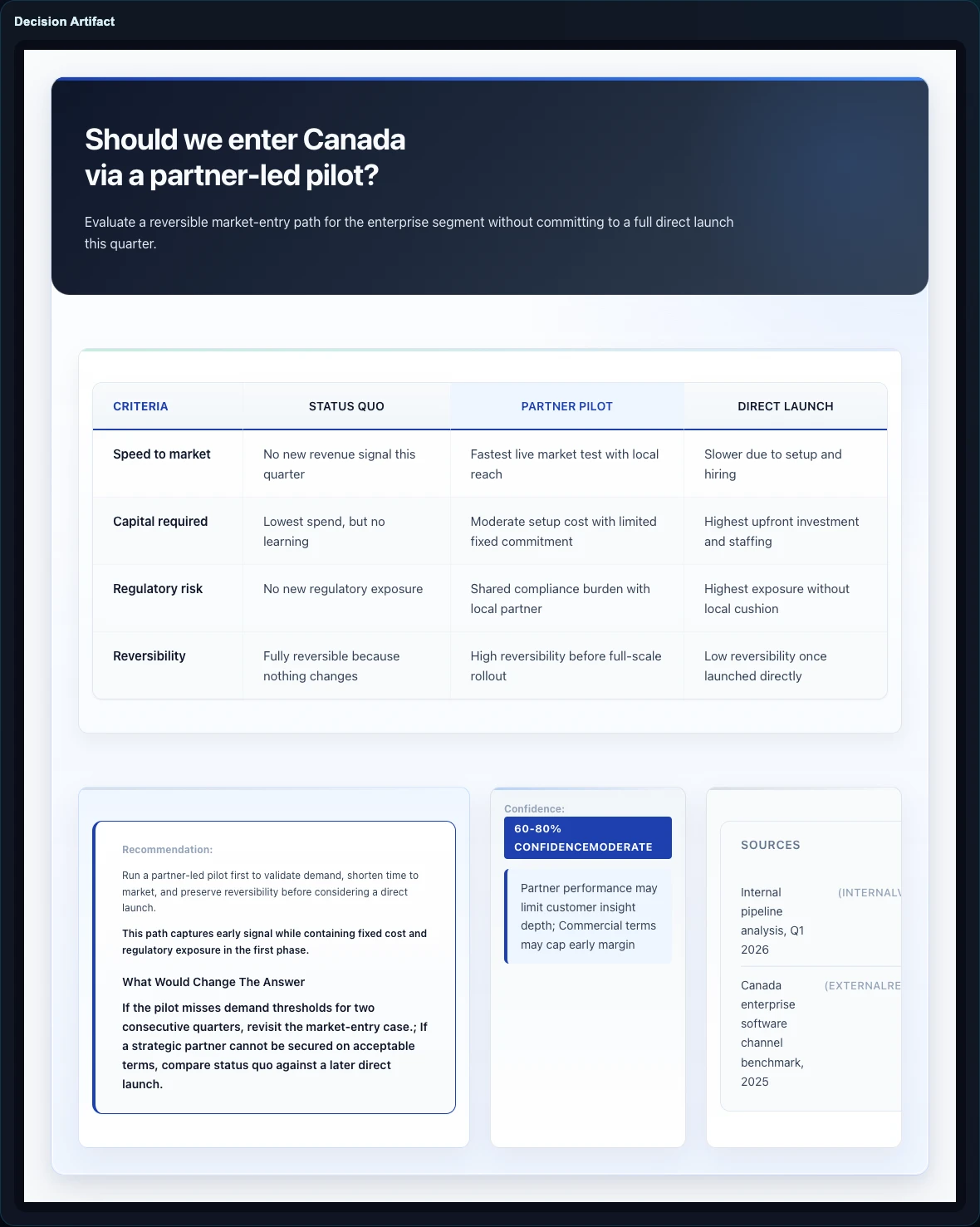
Gixo drafts a structured artifact from your question and sources, with criteria, scores, confidence, and a visible result tied to the same business workflow.
Share the artifact so the team can review the decision structure before the recommendation is finalized. To change the options, criteria, weights, or scores, regenerate the decision from your dashboard with notes or updated sources.
Decision artifacts work best when they stay close to the Consultant workflow. Keep the scores, proof, and confidence visible so reviewers can challenge the logic rather than just the prose.
Features
These tools help teams make a clear, reviewable decision without burying the logic inside a polished memo.
Use Go/No-Go checks, weighted scorecards, risk checks, or side-by-side comparisons. Each structure is built for a different kind of business choice.
Gixo adds up the weighted scores for you. The weights must total 100%, so you can clearly see what matters most. It also checks whether the winner changes when any one criterion's weight moves by 20%.
The viewer shows the confidence level the artifact states, Indicative, Moderate, or High, and says so when none is stated. A weighted scorecard reads Indicative whenever moving any one criterion's weight by 20% changes the winner, or its top options tie.
A Review Ready badge appears when the artifact passes its completeness checks, such as a stated confidence level, sources for any figures, and a recommendation or Go/No-Go verdict. Otherwise it reads Needs Review.
A decision's content comes from generation, and on a weighted scorecard the server calculates the totals and ranking from it. To change the options, criteria, weights, or scores, regenerate it from your dashboard: switch the layout, add notes, or attach reference files.
Share the decision work in review flows or export it when the team is ready to move the case forward.
Frequently Asked Questions
Common questions about decision artifacts, made in Gixo Prism and used alongside Gixo Business.
Gixo supports Go/No-Go verdicts, weighted scorecards, risk checks, and side-by-side comparisons. Each structure fits a different kind of business decision. New decision artifacts need a Gixo Prism plan, and Ask Gixo Business can route a decision request there.
Gixo drafts the criteria, weights, and scores from your question and sources, so name the criteria and priorities that matter in them. The weights must add up to 100%, and each option gets a score from 1 to 5 on every criterion. Gixo calculates the weighted totals and the ranking, and checks whether the winner changes when any one criterion's weight moves by 20%.
Review Ready is a badge that appears when your decision artifact passes its completeness checks, such as a stated confidence level, sources for any figures, and a recommendation or Go/No-Go verdict; on a weighted scorecard, the weights and scores must also be complete. It checks completeness, not whether the analysis is correct.
Its content comes from generation, and on a weighted scorecard the server calculates the totals and ranking from it. To change the options, criteria, weights, or scores, regenerate the decision from your dashboard with notes, reference files, or a different layout.
Yes, on a decision you own. On the decision page, Edit visual changes the words on the image, and Corner logo places your logo in one corner. Neither recalculates the scores, weights, ranking, or verdict; to change those, regenerate the decision.
Since 1 October 2026, new decision artifacts are made in Gixo Prism and need a Prism plan; decision pages made in Gixo Business before then stay viewable and editable by their owners. Inside Gixo Business, Brief Mode and Consultant keep the options, criteria, and decision logic in the report itself, and Briefing Decks are made in Gixo Lumen. Visual framework artifacts belong to Gixo Prism and require separate product access.
Explore More Guides
Separate the decision method from the generated image
Standalone decision pages belong to Prism. Bring the question, options, criteria, assumptions and sources, then review the supported layout. Weighted scorecard and matrix layouts calculate totals and ranks from their supplied scores and weights; formal scorecards can also expose thresholds, missing inputs and sensitivity.
Scores and weights may be drafted by AI and still need your judgment. Computed confidence describes the method; it is not a calibrated probability of success. Review-ready indicates structural completeness, not independent verification or formal approval.
The viewer edits supported retained text and updates the composed image. Editing that wording does not rerun the score calculator, so review any displayed totals and recommendation against the original calculation. Inspect generation-time evidence and export PNG or HTML according to your permissions.
Updated